- Published on
12 Best Open Source Alternative Tools for Developers in 2025
- Authors

- Name
- Gabriel
- @gabriel__xyz
Navigating the world of proprietary software can be a significant investment, often locking development teams into expensive, rigid ecosystems. For teams seeking greater control, customization, and cost-effectiveness, finding a powerful open source alternative is a strategic priority. This guide is designed to cut through the noise, providing a curated list of the best platforms and repositories where you can discover, compare, and implement open source tools for your specific needs, from developer utilities to full-scale enterprise applications.
Whether you are a developer looking for a specific library, an engineering manager aiming to reduce licensing costs, or a tech lead evaluating self-hosted solutions for better security and data privacy, this resource will streamline your search. We move beyond simple lists by providing practical insights into each platform. For every entry, you will find a concise breakdown, screenshots to illustrate the user experience, and direct links to get you started immediately. We analyze the strengths and ideal use cases for each option, helping you match the right tool to your project's unique requirements.
This comprehensive overview is structured to help you make informed decisions quickly. Building a robust, scalable, and secure tech stack often involves integrating various components. To aid in selecting robust tools for your projects, consider exploring guides on essential developer technologies such as the top Java frameworks for web applications. This article serves a similar purpose, equipping you with the knowledge to select the best open source solutions that align with your technical goals and business objectives, ultimately empowering your team with flexibility and control over your software stack.
1. AlternativeTo
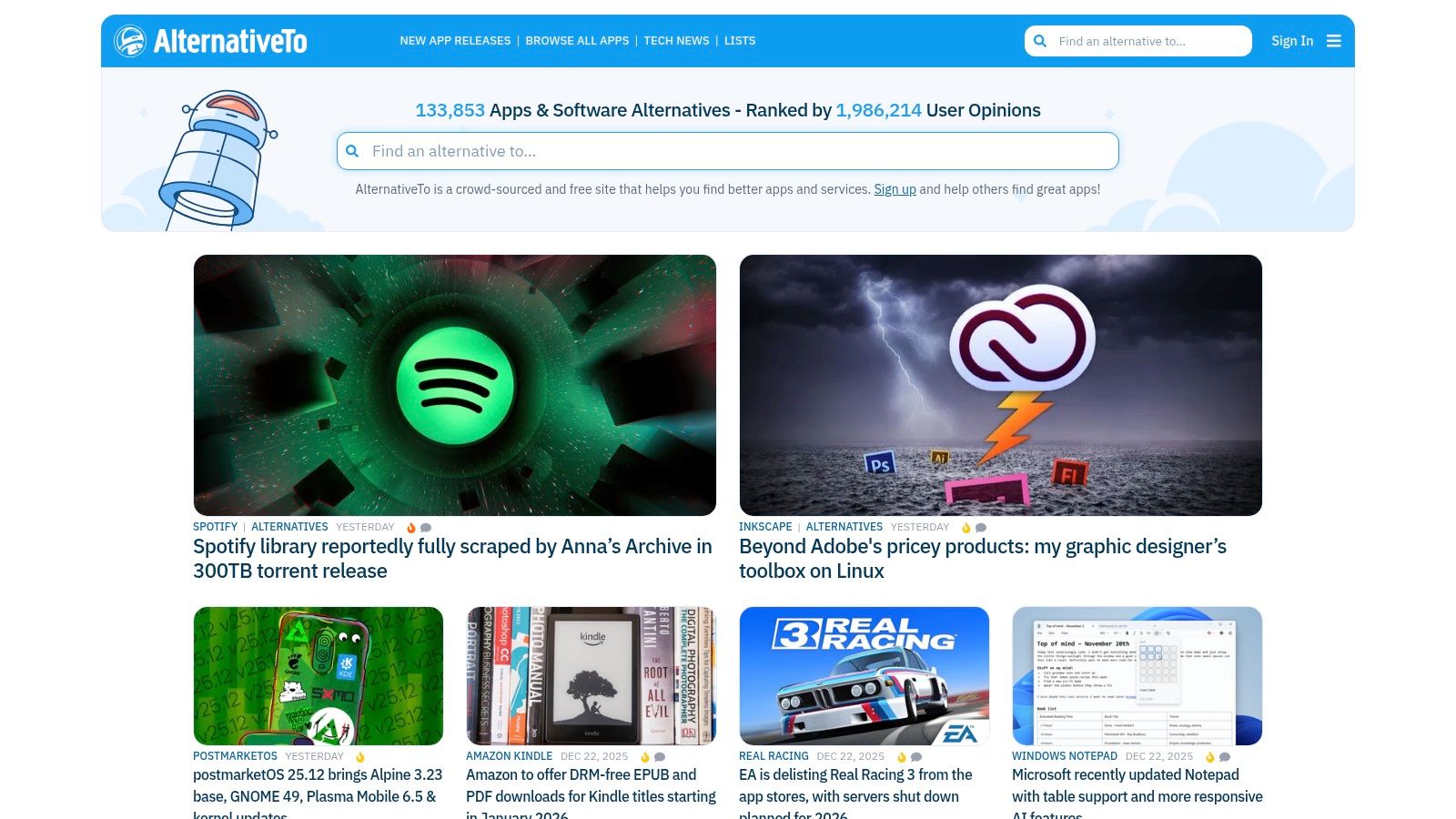
AlternativeTo is a powerful, crowdsourced directory designed to help users find better software replacements. Instead of just listing apps, it leverages community feedback, tags, and robust filtering to surface high-quality options. For anyone searching for an open source alternative, this platform is an essential starting point, allowing you to quickly narrow down choices from a massive database of web, desktop, and mobile applications. Its core strength lies in its user-driven model, where likes, comments, and alternative suggestions provide real-world context that marketing materials often lack.
Key Features and Usage Tips
The platform is completely free to use, requiring no signup for basic browsing. Its interface is straightforward, centered around a search bar where you input the name of the software you want to replace.
*   **Effective Filtering:** The most crucial feature for our purposes is the license filter. After searching for a tool like "PullNotifier" or "Slack," you can immediately filter results to show only **"Open Source"** options. You can further refine by platform (e.g., Linux, Web, Self-Hosted) to match your stack.
*   **Community Validation:** Pay close attention to the number of "likes" an alternative has received. This social proof is a strong indicator of community adoption and satisfaction. The comment sections are also invaluable for uncovering potential issues or setup tips not found in official documentation.
*   **Verification is Key:** While a fantastic discovery tool, some listings can be outdated. Always click through to the official project repository or website to verify that the project is still actively maintained before committing to it.
Pro Tip: Use AlternativeTo for initial discovery. Once you have a shortlist of 2-3 promising open source alternatives, use their official GitHub or GitLab pages to assess recent commit activity, open issues, and community health.
Website: https://alternativeto.net
2. OpenSourceAlternative.to
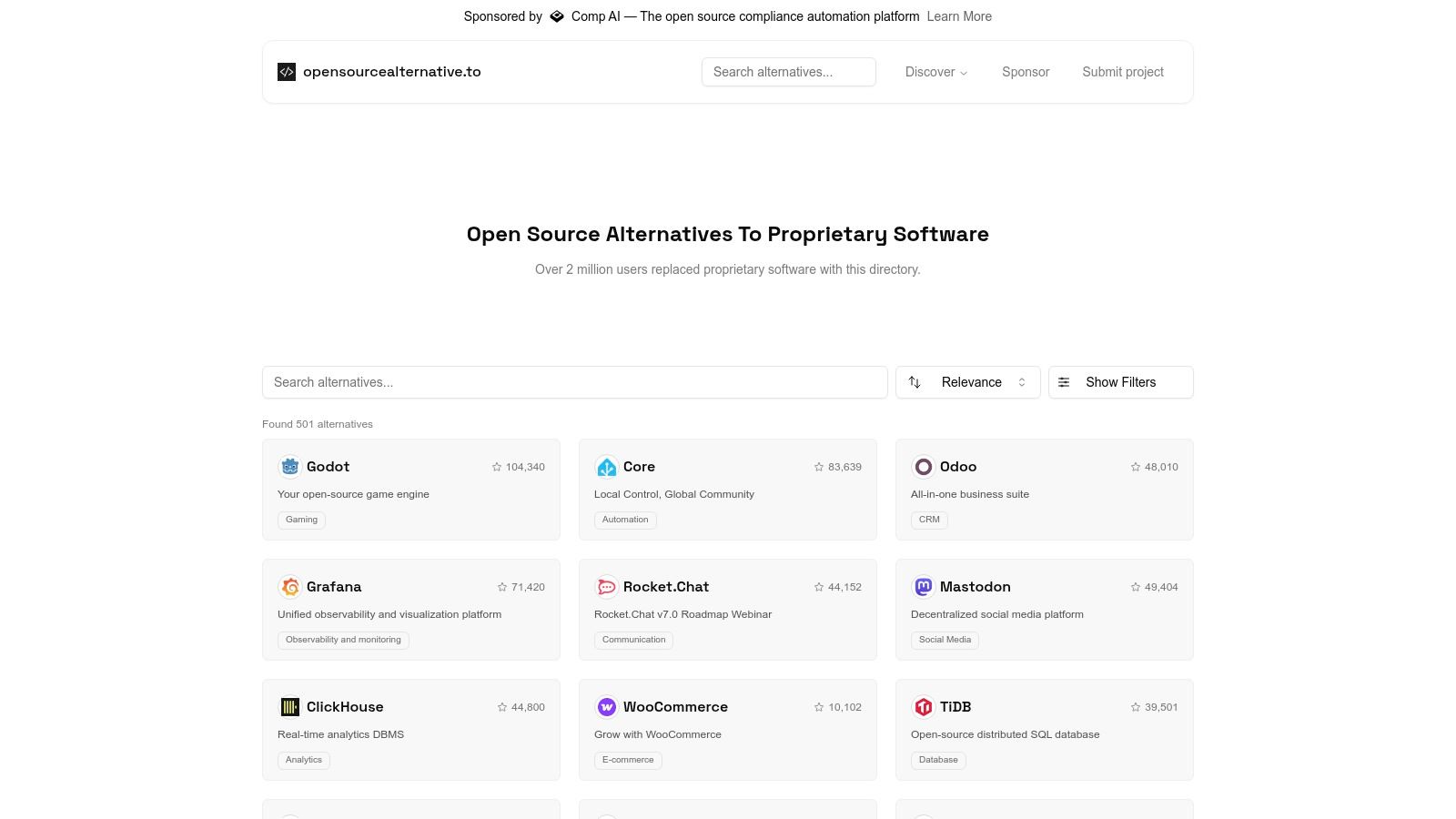
OpenSourceAlternative.to is a streamlined, purpose-built directory focused exclusively on one thing: finding an open source alternative for popular proprietary software. Unlike broader platforms, its entire catalog is curated around this specific goal, making it a highly efficient resource for developers, teams, and companies committed to open-source solutions. The site presents a clean, direct "X → open-source Y" matchup format, removing the noise of non-open-source options and allowing users to quickly identify viable replacements for their existing commercial tools.
Key Features and Usage Tips
The platform is free and designed for quick discovery without the need for an account. Its lightweight interface excels at providing just the essential information needed to evaluate a potential switch.
*   **Focused Search:** The core strength is its dedicated focus. When you search for a proprietary tool, the results are guaranteed to be open source. This eliminates the need for extensive filtering, saving valuable time during the initial research phase.
*   **Direct Source Links:** Each listing provides direct links to the project's source code repository (e.g., GitHub, GitLab) and official documentation. This encourages immediate due diligence, allowing you to check the project's health and activity level firsthand.
*   **Category-Based Browsing:** If you don't have a specific tool to replace, you can browse by categories like "Developer Tools" or "Analytics." This is useful for discovering new open source projects that can improve your workflow without a specific commercial product in mind.
Pro Tip: Because its catalog is more curated and smaller than massive directories, use OpenSourceAlternative.to when you are certain you want a direct open source alternative and want to avoid sifting through freeware or mixed-license options.
Website: https://www.opensourcealternative.to/
3. GitHub
GitHub is the world's largest code hosting and collaboration platform, making it the primary source for discovering, evaluating, and downloading open source software. While not a curated directory, its vast ecosystem is where most open source projects are born and maintained. For anyone seeking a genuine open source alternative to a commercial tool, going directly to the source is often the most effective strategy, providing direct access to code, documentation, and the developer community. Its strength lies in providing unparalleled transparency into a project's health and development lifecycle.

Key Features and Usage Tips
The platform is free for public repositories and provides powerful search capabilities to pinpoint relevant projects. Using specific keywords alongside the tool you're replacing (e.g., "PullNotifier alternative" or "GitHub Slack integration") can yield excellent results.
*   **Advanced Search and Topics:** Use GitHub's advanced search to filter projects by language, number of stars, forks, or recent updates. Look for topics like "self-hosted" or "open-source" to narrow down potential candidates. Many of the [best open source projects to contribute to](https://blog.pullnotifier.com/blog/12-best-open-source-projects-to-contribute-to-in-2025) are easily found this way.
*   **Project Health Assessment:** The "Insights" tab, particularly the commit history, is crucial for gauging activity. A project with no recent commits may be abandoned. Check the "Issues" and "Pull Requests" sections to see how responsive the maintainers are and what problems current users face.
*   **Release Artifacts:** Navigate to the "Releases" tab on a repository page to find pre-compiled binaries, Docker images, or source code archives. This is often the quickest way to get started without building the project from scratch.
Pro Tip: Vet the publisher carefully. When you find a promising repository, verify the owner's legitimacy. Check their profile, other repositories, and community engagement to avoid look-alike or malicious projects.
Website: https://github.com
4. GitLab
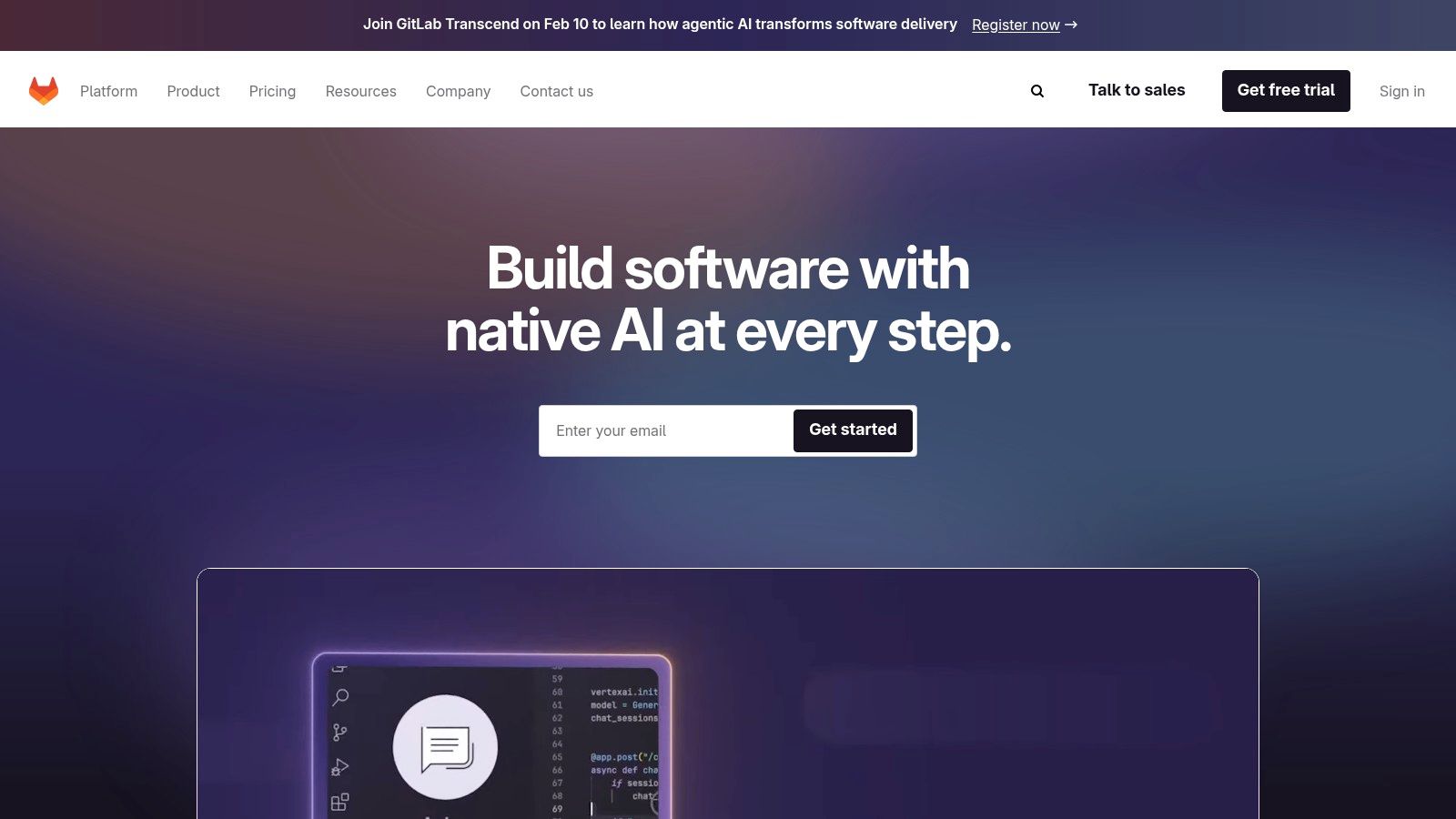
While primarily known as a competitor to GitHub, GitLab itself serves as a crucial discovery platform for high-quality, often enterprise-grade open source projects. As a complete DevSecOps platform, it's a popular choice for organizations that prioritize self-hosting and integrated toolchains. For those seeking a robust open source alternative, GitLab’s public repositories are a goldmine, particularly for tools designed for CI/CD, security, and infrastructure management. Its user base often includes projects with a strong focus on transparency and community-driven development.
Key Features and Usage Tips
GitLab offers free public project hosting, and no account is needed for browsing or downloading code. Its interface is built around projects, groups, and an "Explore" section that is key for discovery. It is also important to understand the platform's terminology. Learn more about the distinction between Pull Requests and Merge Requests to navigate projects effectively.
*   **Integrated DevSecOps:** Many projects on GitLab leverage its native CI/CD, issue tracking, and security scanning features. This integration means you're often getting a more complete, battle-tested solution right out of the box.
*   **Explore and Filter:** Use the "Explore projects" tab and filter by "Most stars" or "Trending" to find popular and actively developed tools. You can also search for keywords related to the software you want to replace (e.g., "notification bot," "code review tool").
*   **Self-Hosted Focus:** Because GitLab offers a powerful self-hosted version, many open source projects found here are built with self-hosting in mind. Look for `Dockerfile` or `docker-compose.yml` files in repositories for easy deployment.
Pro Tip: Check a project's "Activity" feed on its GitLab page. This gives you a quick, visual overview of recent commits, merge requests, and issue comments, helping you gauge if the project is well-maintained before you invest time in it.
Website: https://gitlab.com
5. SourceForge
SourceForge is one of the original web-based service platforms for open source software development and a long-standing directory for project discovery. While newer platforms like GitHub have become the standard for code hosting, SourceForge remains a valuable repository, especially for legacy projects, niche utilities, and established applications that still use it for official downloads. For those seeking an open source alternative, it can be a useful resource for finding mature tools with extensive version histories and direct download mirrors.
Key Features and Usage Tips
The platform is free to use and provides direct downloads without requiring an account. Its strength lies in its vast archive and straightforward project pages, which often include user reviews and activity statistics.
*   **Discover Through Categories:** Unlike a pure search engine, SourceForge’s category-based browsing is highly effective. You can navigate through sections like "Development," "System Administration," or "Communications" to find tools relevant to your needs, which is helpful for broad-based discovery.
*   **Check Project Vitality:** Pay close attention to the "Last Update" date on any project page. Given its long history, many projects hosted on SourceForge are no longer actively maintained. Use this information to quickly filter out abandoned projects before you invest time in them.
*   **Navigate Downloads Carefully:** SourceForge's pages are often ad-heavy. Be cautious and ensure you are clicking the official project download link, not a third-party advertisement. The direct download mirrors are a key feature, but require careful navigation to use safely.
Pro Tip: Use SourceForge to find established, non-bleeding-edge utilities, especially for Windows environments. It's an excellent place to find older, stable versions of tools or discover mature projects that may not be prominently featured on newer platforms.
Website: https://sourceforge.net
6. Flathub (Linux app store)
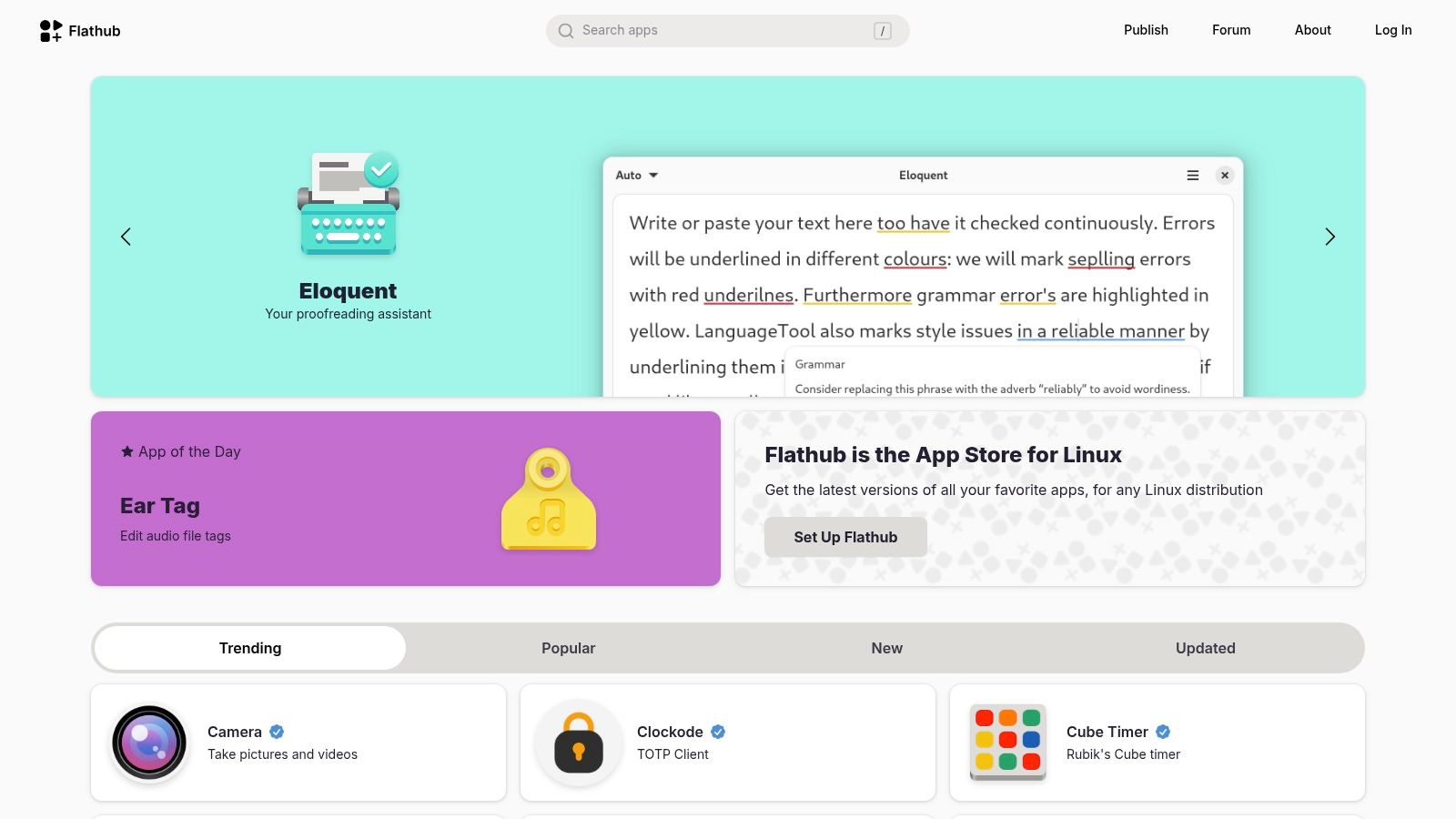
Flathub serves as the de facto app store for Flatpak, a universal package format for Linux distributions. It offers a centralized, reliable source for discovering and installing thousands of desktop applications. While its focus is on desktop software rather than server-side tools like PullNotifier, it is an invaluable resource for developers and tech professionals looking for a trustworthy open source alternative to proprietary desktop apps. Its core strength lies in providing a consistent, sandboxed, and easily updatable software experience across virtually any Linux environment, from Ubuntu to Fedora.
Key Features and Usage Tips
Flathub is entirely free and simplifies application management on Linux. Once Flatpak is set up on your system, you can browse and install apps with a single click or command, bypassing traditional package manager complexities.
*   **Discover Developer Tools:** The platform features a robust "Development" category filled with IDEs, code editors, database clients, and other essential tools. You can find open source mainstays like VS Code (VSCodium), Postman alternatives like Insomnia, and many more.
*   **Verified Publishers:** Look for the blue checkmark next to an app's publisher. This indicates the application is published by its original developer or an approved third party, ensuring authenticity and reducing security risks.
*   **Cross-Distro Consistency:** The primary benefit is consistency. An app from Flathub will run the same way on any distribution, eliminating dependency hell and version conflicts that often plague system package managers. This is ideal for development teams aiming to standardize their toolchains.
Pro Tip: While browsing, check the "App Details" section on any application page. It provides direct links to the project’s website and source code repository, allowing you to quickly vet the project's health and activity before installation.
Website: https://flathub.org
7. Snap Store (Snapcraft)
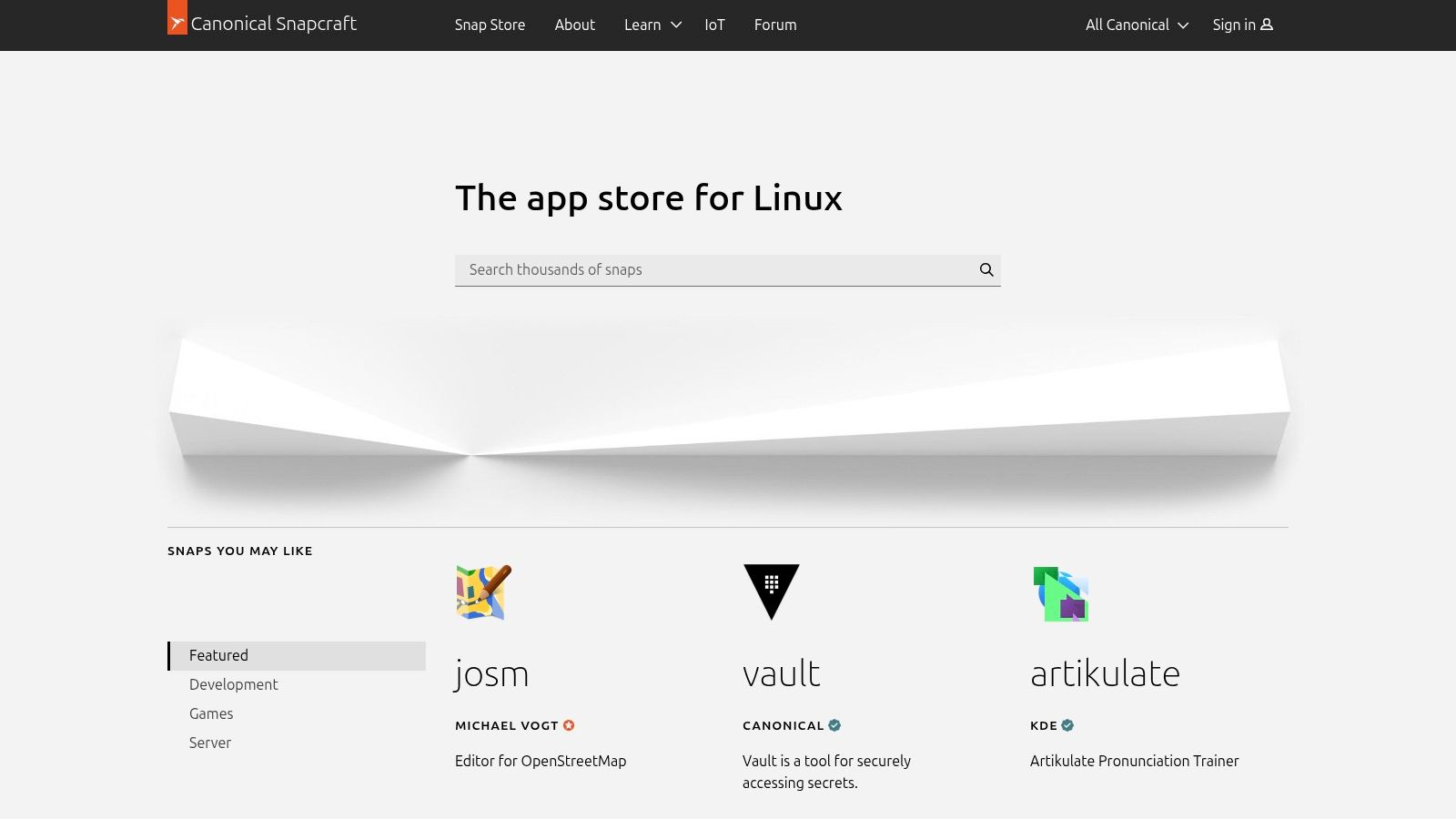
Snap Store, powered by Snapcraft, is Canonical’s universal app store for Linux. It provides a centralized platform for discovering and installing software packaged as "snaps," which run across various Linux distributions. For developers seeking an open source alternative for server tools or desktop applications, Snapcraft offers a streamlined deployment model with automatic updates and dependency management. Its strength is in providing a consistent, one-stop shop for finding verified open source software, bypassing the complexities of different package managers.
Key Features and Usage Tips
The Snap Store is free and accessible via a web interface or the snap command-line tool. It simplifies the process of finding and maintaining software on Linux systems, including headless servers where many notification tools are deployed.
*   **Discover Verified Software:** Use the search functionality to find tools like chat clients (Mattermost, Rocket.Chat) or CI/CD utilities. The "Publisher" field helps verify that the package is maintained by the official project developers, ensuring authenticity.
*   **Simple Installation and Updates:** Installing a tool is as easy as running a single command, for example, `sudo snap install rocketchat-server`. Snaps update automatically in the background by default, ensuring you have the latest features and security patches with zero manual intervention.
*   **Rollback Functionality:** If a new version of an alternative introduces a bug, you can easily revert to a previously working version using the `snap revert` command. This is a critical feature for maintaining stability in production environments.
Pro Tip: When evaluating a self-hosted
open source alternativefrom the Snap Store, check its "channels." Developers use channels (e.g., stable, candidate, beta, edge) to release different versions. Sticking to the stable channel is recommended for production use cases.
Website: https://snapcraft.io
8. F‑Droid (Android)
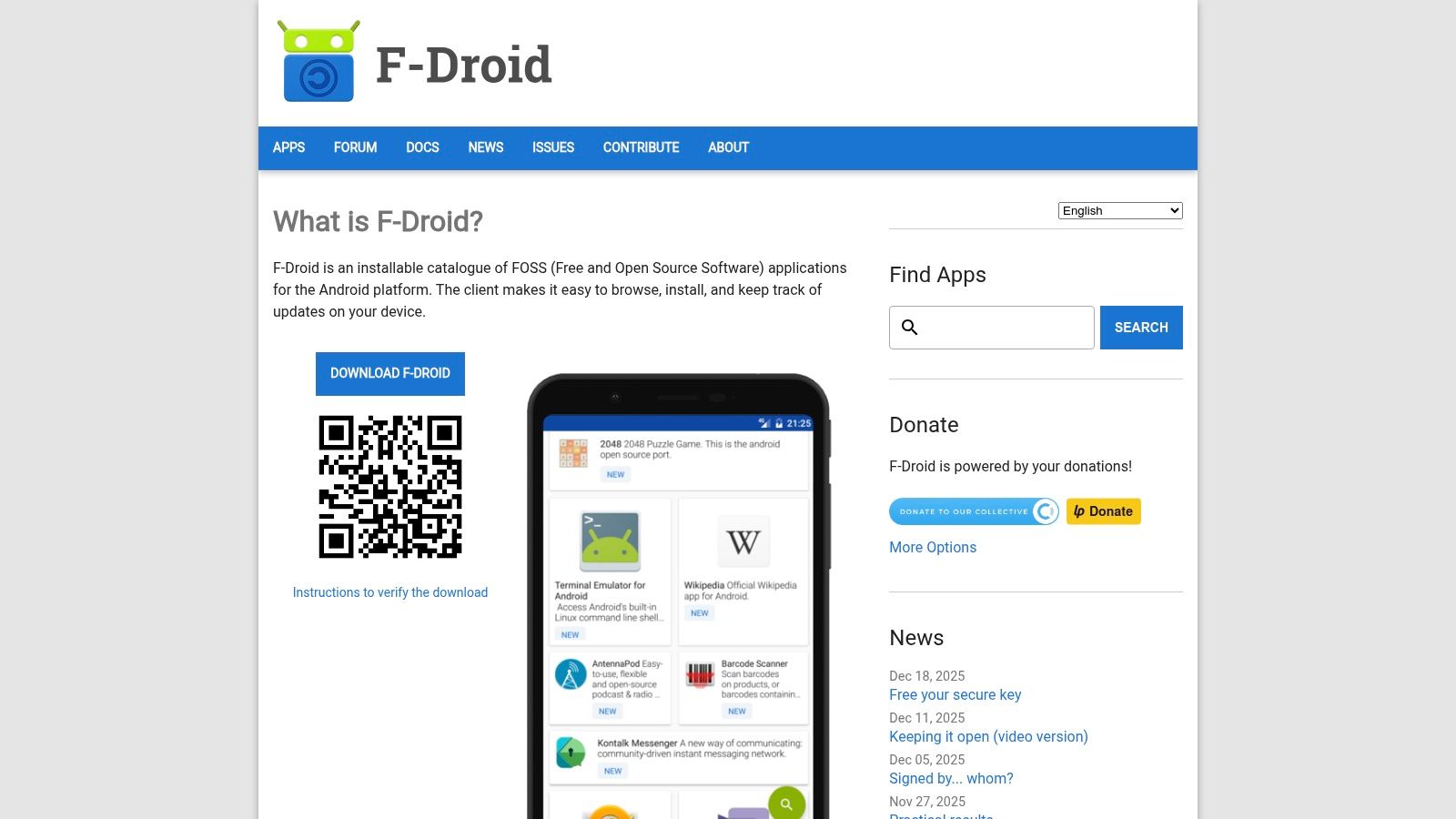
F-Droid is an installable, community-maintained software repository for Android, functioning as an alternative to the Google Play Store. Its entire catalog consists exclusively of free and open source software (FOSS). For anyone seeking an open source alternative to a proprietary Android application, F-Droid is the definitive resource. The platform’s core strength is its unwavering commitment to user privacy and software freedom, ensuring every app is free from tracking and other anti-features commonly found in mainstream app stores.
Key Features and Usage Tips
The platform is completely free and requires no user account. You install the F-Droid client on your Android device, which then manages the installation and updates of other FOSS applications, similar to a traditional package manager.
*   **Verified FOSS Catalog:** Every app is built from its publicly available source code, which is reviewed by the F-Droid team. This process guarantees that the app you install matches the source code, enhancing security and transparency.
*   **"Anti-Features" Labeling:** F-Droid explicitly flags apps that may have characteristics users might find undesirable, such as promoting non-free network services or having dependencies on proprietary software. This transparency helps you make informed decisions aligned with your privacy standards.
*   **Direct Source Code Access:** Each application listing includes a direct link to its source code repository. This is invaluable for developers who want to inspect the code, contribute to the project, or verify its functionality and security for themselves.
Pro Tip: Enable "Include anti-feature apps" in the F-Droid client settings. While it may seem counterintuitive, this allows you to see all available options and understand exactly why an app is flagged, giving you a more complete picture of the FOSS Android ecosystem.
Website: https://f-droid.org
9. Homebrew (macOS/Linux)
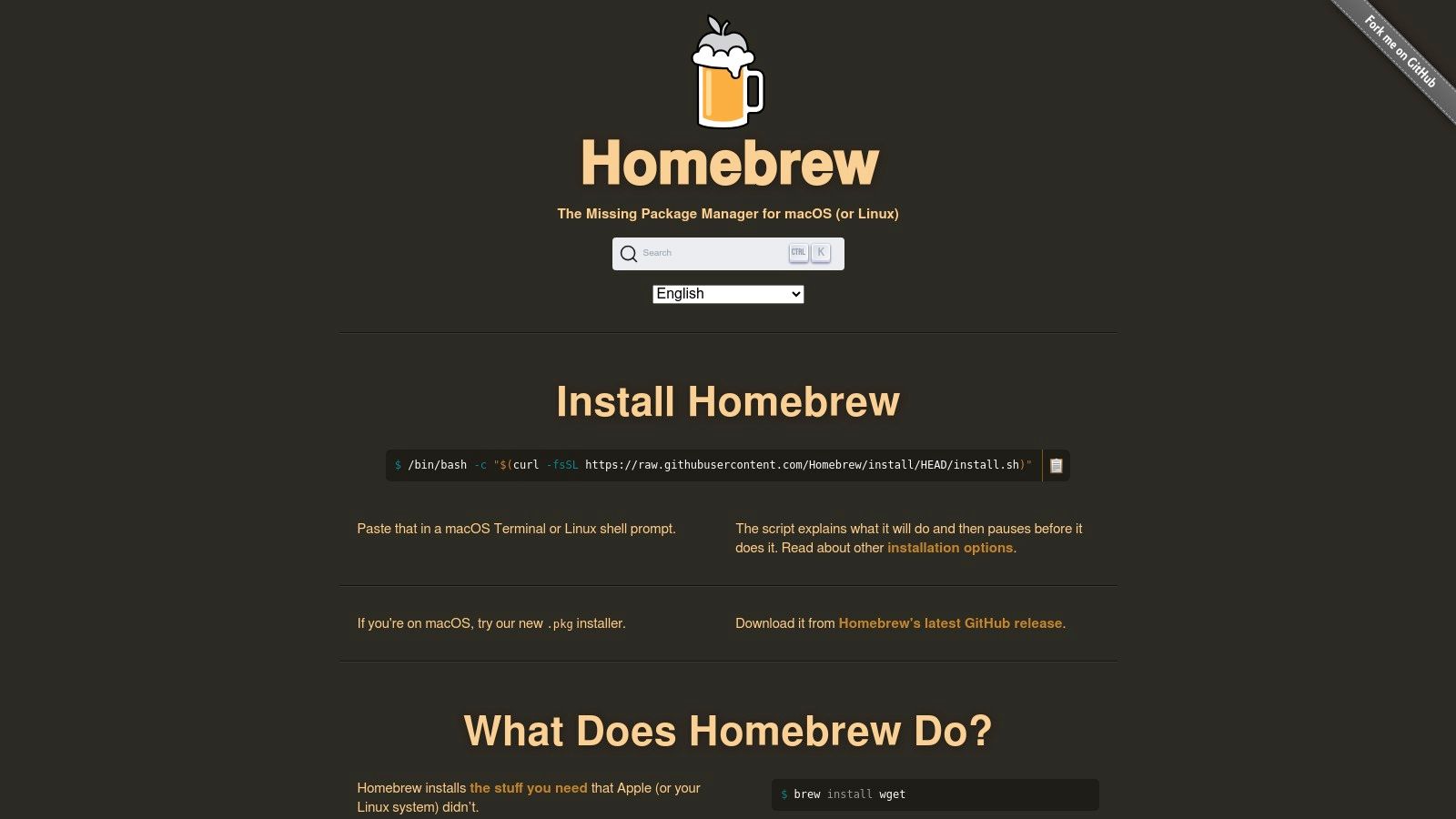
Homebrew is the quintessential package manager for macOS and a popular choice on Linux, simplifying the discovery and installation of open source software. While not a direct alternative discovery platform like others on this list, it serves as a crucial installation gateway for thousands of open source tools. For developers looking for a command-line open source alternative to a proprietary utility, Homebrew is often the fastest way to get it running. Its power lies in abstracting away complex build processes into a single, memorable command.
Key Features and Usage Tips
Homebrew is completely free and operates directly from your terminal. Its core function is to install, update, and manage software packages with minimal friction, making it an indispensable tool for any developer's workflow.
*   **Effortless Installation:** Installing most command-line tools is as simple as running `brew install <package-name>`. For GUI applications like LibreOffice or GIMP, you can use Homebrew Cask with the command `brew install --cask <app-name>`.
*   **Discovering Tools:** Although its primary function is installation, you can discover packages using `brew search <keyword>`. This is useful when you know the type of tool you need but not a specific name.
*   **Auditable and Secure:** A key advantage is that all installation scripts (called "formulae") are open source Ruby scripts. You can inspect exactly what a script will do before you run it, providing a transparent and secure installation process.
Pro Tip: Use
brew outdatedto see which of your installed packages have new versions available, and then runbrew upgradeto update them all at once. This makes maintaining your open source toolkit incredibly efficient.
Website: https://brew.sh
10. LibreOffice
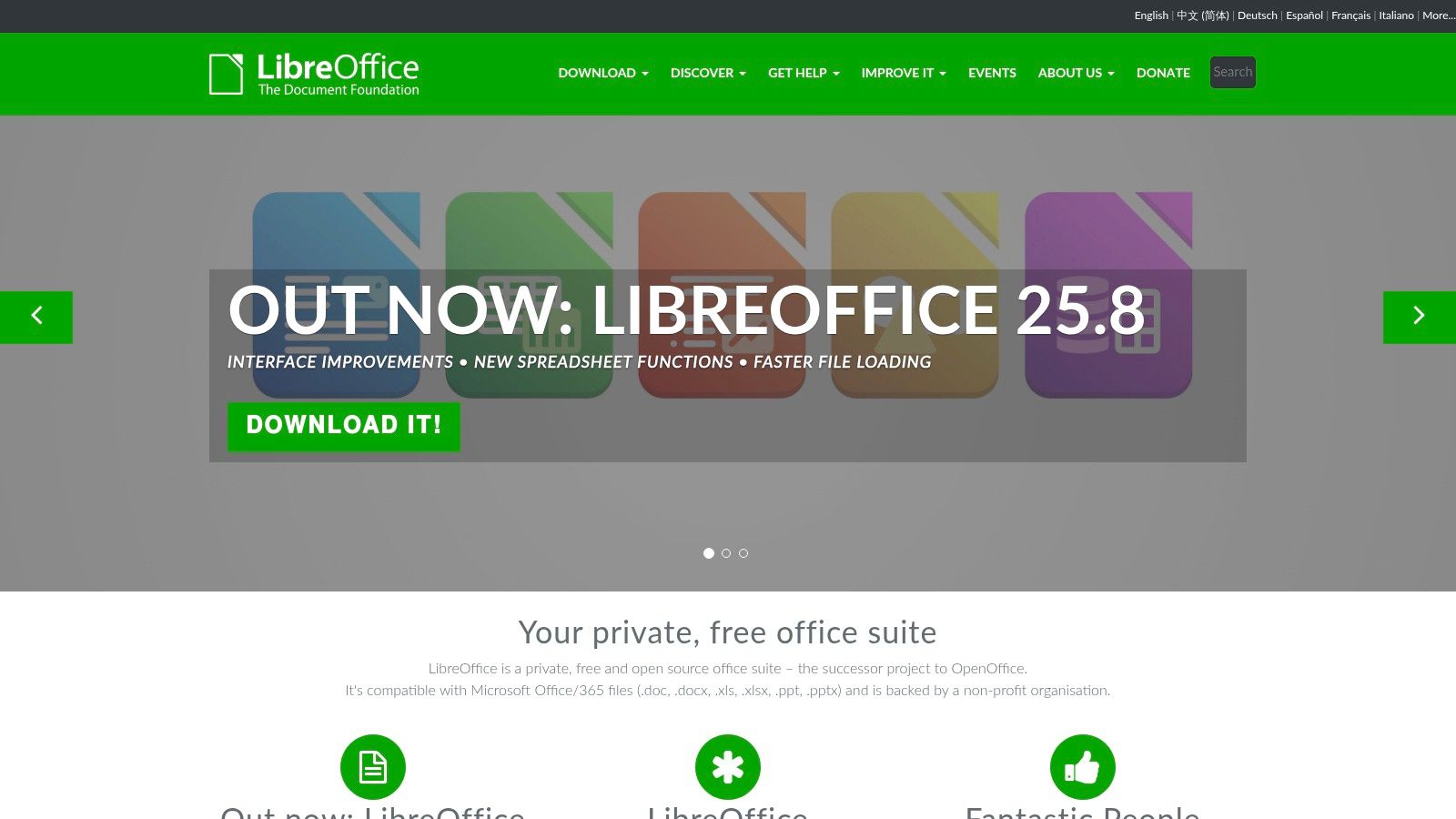
LibreOffice is the flagship open-source office suite, offering a powerful and free desktop productivity solution for anyone seeking a replacement for Microsoft Office. It includes a comprehensive set of applications: Writer (word processing), Calc (spreadsheets), Impress (presentations), and more. As a mature and robust open source alternative, LibreOffice provides a familiar, feature-rich environment that works entirely offline, making it a reliable choice for drafting documents, creating reports, and managing data without recurring subscription fees.
Key Features and Usage Tips
The suite is completely free to download and use on Windows, macOS, and Linux. Its strength lies in its excellent file format compatibility and extensive feature set that rivals its proprietary counterparts.
*   **File Format Compatibility:** LibreOffice excels at handling Microsoft Office formats like `.docx`, `.xlsx`, and `.pptx`, in addition to its native OpenDocument Format (ODF). This makes collaboration with users on other platforms seamless for most common tasks.
*   **Offline Desktop Suite:** As a full desktop application, it provides performance and privacy benefits, as all your data remains on your local machine. It also supports a vast ecosystem of extensions and templates to extend its functionality.
*   **Community and Support:** The project is driven by a massive global community, ensuring frequent updates and security patches. While direct enterprise support isn't built-in, several ecosystem partners offer paid long-term support contracts for business environments.
Pro Tip: When sharing complex documents with Microsoft Office users, save a copy in the native
.docxor.xlsxformat and perform a quick visual check. While compatibility is strong, intricate formatting or macros can sometimes require minor adjustments. You can also create a standardized template, like this code review checklist, to ensure consistency across teams.
Website: https://www.libreoffice.org
11. GIMP
GIMP (GNU Image Manipulation Program) is a mature, cross-platform image editor that stands as a premier open source alternative to Adobe Photoshop. For development teams, it's an indispensable tool for creating and modifying UI mockups, editing screenshots for documentation, or designing assets for applications without incurring licensing costs. Its power lies in a comprehensive feature set that rivals many proprietary options, offering everything from basic cropping and color correction to advanced photo retouching, compositing, and layer-based workflows. It provides a robust solution for any graphical tasks that arise during a software development lifecycle.
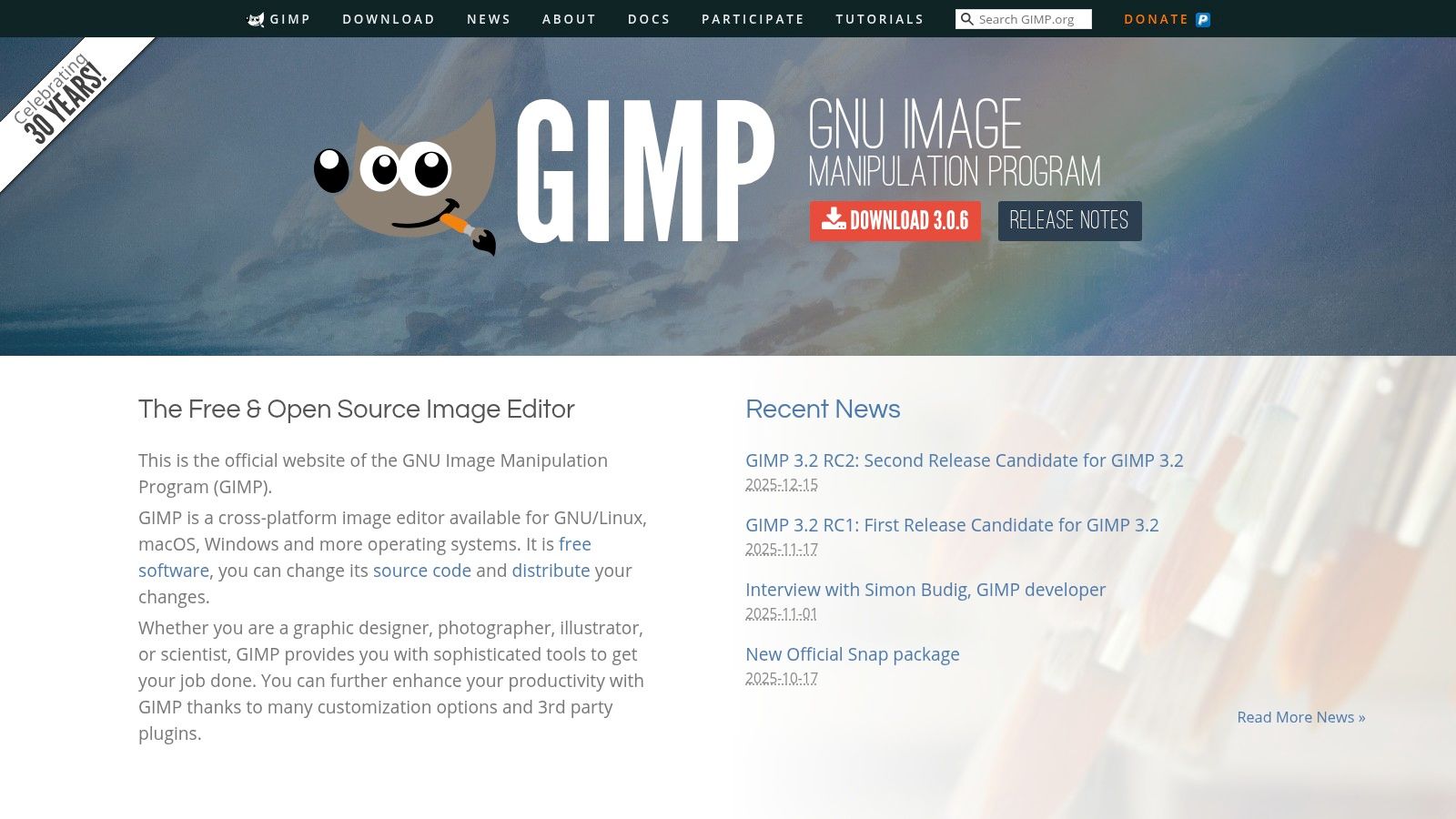
Key Features and Usage Tips
GIMP is completely free and available on Linux, macOS, and Windows. Its interface is highly customizable, and its functionality can be expanded significantly through a vast ecosystem of third-party plug-ins and scripts.
*   **Advanced Editing Tools:** GIMP supports layers, masks, advanced selection tools, and a wide array of filters and effects. This makes it suitable for detailed UI work, icon design, or preparing visual assets for front-end development.
*   **Extensibility and Automation:** With support for scripting via Python (Python-Fu) and Scheme (Script-Fu), developers can automate repetitive image editing tasks. This is perfect for batch processing screenshots for release notes or generating different asset sizes for multiple platforms.
*   **Format Compatibility:** The editor handles a massive range of file formats, including PSD (Photoshop), ensuring you can collaborate with designers who may be using proprietary software.
Pro Tip: For developers new to GIMP, focus on mastering layers and selection tools first. These two features are the foundation for nearly all complex image manipulation and will significantly speed up your workflow for creating or modifying UI elements and technical diagrams.
Website: https://www.gimp.org
12. Blender
Blender is a professional-grade, free, and open-source 3D creation suite that has become a powerhouse in industries ranging from animation and VFX to game development and architectural visualization. While not a direct alternative to notification tools, its inclusion highlights the pinnacle of what an open source alternative can achieve: rivaling and often surpassing expensive, proprietary software like Autodesk Maya or 3ds Max. Backed by a massive global community and a robust development fund, Blender provides a complete production pipeline in a single, cohesive package.
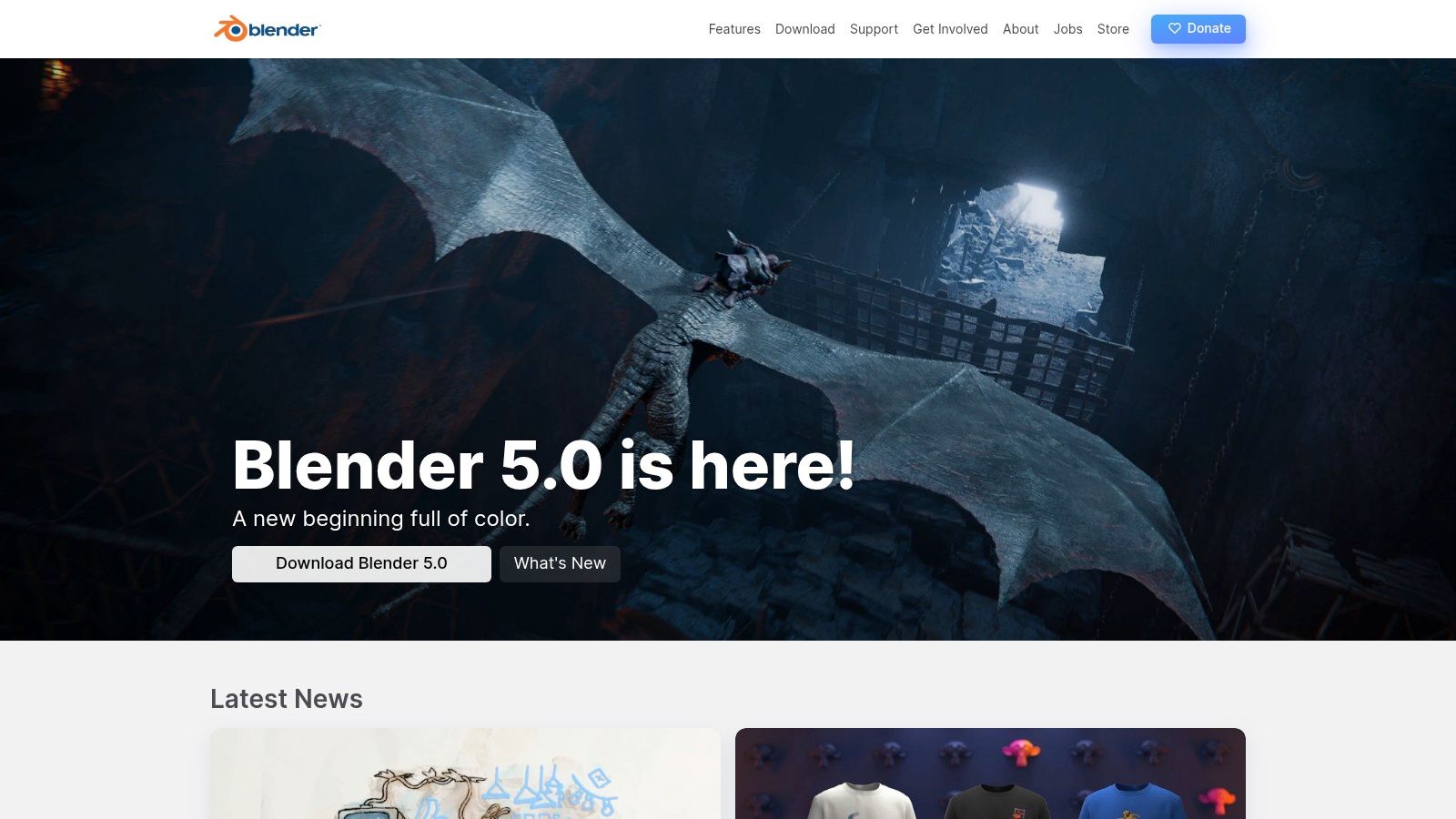
Key Features and Usage Tips
Entirely free for any purpose, Blender's feature set is astonishingly deep. Its rapid release cycle means new, powerful tools are constantly being added, keeping it on the cutting edge of 3D technology.
*   **Complete 3D Pipeline:** Blender covers everything from modeling, sculpting, and rigging to animation, simulation, rendering, and even video editing. This integrated workflow eliminates the need to juggle multiple applications for a single project.
*   **Powerful Render Engines:** It ships with two primary renderers: Cycles, a production-ready path tracer for photorealistic results, and Eevee, a real-time engine perfect for previews and stylized looks. Both are GPU-accelerated and highly capable.
*   **Extensive Add-on Ecosystem:** The functionality can be massively extended through a vast library of free and paid add-ons. These provide industry-specific tools, import/export support for formats like USD, and workflow enhancements.
Pro Tip: While the learning curve can seem steep, start with the official "Blender Fundamentals" series on their YouTube channel. It's a structured and high-quality introduction that breaks down the core concepts for absolute beginners.
Website: https://www.blender.org
12 Open-Source Alternatives Comparison
| Tool | Core features | UX / Quality | Value / Price | 👥 Target audience | ✨ Unique selling point |
|---|---|---|---|---|---|
| AlternativeTo | Crowdsourced listings, filters by platform/license | ★★★★ — community reviews | 💰 Free listings / community-driven | 👥 Users seeking quick alternatives | ✨ Strong social signals & side-by-side picks |
| OpenSourceAlternative.to | Curated OSS matchups, direct repo links | ★★★ — focused catalog | 💰 Free, OSS-focused | 👥 Teams replacing proprietary tools | ✨ Direct links to source & docs |
| GitHub | Repo hosting, releases, PRs/issues | ★★★★★ 🏆 — industry standard | 💰 Free public repos; paid org plans | 👥 Developers & OSS contributors | ✨ Largest OSS index + ecosystem |
| GitLab | Repos + integrated CI/CD & registries | ★★★★ — DevSecOps suite | 💰 Free tier; self-host & paid tiers | 👥 Self-hosters & enterprise teams | ✨ Built-in CI/CD and privacy control |
| SourceForge | Project pages, downloads, mirrors | ★★ — legacy discovery | 💰 Free downloads; ad-supported pages | 👥 Users of legacy/utility software | ✨ Direct mirrors & version history |
| Flathub | Flatpak app store, verified publishers | ★★★★ — smooth desktop installs | 💰 Free apps; distro-agnostic | 👥 Linux desktop users | ✨ One-click Flatpak installs across distros |
| Snap Store | Snap packages, auto-updates & rollbacks | ★★★ — unified snaps ecosystem | 💰 Free apps; publisher verification | 👥 Linux users preferring snaps | ✨ Automatic updates + easy rollbacks |
| F‑Droid | FOSS-only Android repo, privacy labels | ★★★★ — privacy-first catalog | 💰 Free & open-source | 👥 Privacy-conscious Android users | ✨ Curated, anti‑feature labels & source links |
| Homebrew | CLI package manager, cask installs | ★★★★★ 🏆 — fast installs & updates | 💰 Free; community-maintained | 👥 macOS/Linux developers | ✨ Vast formula index & easy CLI installs |
| LibreOffice | Full offline office suite (ODF) | ★★★★ — robust desktop suite | 💰 Free; no subscription | 👥 General office users & SMBs | ✨ Strong MS Office compatibility (ODF native) |
| GIMP | Image editing: layers, plug-ins | ★★★★ — powerful, extensible | 💰 Free & open-source | 👥 Designers & photo editors on budget | ✨ Extensive plug-in ecosystem |
| Blender | Full 3D pipeline, render engines | ★★★★★ 🏆 — production-capable | 💰 Free; studio-grade features | 👥 3D artists, studios, hobbyists | ✨ Professional 3D toolset + add‑on ecosystem |
Final Thoughts
Embarking on the journey to find the right open source alternative can feel like navigating a vast, ever-expanding universe of software. As we've explored, from comprehensive repositories like SourceForge and GitHub to platform-specific ecosystems like F-Droid and Homebrew, the options are as diverse as the problems they solve. The key takeaway is that the "best" tool is rarely a one-size-fits-all solution; it is a strategic choice that hinges entirely on your specific context, technical requirements, and team philosophy.
The transition from a proprietary tool to an open source alternative is more than a simple software swap. It represents a fundamental shift in how you manage your workflows, security, and developer resources. While the allure of zero licensing fees is a powerful motivator, the true value lies in the unparalleled control, transparency, and customization that these solutions offer. You are no longer just a user; you become a participant in a community-driven ecosystem.
Key Considerations Before Making Your Choice
Before you commit to a specific tool or platform, it's crucial to revisit your core needs. Our exploration of giants like LibreOffice, GIMP, and Blender underscores this point. Each serves a distinct user base despite all being flagship examples of successful open source projects. Ask yourself and your team these critical questions:
*   **What is our primary goal?** Are we looking to cut costs, gain more control over our data, integrate with a custom tech stack, or simply align with a broader open-source philosophy? A clear objective will narrow your search significantly.
*   **What is our technical capacity?** Do we have the in-house expertise to self-host, maintain, and troubleshoot a complex application? An honest assessment of your team's skills will help you differentiate between a manageable project and a resource-draining one.
*   **How important is community and support?** A project with a vibrant, active community on platforms like GitHub or GitLab often means better documentation, faster bug fixes, and a wealth of shared knowledge. This can be more valuable than a traditional customer support line.
The process of evaluating an open source alternative should be as rigorous as any other procurement decision. This principle isn't limited to developer tools or office suites. As technology evolves, the need to evaluate and compare solutions becomes standard practice. For instance, teams in emerging fields like Web3 often need to explore alternative platforms in other tech domains to find the best fit for their unique marketing and community engagement goals. This same mindset of diligent research and needs-based selection is your greatest asset.
Your Next Steps to Open Source Adoption
With the landscape mapped out, your path forward is clearer. Start small. Identify a single, low-risk workflow and pilot an open source alternative. This controlled experiment will provide invaluable, real-world insights into its performance, usability, and maintenance overhead without disrupting critical operations. Use this pilot to build a business case, document the migration process, and train your team.
Ultimately, embracing the world of open source software is an investment in freedom and flexibility. It empowers your team to build, customize, and innovate without the constraints of proprietary licenses and opaque development roadmaps. The initial effort of research and implementation pays long-term dividends, fostering a culture of ownership and technical excellence. The perfect open source alternative is out there, waiting to be integrated into your workflow.
While a self-hosted, open source alternative offers maximum control, sometimes a managed, specialized service is the most efficient solution for critical workflows like code review notifications. If you want the reliability and focus of a dedicated tool without the maintenance overhead, consider PullNotifier. Our platform is built to perfect the GitHub-to-chat notification pipeline, ensuring your team never misses a crucial update, with an easy setup that takes just minutes.