- Published on
12 Essential Apps That Integrate With Slack for Engineering Teams in 2026
- Authors

- Name
- Gabriel
- @gabriel__xyz
Slack is the digital headquarters for modern engineering teams, but its true power is unlocked through strategic integrations. Default notifications from tools like GitHub or Jira can quickly flood channels, creating more noise than signal and causing critical updates to get lost. This problem of notification fatigue leads to missed context, slower reviews, and a fragmented development process. The solution isn't fewer tools, but smarter connections between them.
This guide moves beyond generic lists to provide a curated selection of essential apps that integrate with Slack, specifically chosen to solve common engineering bottlenecks. We'll explore how these tools streamline workflows, reduce context switching, and ultimately accelerate your development lifecycle. Forget sifting through marketing copy; we provide an honest assessment of each tool's strengths and limitations for technical teams.
Inside this resource, you will find a comprehensive breakdown of platforms and specific applications designed to enhance your engineering operations. We'll cover everything from taming pull request chaos with tools like PullNotifier to automating CI/CD alerts and managing project tasks directly within your workspace. Each entry includes:
*   A summary of core features and ideal use cases.
*   Practical implementation guidance and prerequisites.
*   Direct links and clear screenshots to see the app in action.
*   Pricing pointers to help you evaluate the cost-benefit for your team.
Our goal is to help you find the best integrations for your specific needs, transforming Slack from a simple communication tool into a powerful, centralized command center for your entire development process.
1. PullNotifier
PullNotifier is a highly focused GitHub-to-Slack integration designed to solve a critical problem for engineering teams: pull request (PR) notification spam. Instead of flooding channels with a new message for every comment, approval, or CI/CD status change, it creates a single, persistent Slack message per PR. This message is then updated in-place, consolidating all activity into a digestible, threaded conversation. This approach dramatically reduces noise and provides a clear, real-time summary of each PR's lifecycle.
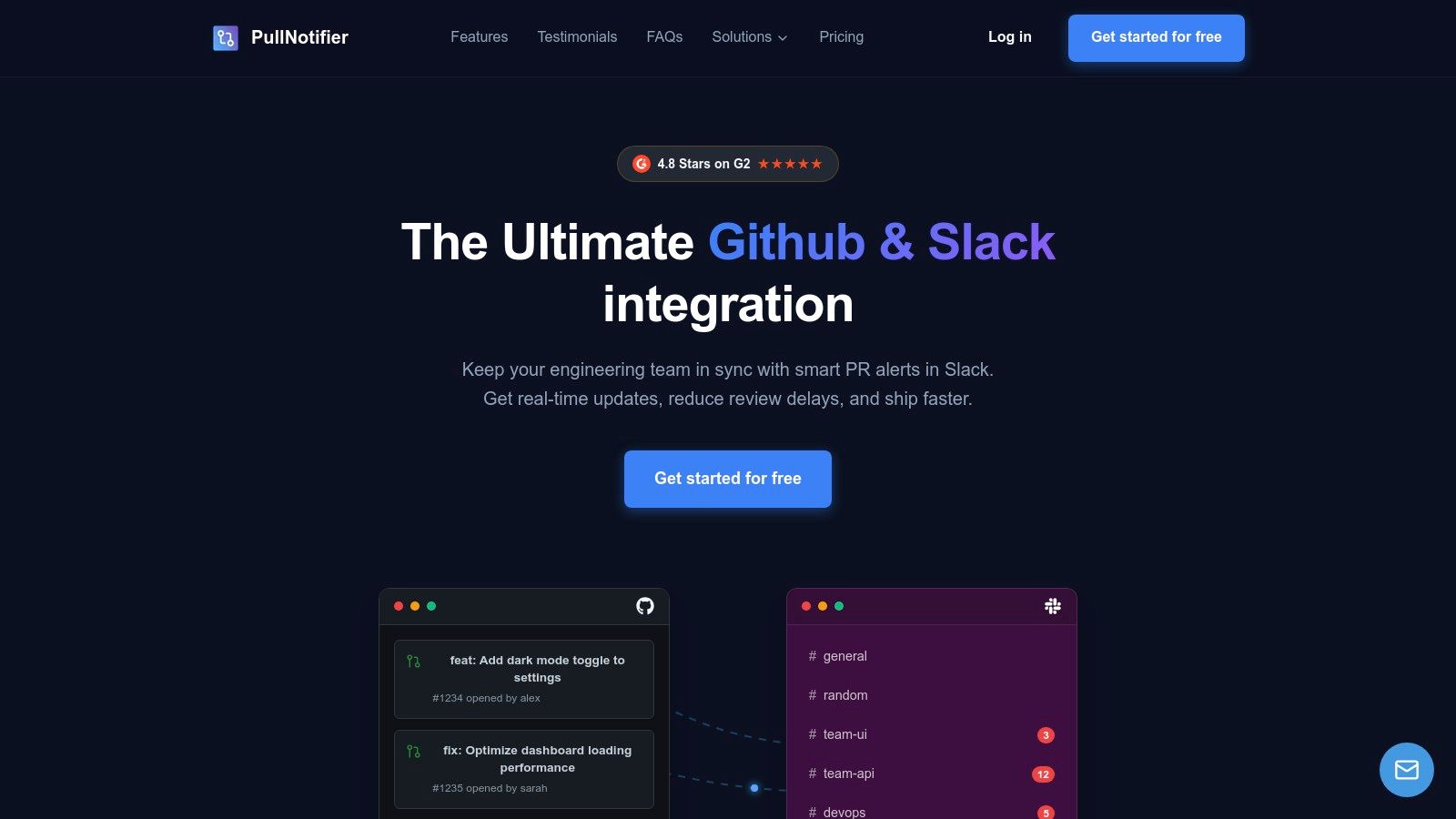
It stands out as one of the most effective apps that integrate with Slack for development workflows because it replaces the default GitHub app’s chaotic feed with an actionable, context-rich dashboard. Teams report significant reductions in review delays (up to 90% faster) and better visibility for leads and managers. The platform is built with both simplicity and enterprise needs in mind, featuring a setup process that takes only a few minutes.
Key Features & Use Cases
*   **Noise Reduction Engine:** The core "update-in-place" functionality is its primary differentiator. Instead of a dozen notifications for one PR, you get one living message. This is ideal for busy teams managing dozens of PRs daily.
*   **Advanced Routing Rules:** You can create sophisticated rules to send notifications to specific channels or individuals. Route PRs based on the repository, author, reviewer, or even specific labels (e.g., `#urgent-review`, `#needs-qa`). This is particularly powerful for monorepos, allowing different teams to subscribe only to the code changes relevant to them.
*   **Stale PR Alerts:** Automatically flag and resurface PRs that have been sitting without activity for a configured period. This proactive nudge helps prevent work from falling through the cracks and keeps sprint momentum high.
*   **Enterprise-Grade Security:** PullNotifier offers GitHub Enterprise Server support and options for dedicated or self-hosting via Docker. This allows organizations with strict data residency or compliance requirements (like SOC 2 or HIPAA) to maintain full control over their environment. A Data Processing Addendum (DPA) is also available on request.
Pricing & Access
*   **Free Tier:** Available for teams with fewer than 4 developers, making it accessible for small projects or for teams to try indefinitely.
*   **Paid Plans:** Larger teams receive a 14-day free trial (no credit card required). Paid plans are priced per developer and are positioned as a cost-effective alternative to building and maintaining a custom solution.
Pros & Cons
| Pros | Cons |
|---|---|
| Drastically reduces Slack noise by consolidating all PR activity into a single, updating message. | Free plan is limited to very small teams (under 4 developers); most professional teams will need a paid plan. |
| Highly customizable routing allows for granular control over who gets notified about what, perfect for monorepos. | Self-hosting adds overhead, requiring internal resources for initial setup and ongoing maintenance. |
| Enterprise-ready with GitHub Enterprise Server support, self-hosting options, and available DPA for compliance. | Complex workflows may require configuration to dial in; not every edge case is covered out of the box. |
| Proven impact with strong social proof (4.8 stars on G2) and responsive customer support. |
Website: https://pullnotifier.com
2. Slack Marketplace (Official Slack App Directory)
The official Slack App Directory, better known as the Slack Marketplace, is the primary and most trusted source for discovering apps that integrate with Slack. It functions as a centralized hub where teams can browse, evaluate, and install thousands of applications curated and verified by Slack itself. This platform is the logical starting point for any team looking to extend Slack's functionality, from integrating development tools like Jira and GitHub to connecting with HR or sales platforms.
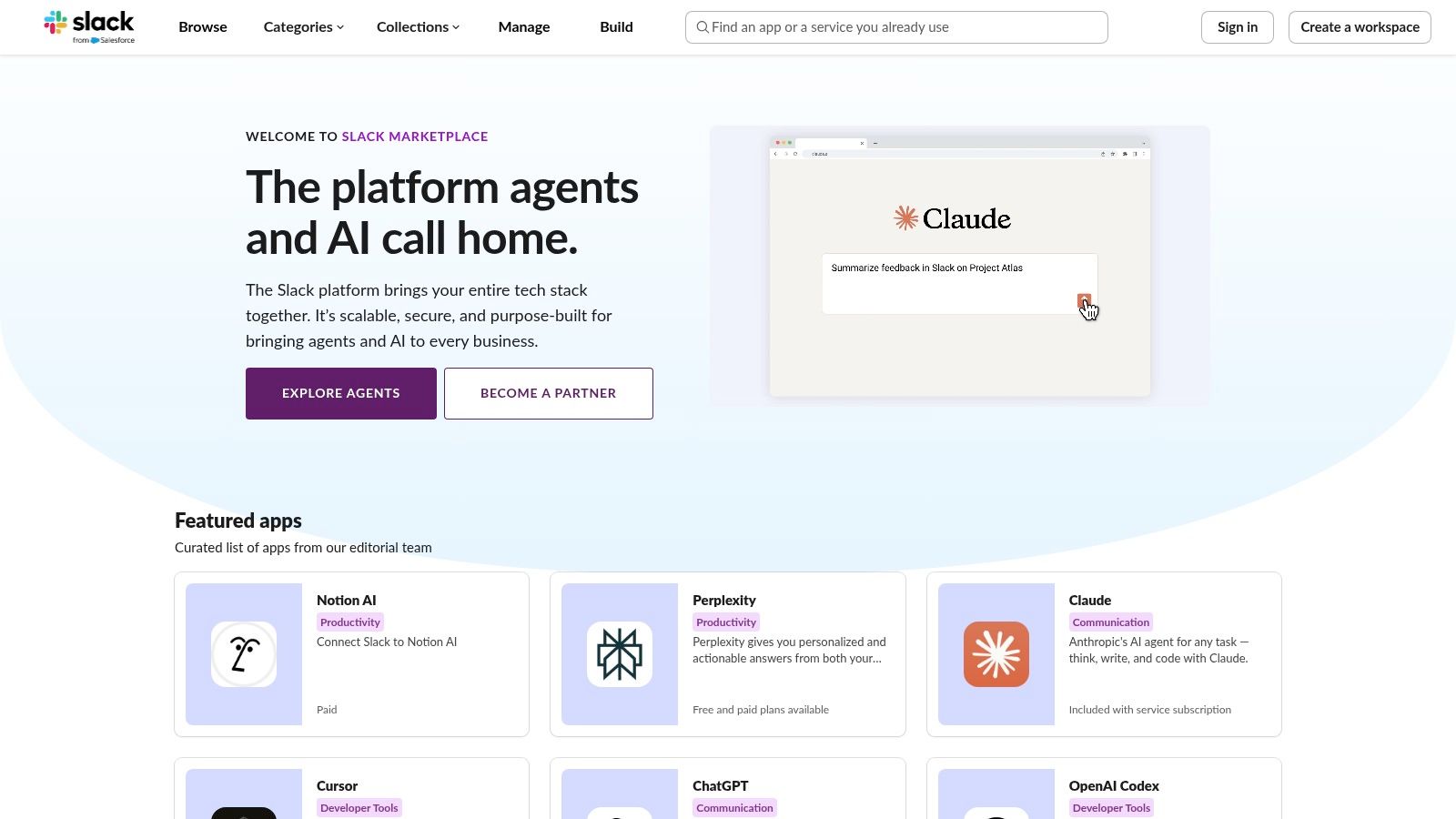
What makes the Marketplace essential is its focus on security and governance. Each app listing clearly outlines the required permissions and data scopes, giving administrators complete visibility before installation. The user experience is streamlined, with most apps offering a simple “Add to Slack” button that handles authentication securely. While the Marketplace itself is free to browse, individual app pricing varies, and you’ll often need to consult the third-party developer's site for detailed subscription information.
Core Features and Use Cases
- One-Click Installation: The simplified, OAuth-based installation process is the platform's biggest strength, removing technical barriers for non-admin users.
- Security and Governance: Admins can manage app approvals and see exactly what permissions each app requests, ensuring compliance with organizational policies.
- Curated Categories: Easily find tools for specific needs, such as "Developer Tools," "Analytics," or "Project Management."
- Use Case: An engineering manager can quickly find, vet, and install a new CI/CD tool's Slack integration without needing extensive setup guides or developer assistance.
For those interested in building their own custom solutions, you can make a Slack app from scratch and even submit it to the marketplace.
3. GitHub Marketplace
For teams living in a developer-centric ecosystem, the GitHub Marketplace offers a curated collection of apps that integrate with Slack, focusing specifically on streamlining engineering workflows. It is the go-to platform for discovering tools designed to bridge the gap between code repositories and communication channels. This marketplace allows teams to find, evaluate, and install applications that push critical GitHub events directly into Slack, from pull request updates and commit notifications to CI/CD pipeline statuses.
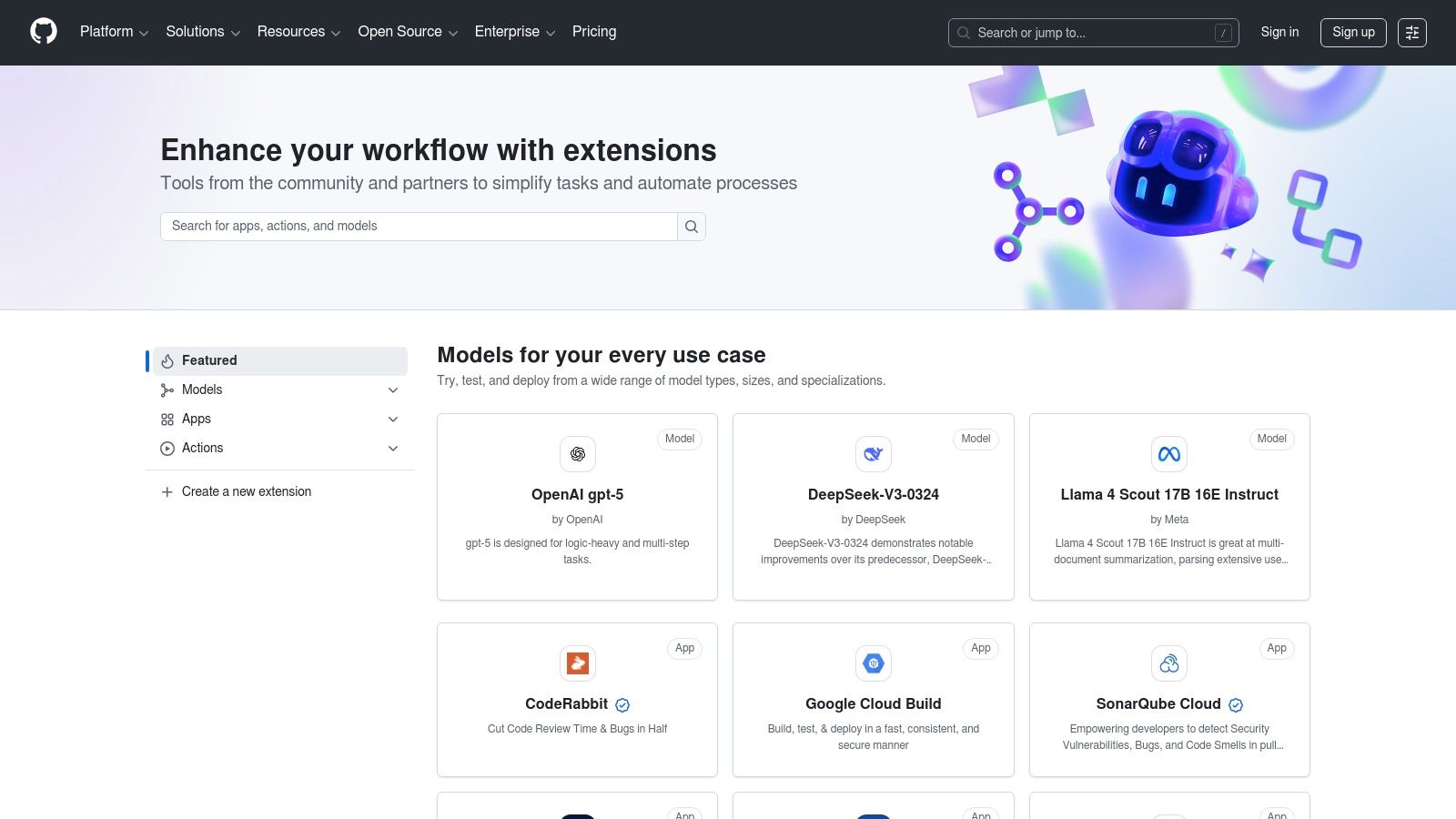
What sets the GitHub Marketplace apart is its strong focus on the software development lifecycle. Each app listing often includes verification from publishers and visible install counts, which provides social proof and credibility. While many tools are available, the catalog is unapologetically engineering-focused, making it less suitable for marketing or operations teams. Pricing models vary, but many listings clearly indicate a "Free plan available," allowing for low-risk adoption. Exploring how a proper GitHub Slack integration improves code reviews can highlight the value these tools provide.
Core Features and Use Cases
- Developer-Centric Catalog: The marketplace is tailored for engineering needs, featuring apps for code review, CI/CD, project management, and security alerts.
- Verified Publishers: Many apps are from verified creators, adding a layer of trust and security to the selection process.
- Event-Driven Workflows: Tools typically subscribe to GitHub events (e.g., new pull requests, comments) and translate them into actionable Slack notifications.
- Use Case: A DevOps engineer can browse the marketplace to find a specialized monitoring tool that sends deployment failure alerts from GitHub Actions directly to a dedicated
#ops-alertschannel in Slack.
4. Atlassian Marketplace
For teams deeply embedded in the Atlassian ecosystem, the Atlassian Marketplace is a critical resource for finding powerful apps that integrate with Slack. While it lists thousands of add-ons for Atlassian products, it serves as a specialized directory for discovering official and partner-built Slack integrations for tools like Jira, Confluence, and Opsgenie. This is the go-to platform for engineering teams who need more than basic notifications and want deep, actionable connectivity between their development workflows and their communication hub.
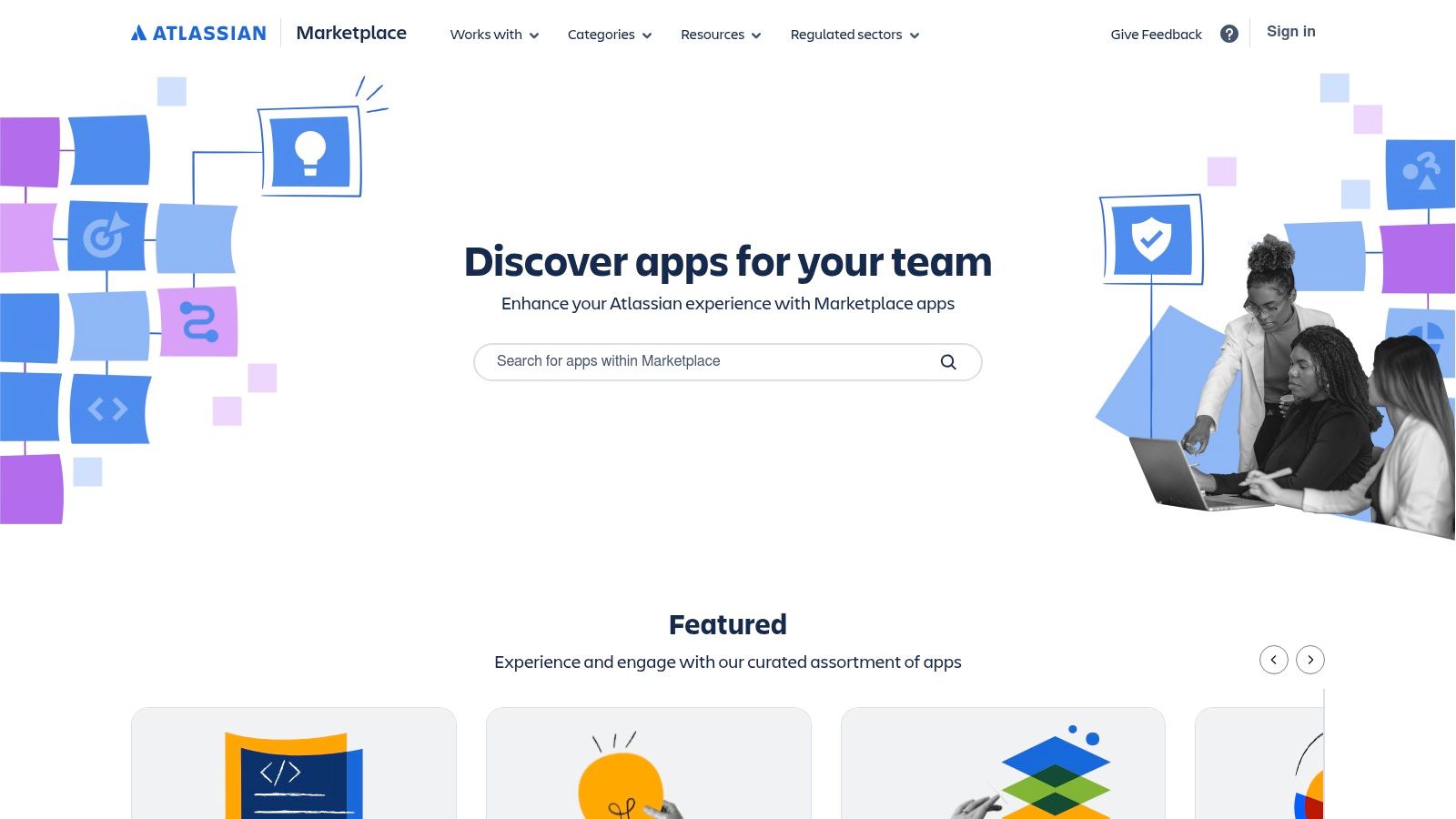
Unlike a general app directory, the Atlassian Marketplace focuses entirely on its product suite, ensuring that the integrations are robust and well-supported. Listings provide detailed information on version compatibility, security programs, and vendor support, which is essential for enterprise environments. While browsing is free, the pricing for individual apps varies significantly, as they are managed by third-party developers. It's an indispensable resource but primarily benefits existing Atlassian customers.
Core Features and Use Cases
- Rich Jira Cloud Integration: The official Jira Cloud for Slack app allows users to create issues, update tickets, and receive highly customizable notifications directly from Slack.
- Enterprise and Data Center Support: It's one of the few places to find verified Slack integrations for self-hosted Atlassian Data Center deployments.
- Detailed App Vetting: Each app page includes usage metrics, support documentation, and information about security, making it easier for admins to evaluate tools.
- Use Case: A support engineering team can use an advanced ITSM bot from the marketplace to convert Slack messages into Jira Service Management tickets, assign them, and track their status without ever leaving their channel.
5. Zapier
Zapier is the undisputed leader in no-code automation, functioning as a powerful intermediary that connects thousands of applications. For teams looking to create custom apps that integrate with Slack, Zapier provides the fastest path from an idea to a working automation without writing a single line of code. It uses a simple trigger-and-action model, allowing you to build "Zaps" that automate tasks like posting a message to a Slack channel when a new lead is added in Salesforce or creating a Trello card from a saved Slack message.
What makes Zapier so compelling for engineering teams is its sheer breadth of integrations (over 8,000) and the simplicity of its workflow builder. You can connect niche tools or internal systems that may not have a native Slack app, orchestrating complex cross-platform workflows in minutes. While its task-based pricing can become expensive for high-volume automations, the platform's speed and flexibility are unmatched for prototyping and handling essential, low-frequency tasks. For more insights on this topic, you can learn about the fundamentals of workflow automation and its impact.
Core Features and Use Cases
- Extensive App Directory: Connects to over 8,000 third-party apps, offering the broadest coverage for creating unique Slack automations.
- Pre-built Templates ("Zaps"): A massive library of ready-to-use templates for common Slack workflows, dramatically speeding up setup time.
- No-Code Workflow Builder: An intuitive, visual editor allows anyone to build multi-step automations with conditional logic, filters, and formatting.
- Use Case: A product manager can create a Zap that automatically posts new Capterra reviews into the
#product-feedbackchannel, tagging the relevant team members for immediate visibility.
6. Make (formerly Integromat)
Make (formerly Integromat) is a powerful visual automation platform that excels at creating complex, multi-step workflows for teams looking for apps that integrate with Slack. Unlike simpler trigger-and-action tools, Make provides a sophisticated scenario editor where users can build intricate automations with branching logic, filters, and error handling. This granular control makes it ideal for engineering teams that need to connect Slack with multiple systems in a highly specific sequence, moving beyond basic notifications.
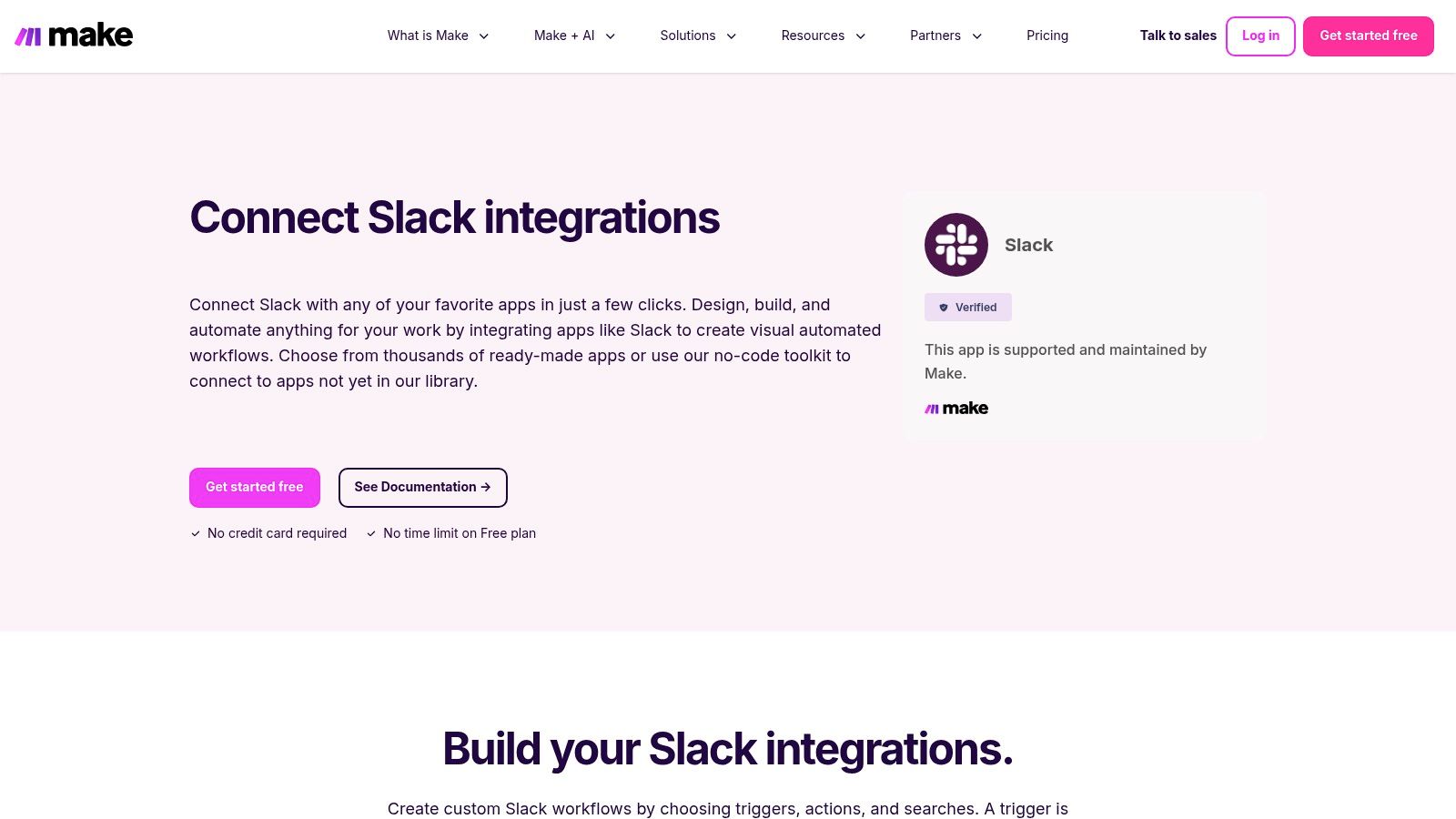
The platform's strength lies in its extensive library of over 40 distinct Slack modules, which include triggers, actions, and search functions. This allows for precise control over how data is processed and routed. While its learning curve is steeper than other automation tools, the visual interface simplifies the process of building and debugging workflows. Make offers a free plan to get started, with paid tiers based on the number of operations and data transfer. Harnessing the full power of such integrations can deliver significant business process automation benefits, streamlining operations and boosting efficiency.
Core Features and Use Cases
- Visual Scenario Editor: Build complex workflows with multiple steps, conditional logic, and routing using a drag-and-drop interface.
- Granular Slack Modules: Access over 40 specific triggers and actions, like "Watch Public Channel Mentions," "Create a Channel," or "Update a Message."
- Advanced Error Handling: Configure custom logic to manage errors within a workflow, ensuring automations are robust and reliable.
- Use Case: An SRE team could build a scenario that triggers on a PagerDuty alert, searches a database for relevant runbook info, posts a formatted summary to a Slack incident channel, and creates a Jira ticket simultaneously.
7. IFTTT
IFTTT, which stands for "If This, Then That," is a lightweight automation service designed for creating simple, conditional chains of actions called "applets." For teams looking for basic apps that integrate with Slack, IFTTT provides the fastest path to pipe notifications from other services directly into a channel. It excels at personal or small-team automations where complex, multi-step workflows are not required, connecting everyday tools like Google Calendar, RSS feeds, or social media to Slack with minimal setup.
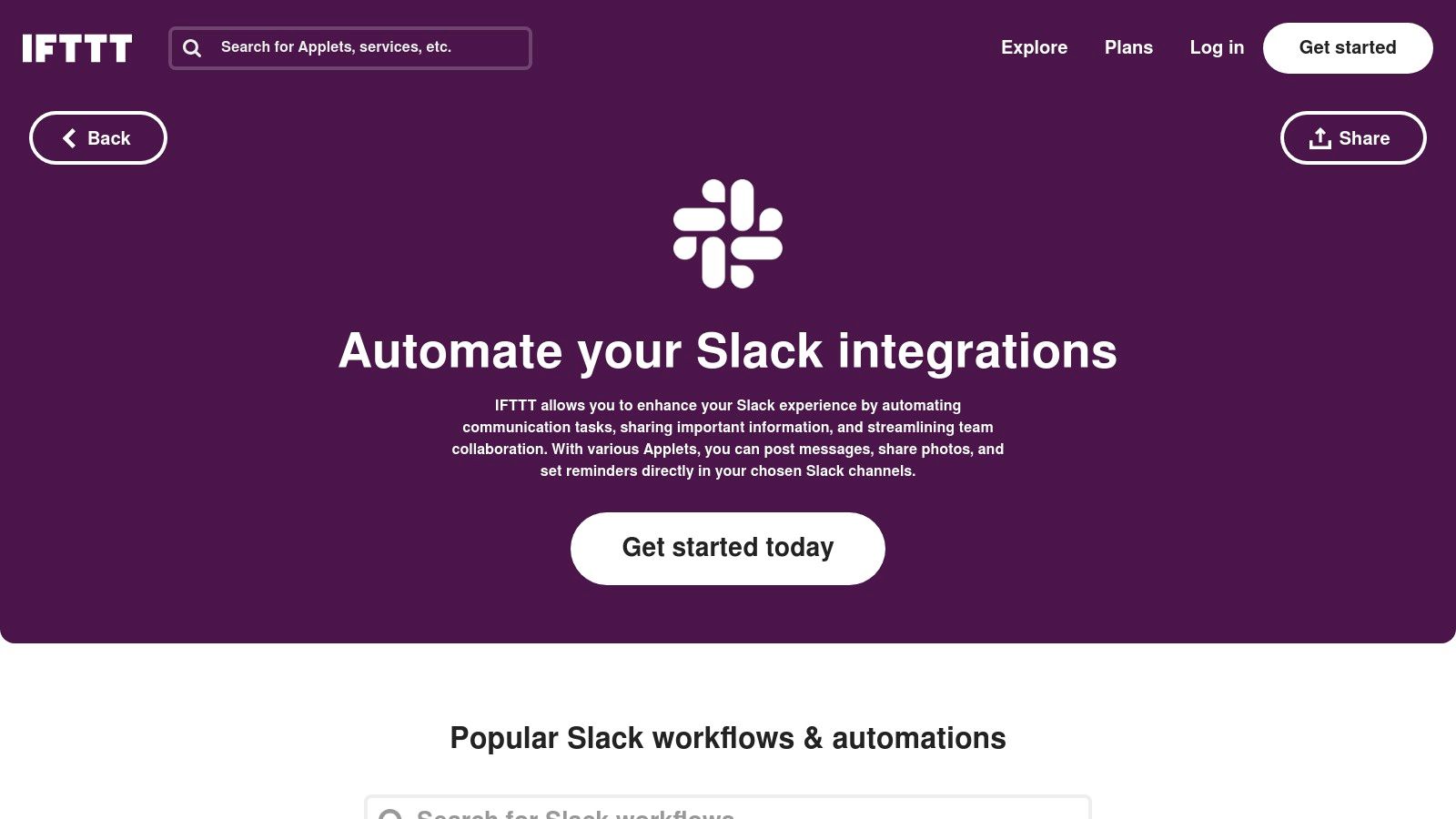
Unlike more powerful platforms like Zapier or Make, IFTTT’s strength is its simplicity. The user experience is built around pre-made, curated applets that you can activate in just a few clicks. While it lacks advanced logic and extensive Slack actions (like creating channels or updating user profiles), it's perfect for straightforward alert systems. The free tier is suitable for very light usage, but higher performance and more complex applets require a Pro or Pro+ subscription.
Core Features and Use Cases
- Curated Slack Applets: A library of ready-to-use automations with quick connect flows, removing the need to build from scratch.
- Webhooks Support: Allows any service capable of sending a webhook to post a custom message directly to a specified Slack channel.
- Common Trigger Support: Easily set up automations based on triggers from popular apps like Google Calendar, Twitter, Weather Underground, and RSS feeds.
- Use Case: A small marketing team can automatically post a message to their
#social-mentionschannel every time the company’s Twitter handle is mentioned, without any custom coding.
8. Google Workspace Marketplace
For organizations deeply embedded in the Google ecosystem, the Google Workspace Marketplace offers a direct and admin-friendly way to manage apps that integrate with Slack. Rather than browsing the full Slack App Directory, Google Workspace administrators can find, vet, and deploy the official Slack and Google integrations (like Drive, Calendar, and Gmail) from a familiar interface. This centralized approach simplifies domain-wide rollouts and ensures compliance with organizational policies.
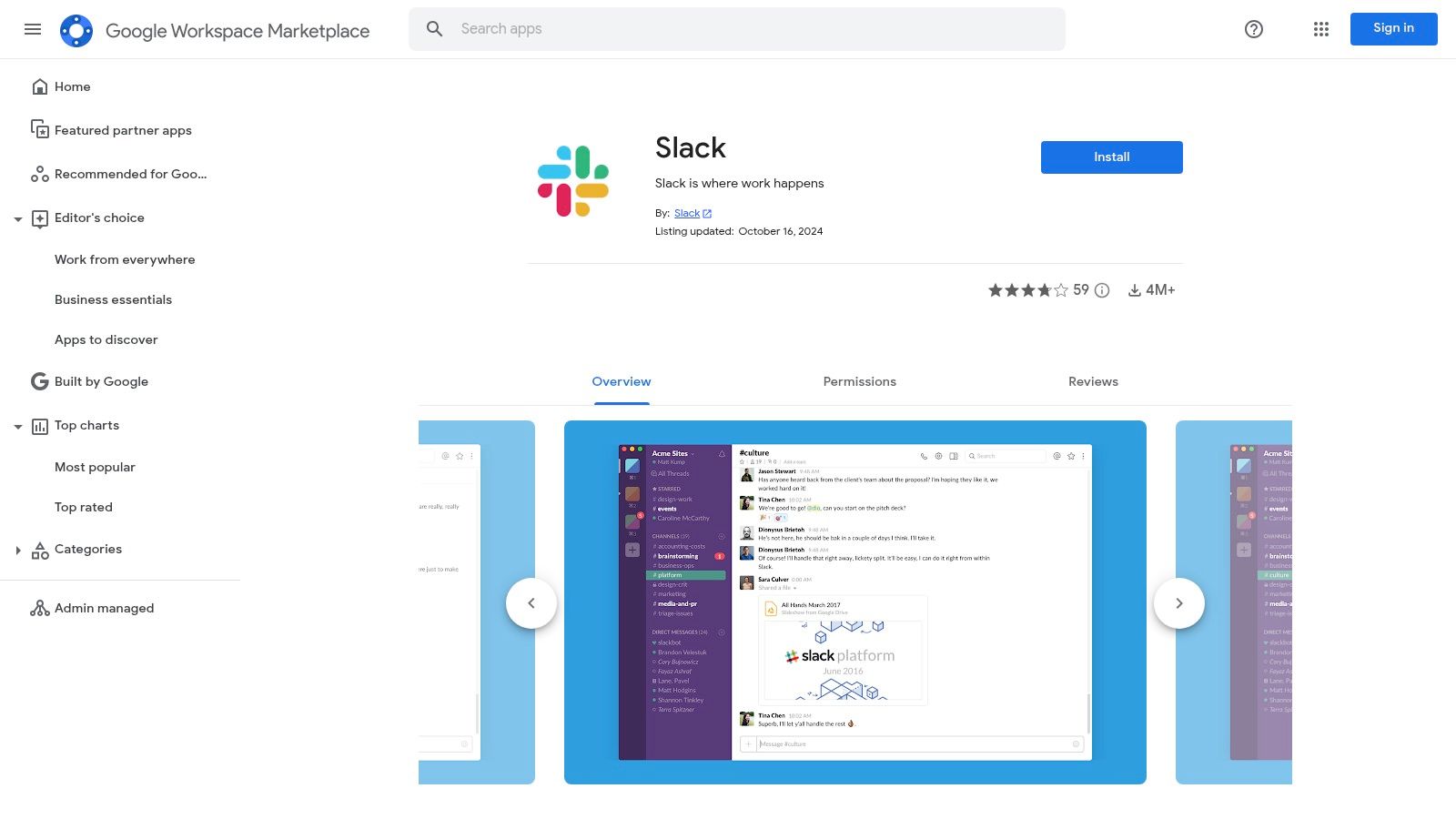
The primary advantage here is administrative control. An admin can install the Slack integration for their entire organization, pre-approving the necessary permissions for Google Drive file previews or Google Calendar notifications in Slack channels. While the listing itself is free to install, the functionality relies on having appropriate Google Workspace and Slack subscription plans. This marketplace is less a discovery tool for new apps and more a governance and deployment platform for a core set of pre-existing, official integrations.
Core Features and Use Cases
- Domain-Wide Deployment: Admins can install and configure the Slack integration for all users in their organization with a single action, streamlining setup.
- Centralized Permission Management: Permissions for Google Drive, Calendar, and other Google services are managed within the familiar Workspace admin console.
- Official Integration Hub: Provides a single, trusted source for the official Slack for Google Workspace add-ons, complete with user reviews and version history.
- Use Case: A system administrator can use the Workspace Marketplace to enable Google Drive file previews in Slack for the entire company, ensuring consistent functionality and security compliance without requiring individual user action.
9. Salesforce (Slack integration hub)
For organizations deeply embedded in the Salesforce ecosystem, the official Salesforce integration hub is the definitive resource for connecting their CRM with Slack. This central portal provides documentation, guides, and access to the first-party apps that integrate with Slack, including Sales Cloud, Service Cloud, and Marketing Cloud. It serves as the primary source of truth for deploying and managing these powerful, officially supported connections.
Unlike third-party connectors, these integrations are built and maintained directly by Salesforce and Slack, ensuring seamless performance, security, and alignment with new platform features. The hub guides administrators through enterprise-level rollouts, covering everything from initial setup to managing permissions and navigating potential legacy packages. It's the go-to starting point for sales or service teams looking to bring CRM data and workflows directly into their communication channels.
Core Features and Use Cases
- First-Party Integrations: Access official, secure apps for Sales Cloud, Service Cloud, and other Salesforce products, all installed via the Slack Marketplace.
- Admin-Focused Guidance: Provides clear, step-by-step instructions for enterprise-wide deployment, including notes on deprecated packages and required Salesforce editions.
- In-Slack Record Management: Users can search for, preview, update, and receive alerts on Salesforce records like opportunities and cases without leaving Slack.
- Use Case: A sales team can set up a channel where new high-value leads from Salesforce automatically post as alerts, allowing reps to instantly collaborate on a strategy within a Slack thread.
10. Zendesk Marketplace
For teams where customer support and engineering workflows are tightly coupled, the Zendesk Marketplace is a crucial resource for finding apps that integrate with Slack. This platform is Zendesk’s official app directory, featuring a curated collection of official and third-party integrations designed to bring support ticket management directly into Slack. It allows teams to reduce context switching by handling support tasks like creating, updating, and receiving notifications on tickets without leaving their communication hub.
The primary value of the Zendesk Marketplace is its focus on streamlining help desk and IT support operations. Engineering teams can receive instant alerts in a dedicated channel when a high-priority bug is reported, allowing for faster response times. The app listings provide clear installation steps, screenshots, and pricing information, though many integrations require an existing Zendesk subscription. By enabling two-way sync, it ensures that conversations and status updates in Slack are reflected back in Zendesk, maintaining a single source of truth for every ticket.
Core Features and Use Cases
- Two-Way Ticket Sync: Create, update, and comment on Zendesk tickets from within Slack, with all actions synchronized back to Zendesk.
- Targeted Real-Time Notifications: Configure rules to send alerts to specific Slack channels based on ticket priority, group, or type.
- Answer Bot Integration: Allow users to resolve common issues directly in Slack by interacting with Zendesk’s AI-powered Answer Bot.
- Use Case: An SRE team can set up an integration to pipe all P1 incident tickets from Zendesk into their
#incidentsSlack channel, enabling immediate visibility and collaboration to resolve critical issues faster.
11. Shopify App Store
For teams operating in the e-commerce space, the Shopify App Store is a valuable resource for finding specialized apps that integrate with Slack. While not a general-purpose directory, it offers a curated collection of integrations designed to connect a Shopify storefront directly to a team's workspace. These apps are built to provide real-time commerce notifications for orders, refunds, inventory changes, and customer support inquiries, making them invaluable for operations and fulfillment teams.
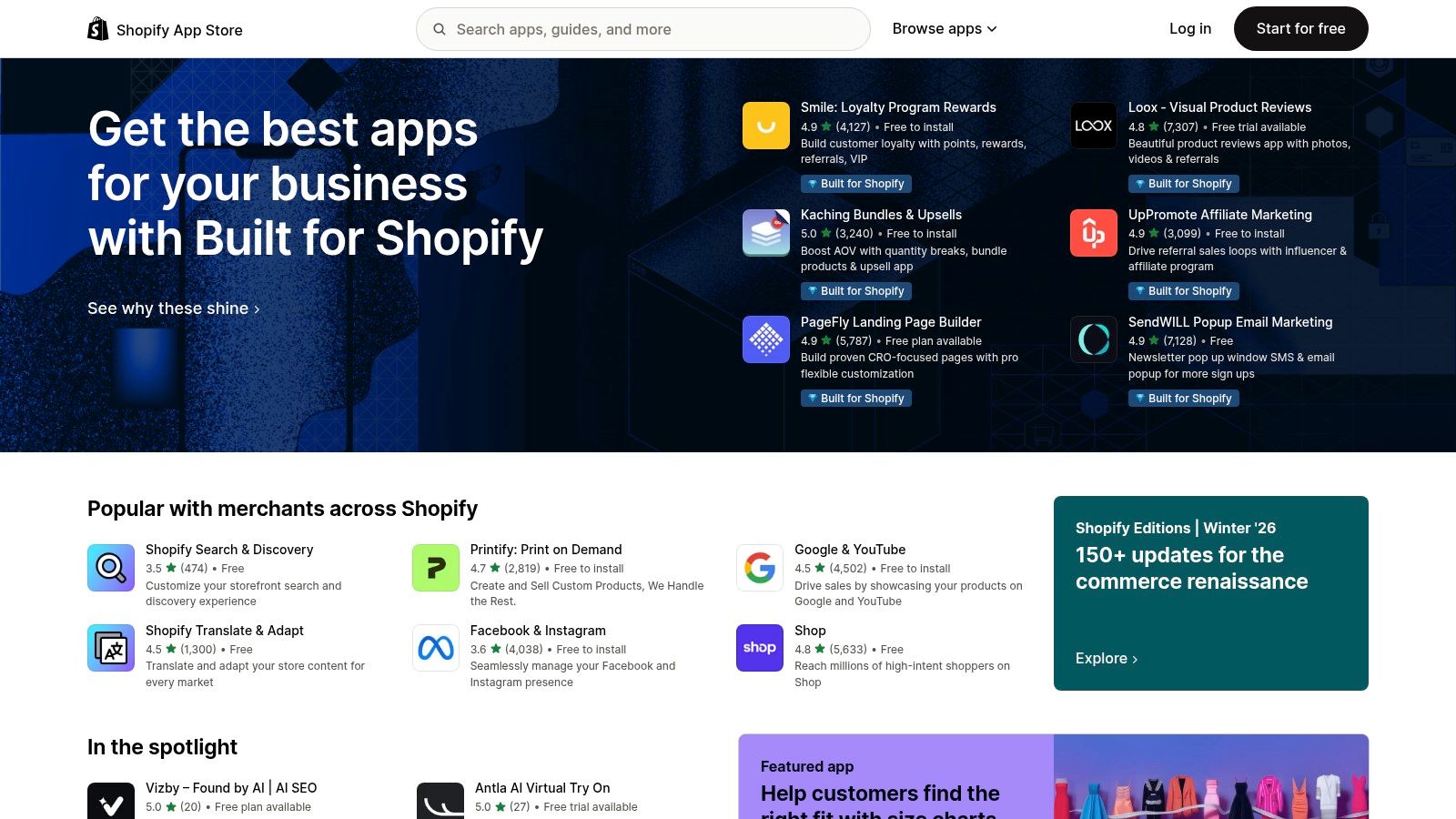
The primary advantage of using this platform is its direct integration with the Shopify ecosystem. Installation is handled within the Shopify admin dashboard, creating a seamless setup process for store owners. Most apps listed provide clear pricing, often with free trials, allowing teams to test functionality before committing. While its utility is highly specific to Shopify merchants, it solves a critical business need by piping crucial storefront alerts into the communication tool where teams are already working.
Core Features and Use Cases
- Commerce-Focused Alerts: Apps are specifically designed to send notifications for new orders, inventory levels, high-risk orders, and customer messages.
- Direct Shopify Installation: Integration is managed from the Shopify admin panel, simplifying the setup for non-technical users.
- Pricing Transparency: Most listings clearly state their subscription costs and trial periods, unlike some broader app directories.
- Use Case: An e-commerce operations team can configure an app to send an alert to a
#fulfillmentchannel whenever an order over $500 is placed, ensuring high-value orders receive immediate attention.
12. AWS Marketplace
For engineering teams deeply embedded in the Amazon Web Services ecosystem, the AWS Marketplace serves as a specialized procurement hub for finding apps that integrate with Slack. Rather than a general-purpose app store, it features SaaS solutions specifically designed for cloud operations, security, and monitoring that pipe AWS events directly into Slack. This platform is ideal for DevOps and SRE teams looking to standardize tooling and consolidate billing through their existing AWS accounts.
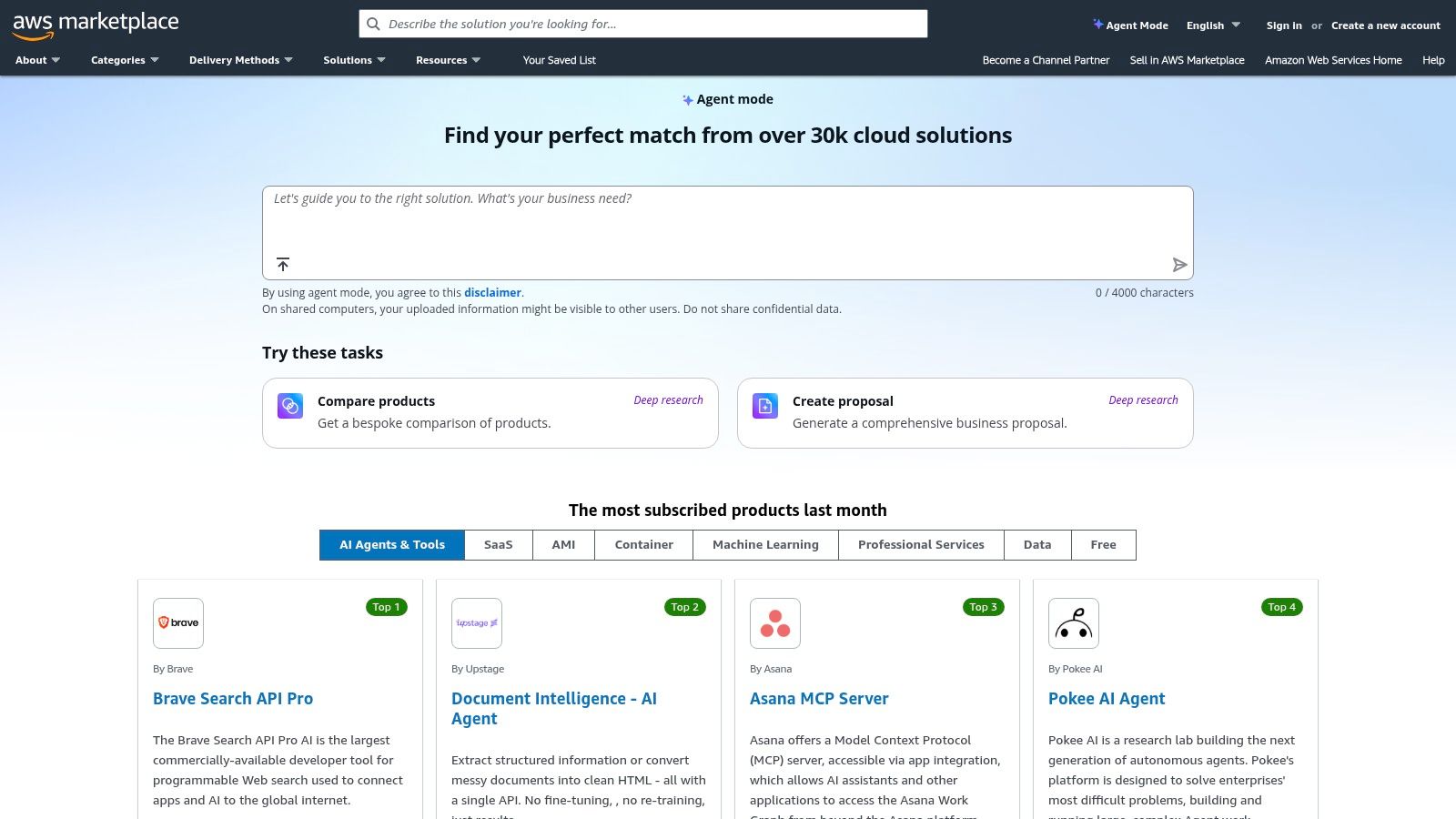
The primary advantage of using the AWS Marketplace is its seamless integration with enterprise procurement workflows. Subscriptions to tools like marbot, which provides critical AWS alerts in Slack, can be managed and paid for directly via your AWS bill. The marketplace also lists official AWS tools, such as the AWS Support App for Slack, with clear documentation. While its catalog is narrowly focused on AWS-centric solutions, it offers a trusted and efficient way for teams to acquire and deploy vetted operational tools.
Core Features and Use Cases
- Centralized Procurement: Consolidate software subscriptions into a single AWS bill, simplifying budget management and vendor onboarding for finance and engineering leaders.
- Vetted SaaS for AWS: Discover third-party tools purpose-built to monitor AWS services (like EC2, Lambda, or RDS) and deliver alerts to Slack channels.
- Official AWS Integrations: Find and deploy official apps like the AWS Support App, which allows teams to create and manage support cases without leaving Slack.
- Use Case: An SRE team can browse the marketplace, start a free trial for a security monitoring tool, and, upon approval, purchase a full subscription that is automatically billed to their company's main AWS account, bypassing lengthy procurement cycles.
12 Slack Integration Sources Compared
| Integration | Core features (✨) | UX / Quality (★) | Pricing / Value (💰) | Target audience (👥) | USP / Notes (🏆/✨) |
|---|---|---|---|---|---|
| PullNotifier 🏆 | In‑place PR updates, routing rules, monorepo, sprint tracking ✨ | ★4.8 — low‑noise, fast setup | Free (under 4 devs); 14‑day trial; paid plans 💰 | 👥 Devs, team leads, enterprises | 🏆 Recommended — cuts review delays up to 90%; enterprise self‑host/DPA options |
| Slack Marketplace | Curated app catalog, 1‑click installs, admin controls ✨ | ★ varies by app; strong governance | App pricing varies; marketplace lists scopes 💰 | 👥 Workspace admins, general teams | Official install path & admin governance |
| GitHub Marketplace | GitHub apps for PRs, commits, CI; install via GitHub ✨ | ★ developer‑centric; verified publishers | Mix of free & paid dev tools 💰 | 👥 Dev teams, DevOps | Focused on engineering workflows & verified publishers |
| Atlassian Marketplace | Jira/Confluence Slack apps; enterprise add‑ons ✨ | ★ mature ecosystem; vendor support | App pricing varies; enterprise listings 💰 | 👥 Atlassian product users | Deep Jira actions and in‑Slack issue workflows |
| Zapier | No‑code Zaps, 8,000+ connectors, templates ✨ | ★ fast prototyping; reliable UX | Task‑based pricing — can be costly at scale 💰 | 👥 PMs, ops, automation builders | Broadest third‑party coverage for quick automations |
| Make (Integromat) | Visual scenario editor, 40+ Slack modules, branching ✨ | ★ powerful; steeper learning curve | Free tier + paid tiers; scalable 💰 | 👥 Automation engineers, power users | Granular Slack control and branching logic |
| IFTTT | Curated applets, webhooks, quick connects ✨ | ★ simple & lightweight | Free/Pro; limits on advanced features 💰 | 👥 Personal users, small teams | Fastest path for simple alerts and personal automations |
| Google Workspace Marketplace | Drive/Calendar/Gmail Slack add‑ons, domain installs ✨ | ★ familiar for Workspace admins | Often free to install; dependent on Google plans 💰 | 👥 Google Workspace admins & teams | Domain‑wide deployment & Drive previews in Slack |
| Salesforce (Slack hub) | First‑party Slack integrations for CRM workflows ✨ | ★ enterprise‑grade for Salesforce users | May require specific Salesforce editions 💰 | 👥 Sales, support, CRM teams | Deep record previews, official Salesforce support |
| Zendesk Marketplace | Two‑way ticket sync, targeted notifications ✨ | ★ robust for support workflows | App pricing varies; may need Zendesk plan 💰 | 👥 Support & help‑desk teams | Surface support tickets and reduce context switching |
| Shopify App Store | Order/refund/inventory notifiers, templates ✨ | ★ commerce‑focused, clear listings | Low‑cost options & trials; listing pricing transparent 💰 | 👥 Merchants, ops, support | Quick storefront alerts without custom coding |
| AWS Marketplace | AWS‑centric Slack alerting SaaS, procurement ✨ | ★ good for SRE/DevOps on AWS | SaaS billing via AWS; trials available 💰 | 👥 DevOps/SRE teams standardizing on AWS | Centralized billing & AWS‑integrated alerting |
Building Your Ultimate Engineering Workflow in Slack
Navigating the expansive universe of apps that integrate with Slack can feel overwhelming, but the journey from a cluttered, notification-heavy workspace to an intelligent, automated command center is well worth the effort. As we've explored, the solution isn't to add more tools indiscriminately. Instead, the goal is to create a thoughtfully curated ecosystem where each app serves a distinct purpose, directly addressing the friction points in your engineering lifecycle.
The power of a well-integrated Slack workspace lies in its ability to centralize context and automate workflows. It transforms Slack from a simple communication tool into the central nervous system of your development process. By bringing critical updates from platforms like GitHub, Jira, and your CI/CD pipeline directly into the channels where your team collaborates, you eliminate the need for constant context switching. This preserves mental energy and allows engineers to maintain deep focus on complex problem-solving.
Key Takeaways for Your Integration Strategy
As you begin to build or refine your Slack-powered workflow, remember these core principles:
*   **Start with Pain Points, Not with Apps:** Before browsing any marketplace, identify your team's most significant bottlenecks. Are pull request reviews consistently slow? Is there a lack of visibility into deployment statuses? Are routine administrative tasks consuming valuable developer time? Let these problems guide your search for a solution.
*   **Prioritize Signal Over Noise:** The primary objective of integration is to surface *actionable* information, not to replicate every notification from every service. Be ruthless in configuring your apps. Use tools like PullNotifier to set up granular routing rules and platforms like Zapier to filter events before they hit a channel. A quiet channel with high-value alerts is infinitely more useful than a noisy one that gets ignored.
*   **Think in Workflows, Not Just Notifications:** The most impactful integrations do more than just announce an event; they enable an action. Look for apps that allow you to approve a deployment, create a follow-up task, or assign a bug directly from within Slack. This closes the loop and turns your communication hub into a true operational platform.
Actionable Next Steps for Implementation
Transforming your Slack workspace is an iterative process. Here’s a practical path forward:
- Conduct a Team Audit: Hold a brief meeting or send out a survey to your engineering team. Ask them: "What one task or process do you wish was faster or easier?" and "Which notifications do you find most distracting?" This will give you a clear, prioritized list of problems to solve.
- Choose One High-Impact Integration: Don't try to implement five new tools at once. Select one app from our list that addresses a top-priority pain point. For many engineering teams, streamlining the code review cycle with an app like PullNotifier is a perfect starting point, as it delivers immediate and measurable improvements to developer velocity.
- Configure, Test, and Gather Feedback: Set up the tool in a dedicated channel with a small group of pilot users. Configure it meticulously to match your team's specific workflow. After a week, gather feedback: Did it reduce noise? Did it speed up the process? What could be improved?
- Iterate and Expand: Use the feedback to refine your configuration. Once the first integration is a proven success, move on to the next pain point on your list. A gradual, feedback-driven approach ensures high adoption and prevents your team from feeling overwhelmed by change.
Ultimately, the most effective set of apps that integrate with Slack is the one that feels invisible. It's the one that just works, silently removing obstacles and enabling your engineers to focus their talent and energy on what they do best: building exceptional software. Your Slack workspace can and should be your team's most powerful productivity asset.
Ready to conquer pull request bottlenecks and eliminate notification fatigue? PullNotifier provides the precise, configurable routing and intelligent reminders your engineering team needs to streamline code reviews directly within Slack. Start your free trial at PullNotifier and see how a purpose-built integration can transform your development workflow today.