- Published on
The 12 Best Slack Integrations for Engineering Teams in 2025
- Authors

- Name
- Gabriel
- @gabriel__xyz
Slack is the digital headquarters for countless engineering and product teams, but its true power lies in its ecosystem of integrations. The right apps can transform a simple chat tool into a powerful command center for your entire development lifecycle, from code reviews and CI/CD pipelines to incident response and user feedback. However, a poorly chosen integration can quickly flood your channels with noise, creating more distractions than solutions. The challenge isn't just finding apps, it's finding the right ones that genuinely streamline workflows.
This guide cuts through the clutter. We've compiled a curated list of the best Slack integrations specifically for technical teams. Forget generic feature lists; we'll dive into practical use cases, setup tips, honest limitations, and pricing considerations for each tool. Understanding what is business process automation and its benefits can help you identify key areas where these integrations can make a significant impact.
Our goal is to help you build an efficient, highly integrated Slack workspace that minimizes context switching and maximizes productivity. Each recommendation includes screenshots and direct links to get you started immediately. We'll even highlight our top pick for a common engineering pain point: managing pull request notifications.
1. PullNotifier
Best For: Streamlining GitHub Pull Request Notifications
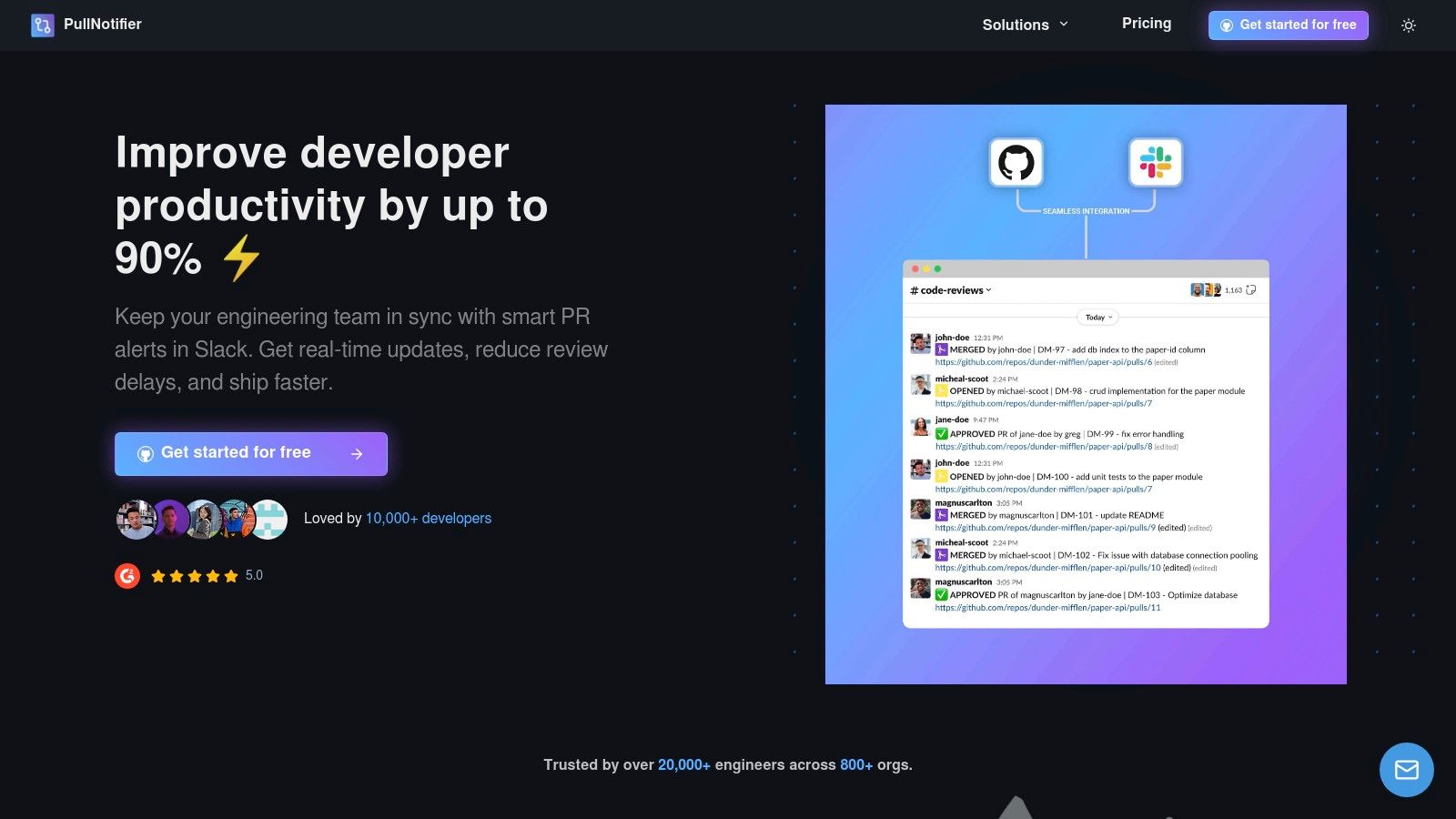
PullNotifier stands out as one of the best Slack integrations for engineering teams by solving a critical, universal problem: noisy, inefficient pull request notifications. It replaces the chaotic default GitHub integration with a clean, consolidated, and highly intelligent system. Instead of spamming a channel with multiple updates for a single PR, PullNotifier posts one message and updates it in place as the status changes, creating a single source of truth and a significantly quieter channel.
This focus on noise reduction is its core strength. Teams can dramatically improve signal-to-noise ratio, ensuring that important PR updates are seen and acted upon quickly. Its sophisticated routing rules are a major differentiator, allowing granular control over where notifications are sent based on repository, labels, authors, or reviewers. This makes it ideal for complex workflows, including monorepos where different teams need visibility into specific parts of the codebase.
Key Strengths & Use Cases
*   **Noise Reduction:** By consolidating all PR status changes (comments, approvals, checks) into a single, dynamically updated Slack thread, it keeps development channels clean and actionable. This prevents important requests from getting buried.
*   **Intelligent Routing:** Configure precise rules to map repositories, or even specific code paths within a monorepo, to the correct Slack channels. You can route PRs based on labels (`#bug`, `#feature`) or team assignments, ensuring the right people are notified instantly.
*   **Automated Reviewer Mentions:** Automatically tag the assigned reviewers in the Slack notification, eliminating the manual step of chasing down teammates and accelerating the start of the code review cycle.
*   **Security-First Design:** It operates with a minimal permission model that does not require access to your source code or private Slack messages, a critical consideration for enterprise security teams. A DPA is available, and GitHub Enterprise Server can be supported with dedicated or self-hosted options.
Implementation and Pricing
Setup is designed to be quick, typically taking only a few minutes to connect GitHub and Slack and configure your first notification rules. The user interface is straightforward, guiding you through repository selection and channel mapping.
*   **Pricing:** A free tier is available for small teams (under four developers), and a 14-day free trial is offered for larger teams. Custom pricing for larger organizations is available upon request.
*   **Website:** [https://pullnotifier.com](https://pullnotifier.com/?utm_source=blog&utm_medium=referral&utm_campaign=the-12-best-slack-integrations-for-engineering-teams-in-2025)
PullNotifier has proven its value by helping teams cut review delays significantly. For a deeper dive into its impact, you can learn more about how its GitHub-Slack integration improves code reviews.
| Feature Analysis | Details |
|---|---|
| Primary Use Case | Reducing notification noise and accelerating pull request review cycles for engineering teams using GitHub and Slack. |
| Standout Feature | In-place message updates and highly customizable routing rules that cater to complex team structures and monorepos. |
| Security Model | Minimal permissions required. No access to source code or Slack messages. DPA, dedicated hosting, and self-hosting options available for enterprise. |
| Limitations | Natively supports only the GitHub and Slack ecosystem. Pricing for larger teams is not publicly listed and requires a sales inquiry. |
2. Slack App Directory (Slack Marketplace)
The official Slack App Directory, or Marketplace, is the foundational starting point for any team looking to expand Slack's capabilities. It serves as a secure, centralized hub where you can discover, install, and manage over 2,600 applications. For engineering and product teams, this is the most reliable source for finding the best Slack integrations, from developer tools like GitHub and Jira to project management apps like Asana and Trello.
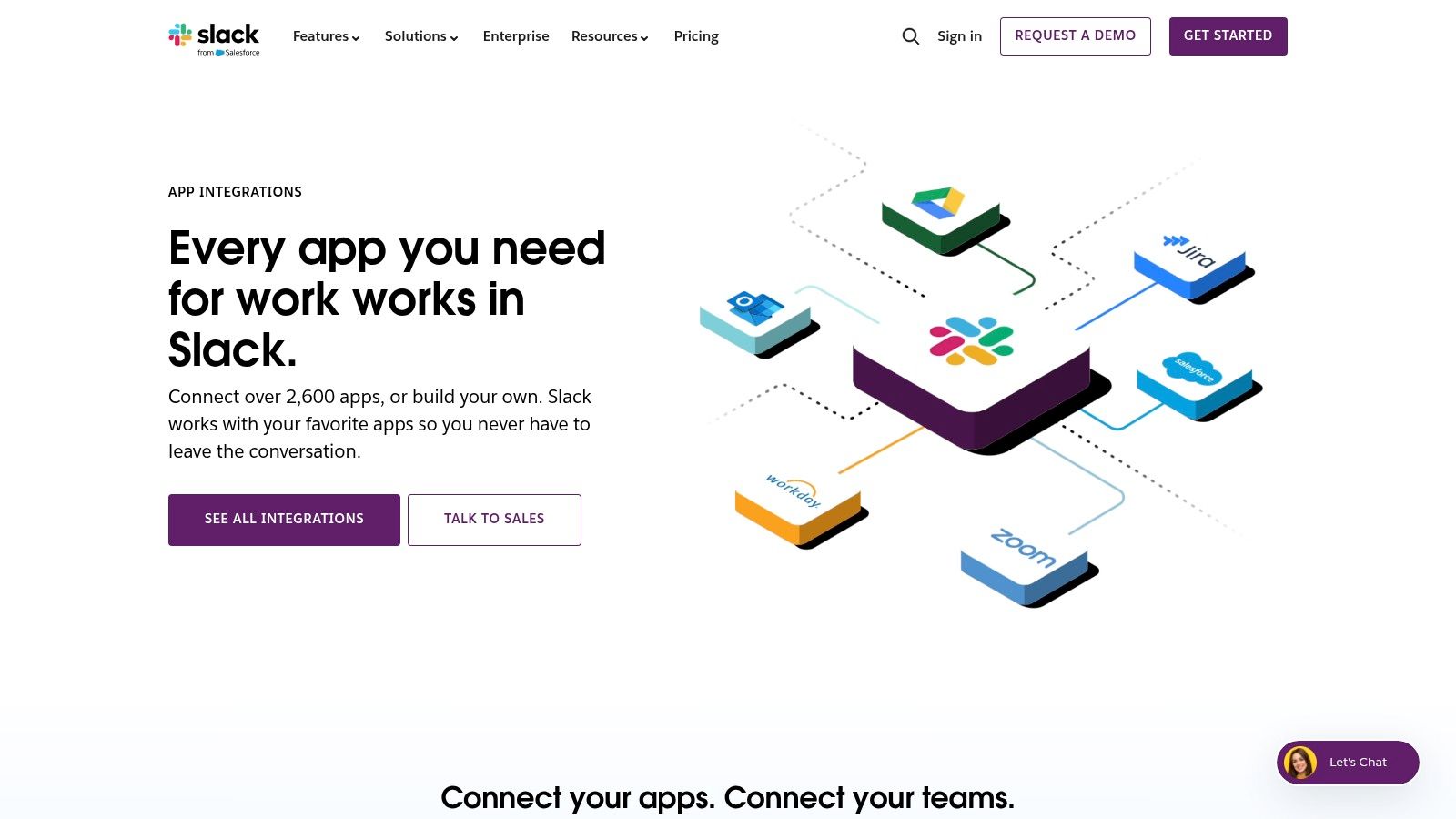
The primary advantage is its seamless and secure "Add to Slack" installation process, which is tightly integrated with Slack's native authentication and permissions system. The platform excels at providing clear governance and admin controls, allowing workspace owners to manage app requests and permissions effectively.
Key Features & Considerations
- Vast Selection: The broadest, most up-to-date collection of Slack-ready apps.
- Centralized Management: Admins can view and control all installed apps from one dashboard.
- Developer Resources: Provides direct access to documentation for building custom apps and using Workflow Builder.
While the directory is unparalleled for discovery, its editorial depth is limited; you won't find deep comparative analysis. Often, you are redirected to third-party sites for detailed pricing and feature lists.
- Website: Slack App Directory
3. Zapier — Slack Integrations Catalog
Zapier’s integration catalog is a powerful no-code automation marketplace designed to connect Slack with over 8,000 other applications. For engineering teams, this platform is ideal for rapidly prototyping and deploying custom workflows without writing code. You can easily find and configure the best Slack integrations to bridge communication gaps, such as automatically posting new customer support tickets from Zendesk into a specific Slack channel or creating a Jira issue from a saved message.
The core advantage of Zapier lies in its extensive library of pre-built automation templates, known as "Zaps". These templates provide a visual, step-by-step builder that allows you to link triggers (like a new GitHub commit) with actions in Slack (like sending a channel notification). This approach is perfect for automating repetitive tasks and streamlining processes across different tools. If you want to learn more about how to automate repetitive tasks for better productivity, Zapier offers a practical starting point.
Key Features & Considerations
- Pre-built “Zaps”: A vast library of templates for common Slack automations.
- Visual Builder: An intuitive, no-code interface with audit trails and enterprise controls.
- Extensive Triggers/Actions: Deep integration with Slack features like DMs, mentions, and reactions.
While Zapier excels at quick setup and broad app coverage, its usage-based pricing can become costly for high-volume automations. It is also less suited for building highly complex, conversational bots that require advanced chat UX.
- Website: Zapier — Slack Integrations
4. Make (formerly Integromat) — Slack Integration
Make is a powerful visual integration platform (iPaaS) designed for building complex, multi-step automations. For engineering and operations teams, its deep Slack integration allows for the creation of sophisticated workflows that go far beyond simple notifications. You can design intricate scenarios involving data mapping, conditional logic (branching), and robust error handling directly within its visual editor.
Unlike simpler tools, Make provides granular control over Slack actions, such as editing messages, adding reactions, or managing channel operations programmatically. This makes it one of the best Slack integrations for custom operational alerts, data processing pipelines that report into Slack, or interactive bots that require more than basic if-then logic. The platform’s strength lies in its flexibility for handling detailed, process-oriented automations.
Key Features & Considerations
- Deep Slack Actions: Granular control to post, watch, edit messages, add reactions, and manage channels.
- Visual Scenarios: Build complex flows with routers, iterators, and custom error handling modules.
- Large Template Gallery: Start quickly with pre-built scenarios for common engineering and ops use cases.
While Make is exceptionally powerful for technical users, its advanced scenarios have a steeper learning curve compared to more linear automation tools. Pricing is based on the volume of operations executed, so high-frequency workflows can become costly. A generous free plan is available to start.
- Website: Make - Slack Integration
5. Workato — Slack Connector and Workbot for Slack
Workato is an enterprise automation platform that elevates Slack from a communication tool to an interactive command center. It offers a powerful Slack connector and its "Workbot" to build sophisticated, button-rich workflows. For engineering teams needing secure and interactive automations like approvals, data lookups, or ticket creations directly within Slack, Workato provides one of the best Slack integrations for complex, enterprise-grade needs.
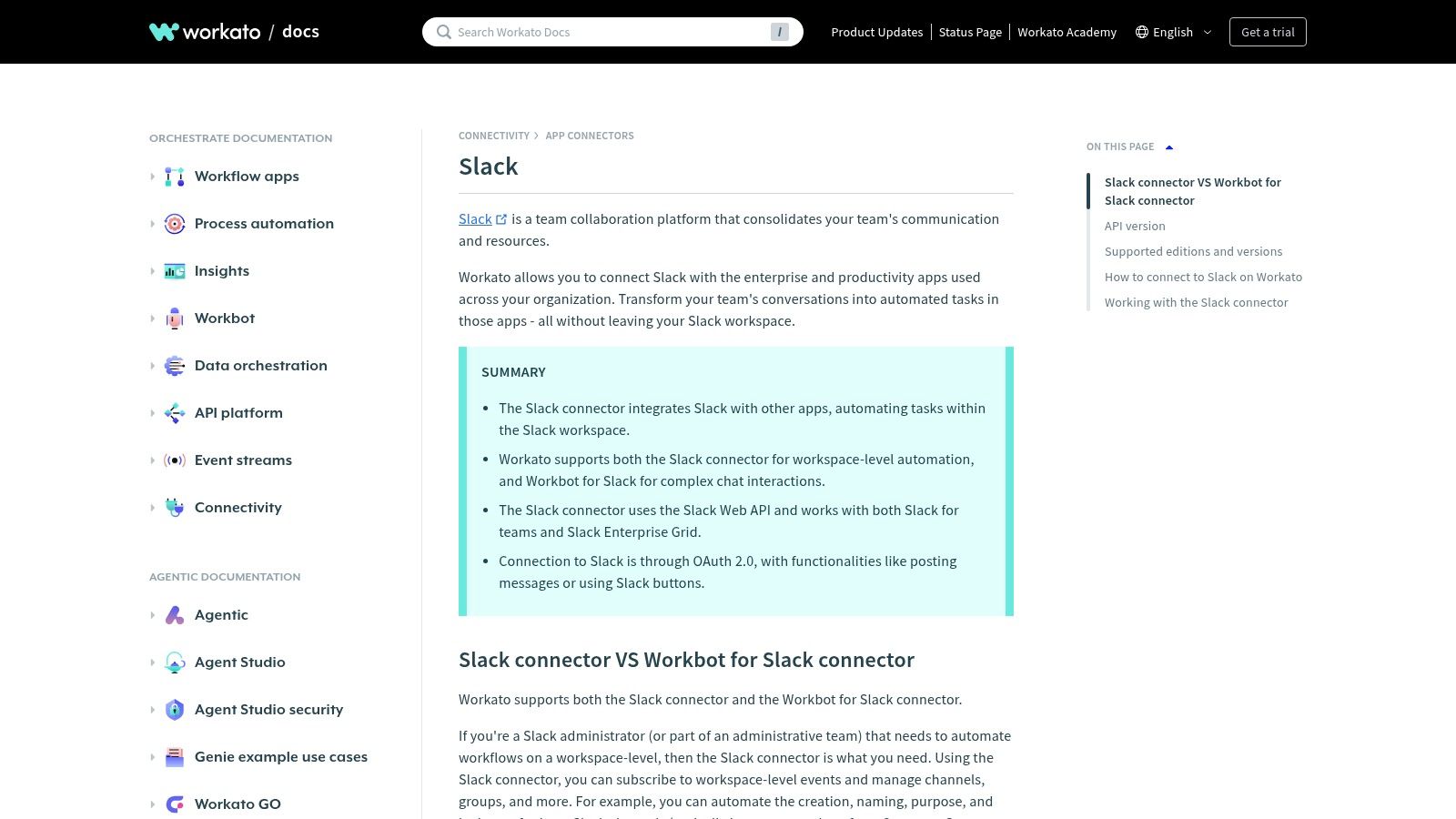
Unlike simpler trigger-action tools, Workato allows developers to build interactive Slack apps with modals and buttons, enabling complex, multi-step processes like IT helpdesk requests or HR onboarding tasks. It’s designed for organizations with strict governance and security requirements, offering robust features like OAuth 2.0 authentication and full support for Slack Enterprise Grid.
Key Features & Considerations
- Workbot: Build custom, interactive Slack applications for chatops and approvals without extensive coding.
- Enterprise-Grade: Focuses on security, governance, and scalability for large deployments.
- Interactive UX: Supports advanced Slack UI elements like modals and buttons for a richer user experience.
The platform comes with a steeper learning curve and a higher price point than SMB-focused alternatives, reflecting its enterprise focus. However, for organizations that need powerful, governed, and highly interactive chat experiences, the investment is justified by its advanced capabilities.
6. Microsoft Power Automate — Slack Connector
For organizations deeply embedded in the Microsoft ecosystem, the Slack connector for Power Automate provides a powerful bridge between worlds. It allows teams to build complex, automated workflows that connect Slack with Microsoft 365, Azure, and Dynamics 365 services. This platform is an excellent choice for engineering teams that need to standardize their automation using Microsoft’s robust identity, governance, and regional infrastructure.
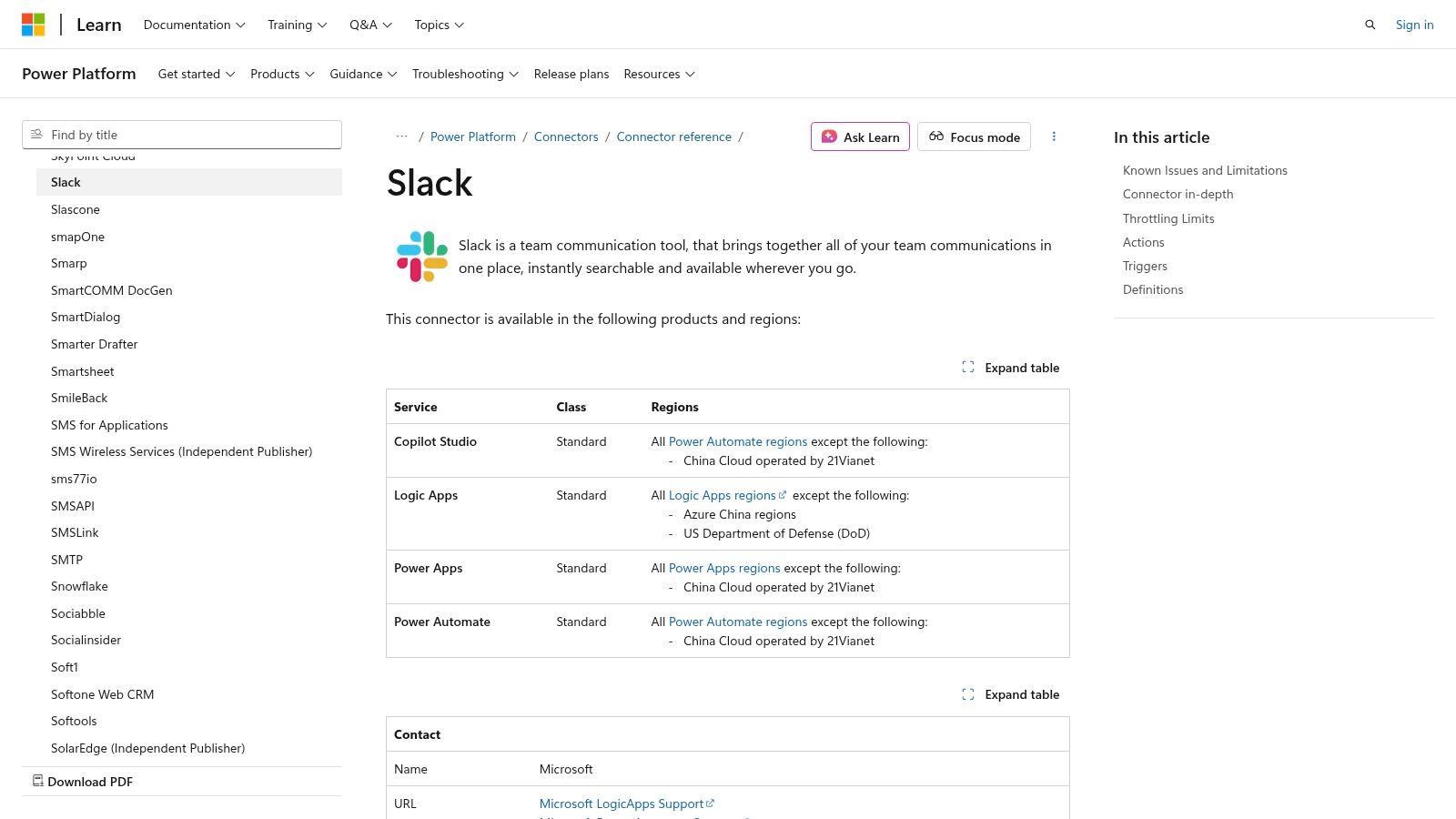
The primary advantage is its native integration within the broader Microsoft automation suite, including Power Apps and Logic Apps. This allows developers to trigger Slack actions from Microsoft events (like a new SharePoint file) or vice versa, creating some of the best Slack integrations for enterprise-level process automation without leaving their preferred toolset.
Key Features & Considerations
- Microsoft Ecosystem Integration: Triggers and actions are available across Power Automate, Power Apps, and Logic Apps.
- Enterprise Governance: Leverages existing Microsoft identity and compliance patterns for secure data flows.
- Cross-Platform Workflows: Seamlessly combine Slack notifications with data and processes from Azure, SharePoint, and more.
While the connector is a native fit for Microsoft-centric IT stacks, it has some API limitations compared to using Slack's native features directly. Licensing is also a key factor, as costs are tied to Microsoft plans and vary based on the number of flow runs.
7. Google Workspace Marketplace — Slack for Gmail Add-on
For teams transitioning from email-heavy workflows, the official Slack for Gmail add-on is an essential bridge. Available directly from the Google Workspace Marketplace, it allows users to push critical emails and their attachments directly into any Slack channel or direct message. This is perfect for engineering and product teams that need to triage external bug reports, forward client feedback, or move important partner communications into a collaborative Slack thread for discussion.
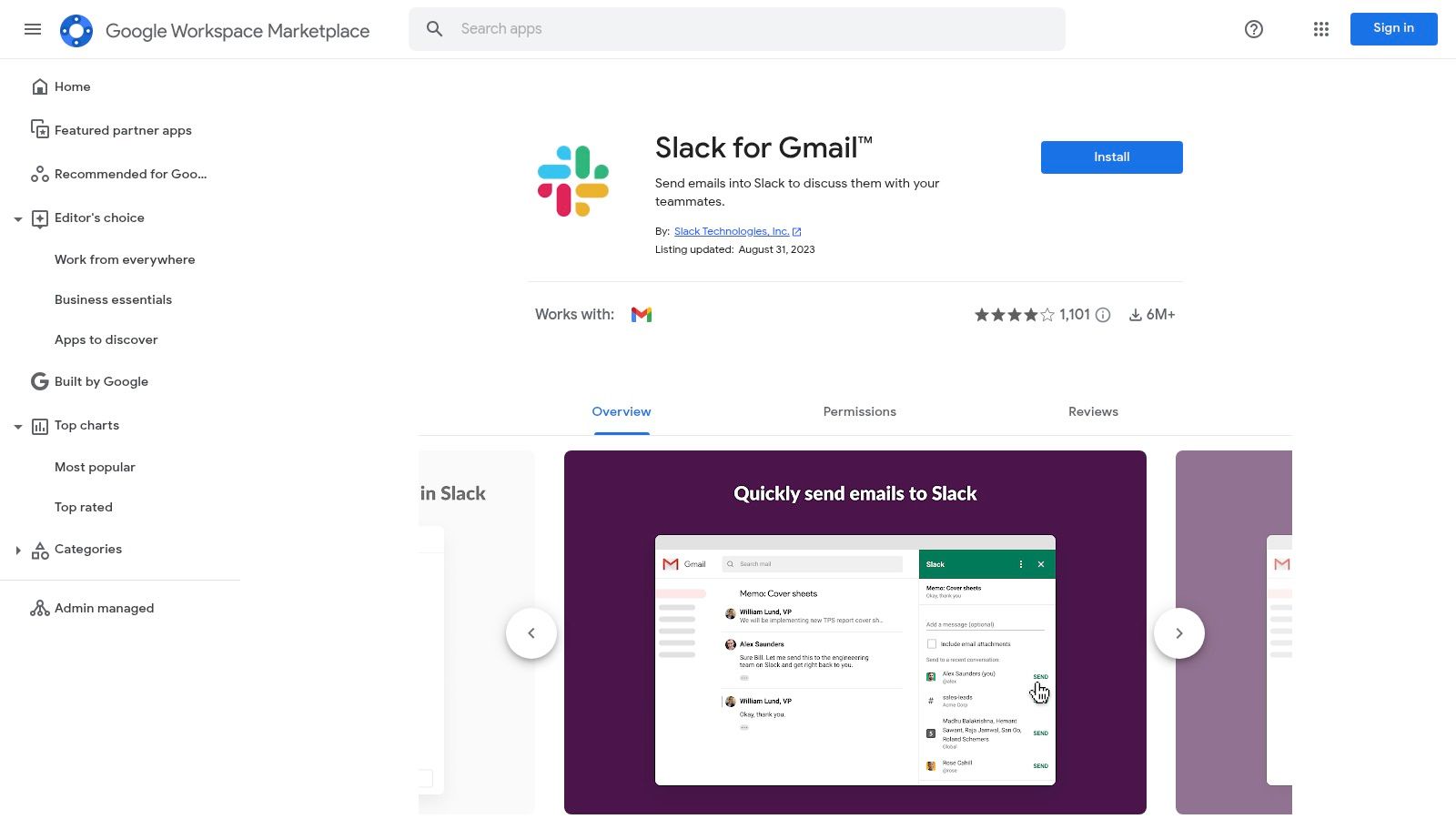
The add-on's primary strength is its simplicity and official support from both Slack and Google. Installation is straightforward, and admins can easily roll it out organization-wide. It serves as a simple yet powerful tool for bringing external context into your internal communication hub, making it one of the best Slack integrations for unifying disparate communication streams.
Key Features & Considerations
- Direct Email Forwarding: Send any email message, including attachments, to a specific Slack channel or user.
- Admin-Managed Distribution: Centralized rollout and management through the Google Workspace admin console.
- Seamless User Experience: Integrated directly into the Gmail interface for quick and easy access.
While incredibly useful for manual handoffs, this is a single-purpose tool. It is not an automated ticketing system and relies on individual user action to forward emails. It excels at bringing specific conversations into Slack but doesn't replace a dedicated helpdesk or intake platform.
8. GitHub + Slack (Official)
As the cornerstone of modern software development workflows, the official GitHub + Slack app is an indispensable tool for engineering teams. It brings repository activity directly into your Slack channels, ensuring everyone stays updated on pull requests, issues, commits, and deployments. For teams looking for the best Slack integrations to streamline their development lifecycle, this free and officially supported app is the most logical first step.
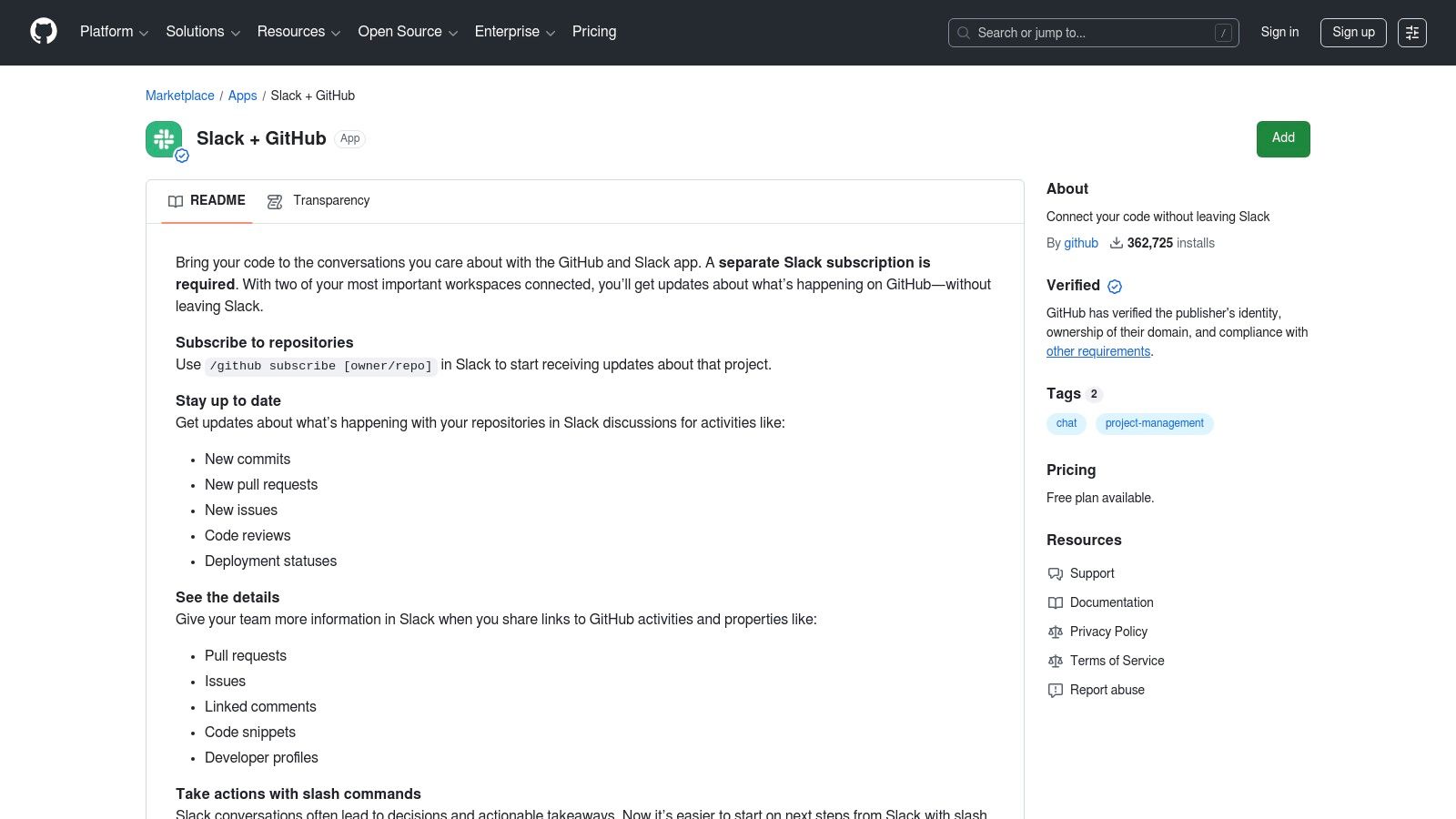
The integration’s power lies in its simplicity and directness. Using slash commands like /github subscribe owner/repo, you can instantly pipe crucial notifications into relevant channels. It also enriches conversations by automatically unfurling GitHub links to provide context on PRs and issues. For users less familiar with the platform, understanding the core features of GitHub Pages can provide a solid foundation before diving into its Slack integration possibilities. You can learn more about configuring the GitHub app for Slack to optimize your team's workflow.
Key Features & Considerations
- Real-Time Repository Events: Subscribe channels to get immediate notifications for PRs, issues, commits, and more.
- Actionable Commands: Use slash commands to open, close, and comment on issues and PRs directly from Slack.
- Rich Link Previews: Automatically unfurls GitHub links, providing valuable context without leaving your conversation.
While the official app is robust and free, it can become noisy in highly active repositories if not configured carefully with filters. It also lacks some of the advanced routing and custom notification logic found in specialized third-party tools.
- Website: GitHub + Slack (Official)
9. Atlassian Marketplace — Jira Cloud for Slack (Official)
For teams embedded in the Atlassian ecosystem, the official Jira Cloud for Slack integration is a non-negotiable tool. Found on the Atlassian Marketplace, it directly connects your project management hub with your communication platform, ensuring critical issue updates are never missed. This integration is one of the best Slack integrations for engineering and product teams, as it allows users to create, update, and comment on Jira issues without ever leaving their Slack channels.
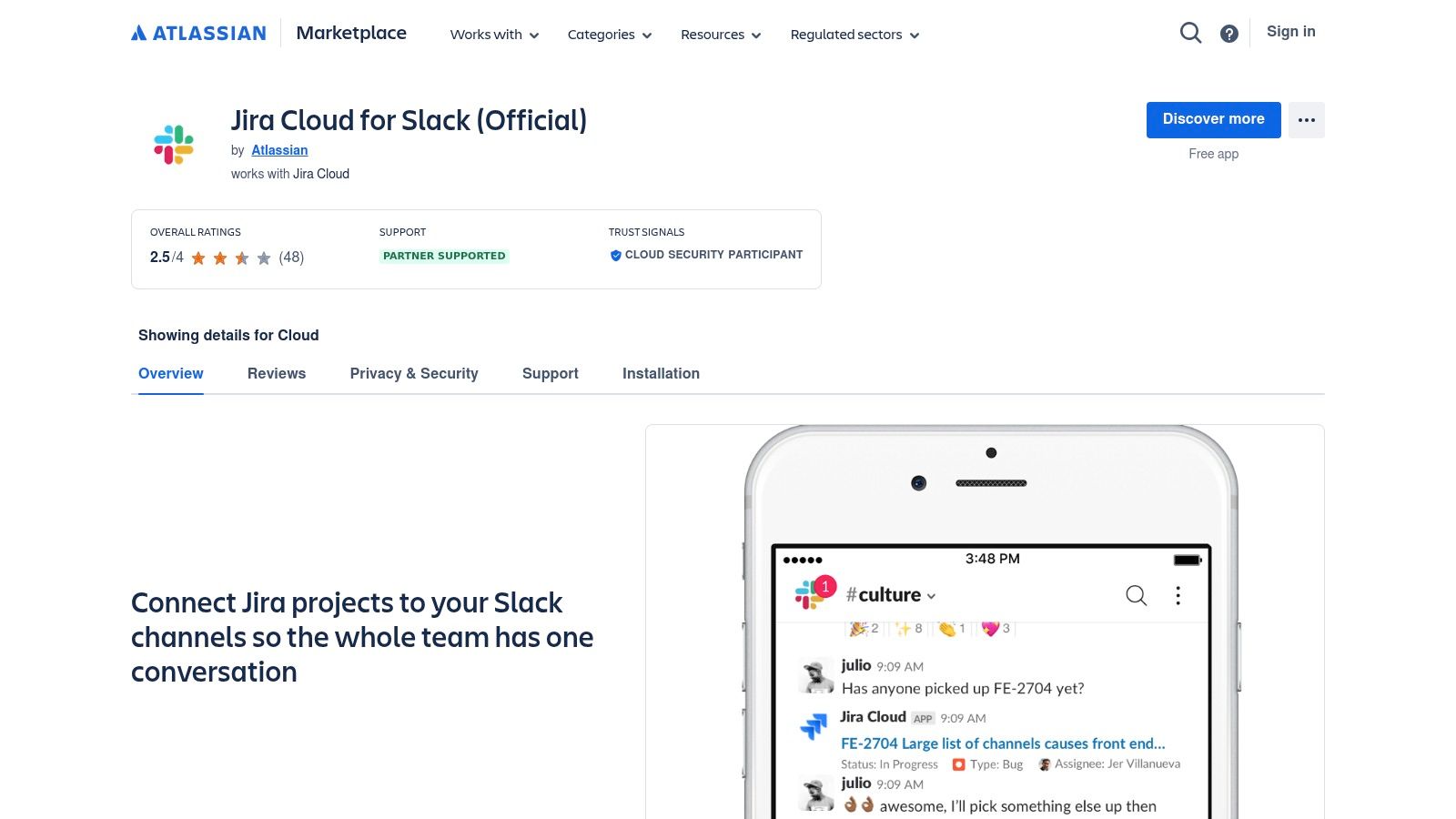
The app’s primary strength is its direct, official support from Atlassian, guaranteeing reliability and a straightforward setup process. It uses slash commands and the dedicated @Jira bot to provide a seamless user experience, reducing context switching and speeding up handoffs between team members. This direct line into Jira streamlines workflows by pushing real-time notifications about issue transitions, comments, and new assignments.
Key Features & Considerations
- Deep Jira Integration: Create issues, assign tasks, and transition tickets with simple commands directly in Slack.
- Channel-Level Filtering: Configure detailed filters for each channel to ensure only relevant notifications are posted, which is crucial for reducing noise in complex projects.
- Official Support: Maintained and updated by Atlassian, ensuring compatibility and stability with Jira Cloud.
While it is the standard for Jira Cloud users, it does not support Jira Data Center or Server instances, which require different solutions. Effective use also depends on thoughtful filter configuration; otherwise, channels can quickly become overwhelmed with notifications.
10. Product Hunt — Slack Topic Collections
For teams on the lookout for emerging and innovative tools, Product Hunt's Slack topic is an invaluable discovery platform. It aggregates new and trending Slack apps, bots, and integrations, providing a real-time view of what's gaining traction in the community. This makes it one of the best Slack integrations discovery resources for engineering teams wanting to find cutting-edge solutions before they become mainstream.
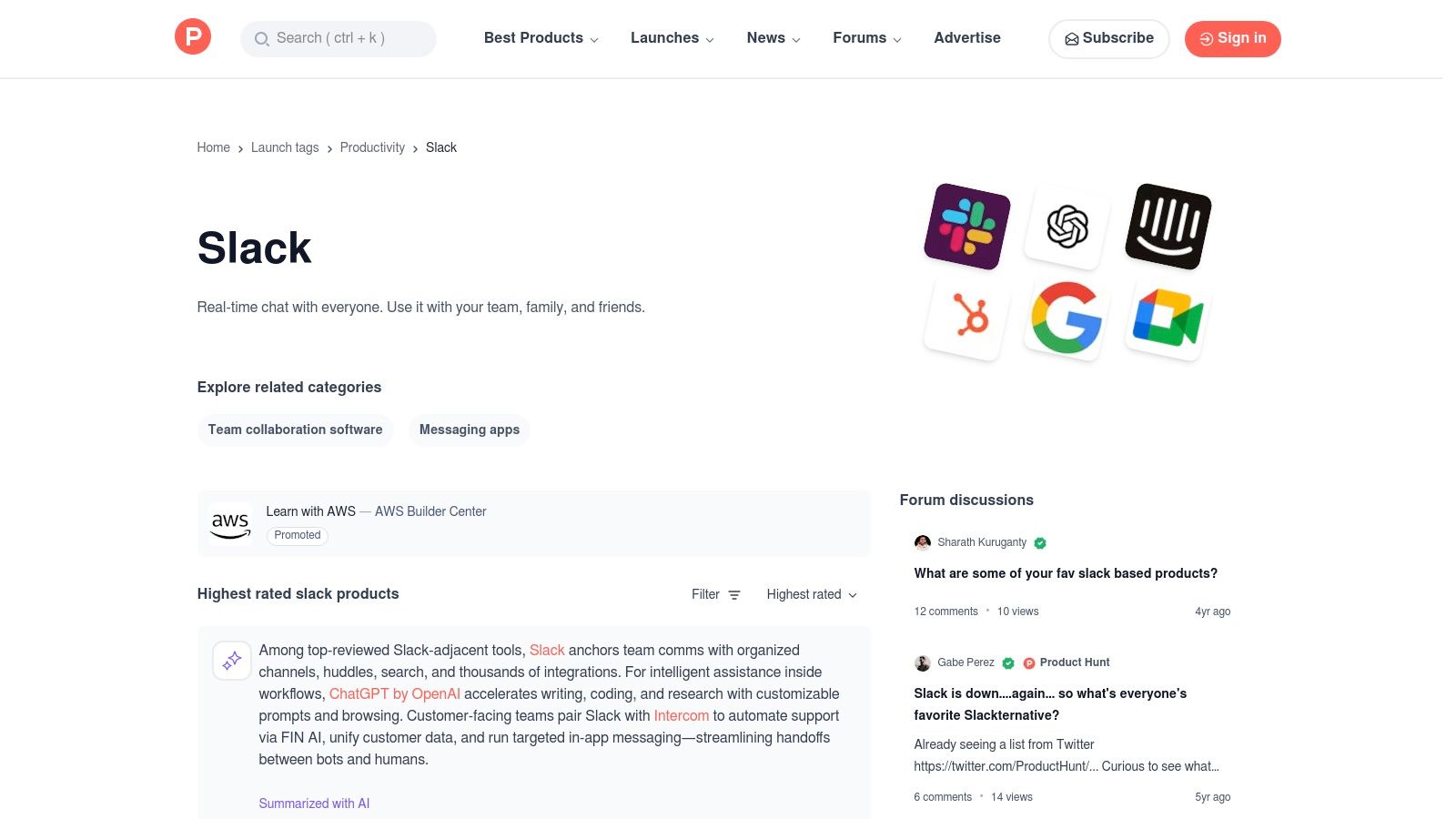
Unlike a formal marketplace, Product Hunt thrives on social proof. The value comes from genuine user upvotes, comments from early adopters, and direct engagement with the product makers. This community-driven curation helps surface unique tools that might not yet be listed on the official Slack App Directory.
Key Features & Considerations
- Trend Spotting: Ideal for discovering brand-new Slack tools and startups on their launch day.
- Social Proof: Upvotes, user reviews, and comments provide authentic, community-vetted feedback.
- Direct Maker Access: Product pages often feature Q&A sessions with the creators, offering direct insights.
The platform's strength is in discovery, not deep vetting. Product quality and support can vary widely, and you will always be redirected to an external site to install or purchase the tool. It's best used for inspiration and finding niche solutions.
- Website: Product Hunt - Slack Topic
11. PullNotifier — GitHub → Slack PR Notifications
PullNotifier is a specialized tool designed to solve a common engineering pain point: noisy and chaotic pull request notifications in Slack. It consolidates all activity for a single GitHub PR into one continuously-updated Slack thread, dramatically reducing channel spam. This makes it one of the best Slack integrations for teams seeking focused, actionable updates on code reviews without the constant pings from default webhooks.
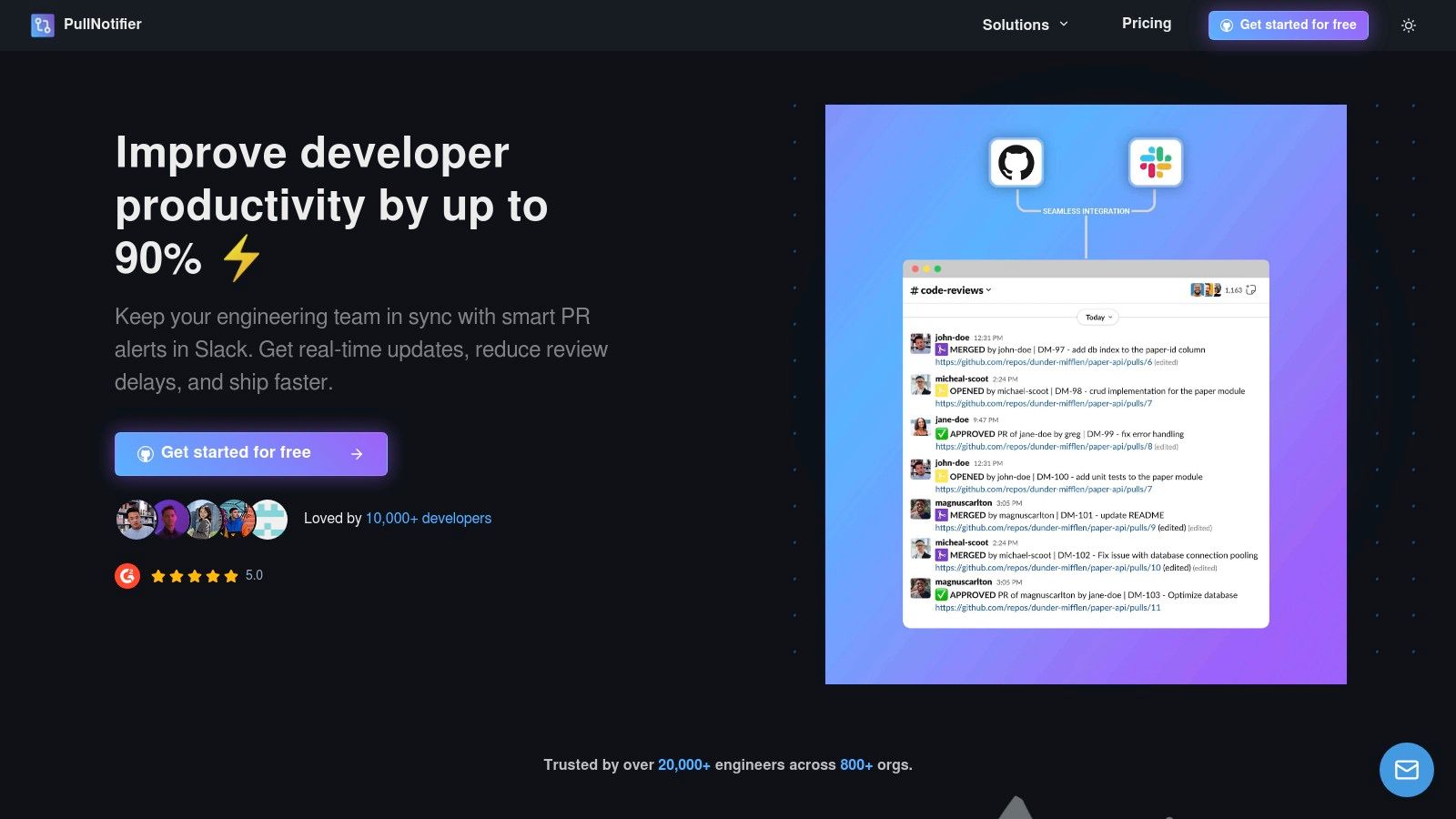
The app’s primary advantage is its intelligent threading model. Instead of a new message for every comment, commit, or status check, PullNotifier keeps the entire lifecycle of a PR contained in a single, evolving message. It supports both GitHub.com and GitHub Enterprise Server, using a minimal permission model that enhances security compared to more generalized integration platforms.
Key Features & Considerations
- Single-Thread Updates: All PR events (reviews, comments, CI checks) update one Slack message, preventing notification fatigue.
- Custom Routing: Configure rules to send notifications to specific channels or mention reviewers directly based on repository or team.
- Enterprise & Monorepo Support: Built to handle complex organizational setups, including on-premise GitHub instances and large monorepos.
While PullNotifier excels at its core function, it is purpose-built and not a general-purpose automation tool. Its focus is solely on streamlining the PR notification workflow. Paid plans are necessary for teams with more than a few repositories, but a free tier is available for small projects.
- Website: PullNotifier
12. IFTTT — Slack Integrations (Applets)
IFTTT, which stands for "If This Then That," offers a lightweight and exceptionally user-friendly approach to automation. It connects Slack to hundreds of other services, including GitHub, using simple conditional statements called "Applets." For engineering teams needing quick, personal, or small-scale automations without the complexity of more robust platforms, IFTTT provides one of the simplest ways to build basic workflows and find the best Slack integrations for straightforward tasks.
The platform's strength lies in its simplicity. You can enable pre-built Applets from a public gallery in just a few clicks or create your own custom triggers and actions without writing a single line of code. This makes it ideal for notifying a channel about a new GitHub issue or sending a direct message when a specific event occurs, all with minimal setup time.
Key Features & Considerations
- One-Step Applets: Quickly post to Slack channels or send DMs based on triggers from other apps.
- Public Gallery: Browse a large collection of popular, pre-configured Slack and GitHub Applets.
- No-Code Customization: Create custom trigger-and-action pairings for personalized workflows.
While IFTTT is incredibly easy to get started with, it lacks the multi-step logic and advanced customization found in competitors like Zapier or Make. It is best suited for simple, linear automations rather than complex, enterprise-grade processes that require advanced governance features.
- Website: IFTTT
Top 12 Slack Integrations Comparison
| Product | Core features ✨ | UX / Quality ★ | Target audience 👥 | Pricing / Value 💰 |
|---|---|---|---|---|
| PullNotifier 🏆 | ✨ Single-thread PR updates; customizable routing (labels/authors/reviewers); GHES & monorepo support; minimal perms | ★★★★★ — concise, low-noise, quick setup | 👥 Developers, team leads, enterprises | 💰 Free (fewer than 4 devs); 2‑week trial; enterprise pricing on request — high ROI (↓PR delays ≈90%) |
| Slack App Directory | ✨ Centralized app listings, secure install flow, admin controls | ★★★★ — official, trustworthy but varies by app | 👥 Workspace admins, general teams | 💰 Free to browse; app pricing varies |
| Zapier — Slack Catalog | ✨ 8k+ apps, prebuilt Zaps, visual builder & templates | ★★★★ — fast prototyping, broad templates | 👥 PMs, ops, non-dev automators | 💰 Usage-based; task limits can raise costs |
| Make (Integromat) | ✨ Multi-step scenarios, routers, iterators, error handling | ★★★★ — very flexible, steeper learning curve | 👥 Engineers, ops teams needing complex flows | 💰 Free tier; paid by execution volume |
| Workato — Workbot | ✨ Interactive Workbot, modals, approvals, Enterprise Grid support | ★★★★ — enterprise-grade UX & governance | 👥 Large enterprises, IT/security teams | 💰 Premium enterprise pricing; contract-based |
| Microsoft Power Automate | ✨ Slack triggers/actions within MS stack; governance & identity fit | ★★★½ — great for MS-centric orgs; some API limits | 👥 Microsoft-aligned orgs, IT teams | 💰 Requires MS licensing; cost per flow/run |
| Google Workspace Marketplace — Slack for Gmail | ✨ Forward emails (incl. attachments) to channels/DMs; admin rollout | ★★★ — simple, reliable single-purpose tool | 👥 Teams needing email→Slack handoffs | 💰 Free; easy org deployment |
| GitHub + Slack (Official) | ✨ Repo subscriptions (PRs/issues/commits), unfurls, slash commands | ★★★★ — well-documented but can be noisy | 👥 Engineering teams on GitHub | 💰 Free; native integration |
| Jira Cloud for Slack (Atlassian) | ✨ Issue create/update/transition notifications, @Jira bot, channel filters | ★★★★ — solid Jira workflow support | 👥 Product & engineering using Jira Cloud | 💰 Included/varies with Jira plan |
| Product Hunt — Slack Collections | ✨ Curated Slack app launches, user reviews, trend discovery | ★★★ — great for discovery; listing quality varies | 👥 Makers, early adopters, product hunters | 💰 Free to browse; links to external signups |
| IFTTT — Slack Applets | ✨ One-step Applets, public gallery, easy custom triggers | ★★★ — fastest for simple automations | 👥 Individuals, small teams, quick automators | 💰 Free/basic; limited for complex automations |
Final Verdict: Building Your Perfect Slack Integration Stack
Navigating the vast ecosystem of Slack integrations can feel overwhelming, but the right tools can fundamentally transform your team's productivity and communication. As we've explored, the best Slack integrations aren't just about adding more notifications; they are about adding smarter notifications and automating the manual, repetitive tasks that drain your team's focus and energy. The goal is to make Slack a true command center, not just another source of noise.
The key takeaway is that there is no single "perfect" integration stack. The ideal setup is highly contextual, depending on your team’s size, existing toolset, and most significant pain points. A small, agile team might thrive with the official GitHub and Jira integrations, while a larger enterprise may need the robust, enterprise-grade workflow automation offered by a platform like Workato or Microsoft Power Automate. The journey starts with a simple audit: identify where your team is losing time to context switching or manual updates.
Your Action Plan for a Smarter Slack
To move from insight to implementation, consider these actionable steps. Start small, focusing on one or two high-impact areas before expanding your integration footprint.
*   **Identify Your Biggest Bottleneck:** Is it slow pull request reviews? Inefficient status updates between product and engineering? A lack of visibility into CI/CD pipelines? Pinpoint the single most frustrating part of your current workflow. For many engineering teams, the constant ping-pong of PR notifications is a primary culprit.
*   **Choose the Right Tool for the Job:** Resist the urge to use a complex automation platform for a simple, specific problem. If your main issue is streamlining pull request notifications, a dedicated tool like PullNotifier is purpose-built to solve that problem with minimal configuration. For connecting a wide array of apps in custom ways, a more flexible platform like Zapier or Make is the logical choice.
*   **Implement and Gather Feedback:** Roll out a new integration to a small group or a single team first. This pilot phase is crucial for gathering honest feedback and making adjustments. Does the tool *actually* reduce noise? Is it intuitive? Use this feedback to refine your configuration or decide if it’s the right fit before a company-wide deployment.
*   **Regularly Review and Prune:** Your team’s needs and tools will evolve. Schedule a quarterly or bi-annual review of your Slack integrations. Are some apps no longer used? Have others become too noisy? Don't be afraid to remove integrations that are no longer serving a clear purpose.
Ultimately, building an effective integration stack is an iterative process. It's about a continuous effort to streamline communication, reduce cognitive load, and empower your team to focus on what they do best: building great products. By strategically selecting and implementing the best Slack integrations for your unique needs, you can create a more focused, efficient, and collaborative environment.
Tired of pull request chaos in your Slack channels? PullNotifier offers a focused solution designed specifically for engineering teams to consolidate GitHub PR notifications, reduce noise, and accelerate your code review cycle. Reclaim your team's focus by trying out PullNotifier today.