- Published on
Top 10 Best Slack Apps for Developers to Boost Productivity
- Authors

- Name
- Gabriel
- @gabriel__xyz
In modern software development, Slack is more than just a communication tool; it's the central hub for your entire workflow. The right integrations can transform it from a simple chat application into a powerful command center, streamlining everything from code reviews to incident response. By connecting your essential development tools directly to Slack, you can automate notifications, manage CI/CD pipelines, track issues, and monitor application performance without ever leaving your workspace. This consolidation eliminates context switching, reduces notification fatigue, and significantly boosts team productivity.
This guide provides a comprehensive rundown of the best Slack apps for developers, curated to solve specific, real-world engineering challenges. We'll move beyond marketing-speak to offer a practical analysis of each application, focusing on how it integrates into a typical development lifecycle. For each app, you'll find a detailed breakdown of its core features, specific use-case scenarios for development teams, and an honest look at its potential limitations.
We've included direct links and screenshots to give you a clear view of each tool in action. Whether you're an engineering manager looking to optimize team workflows or a developer aiming to reduce distractions, this list will help you identify the most impactful integrations to supercharge your team's efficiency. Let's dive into the tools that will redefine how your team collaborates and builds software.
1. PullNotifier
PullNotifier stands out as one of the best Slack apps for developers by tackling a critical pain point: overwhelming notification noise from GitHub. It masterfully consolidates all pull request (PR) updates, such as comments, reviews, and status changes, into a single, cohesive Slack thread. This streamlined approach eliminates the constant channel chatter that plagues many teams, allowing engineers to maintain focus while staying informed on crucial code review progress.
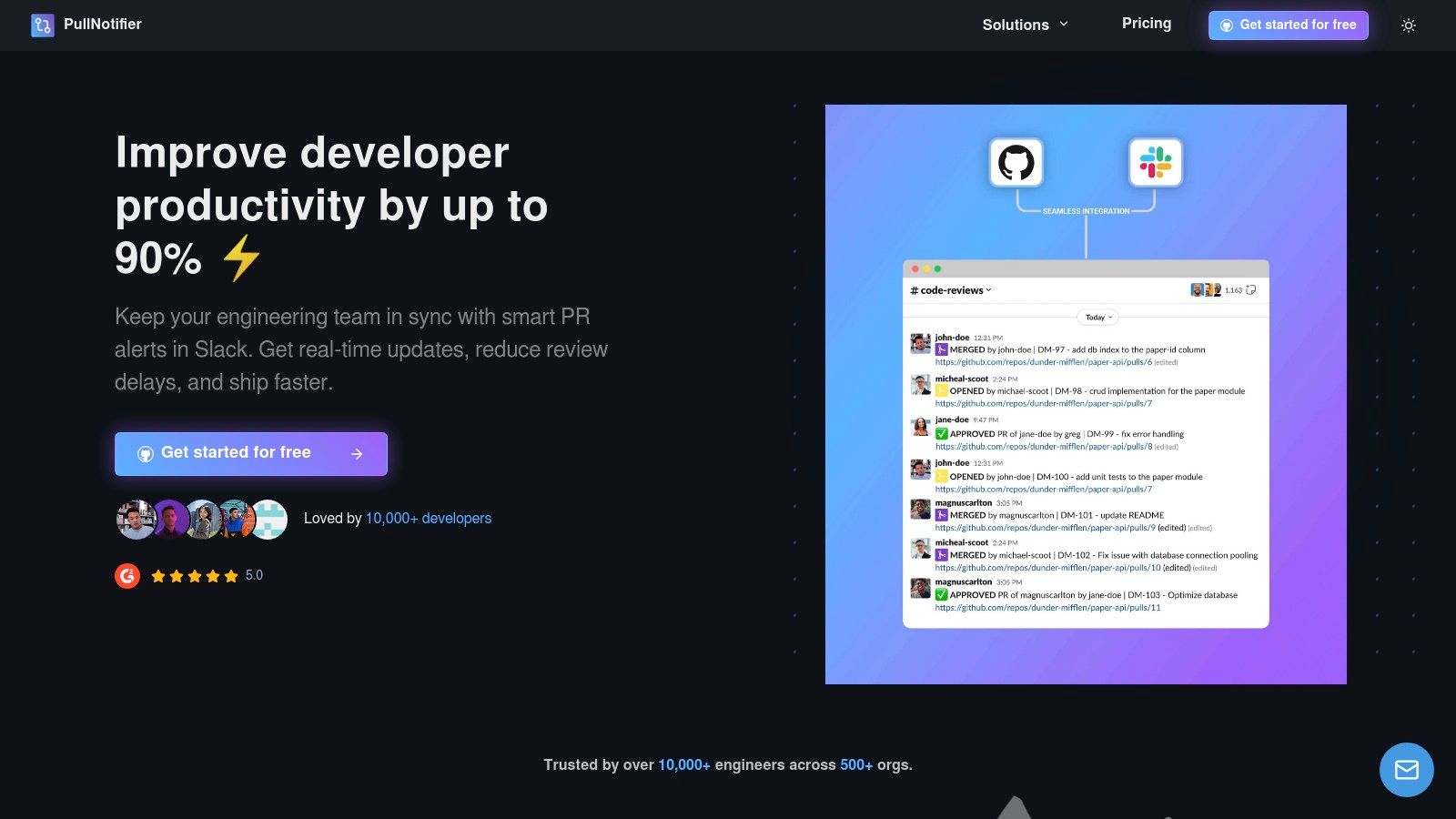
The platform’s strength lies in its highly granular customization. Engineering managers can create precise routing rules that map specific repositories, or even paths within a monorepo, to designated Slack channels. This ensures the right updates reach the right team without manual intervention. For instance, you can configure it to automatically mention the PR author or specific code owners once all required approvals are submitted, significantly accelerating the merge process.
Key Features & Use Cases
- Consolidated PR Threads: Instead of a dozen separate pings for a single PR, you get one clean, threaded conversation. This is ideal for tracking the lifecycle of a complex feature from initial submission to final deployment.
- Intelligent Routing: A tech lead can direct all backend-related PR notifications from a monorepo to the
#backend-devchannel, while frontend updates go to#frontend-dev. - Security-First Design: PullNotifier requests minimal permissions and never accesses your source code or private Slack messages, a critical consideration for enterprise security teams.
- Broad Compatibility: Full support for both GitHub.com and GitHub Enterprise Server makes it a versatile choice for organizations of any scale.
Pricing and Getting Started
PullNotifier offers a free tier for teams with up to three developers, making it accessible for small projects and startups. For larger teams, paid plans are available with pricing details provided on their website. The setup is straightforward, integrating with Slack and GitHub in just a few minutes, which allows teams to immediately benefit from quieter channels and a more efficient code review workflow.
Website: https://pullnotifier.com
2. Slack App Directory – Developer Tools category
The best place to start any search for developer-focused Slack apps is the official source itself. The Slack App Directory features a dedicated Developer Tools category, acting as a central, curated marketplace for discovering, comparing, and installing integrations directly into your workspace. It’s the foundational resource for any team looking to enhance their development workflows within Slack.
What makes this directory indispensable is its breadth and official sanction. You can find verified apps for everything from CI/CD and source control (like GitHub and GitLab) to error monitoring and feature flag management. The platform allows for one-click installations and, crucially, provides detailed pages for each app that transparently list required permissions, user reviews, and setup instructions. This transparency is key for security-conscious teams. While you are browsing for tools, having a solid process in place is equally important; you can reference a comprehensive code review checklist to complement the tools you find.
Key Details & Use Cases
- Pricing: Free to browse and install apps. Individual app pricing varies (from free to paid subscriptions).
- Primary Use Case: Acts as a trusted, comprehensive starting point for discovering any type of developer-specific Slack integration.
- Pros: Official source with the widest selection; clear permission scopes shown before installation.
- Cons: The quality and depth of integrations can vary significantly between different third-party app publishers.
Website: Slack App Directory – Developer Tools
3. GitHub + Slack (official integration)
For teams where GitHub is the center of the development universe, the official GitHub + Slack integration is non-negotiable. This app brings repository and organization activity directly into your Slack channels, transforming them into real-time command centers for your code. It allows you to subscribe to specific events like new pull requests, issues, comments, and commits, keeping the entire team aligned without having to leave Slack.
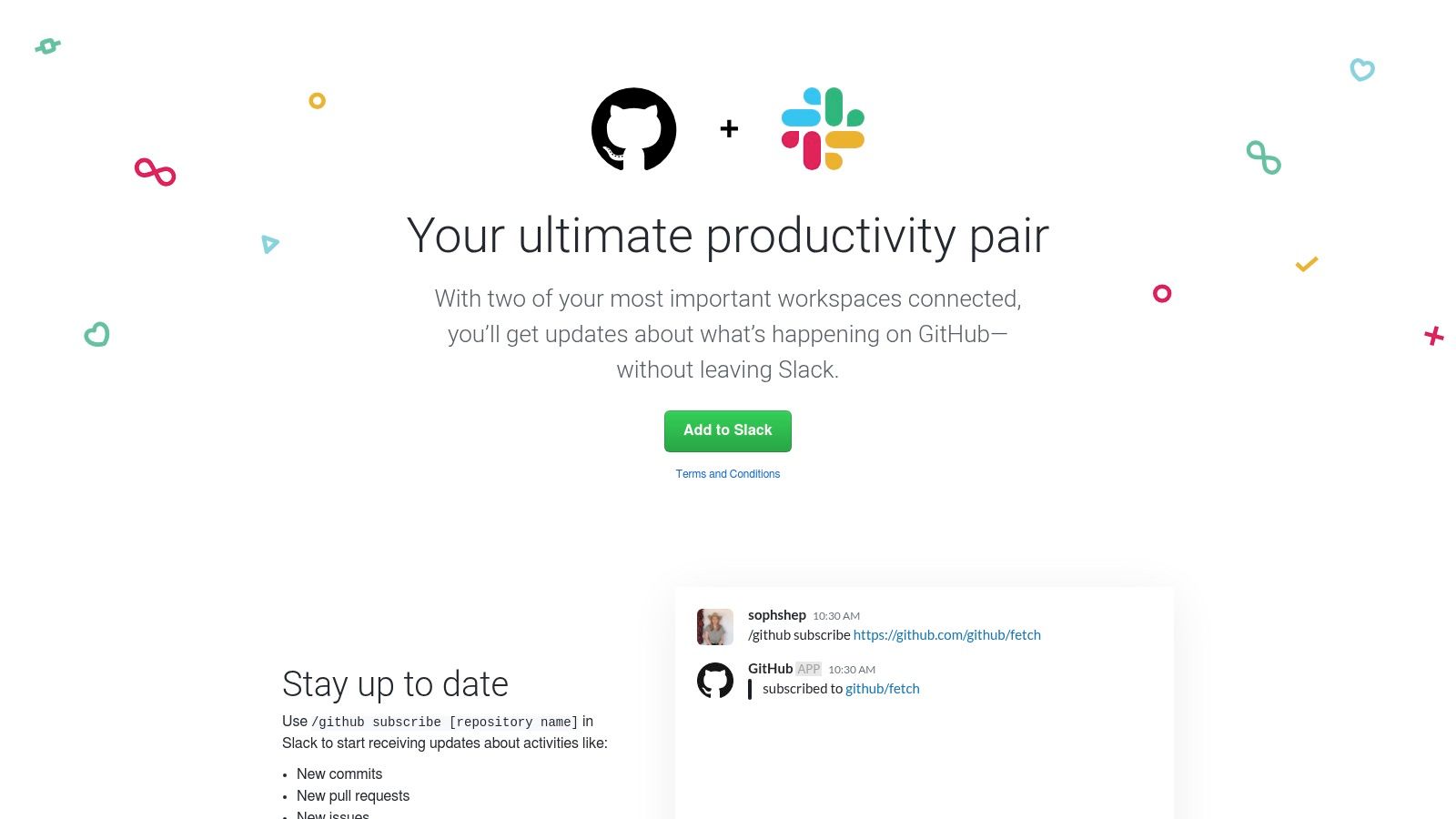
What makes this official app one of the best Slack apps for developers is its reliability and deep, actionable notifications. When a PR or issue is mentioned, it unfurls with rich details, allowing you to see the status, labels, and assignee at a glance. You can then use slash commands like /github close or /github open to perform actions directly from your message box, drastically reducing context switching. For the full picture of how the github slack integration works, plus a comparison of the best GitHub Slack integrations for teams that have outgrown the official app, we have the complete guides.
Key Details & Use Cases
- Pricing: Free.
- Primary Use Case: Receiving and acting on real-time notifications for GitHub events (PRs, issues, commits) directly within dedicated Slack channels.
- Pros: Officially maintained by GitHub ensuring high reliability; significantly reduces context switching during code reviews and issue management.
- Cons: Can create a lot of noise in busy repositories; requires careful configuration of the
/github subscribecommand to filter out irrelevant notifications.
Website: GitHub + Slack
4. GitLab for Slack (official)
For teams embedded in the GitLab ecosystem, the official GitLab for Slack application is a non-negotiable integration. It provides a direct, authenticated bridge between your GitLab projects and your Slack workspace, ensuring that critical development updates like pipeline statuses, merge requests, and issue comments are delivered where your team communicates most. It’s a foundational tool for keeping development velocity high and information flowing smoothly.
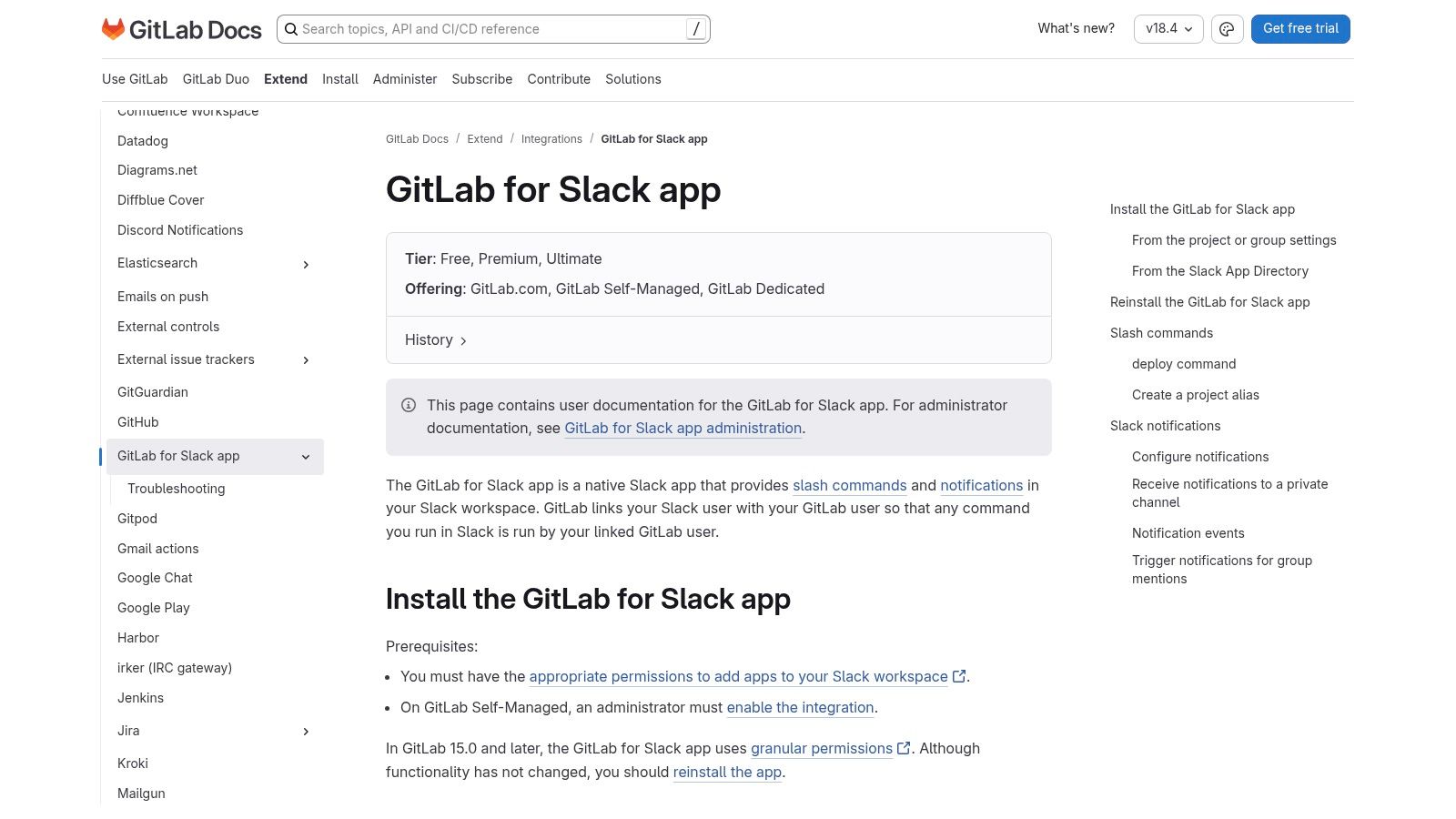
What makes this app powerful is its use of slash commands tied to GitLab user identities. After a one-time authentication, developers can run commands like /gitlab [project] issue create directly from a Slack channel, streamlining workflows without context switching. The integration is compatible with both GitLab.com and self-managed instances, making it a versatile choice. This direct line into the GitLab platform makes it one of the best Slack apps for developers who need to stay in sync with their repositories and CI/CD pipelines.
Key Details & Use Cases
- Pricing: Free to install and use.
- Primary Use Case: Receiving real-time notifications for GitLab events (pipelines, issues, MRs) and executing GitLab actions via slash commands from Slack.
- Pros: Well-documented official integration with first-party support; works across multiple GitLab subscription tiers and deployment types.
- Cons: Requires additional administrative steps and configuration for self-managed GitLab instances compared to the cloud version.
Website: GitLab for Slack Documentation
5. Jira Cloud for Slack (Atlassian)
For development teams living in Atlassian’s ecosystem, the official Jira Cloud for Slack app is a non-negotiable integration. It bridges the gap between where conversations happen (Slack) and where work is tracked (Jira), eliminating the constant context-switching that drains productivity. The app allows you to create new issues, transition existing ones, and get contextual previews directly within your channels, making it one of the best Slack apps for developers who rely on Jira.
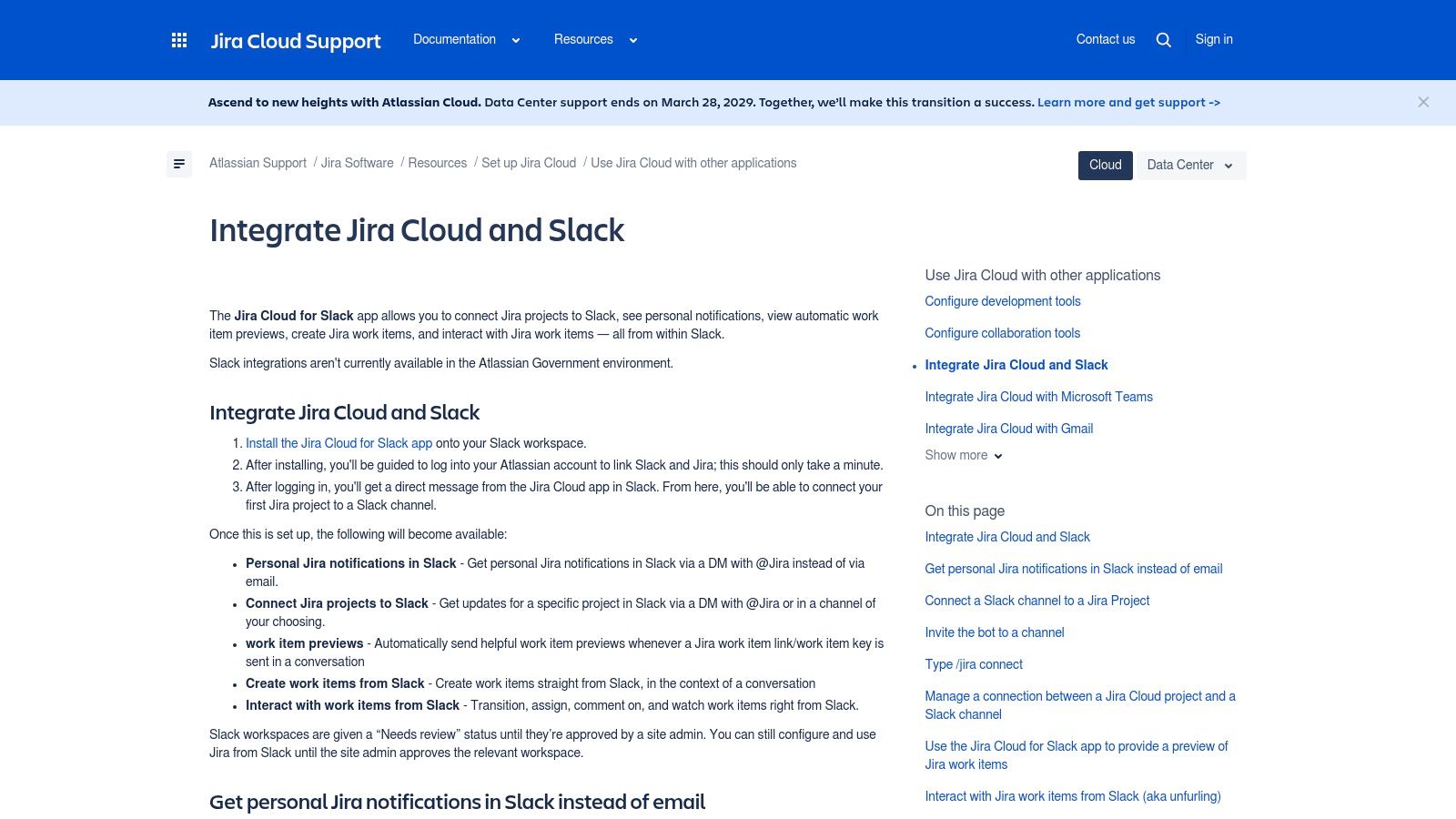
The real power of this integration lies in its ability to bring actionable Jira functionality into Slack. Using simple /jira slash commands, developers can create a bug ticket from a user-reported message or convert a brainstorming idea into a story. Rich issue previews with inline action buttons mean you can assign a ticket or change its status without ever leaving your Slack conversation. Personalized notifications via direct message keep you updated on tickets you’re watching or assigned to, ensuring you never miss a critical update.
Key Details & Use Cases
- Pricing: Free to use (requires a Jira Cloud subscription).
- Primary Use Case: Creating, updating, and managing Jira issues directly from Slack to streamline development workflows and reduce context switching.
- Pros: Deep, official integration with Jira workflows; saves significant time on issue triage and updates directly within Slack.
- Cons: Not available for Atlassian Government environments, which limits its use for specific public sector teams.
Website: Jira Cloud for Slack
6. CircleCI + Slack
For development teams committed to continuous integration, the official CircleCI integration for Slack is a must-have for maintaining pipeline visibility. It bridges the gap between your CI/CD server and your communication hub, delivering real-time build statuses, success notifications, and failure alerts directly to relevant Slack channels. This immediate feedback loop is crucial for DevOps efficiency, allowing developers to quickly identify and address issues without leaving Slack.

What makes this integration powerful is the CircleCI Slack orb, a reusable package of configuration that simplifies sending custom, context-rich notifications. Instead of just a simple "build failed" message, teams can configure detailed alerts that include job names, commit details, and direct links to the build logs. This level of customization ensures that notifications are always actionable, reducing the time it takes to diagnose and resolve a broken build. It’s one of the best Slack apps for developers who need to keep a close watch on their CI/CD pipelines.
Key Details & Use Cases
- Pricing: Free to integrate. CircleCI has its own free and paid plans.
- Primary Use Case: Sending automated, highly customizable notifications from CircleCI pipelines to specific Slack channels for build status updates.
- Pros: Easy to configure with the official Slack orb; flexible messaging allows for tailored, actionable alerts.
- Cons: Teams using older, legacy integrations may need to perform a one-time migration to the newer orb-based system.
Website: Using Slack Integrations with CircleCI
7. Sentry + Slack
Real-time error monitoring is crucial for maintaining application stability, and Sentry's Slack integration brings these critical alerts directly into your team’s communication hub. This connection transforms Slack from a simple messenger into a proactive command center for issue triage, allowing developers to receive detailed error notifications, assign owners, and even resolve or ignore issues without ever leaving their chat window. It’s one of the best Slack apps for developers focused on immediate incident response.
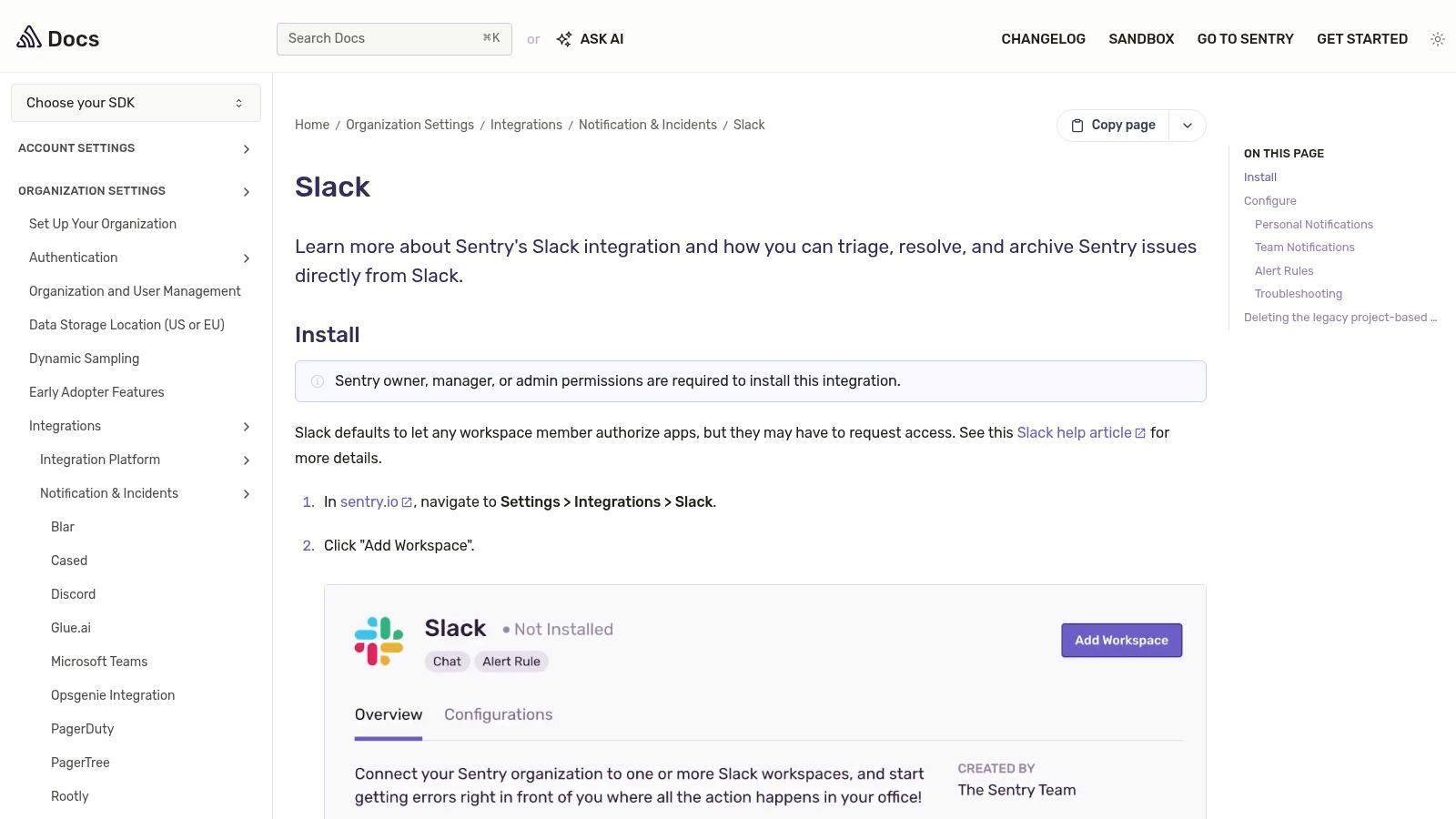
The power of this integration lies in its actionable notifications. Instead of a generic alert, Sentry provides rich contextual data like the error message, project, and relevant tags directly in the Slack message. Using slash commands and message buttons, your team can instantly turn an alert into a tracked issue. This workflow significantly reduces the time from error detection to resolution, helping teams tackle bugs before they impact a wider user base and minimizing context switching for engineers.
Key Details & Use Cases
- Pricing: Free to integrate. Sentry offers a free developer tier and paid plans for higher volume.
- Primary Use Case: Receiving, triaging, and acting on application error alerts directly within Slack channels.
- Pros: Reduces alert fatigue by providing actionable context; supports multiple Slack workspaces for different teams.
- Cons: Requires proper role permissions (Manager or higher) in your Sentry organization to install the integration.
Website: Sentry + Slack
8. Datadog + Slack
For teams deeply invested in observability, the official Datadog + Slack integration is non-negotiable. It transforms Slack from a simple communication tool into a real-time command center for monitoring infrastructure, application performance, and security events. By piping critical alerts and performance graphs directly into designated channels, it empowers DevOps and SRE teams to detect, discuss, and triage issues without ever leaving their chat client. This seamless workflow makes it one of the best Slack apps for developers focused on system reliability.
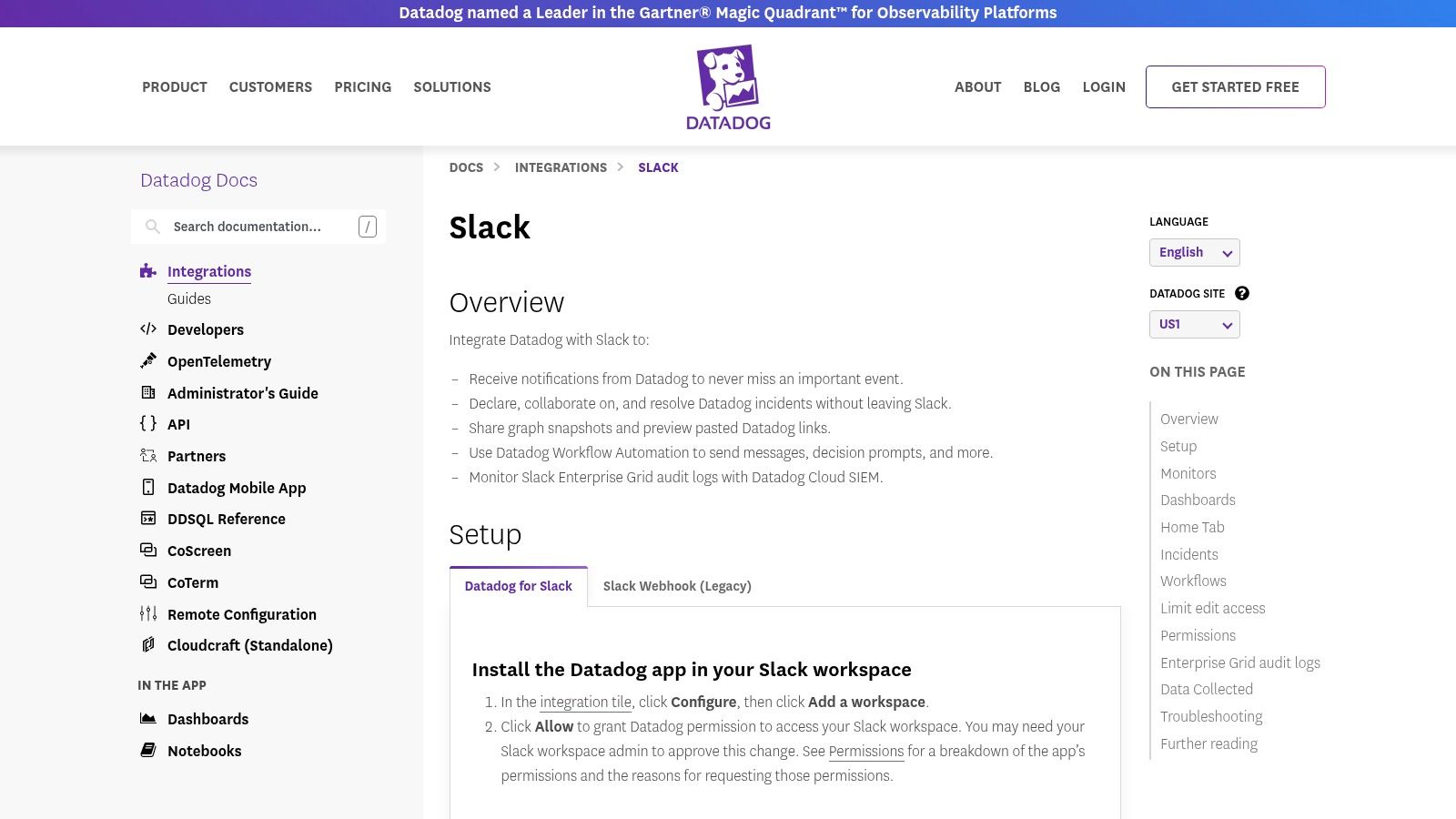
What sets this integration apart is its interactivity and control. Using powerful slash commands like /datadog and /dd, engineers can instantly query metrics, manage monitors, and even acknowledge incidents directly from Slack. The ability to invite the @Datadog bot into private channels ensures that sensitive incident response discussions remain secure. Furthermore, its workspace mapping and granular permission controls allow administrators to define exactly who can modify integration settings, adding a crucial layer of governance.
Key Details & Use Cases
- Pricing: The Slack integration is included with a Datadog subscription (pricing varies by product).
- Primary Use Case: Centralizing monitoring alerts and incident response activities within Slack to reduce context switching and speed up resolution times.
- Pros: Robust and well-documented setup; powerful slash commands for interactive monitoring; security controls limit who can edit integrations.
- Cons: Requires careful tuning of alert rules within Datadog to prevent notification fatigue in Slack channels.
Website: Datadog + Slack Integration
9. PagerDuty for Slack
For teams managing critical infrastructure and on-call rotations, PagerDuty’s Slack integration is an absolute necessity. It brings the core of incident response and management directly into the communication channels where developers are already collaborating. This app transforms Slack from a simple notification tool into an interactive command center, allowing engineers to acknowledge, resolve, and escalate incidents without ever leaving their workspace.
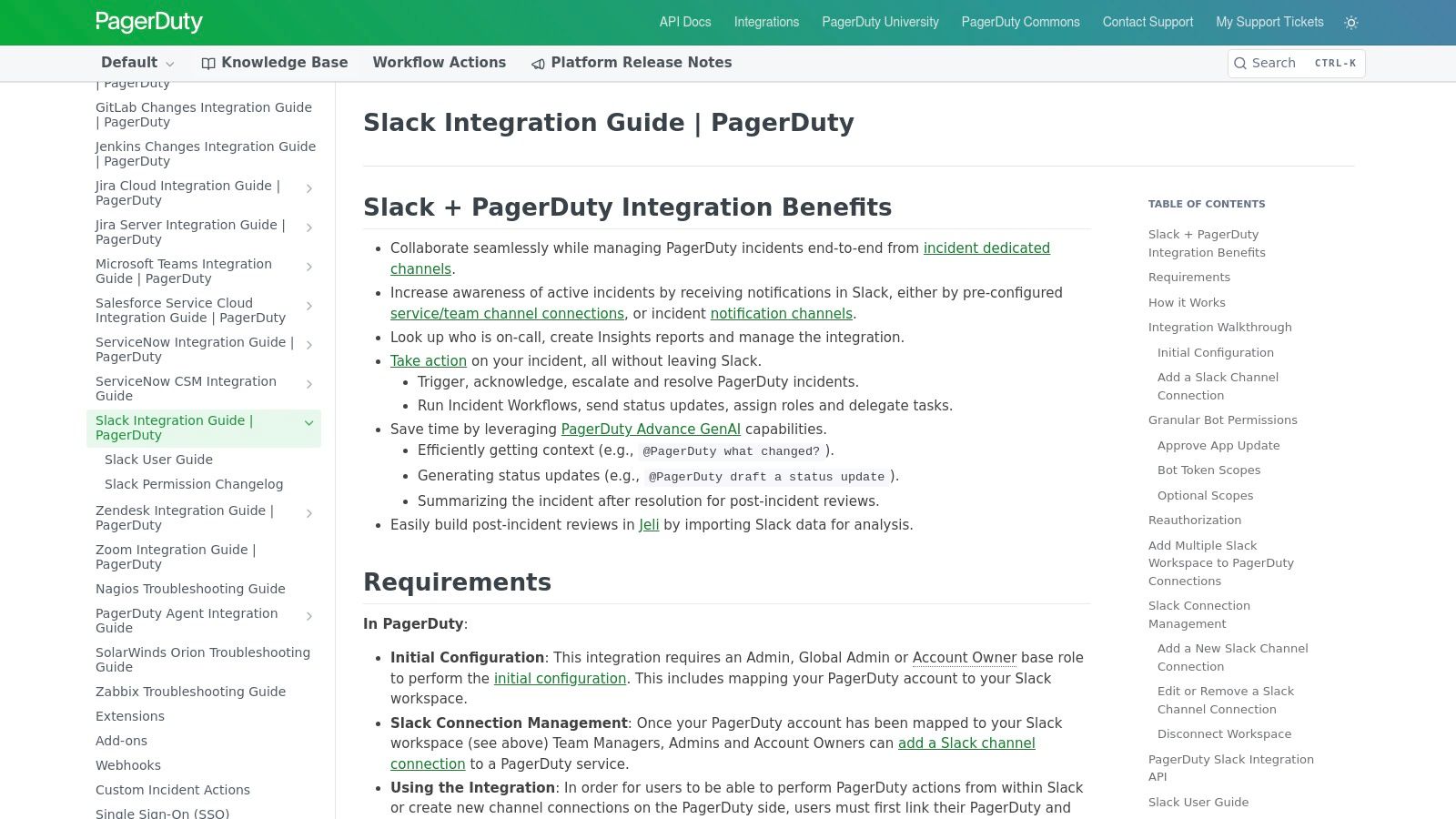
What sets this integration apart is its deep, bidirectional functionality. Instead of just receiving a passive alert, team members can use slash commands or interactive buttons to trigger actions like adding notes, running response plays, or looping in other responders. The app also supports granular channel mapping and can handle private channels, ensuring sensitive incident details remain contained. As one of the best Slack apps for developers focused on reliability, it streamlines the entire incident lifecycle, reducing mean time to resolution (MTTR) by centralizing communication and action.
Key Details & Use Cases
- Pricing: Requires a PagerDuty subscription (plans vary). The Slack integration itself is included.
- Primary Use Case: Managing the entire incident response lifecycle, from alert to resolution, directly within Slack.
- Pros: Mature and comprehensive tooling; clear role alignment with PagerDuty’s platform.
- Cons: Setup requires administrative access and appropriate PagerDuty roles, which can be a hurdle.
Website: PagerDuty for Slack
10. Jenkins Slack Notification plugin
For teams deeply invested in self-hosted CI/CD, the official Jenkins Slack Notification plugin is an essential tool. It bridges the gap between your Jenkins build server and your team's communication hub, enabling highly customized build notifications to be sent directly to specified Slack channels. This plugin is designed for flexibility, allowing developers to integrate Slack messaging at any point in their build, test, and deployment pipelines.
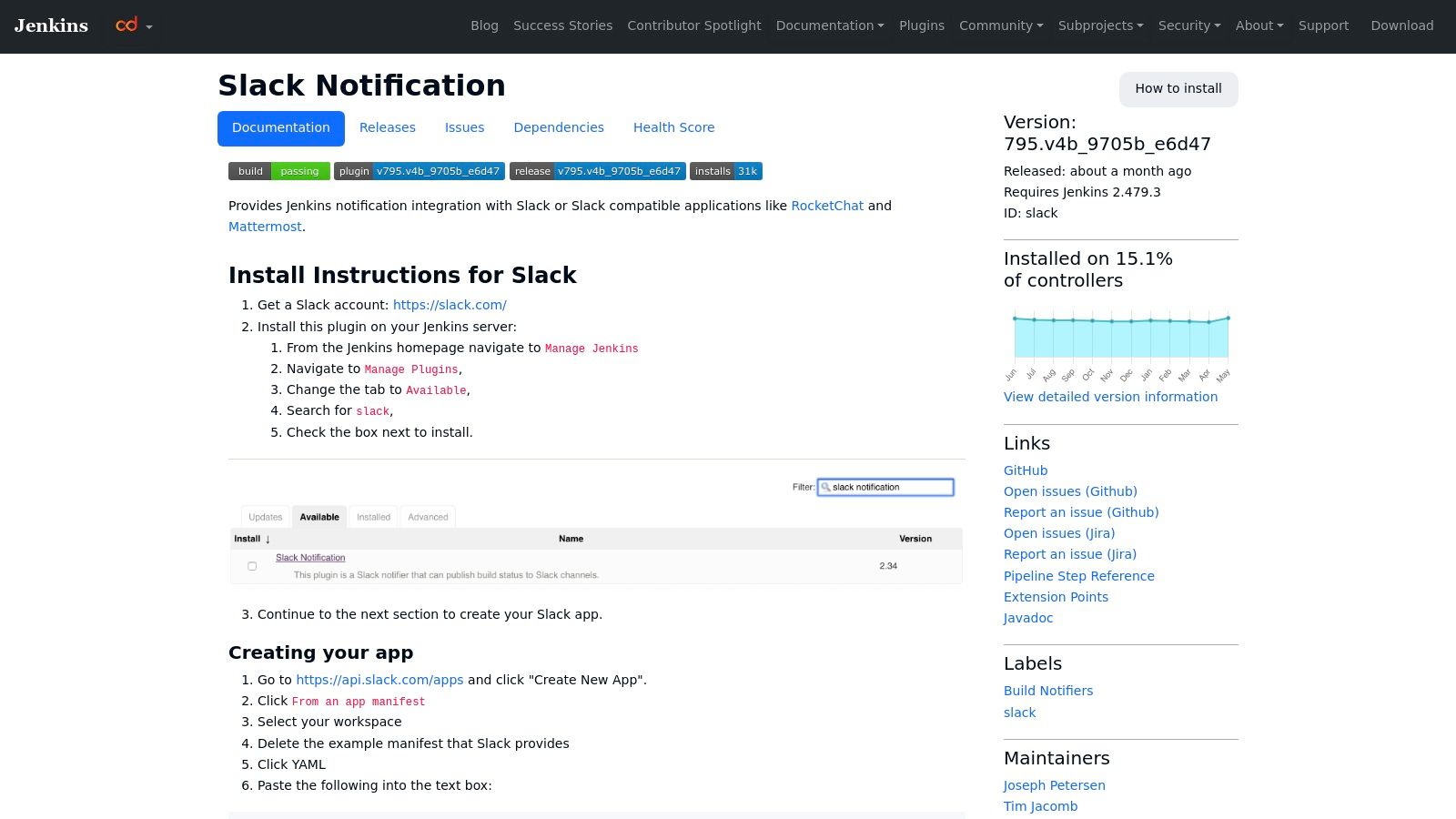
What sets this plugin apart is its deep integration with Jenkins Pipelines. Using simple steps like slackSend and slackUploadFile, you can configure detailed, context-aware messages that include build status, custom text, and even artifact uploads. It also supports threaded messages to keep channel noise to a minimum by grouping notifications for a specific build. While modern platforms often have built-in solutions, you can achieve similar results by learning how to use GitHub Actions to send Slack notifications. This level of control makes it one of the best Slack apps for developers working in established Jenkins environments.
Key Details & Use Cases
- Pricing: Free and open-source.
- Primary Use Case: Sending detailed, customizable build status notifications (success, failure, unstable) from a self-hosted Jenkins instance to Slack.
- Pros: Highly configurable for complex pipelines; supports Configuration-as-Code (CasC); active open-source community.
- Cons: Requires manual setup and configuration of a custom Slack app and bot user, which can be complex for beginners.
Website: Jenkins Slack Notification plugin
11. LaunchDarkly Slack app
For teams practicing progressive delivery, the LaunchDarkly Slack app is an indispensable tool for managing feature flags directly within their communication hub. It bridges the gap between engineering and product teams by bringing critical flag management workflows into Slack, eliminating the need to constantly switch contexts. This integration allows developers to control feature rollouts, monitor changes, and coordinate releases with unprecedented speed and visibility.
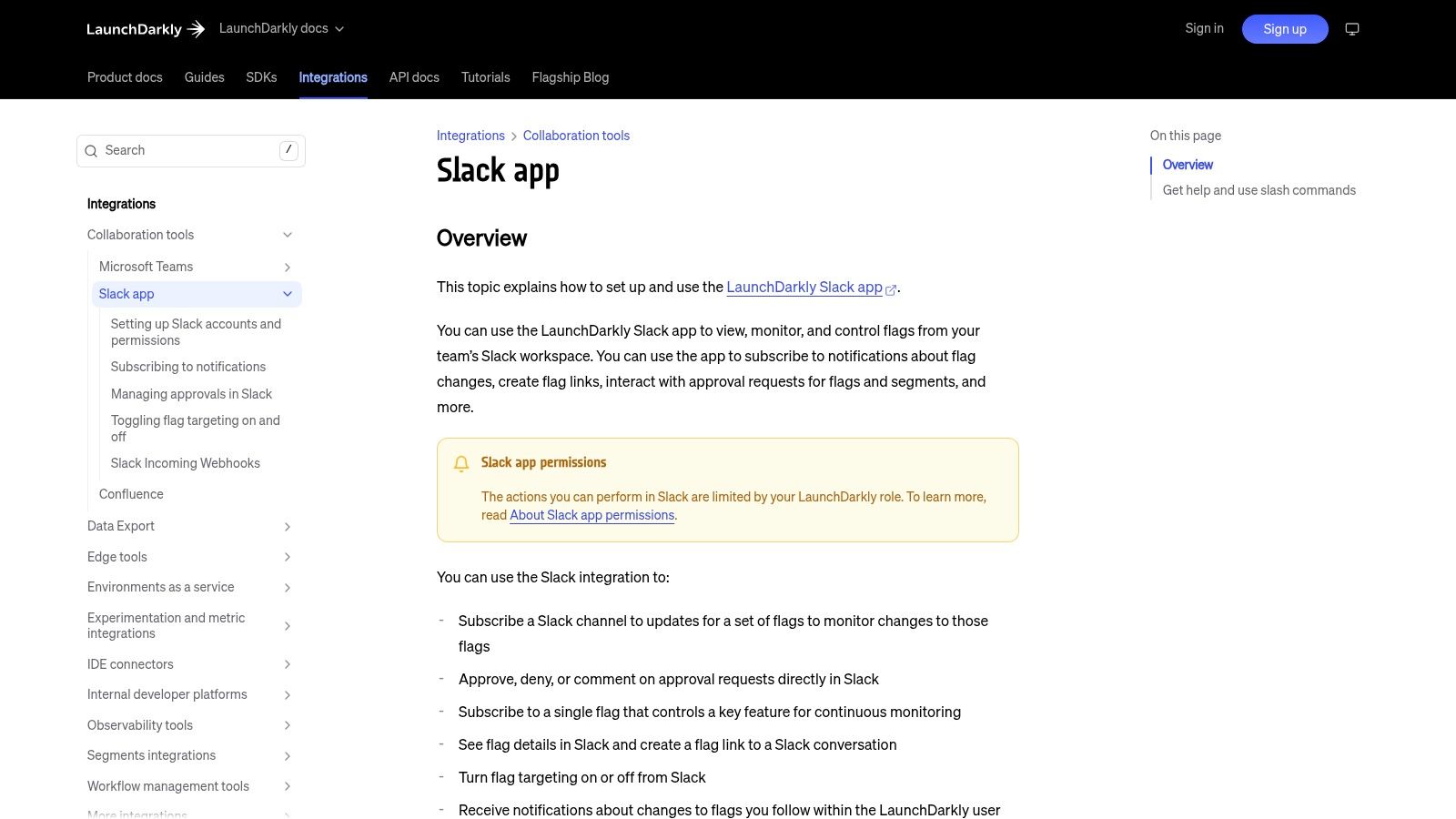
The app's real power lies in its interactive capabilities. Using simple slash commands like /launchdarkly, teams can subscribe channels to receive real-time notifications for specific projects, environments, or even individual flags. More importantly, it supports inline approval workflows, allowing stakeholders to review and approve flag changes or segment updates without leaving Slack. This dramatically speeds up the release process, as a product manager can approve a feature rollout for a new customer segment with a single click in the channel where the request was made.
Key Details & Use Cases
- Pricing: Free to install. Requires an active LaunchDarkly subscription.
- Primary Use Case: Managing and monitoring feature flags, enabling faster, safer, and more collaborative feature releases.
- Pros: Speeds up release coordination between product and engineering; reduces back-and-forth communication for flag toggling.
- Cons: Actions are limited by the user's role-based permissions within their LaunchDarkly account, which can be restrictive for some users.
Website: LaunchDarkly Slack app
12. Product Hunt – Slack topic
For teams that want to stay on the cutting edge, Product Hunt's Slack topic page is an invaluable resource. Unlike an official app store, this is a community-driven discovery platform where developers and makers launch their latest tools. It’s the ideal place to find new, innovative, and sometimes niche Slack apps for developers before they become mainstream. It offers a real-time pulse on what’s new in the Slack ecosystem.
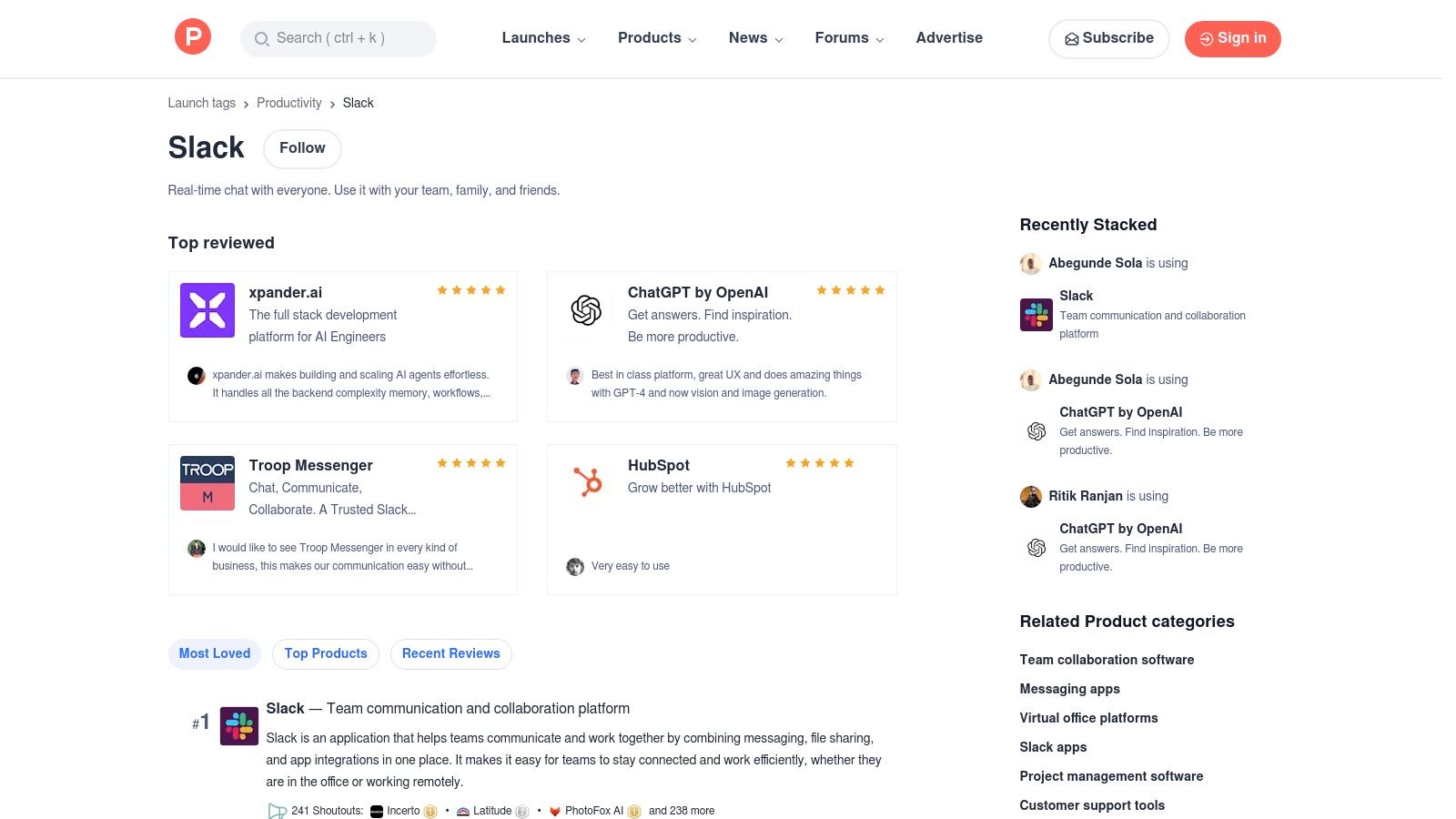
What makes Product Hunt essential is the social proof and unfiltered discussion it provides. Each product listing includes upvotes, user reviews, and a comment section where you can directly ask the creators questions about their app’s functionality or roadmap. This community vetting process helps teams gauge an app's utility and developer responsiveness before committing. It’s less of a marketplace and more of a curated launchpad, perfect for discovering emerging developer tools that solve very specific problems within Slack workflows.
Key Details & Use Cases
- Pricing: Free to browse. Individual app pricing is determined by the publisher.
- Primary Use Case: Discovering and vetting new, trending, or up-and-coming Slack apps for developers through community feedback and discussion.
- Pros: Excellent for finding innovative and brand-new tools; community-driven reviews provide authentic social proof.
- Cons: Not an installation platform; it acts as a directory that links out to official websites, adding an extra step to the process.
Website: Product Hunt – Slack topic
Top 12 Slack Apps for Developers: Feature Comparison
| Product | Core Features & Integration | User Experience & Quality | Target Audience 👥 | Unique Selling Points ✨ | Price & Value 💰 |
|---|---|---|---|---|---|
| 🏆 PullNotifier | Real-time PR updates, customizable routing, sprint tracking | ★★★★☆ Minimal noise, fast setup | Developers, team leads, enterprise 👥 | Cuts review delays by up to 90%, secure, scalable | Free tier + flexible plans 💰 |
| Slack App Directory – Developer Tools | Curated app listings, easy install | ★★★☆☆ Varies by app quality | Developers, IT teams 👥 | Broadest range of developer Slack apps | Free |
| GitHub + Slack (official) | Subscriptions, rich previews, slash commands | ★★★★☆ Reliable, GitHub-supported | GitHub users, developers 👥 | Official with GitHub reliability | Free |
| GitLab for Slack (official) | Pipeline/MR notifications, user linking, multi-workspace | ★★★☆☆ Well-documented setup | GitLab users, DevOps 👥 | Supports self-managed GitLab | Free |
| Jira Cloud for Slack (Atlassian) | Issue previews, slash commands, project notifications | ★★★★☆ Deep Jira integration | Jira users, PMs, teams 👥 | Saves time on issue triage | Free |
| CircleCI + Slack | Job status alerts, custom notifications, Slack orb | ★★★★☆ Flexible, CI-focused | CI/CD teams, developers 👥 | Seamless pipeline notifications | Free |
| Sentry + Slack | Error issue triage, contextual alerts, slash commands | ★★★★☆ Reduces alert fatigue | Dev teams, SREs 👥 | Actionable error monitoring | Free |
| Datadog + Slack | Alerts, slash commands, invite bot | ★★★★☆ Robust and secure | SREs, DevOps teams 👥 | Granular permissions, well-documented | Free |
| PagerDuty for Slack | Incident response commands, channel mapping | ★★★★☆ Mature incident tooling | Ops teams, incident response 👥 | Role-aligned permissions | Paid |
| Jenkins Slack Notification plugin | Build notifications, file uploads, threaded messages | ★★★★☆ Highly configurable | Jenkins CI teams 👥 | Open-source, supports complex pipelines | Free |
| LaunchDarkly Slack app | Feature flag management, inline approvals | ★★★★☆ Speeds up release coordination | Product & engineering teams 👥 | Reduces flag toggle communication | Paid |
| Product Hunt – Slack topic | Curated products, user reviews, launch notes | ★★★☆☆ Community-vetted | Developers, early adopters 👥 | Discover new Slack apps | Free |
Final Thoughts
Navigating the expansive ecosystem of Slack integrations can feel overwhelming, but the potential payoff in productivity, visibility, and team collaboration is immense. As we've explored, the best Slack apps for developers aren't just about reducing notifications; they are about creating a centralized, intelligent hub for your entire software development lifecycle. By integrating key tools directly into your primary communication platform, you transform Slack from a simple chat application into a powerful command center for your engineering operations.
The key takeaway is that strategic integration is more important than simply adding more tools. A well-chosen app for CI/CD, like CircleCI, can provide immediate feedback on builds, while an incident management tool like PagerDuty ensures critical alerts are never missed. Similarly, connecting your version control system, whether it's GitHub or GitLab, directly into your project channels creates a transparent and real-time log of development progress.
How to Choose the Right Slack Apps for Your Team
Selecting the ideal combination of apps requires a clear understanding of your team's specific pain points and workflows. Before integrating a new tool, consider the following factors:
- Identify Your Bottlenecks: Where does communication break down? Are code reviews taking too long? Are critical alerts getting lost in a sea of notifications? Pinpoint your biggest challenges first.
- Evaluate Configuration Depth: A powerful integration offers granular control. Can you customize which notifications are sent to which channels? Look for apps that allow you to filter out the noise and focus on what truly matters.
- Consider Team Size and Complexity: A small startup might only need the basics like the official GitHub integration. A large enterprise, however, will benefit from more sophisticated observability tools like Datadog or feature flagging controls from LaunchDarkly to manage complex releases.
- Start Small and Iterate: Don't try to implement ten new apps at once. Introduce one or two high-impact tools, gather feedback from your team, and measure their effect on your workflow. A successful integration should feel seamless and solve a real problem, not create a new one.
Ultimately, the goal is to build a bespoke Slack environment that supports your team's unique processes. The right set of integrations will not only automate routine tasks but also foster a more connected, informed, and efficient engineering culture. By being deliberate with your choices, you can unlock a new level of productivity and turn your team's Slack workspace into its most valuable asset.
Tired of manually chasing down code reviews? PullNotifier centralizes your pull request notifications from GitHub, GitLab, and Bitbucket directly into Slack, ensuring reviews get done faster. Stop the context switching and start merging with our streamlined solution at PullNotifier.