- Published on
Top 12 QA Automation Testing Tools for Modern Workflows in 2026
- Authors

- Name
- Gabriel
- @gabriel__xyz
In today's fast-paced development cycles, manual QA is no longer a bottleneck; it's a roadblock. The difference between deploying with confidence and battling post-release fires often comes down to your automation strategy. Choosing the right QA automation testing tools is a critical decision that directly impacts code quality, developer velocity, and team morale. This is not just about finding a tool; it's about architecting a quality process that scales with your product.
This guide moves beyond marketing hype to provide a practical, in-depth analysis of the top tools available today. We dive deep into each option, providing screenshots, direct links, and clear assessments to help you make an informed choice. You will find a detailed breakdown of frameworks and platforms, including:
- Code-First Frameworks: Such as Selenium, Playwright, and Cypress for teams that prefer to write their tests in code.
- Low-Code Platforms: Options like Katalon and Tricentis Tosca, which accelerate test creation through user-friendly interfaces.
- AI-Powered Solutions: Tools like mabl and Tricentis Testim that use machine learning for test creation and maintenance.
- Visual and Cross-Browser Testing Platforms: Essential ecosystem players like Applitools and BrowserStack for ensuring a perfect user experience everywhere.
We'll examine real-world use cases, honest limitations, and crucial integration points for each tool. Our goal is to empower your team to build a robust, scalable, and efficient testing pipeline. By comparing features, pricing models, and ideal scenarios, you'll gain the clarity needed to select the tooling that best aligns with your team's stack, skills, and goals. Let's find the right fit for your engineering workflow.
1. Selenium
Selenium is the foundational open-source framework for web browser automation, a position it has held for over a decade. It's not a single tool but a suite of software, each with a specific role, that provides the building blocks for creating robust, scalable browser test automation. This makes it a core component in many arsenals of qa automation testing tools.
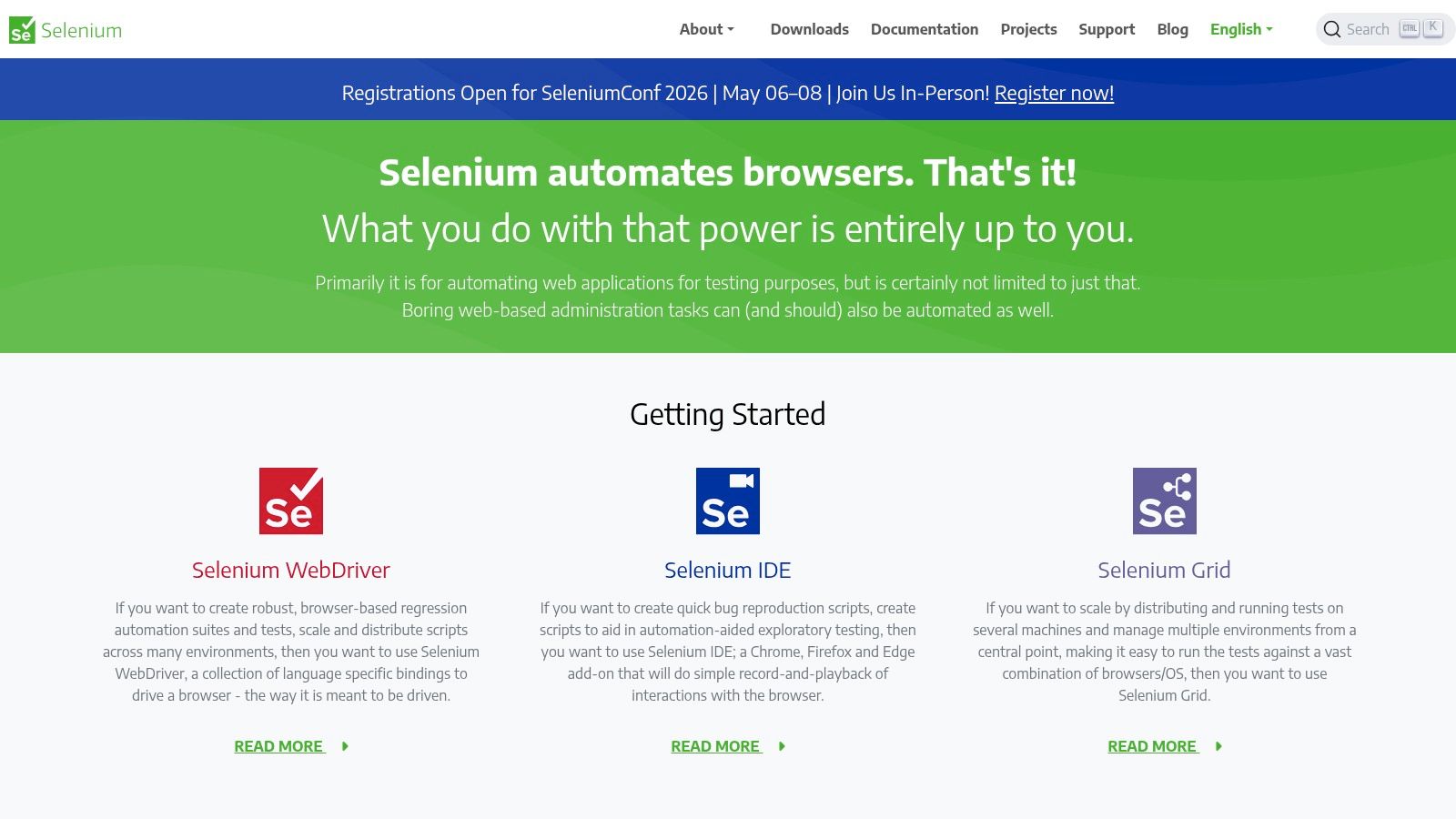
Unlike all-in-one commercial platforms, Selenium gives engineers complete control. You select your preferred programming language (Java, Python, C#, etc.), choose your test runner (like JUnit or Pytest), and manage your own test infrastructure. Its WebDriver API has become the W3C standard for browser interaction, meaning what you learn with Selenium is transferable.
Use Case & Implementation
Selenium shines in scenarios where custom frameworks and deep integration are necessary. It's ideal for teams with strong coding skills who want to build a testing solution perfectly matched to their application's architecture and CI/CD workflow.
- Selenium WebDriver: The core component. Use this for writing object-oriented test scripts that directly call browser APIs to perform actions like clicks, text input, and navigation.
- Selenium Grid: Allows for parallel test execution across multiple machines, browsers, and operating systems. This is critical for reducing the runtime of large test suites, especially for complex regression testing. Following established regression testing best practices is key to getting the most value here.
- Selenium IDE: A browser extension for Chrome and Firefox that allows for record-and-playback test creation. It's a great entry point for beginners or for generating boilerplate code for simpler test cases.
Website: https://www.selenium.dev/
2. Playwright
Playwright is a modern, open-source automation framework from Microsoft designed for reliable end-to-end testing of web applications. It stands out with its developer-centric approach and a unified API that allows for automation across Chromium, Firefox, and WebKit (Safari's engine). This makes it a powerful choice for teams looking for one of the most consistent cross-browser qa automation testing tools available.
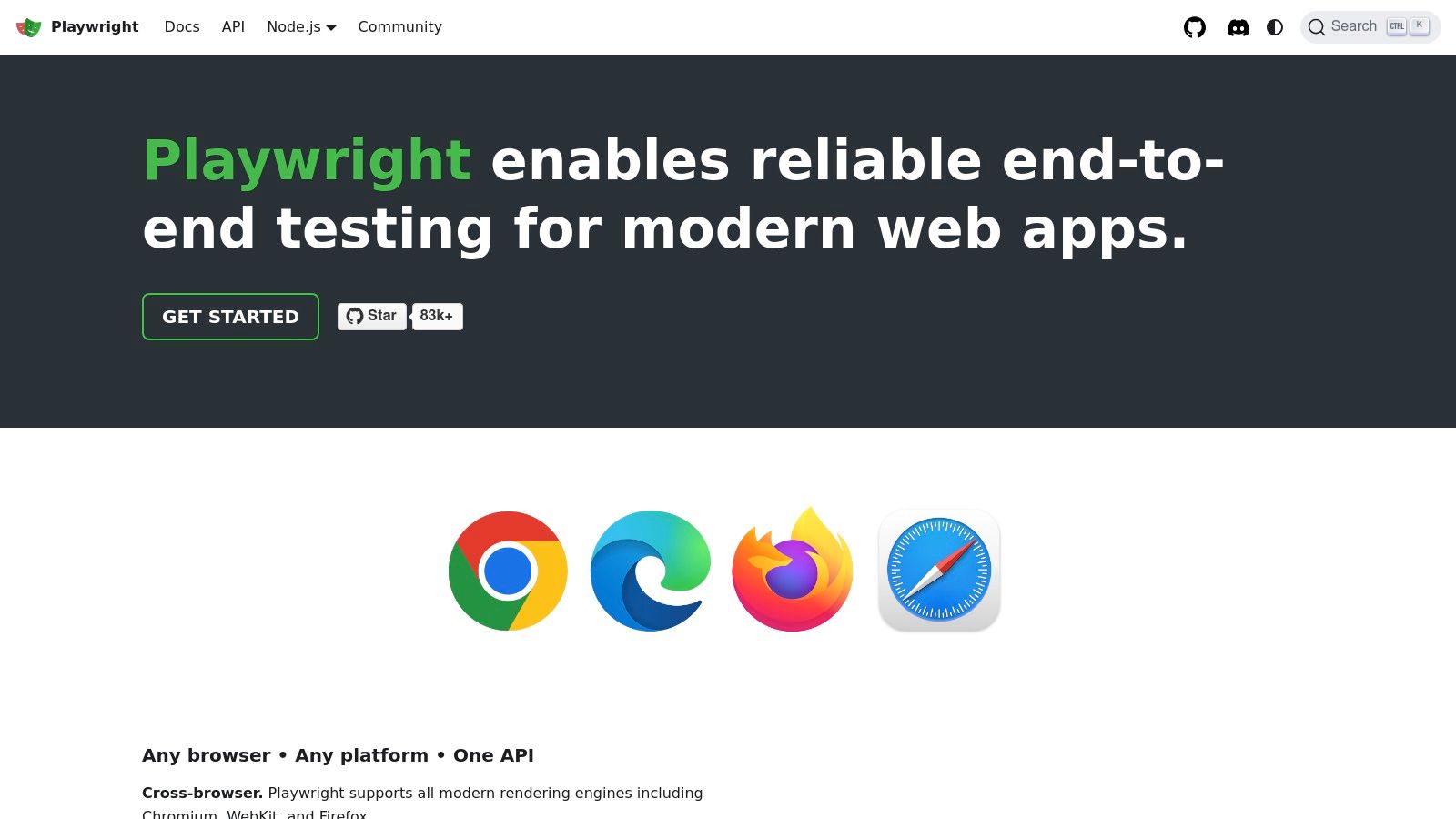
Unlike its predecessors, Playwright was built with the complexities of modern web apps in mind. It features auto-waits, which means it automatically waits for elements to be ready before performing actions, significantly reducing test flakiness. The framework also provides excellent parallelization capabilities and browser contexts for creating independent, isolated test sessions.
Use Case & Implementation
Playwright is perfectly suited for development teams practicing shift-left testing and those who prioritize fast, dependable feedback within their CI/CD pipeline. Its excellent debugging tools make it a favorite for developers writing their own tests.
- Core API: Write tests using a single, consistent API across all major browsers with SDKs for TypeScript/JavaScript, Python, .NET, and Java. Its web-first assertions are designed to handle dynamic content.
- Codegen & Inspector: The Playwright Inspector is a GUI tool that lets you step through test execution, see actionability logs, and explore selectors. The Codegen tool can record user actions on a site and generate ready-to-use test scripts, which is great for accelerating test creation.
- Trace Viewer: A standout feature. Playwright can capture a complete trace of test execution, including a DOM snapshot, action-by-action timeline, console logs, and network requests. This makes diagnosing failed CI runs incredibly efficient.
Website: https://playwright.dev/
3. Cypress (App + Cypress Cloud)
Cypress offers a modern, JavaScript-centric approach to end-to-end testing, combining an open-source test runner with a commercial cloud service. It's built for developers and QA engineers working directly with web applications, providing a fast and reliable testing experience by running directly inside the browser. This architecture makes it one of the most developer-friendly qa automation testing tools available.
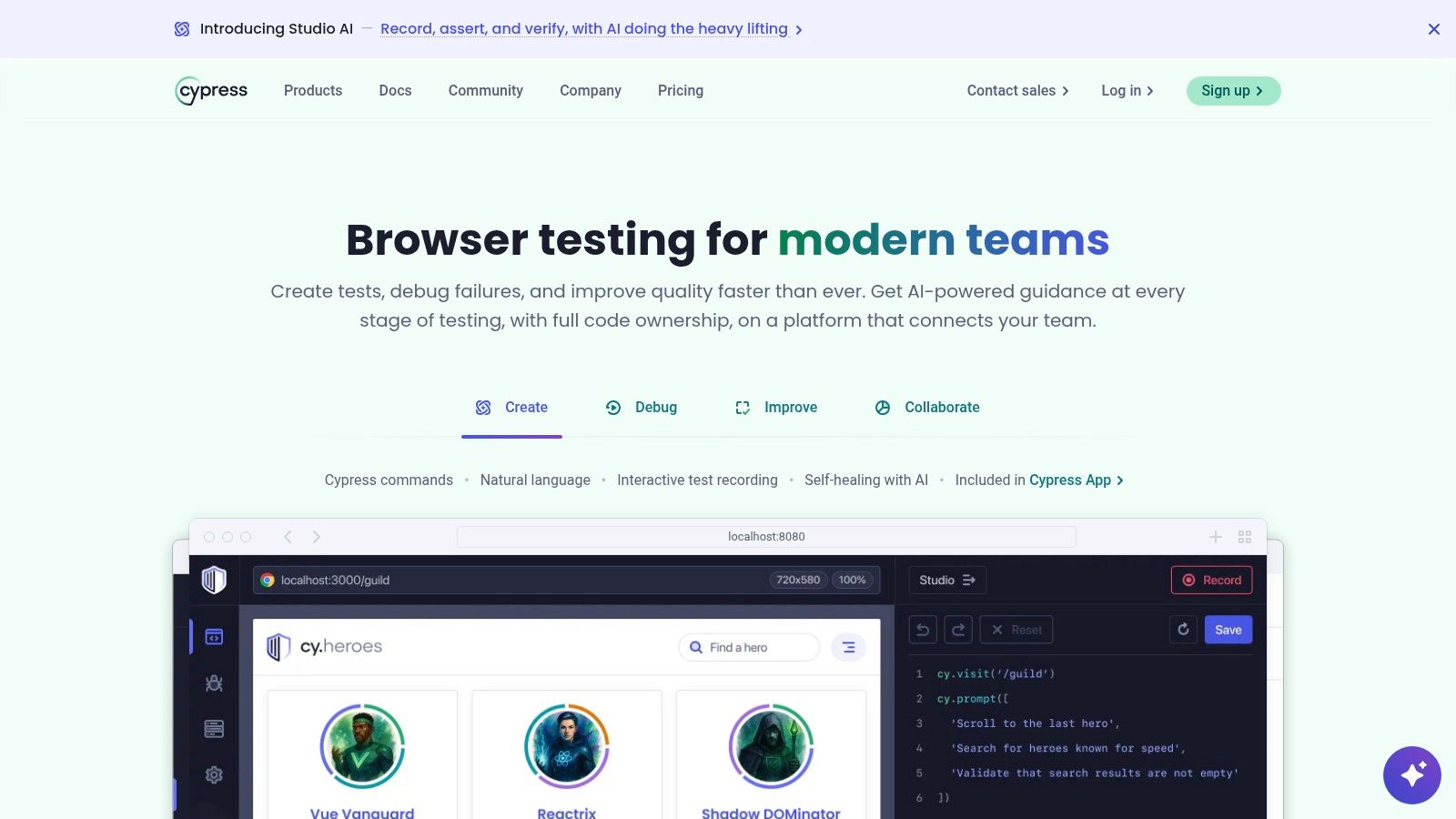
Unlike Selenium, Cypress bundles everything needed to start writing tests, from the test runner to assertion libraries. Its unique engine operates on the same run loop as the application under test, giving it deterministic control over command execution and network traffic. This results in tests that are less flaky and easier to debug, with features like time-travel and real-time reloads.
Use Case & Implementation
Cypress is best suited for teams building web applications with modern JavaScript frameworks like React, Angular, or Vue.js. Its fast feedback loop is ideal for integrating into a CI/CD pipeline, aligning with Agile development practices.
- Cypress App: The open-source test runner. Use this for writing, running, and debugging tests locally. Its interactive GUI shows commands as they execute and provides snapshots of the application state, making it simple to pinpoint failures.
- Cypress Cloud: A commercial service that enhances the open-source runner. It provides test parallelization to drastically cut down run times, detailed analytics dashboards, video recordings of test runs, and flake detection.
- Workflow Integration: The Cloud service integrates with tools like GitHub, Jira, and Slack, which is crucial for maintaining visibility. Adhering to established continuous integration best practices ensures these integrations deliver maximum value. Cloud pricing is based on the volume of test results, so teams should forecast their usage.
Website: https://www.cypress.io/
4. WebdriverIO
WebdriverIO is a next-generation test automation framework built for the modern Node.js ecosystem. It distinguishes itself by providing an extensible, feature-rich platform that goes beyond simple browser interaction, making it a powerful choice for JavaScript-centric teams looking for unified qa automation testing tools. Its design philosophy is centered around flexibility and community-driven development under the OpenJS Foundation.
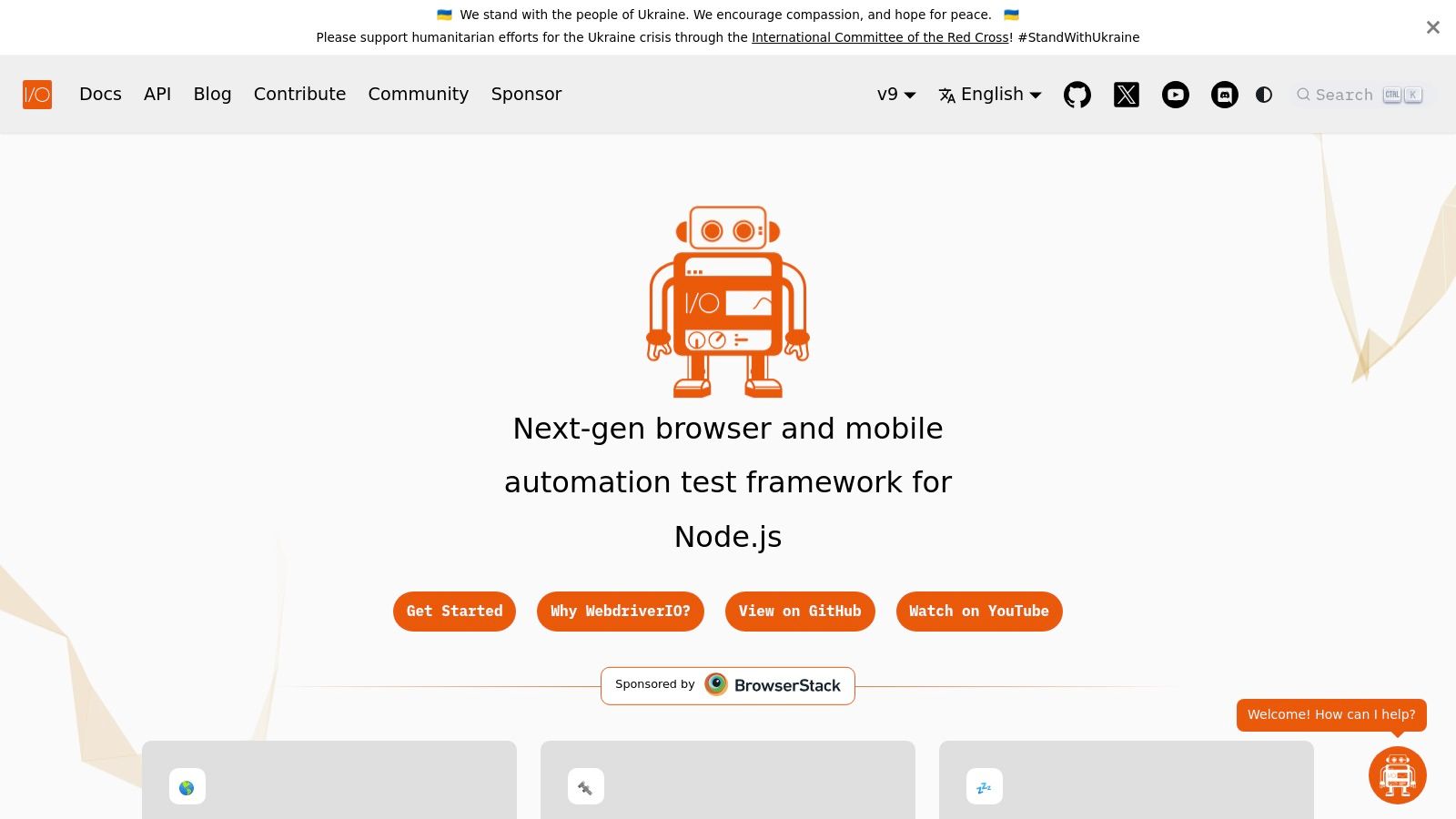
Unlike frameworks focused purely on end-to-end testing, WebdriverIO provides a versatile foundation for multiple testing types. It supports both the WebDriver and Chrome DevTools protocols, giving engineers the ability to choose the best automation driver for their needs. This versatility is its key strength, particularly for monorepos where web, component, and mobile tests need to coexist.
Use Case & Implementation
WebdriverIO is ideal for teams that need to automate across different platforms from a single codebase. It's especially effective in JavaScript or TypeScript environments where developers and QA can use the same language and tools, reducing friction and improving collaboration.
- Unified Testing: Use WebdriverIO to write end-to-end browser tests, native mobile tests via its first-class Appium integration, and even isolated component tests. This eliminates the need to manage separate frameworks for each testing discipline.
- Rich Plugin Ecosystem: The framework's core is lean, but its functionality is expanded through a vast library of plugins and services. You can easily add integrations for visual regression, accessibility checks, or performance testing with tools like Lighthouse.
- Test Runner Agnostic: Its CLI test runner wizard helps you scaffold a new project quickly, providing adapters for popular frameworks like Mocha, Jasmine, and Cucumber. This allows teams to work with tools they already know and trust.
Website: https://webdriver.io/
5. TestCafe (Runner + TestCafe Studio)
TestCafe distinguishes itself by removing a common point of friction in test automation: WebDriver. This open-source end-to-end framework runs tests directly in modern browsers, which drastically simplifies setup and maintenance. It is an excellent choice among qa automation testing tools for teams who want to get started quickly without managing complex driver configurations.
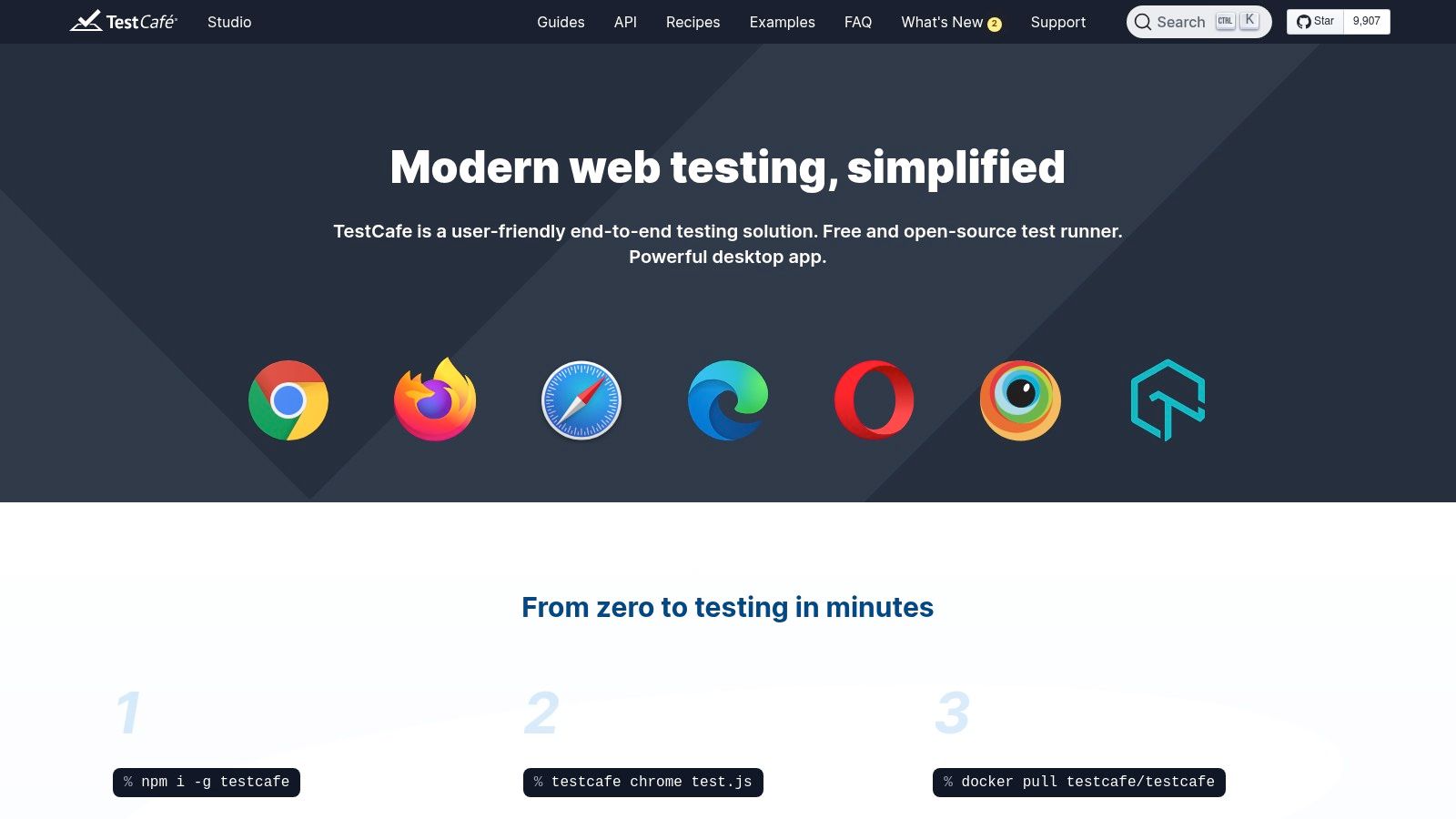
The platform offers two core components that work together. The open-source TestCafe runner provides a powerful JavaScript and TypeScript-based engine for writing clean, readable, and stable tests. For teams needing a lower entry barrier or a way to accelerate test creation, the commercial TestCafe Studio IDE introduces a low-code, record-and-playback environment with visual test editing capabilities.
Use Case & Implementation
TestCafe is particularly effective for teams that need fast feedback loops and easy integration into CI/CD pipelines. Its architecture is built for stability, automatically waiting for page loads and XHR requests, which reduces the flakiness often associated with asynchronous web applications.
- TestCafe Runner (Open-Source): The heart of the platform. Use it to write tests in JS or TS. It's ideal for developers and QA engineers who are comfortable with code. Features like concurrency and official Docker images make parallel testing and CI integration straightforward.
- TestCafe Studio (Commercial): A desktop IDE that provides a visual interface for test creation. Its recorder generates test code that can be run by the open-source runner, acting as a bridge between no-code and code-based testing. This is a strong starting point for manual testers transitioning to automation.
The primary advantage is speed of initiation. A new engineer can be writing and running cross-browser tests within minutes, a process that can take hours or days with driver-dependent frameworks. While its ecosystem is smaller than giants like Selenium, its focused approach on ease of use makes it a compelling option.
Website: https://testcafe.io/
6. Katalon Platform
Katalon Platform is an all-in-one testing solution built to bridge the gap between no-code simplicity and full-code power. It offers a unified environment for web, API, mobile, and even desktop application testing, making it a compelling choice for teams that need to cover multiple bases without juggling separate tools. This broad scope positions it as a very functional entry among qa automation testing tools.
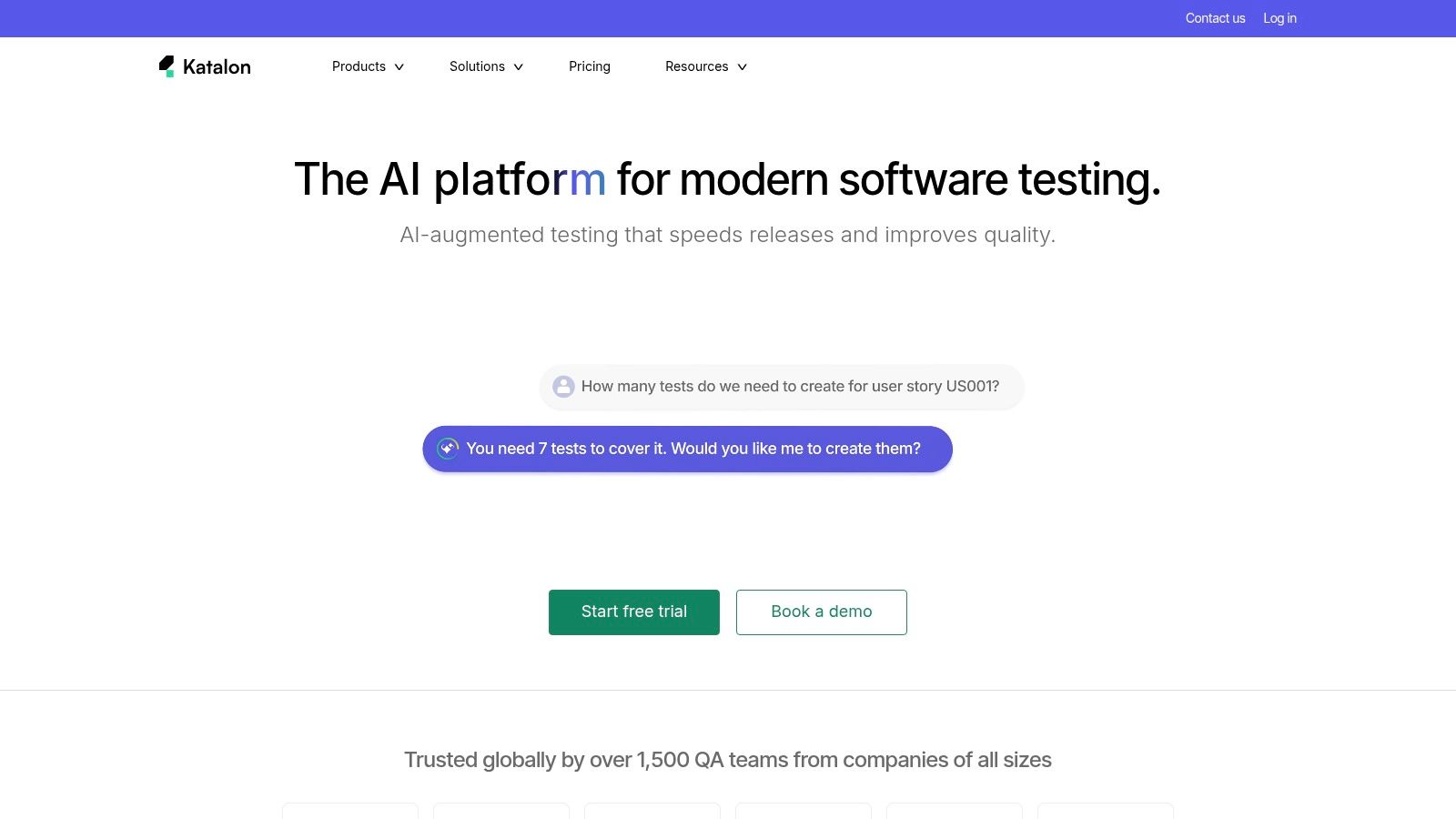
Unlike open-source libraries that require significant setup, Katalon provides a cohesive, managed experience out of the box. Its low-code "Manual Mode" allows manual QA testers or business analysts to create automated tests using a keyword-driven interface. Meanwhile, developers can switch to "Script Mode" to write and debug tests directly in Groovy or Java, accessing the full underlying power of Selenium and Appium.
Use Case & Implementation
Katalon is particularly effective in organizations with mixed-skill QA teams or those needing to accelerate their test automation adoption. It serves as an excellent on-ramp for manual testers moving into automation and provides the depth required for seasoned automation engineers. This makes it a great fit for establishing a standardized quality assurance testing process across an entire department.
- Low-Code & Full-Code Authoring: Use the visual editor for rapid test creation and the scripting view for complex logic. AI-assisted features like test generation and self-healing locators help reduce maintenance overhead.
- Centralized Reporting & Analytics: The platform includes built-in dashboards and analytics to track test execution, failure rates, and quality trends without needing third-party integrations.
- Flexible Execution: Tests can be run locally, via the Katalon Runtime Engine for CI/CD integration, or on Katalon's TestCloud for instant, parallel cross-browser execution. The licensing model is based on authoring seats and execution sessions, which can be nuanced.
Website: https://katalon.com/
7. Tricentis Tosca
Tricentis Tosca is an enterprise-grade, codeless automation platform designed for large-scale testing programs where governance and maintenance are paramount. It moves away from script-based testing and introduces a model-based approach, creating a digital twin of the application under test. This makes it a powerful choice among qa automation testing tools for organizations in regulated industries like finance and healthcare.
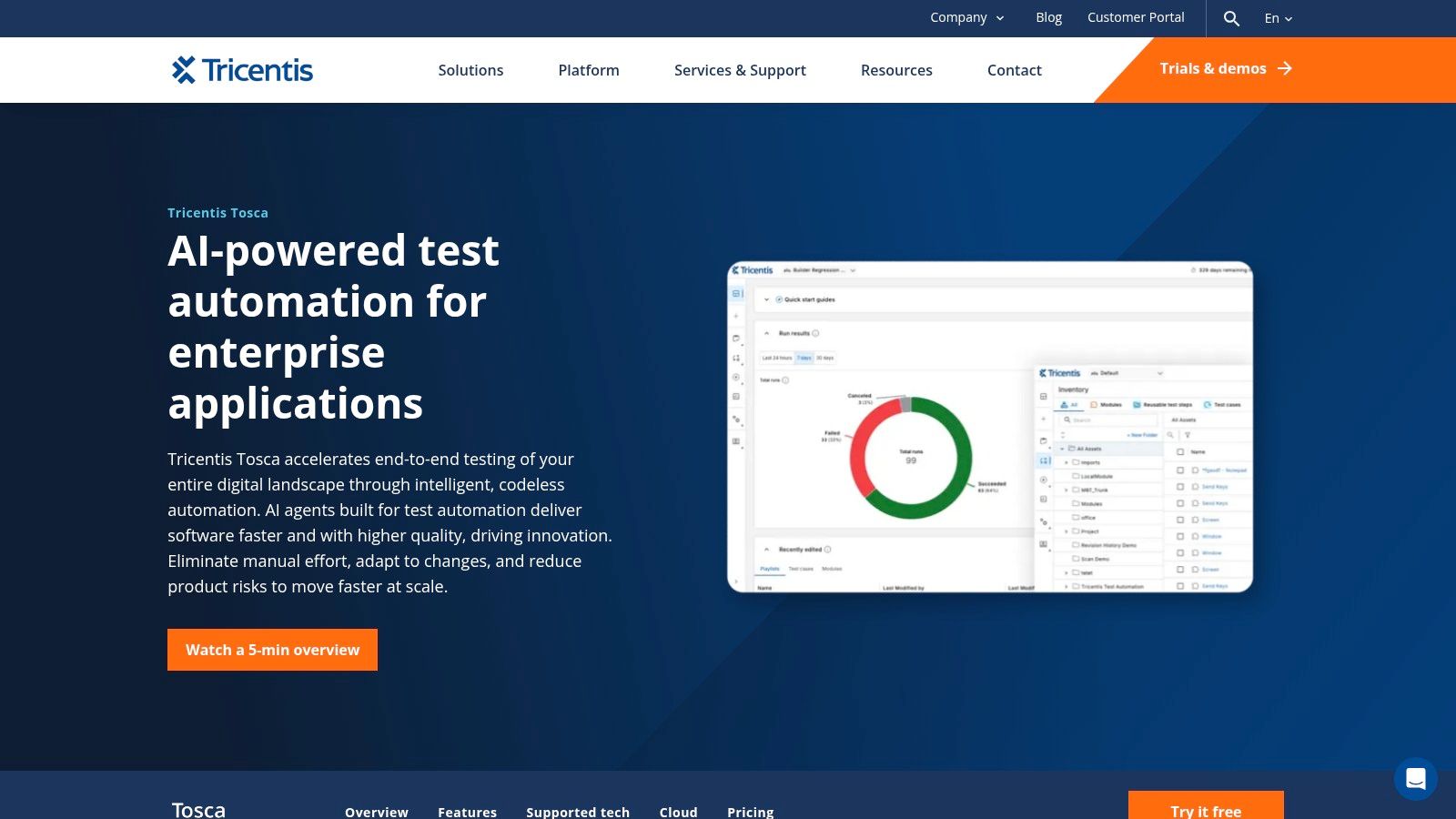
Unlike code-heavy frameworks, Tosca's core strength is its abstraction layer. Business users and QA analysts can build and maintain tests using a visual, drag-and-drop interface. When the application's UI changes, you update the central model, and all associated test cases are automatically updated. This significantly reduces the effort required to maintain large test portfolios, a common pain point in enterprise environments.
Use Case & Implementation
Tosca is best suited for complex, multi-technology enterprise ecosystems, especially those involving packaged applications like SAP, Salesforce, or Oracle. It's built for teams that need to ensure quality across web, API, mobile, and even legacy mainframe systems from a single platform.
- Model-Based Automation: The primary method of test creation. Instead of writing code, you scan an application to build a model of its modules and controls. Tests are then assembled visually from these reusable components.
- Broad Technology Support: Use Tosca to create end-to-end tests that span different technologies. A single test case can start on a web interface, validate data via an API call, and check results in an SAP system.
- Risk-Based Testing & Analytics: The platform includes features to analyze test coverage against business requirements, helping teams prioritize testing efforts based on risk. This is critical for large-scale regression suites where testing everything is not feasible.
Website: https://www.tricentis.com/products/automate-continuous-testing-tosca
8. Tricentis Testim
Tricentis Testim is an AI-augmented test automation platform designed to accelerate authoring and improve the stability of web and mobile application tests. It focuses on reducing maintenance by using smart, self-healing locators that adapt to application changes, making it a powerful choice among modern qa automation testing tools for teams that prioritize speed and resilience.
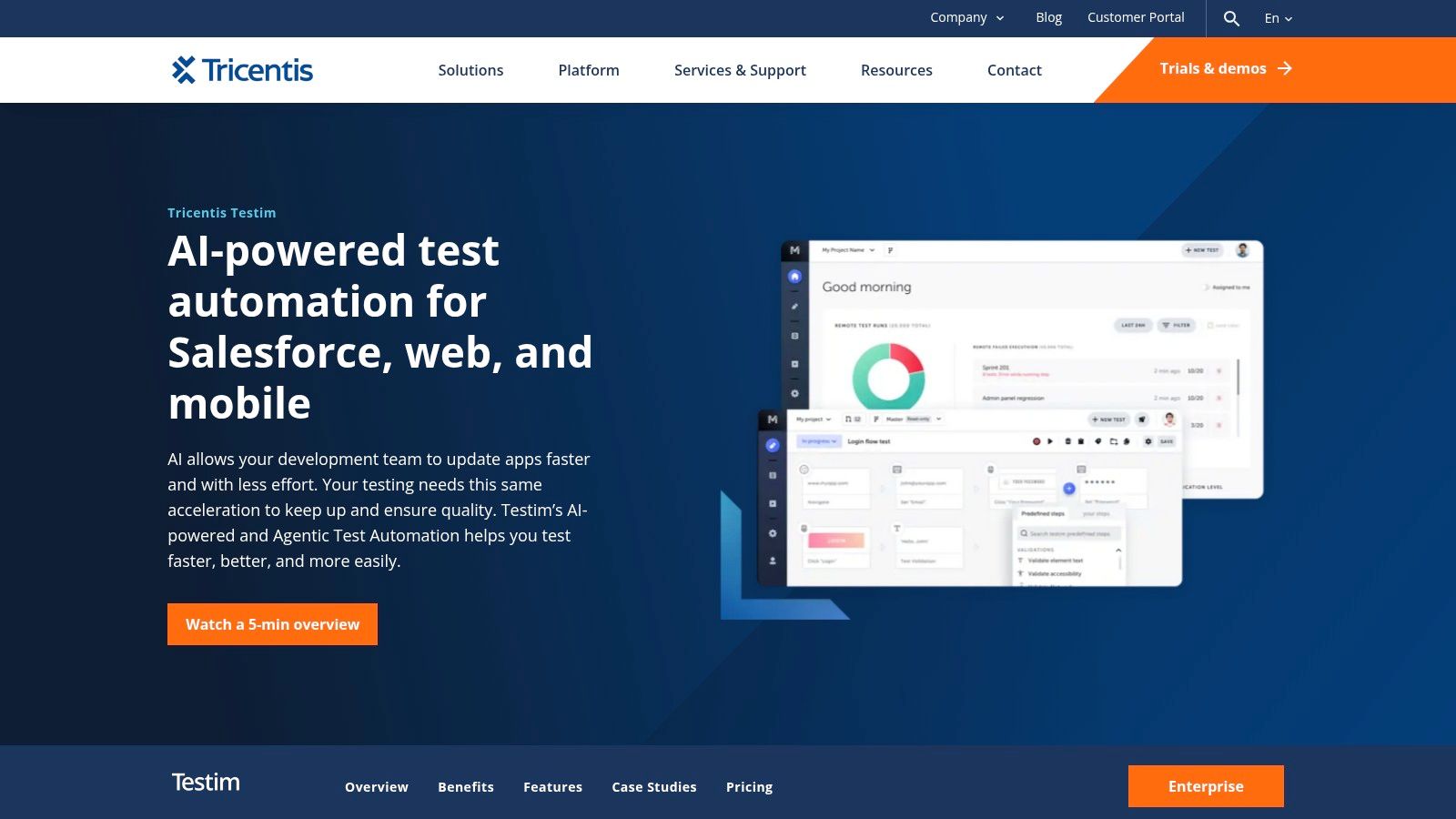
Unlike purely code-based frameworks, Testim provides a low-code interface that enables both technical and non-technical team members to contribute to automation. The introduction of Testim Copilot allows users to generate test steps using natural language, further lowering the barrier to entry and speeding up the creation process. While it offers less granular control than a custom Selenium framework, its strength lies in team-wide scalability and significantly reduced test maintenance.
Use Case & Implementation
Testim is best suited for agile product teams that need to release software quickly without being slowed down by brittle tests. Its AI-powered features are particularly effective for applications with dynamic UIs where element locators frequently break. Pricing is quote-based and requires a sales consultation, positioning it for professional teams and enterprises.
- AI-Stabilized Locators: Testim automatically captures multiple attributes for each element. If one attribute changes, its AI algorithm uses the others to find the element, preventing test failure and "healing" the test for future runs.
- Testim Copilot: Use natural language prompts to generate complete test cases or individual steps. This is useful for quickly scaffolding new tests or for allowing product managers and manual testers to draft automation scenarios.
- Fast Authoring: The platform's recorder captures user actions and translates them into editable test steps. This provides a fast starting point for building tests, which can then be customized with logic, parameters, and JavaScript code for more complex scenarios.
Website: https://www.tricentis.com/products/test-automation-web-apps-testim
9. mabl
mabl is a low-code, AI-assisted test automation platform built for modern development teams. It aims to consolidate the testing stack by unifying web, mobile, API, accessibility, and performance testing into a single solution. This approach is designed to simplify the toolchain and improve collaboration, making it a powerful contender among qa automation testing tools for teams looking to accelerate their CI/CD pipeline.
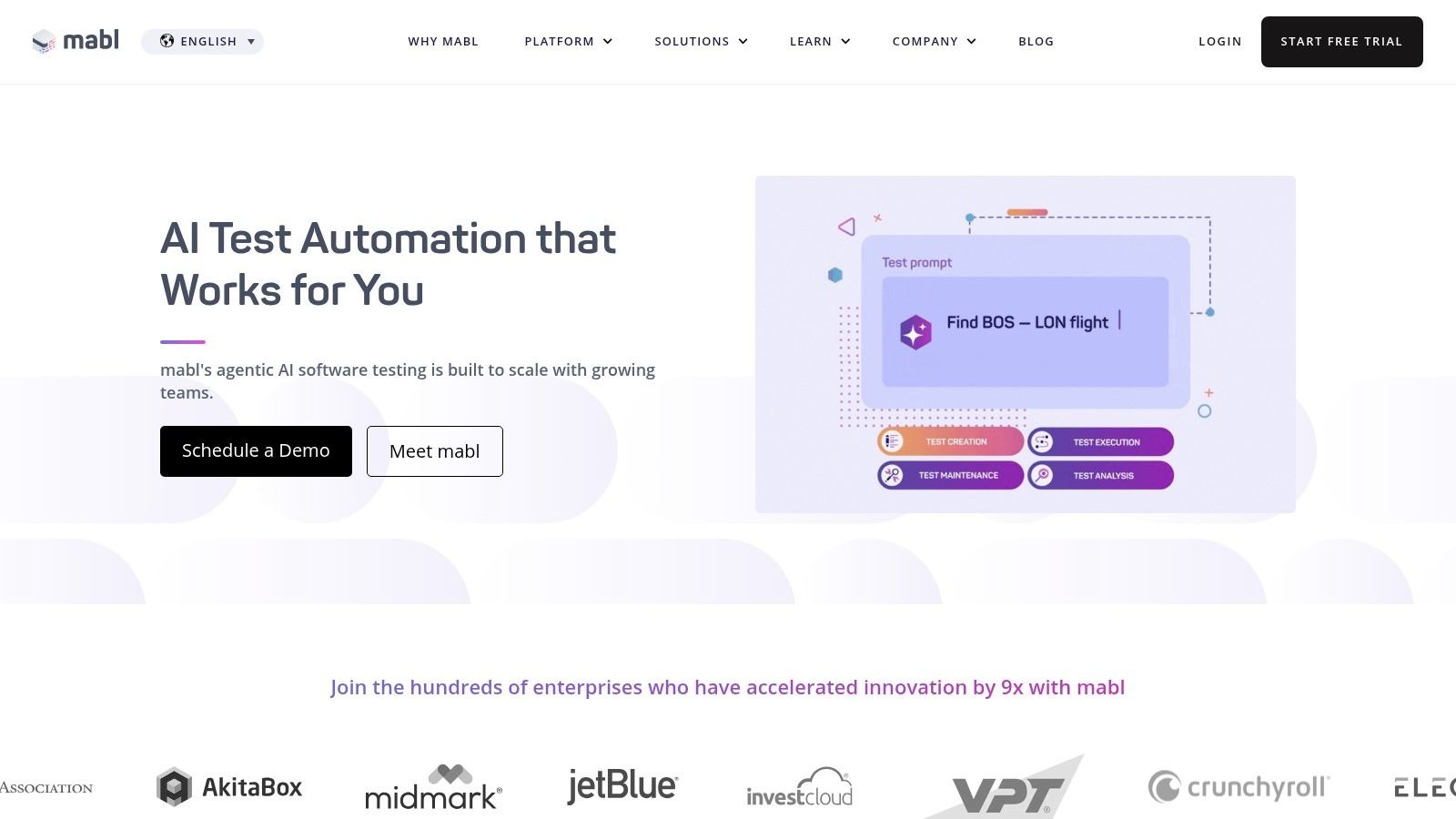
Unlike traditional code-based frameworks, mabl emphasizes ease of use with its browser extension for creating tests. Its real distinction comes from its machine intelligence features, which automatically detect application changes, self-heal broken tests, and provide rich diagnostic data to speed up root cause analysis. This helps teams spend less time maintaining brittle scripts and more time improving application quality.
Use Case & Implementation
mabl is best suited for agile teams that need to integrate fast, reliable end-to-end testing directly into their development workflow without a heavy coding burden. It's particularly effective for organizations looking to reduce the number of separate tools they manage and gain a holistic view of quality.
- Unified Testing: Use mabl to create and run tests across different layers of your application. Build a UI test for a user journey, add API assertions within the same flow, and automatically check for accessibility issues.
- AI-Assisted Maintenance: Let mabl's self-healing capabilities handle minor UI changes that would typically break tests. The platform adapts to changes in element attributes, reducing the test maintenance tax on the engineering team.
- Collaborative Triage: When a test fails in the cloud, mabl captures a wealth of data including DOM snapshots, network activity, and visual diffs. This allows developers and QA to quickly diagnose and resolve bugs in a shared, collaborative environment.
Website: https://www.mabl.com/
10. Applitools (Eyes + Autonomous)
Applitools addresses a critical, often-overlooked aspect of quality: visual correctness. While functional tests confirm that a button works, Applitools ensures it looks right on every browser, device, and screen size. It uses a powerful Visual AI engine to move beyond brittle, pixel-by-pixel comparisons, intelligently identifying only the visual regressions that a human user would notice. This makes it an essential addition to any modern stack of qa automation testing tools.
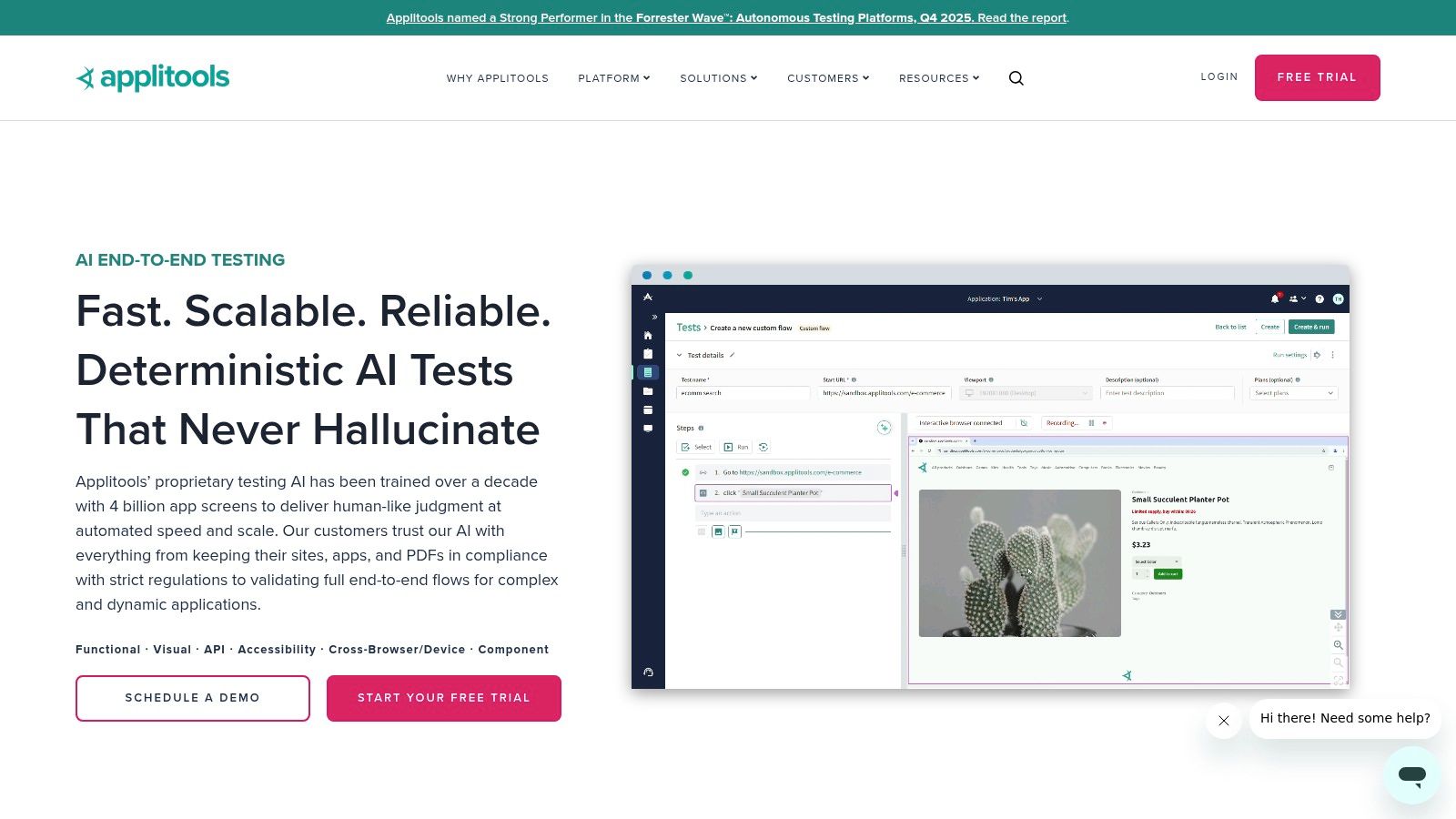
The platform is designed to augment, not replace, your existing testing frameworks. Its flagship product, Applitools Eyes, integrates directly into test scripts written in Selenium, Cypress, Playwright, and others. This allows engineering teams to add robust visual checkpoints to their functional and end-to-end tests with minimal code changes, catching UI bugs that functional assertions would miss.
Use Case & Implementation
Applitools is invaluable for teams developing complex user interfaces, especially those with responsive designs or component libraries where a small CSS change can have unintended consequences across the application. It's the best way to prevent visual bugs from reaching production.
- Applitools Eyes: The core visual testing engine. Add its SDK to your existing test project. Instead of writing dozens of CSS property assertions, you make a single
eyes.check()call to capture a snapshot. The AI compares it against an approved baseline, ignoring insignificant rendering differences and only flagging meaningful changes. - Ultrafast Grid: Executes visual tests across a wide array of browser and device viewport combinations at high speed. It renders snapshots in the cloud, running checks in parallel to provide comprehensive cross-browser feedback in minutes, not hours.
- Autonomous Testing: A newer part of the platform that uses AI to create and maintain functional tests by observing user journeys, intended to reduce the manual effort of test script creation.
Website: https://applitools.com/
11. BrowserStack Automate (and Platform)
BrowserStack provides a cloud-based testing grid that solves one of the biggest challenges in software quality: infrastructure management. Instead of building and maintaining an in-house lab of physical devices and virtual machines, teams can run their automated tests on BrowserStack's vast inventory of real browsers and mobile devices. This makes it a critical infrastructure component for many organizations using various qa automation testing tools.
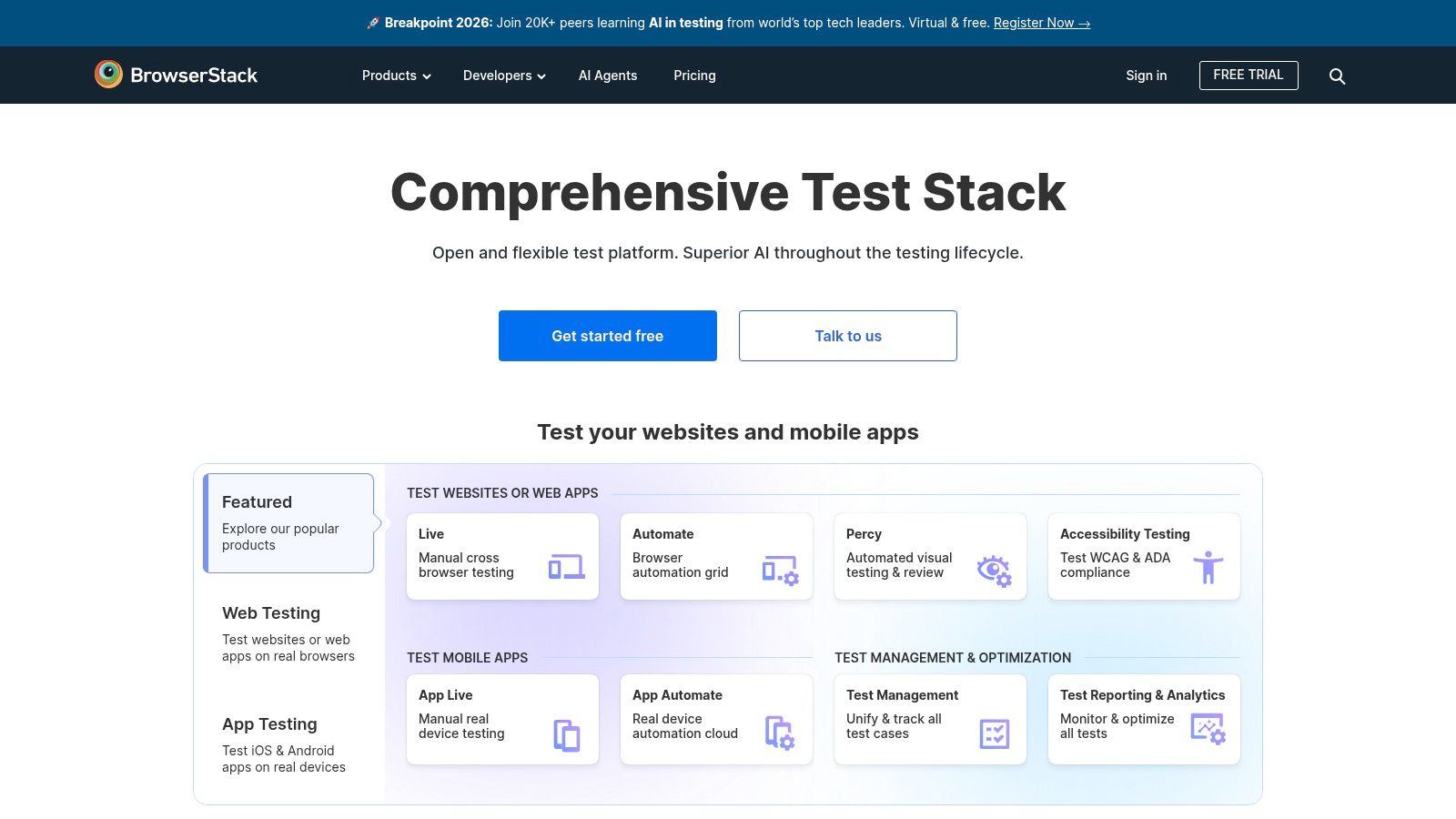
The platform is framework-agnostic, designed to execute tests written with Selenium, Cypress, Playwright, and mobile frameworks like Appium. By offloading execution to the cloud, teams can dramatically increase test parallelism, gain extensive device coverage, and access rich debugging artifacts without the associated overhead. This focus on scalable execution and detailed reporting is its primary value proposition.
Use Case & Implementation
BrowserStack is best suited for teams that need to validate application behavior across a wide matrix of browsers, devices, and operating systems but want to avoid the cost and complexity of maintaining that hardware. It integrates directly into CI/CD pipelines to run test suites on every code commit.
- Cross-Browser & Cross-Device Testing: Use BrowserStack Automate to run your existing web automation scripts (e.g., Selenium or Playwright) across dozens of browser versions on Windows and macOS. App Automate provides the same service for native mobile apps on real iOS and Android devices.
- Parallel Test Execution: The platform is built for speed. Configure your test runner to execute hundreds of tests in parallel, significantly cutting down feedback time from hours to minutes.
- Debugging and Analysis: After a test run, engineers can review video recordings, browser console logs, network logs, and screenshots for each test. This is essential for quickly diagnosing failures that only occur in specific environments.
Website: https://www.browserstack.com/
12. Sauce Labs (Platform for Test)
Sauce Labs provides a comprehensive cloud-based testing platform that addresses the challenge of running automated tests at scale across countless environments. Instead of teams managing their own device labs or virtual machine grids, Sauce Labs offers immediate access to thousands of browser, OS, and real device combinations. It is a go-to solution for organizations looking to expand their test coverage and integrate testing into their CI/CD pipelines without the infrastructure overhead, making it a powerful choice among qa automation testing tools.
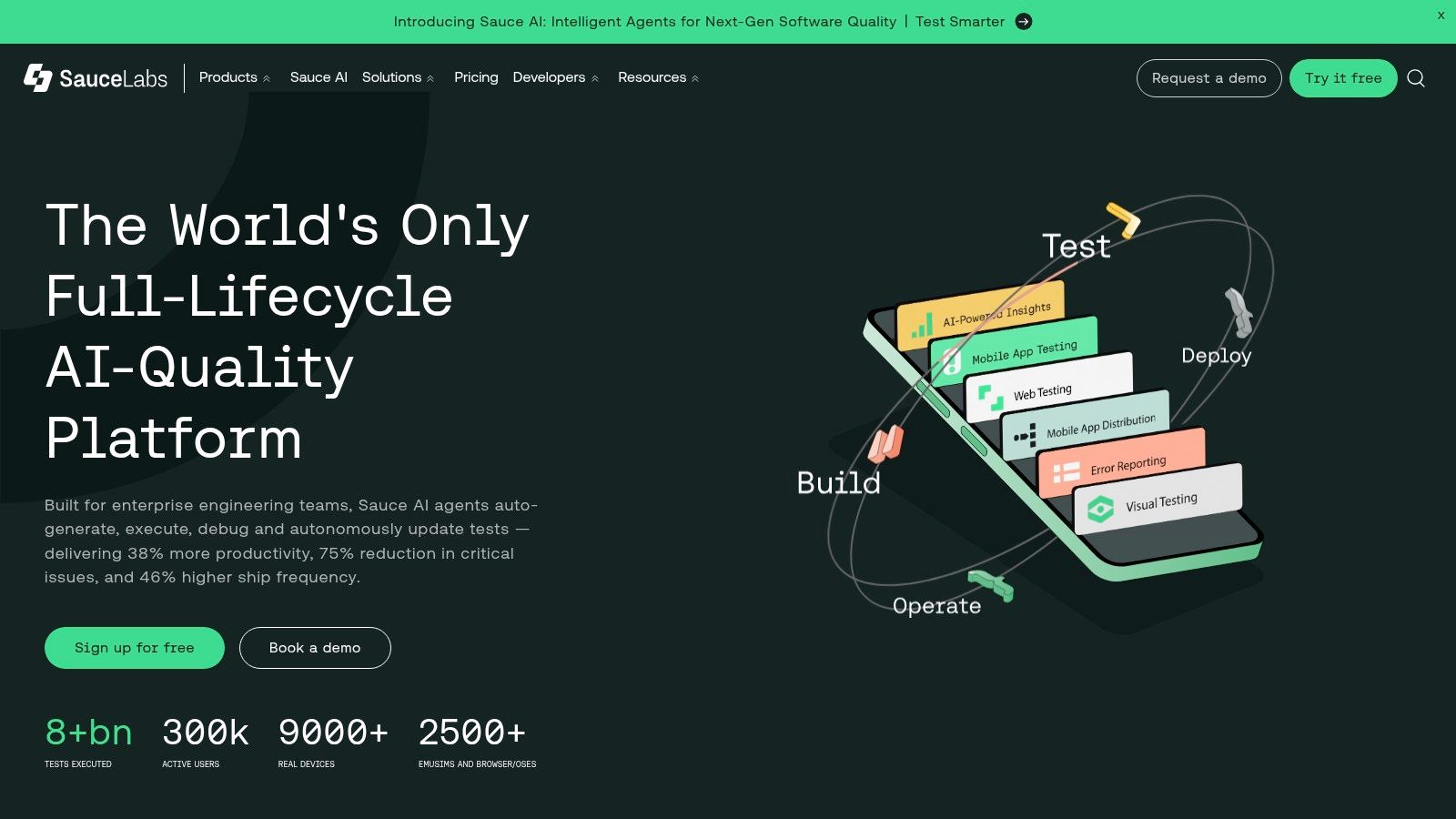
The platform is designed to work with the frameworks developers already use, including Selenium, Appium, Cypress, and Playwright. This compatibility allows teams to migrate existing test suites to the cloud with minimal changes. Its value is in abstracting away the hardware, providing parallel execution capabilities, and delivering detailed test reports, videos, and logs to help developers quickly diagnose failures.
Use Case & Implementation
Sauce Labs is ideal for teams that need to validate application functionality across a wide matrix of configurations or want to significantly speed up their regression suite execution. The clear entry-level pricing with unlimited testing minutes is particularly good for smaller teams or those wanting to pilot a cloud testing solution.
- Cross-Browser and Mobile Testing: Use the virtual and real device clouds to execute Selenium, Appium, or Playwright scripts on browsers and mobile devices you don't physically own. This is essential for ensuring a consistent user experience.
- Parallel Test Execution: Configure your CI/CD job to run tests in parallel on the Sauce Labs grid. This drastically cuts down feedback time, turning a multi-hour test run into a matter of minutes.
- AI-Assisted Insights: For enterprise users, the platform offers AI-driven features to group common failures and highlight flaky tests, helping teams focus their debugging efforts on the most critical issues.
Website: https://saucelabs.com/
Top 12 QA Automation Tools Comparison
| Tool | Core focus | UX / Quality (★) | Value / Pricing (💰) | Target audience (👥) | Unique selling points (✨ / 🏆) |
|---|---|---|---|---|---|
| Selenium | Browser automation (WebDriver, Grid, IDE) | ★★★☆ mature, flexible | 💰 Free / OSS | 👥 Engineers, infra & CI teams | ✨ Multi‑lang bindings, huge ecosystem · 🏆 de facto standard |
| Playwright | Cross‑browser E2E (Chromium, Firefox, WebKit) | ★★★★ resilient, fast feedback | 💰 Free / OSS | 👥 Devs & CI‑first teams | ✨ Auto‑waits, tracing, cross‑platform · 🏆 modern ergonomics |
| Cypress (App + Cypress Cloud) | JS in‑browser runner + Cloud analytics/replay | ★★★★ excellent DX, visual debugging | 💰 OSS runner + paid Cloud | 👥 JS teams, QA & Devs | ✨ Test replay, analytics, GitHub/Slack integ · 🏆 DX for JS |
| WebdriverIO | Node.js‑first framework (WebDriver/BiDi, Appium) | ★★★☆ versatile, configurable | 💰 Free / OSS | 👥 JS monorepos; web+mobile teams | ✨ Appium & BiDi support, rich plugin ecosystem |
| TestCafe (Runner + Studio) | Web runner without WebDriver + low‑code Studio | ★★★ fast setup, easy debugging | 💰 Runner OSS; Studio paid | 👥 JS teams & non‑coders | ✨ No WebDriver, record/playback Studio |
| Katalon Platform | All‑in‑one: web, mobile, API, desktop (AI assist) | ★★★ mixed‑skill friendly | 💰 Paid tiers; licensing mix | 👥 Mixed‑skill teams, regulated orgs | ✨ AI authoring, self‑healing locators, reporting |
| Tricentis Tosca | Model‑based, codeless enterprise testing (SAP/BI) | ★★★ enterprise governance | 💰 Enterprise (quote) | 👥 Large enterprises, regulated programs | ✨ Model‑based codeless, broad tech coverage · 🏆 enterprise‑scale |
| Tricentis Testim | AI‑augmented web & mobile test automation | ★★★★ fast authoring, self‑healing | 💰 Quote‑based | 👥 Product teams & QA squads | ✨ Testim Copilot (text‑to‑test), AI locators |
| mabl | Low‑code AI testing across web/mobile/API/perf/accessibility | ★★★★ CI‑first, collaborative | 💰 Quote‑based / cloud | 👥 CI‑centric teams & enterprises | ✨ Unified modalities, automated failure analysis |
| Applitools (Eyes + Autonomous) | Visual AI & autonomous visual testing | ★★★★ best‑in‑class visual checks | 💰 Paid (test‑unit/custom) | 👥 Teams needing visual verification | ✨ Visual AI engine, integrates with major frameworks · 🏆 visual accuracy |
| BrowserStack Automate | Cloud device & browser grid; real devices | ★★★★ offloads infra; rich artifacts | 💰 Paid tiers; sales‑assisted | 👥 Teams needing broad device/browser coverage | ✨ Real devices, video/logs, CI presets |
| Sauce Labs (Platform for Test) | Cloud testing for web & mobile (virtual + real) | ★★★★ pilot‑friendly, secure | 💰 Starter + enterprise tiers | 👥 Cross‑device teams & compliance‑sensitive orgs | ✨ Virtual & real device clouds, AI insights, security features |
Making Your Choice: From Analysis to Action
Selecting the right QA automation testing tools is more than a technical choice; it's a strategic decision that directly influences your product's quality, your team's velocity, and your overall engineering culture. We've explored a wide spectrum of options, from code-centric frameworks like Selenium and Playwright to all-in-one platforms like Katalon and Sauce Labs. The journey from this extensive list to a single, implemented solution requires careful thought and a clear understanding of your unique circumstances. There is no universally 'best' tool, only the one that aligns best with your team, your technology, and your business goals.
Synthesizing Your Needs for the Right Fit
The core takeaway is that your selection process must begin internally. Before you get dazzled by feature lists or AI-powered claims, you need a firm grasp on your own reality.
- Team Skillset: Do you have a team of seasoned SDETs who are comfortable deep in code? A framework like Playwright or WebdriverIO offers immense power and flexibility. Is your team a mix of manual testers and developers? A low-code solution like Tricentis Testim or mabl might bridge the skill gap more effectively, enabling broader participation in the automation effort.
- Application Architecture: The nature of your application dictates the type of testing you need. A modern single-page application (SPA) built with React or Vue will benefit greatly from tools like Cypress or Playwright, which are designed for dynamic web elements. For organizations with a mix of legacy desktop apps, APIs, and web UIs, an enterprise platform like Tricentis Tosca might be the only viable path to unified testing.
- Ecosystem & Integrations: A testing tool does not exist in a vacuum. How well does it fit into your existing CI/CD pipeline? Native integrations with Jenkins, GitHub Actions, GitLab CI, and communication tools like Slack are critical. A tool that provides immediate, actionable feedback within the developer's existing workflow is far more valuable than one that requires constant context switching.
From Evaluation to Implementation: A Practical Roadmap
Once you have a shortlist based on your internal needs, the next phase is a hands-on evaluation. Don't just rely on marketing materials or our analysis.
- Define a Proof of Concept (PoC): Select a critical user flow in your application. It should be complex enough to test the tool's capabilities but not so large that the PoC takes weeks.
- Run Parallel Evaluations: Have a small team or a pair of engineers build out the same PoC in your top two or three candidate tools. This direct comparison is invaluable. The process of comparing different frameworks like Backpack Vs Filament offers a great mental model for this; you're not just looking at features, but at the developer experience, the documentation quality, and the "feel" of building with the tool.
- Measure Key Metrics: During the PoC, assess factors like the time to write the first test, the stability and reliability of test runs (i.e., how flaky are the tests?), the quality of the debugging experience, and the clarity of the final reports.
The ultimate goal of integrating any of these QA automation testing tools is to create a tight, rapid feedback loop. Test failures should be treated with the same urgency as production bugs. They should be visible, easy to diagnose, and assigned for a fix immediately. This is where automation moves from a simple checking activity to a core driver of development quality and speed. By choosing a tool that empowers your team and integrating it deeply into your daily workflows, you turn quality assurance from a bottleneck into a genuine competitive advantage.
Is your CI pipeline a source of noise? Once you've automated your tests, the next challenge is managing the notifications. PullNotifier ensures the right test failure alerts reach the right developer on Slack, directly from your GitHub Actions. Stop spamming channels and start delivering actionable feedback with a PullNotifier integration.