- Published on
12 Best Integrations for Slack to Boost Productivity in 2025
- Authors

- Name
- Gabriel
- @gabriel__xyz
Slack is more than a communication tool; it’s the central nervous system for high-performing tech teams. While channels and threads keep conversations organized, the real power comes from transforming Slack into an actionable hub. This is achieved by integrating the essential applications your team uses daily, from code repositories and project management boards to CI/CD pipelines and calendar alerts. The goal is to minimize context switching and centralize notifications, turning passive updates into interactive commands directly within your workspace.
Finding the right tools can be a challenge. That's why we've compiled this definitive guide to the best integrations for Slack. We move beyond generic lists to provide a detailed analysis of top-tier applications and integration platforms tailored for software developers, engineering managers, and product owners. Each entry includes practical use cases, implementation considerations, and an honest look at potential limitations.
This resource is designed for quick navigation. You’ll find direct links and screenshots for every tool, allowing you to evaluate and deploy the solutions that will genuinely enhance your team's productivity. Whether you need to streamline pull request notifications, automate routine tasks, or connect disparate systems, this guide will help you build a more efficient and integrated Slack environment.
1. PullNotifier
PullNotifier stands out as one of the best integrations for Slack by solving a universal problem for engineering teams: the constant, noisy flood of pull request (PR) notifications. It transforms the default GitHub alerts from a stream of channel spam into a single, consolidated, and actionable Slack thread. This unique approach keeps teams informed without causing notification fatigue, directly addressing a critical pain point in the developer workflow.
The integration’s core strength lies in its intelligent notification system. Instead of posting a new message for every comment, commit, or status change, PullNotifier updates the original PR notification in-place. This keeps the entire lifecycle of a pull request contained within a single, easy-to-follow thread, preserving context and dramatically reducing channel clutter.
Key Features and Use Cases
PullNotifier is designed for precision and control, making it a powerful tool for teams of any size. Its feature set is focused on creating a frictionless review process.
*   **Intelligent Routing:** You can create highly specific rules to route PRs to the correct channels. For instance, route notifications from a specific repository's `frontend` directory to the `#frontend-dev` channel, or tag PRs with a `hotfix` label to alert the `#on-call-eng` team. It also supports monorepos, allowing you to route updates based on file paths within a single large repository.
*   **Automated Reviewer Mentions:** The integration automatically pings the right reviewers at the right time. When a PR is opened, it mentions the assigned reviewers. When changes are requested and then pushed, it re-notifies the original reviewers, eliminating the manual "ready for re-review" messages.
*   **Enterprise-Grade Security:** A major differentiator is its security posture. PullNotifier operates with minimal permissions, never accessing your source code or reading your private Slack messages. It supports GitHub Enterprise Server and offers dedicated or self-hosted deployment options for organizations with stringent data privacy requirements.
Why It Excels
PullNotifier earns its top spot by delivering a focused, high-impact solution with an exceptional user experience. Setup is famously simple, often taking just a few minutes, a detail frequently praised in user reviews. The platform has proven its value with claims of reducing PR review delays by up to 90%, a significant boost to development velocity.
While its scope is intentionally narrow-it enhances the PR workflow, it doesn't replace it-this focus is its greatest strength. It does one thing and does it exceptionally well.
| Feature | Description |
|---|---|
| Pricing | Free for teams up to four developers. Paid plans are available for larger teams, with a two-week free trial. |
| Best For | Engineering teams of all sizes, especially those struggling with notification noise, using monorepos, or requiring enterprise-level security. |
| Primary Advantage | Drastically reduces Slack noise by consolidating all PR activity into a single, updatable thread per PR. |
| Security | Minimal permissions (no code access), supports GitHub Enterprise, and offers dedicated hosting. DPA available for enterprise customers. |
| Website | https://pullnotifier.com |
2. Slack App Directory (Slack Marketplace)
The best place to start any search for Slack integrations is Slack's own official marketplace. The Slack App Directory is a curated repository of over 2,600 applications, all verified by Slack for security and functionality. It serves as the most reliable first stop for finding and installing tools directly into your workspace, from project management aids to sophisticated developer utilities.
Unlike searching scattered third-party sites, the directory provides a seamless one-click "Add to Slack" installation process. It also offers transparent permission scopes, so you know exactly what data an app can access before you approve it. For engineering and IT leaders, this native governance is a critical advantage, providing org-wide admin controls for approving and managing app installations.
Key Details & User Experience
| Aspect | Details |
|---|---|
| Pricing | Free to browse and install apps. Individual app pricing varies. |
| Selection | 2,600+ Slack-verified apps across all major categories. |
| Use Case | The primary, most secure source for discovering and managing Slack apps. |
| Website | https://slack.com/apps |
While the directory is comprehensive, be aware that some niche or newer tools might not be listed. However, for most teams, its combination of safety, ease of use, and native administrative control makes it the essential starting point for enhancing your Slack workspace. It's the definitive resource for finding the best integrations for Slack with confidence.
3. Slack Integrations hub
For teams wanting a high-level overview of their integration options, Slack's own Integrations hub is the ideal starting point. Unlike the App Directory which is purely a marketplace, this page serves as an educational guide, explaining the different ways to connect tools to Slack. It breaks down possibilities into plug-and-play apps, no-code Workflow Builder connectors, and fully custom apps built with Slack APIs.
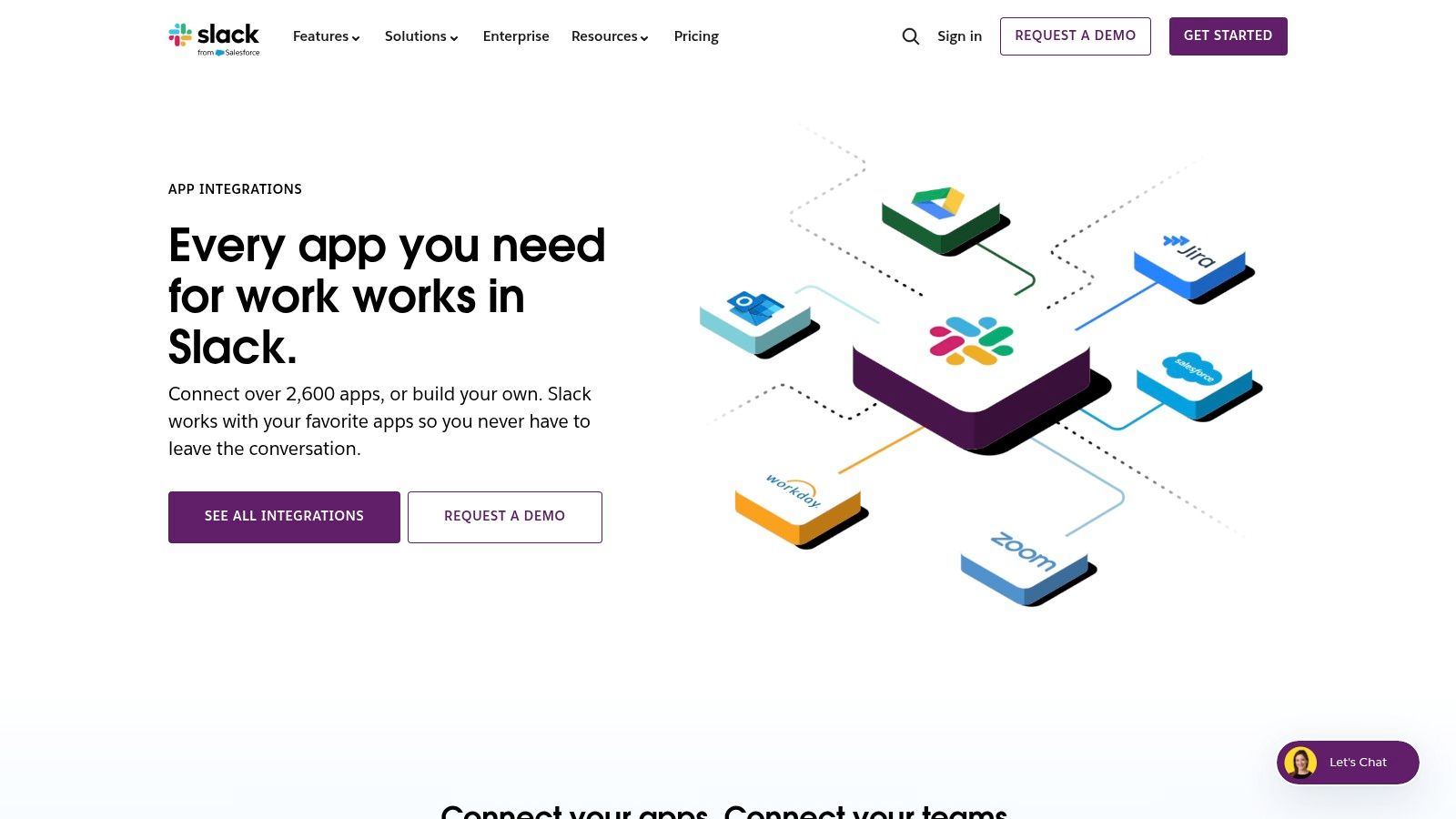
This resource is particularly useful for decision-makers and engineering leads planning their automation strategy. It helps you understand the trade-offs between a ready-made solution and a custom-built one, providing curated examples for functions like project management, CRM, and developer tools. For those building their own tools, it provides the essential links and guidance needed to get started with the Slack API, which is critical for creating powerful connections like those detailed in a guide to GitLab with Slack integration.
Key Details & User Experience
| Aspect | Details |
|---|---|
| Pricing | Free to access. Integration costs depend on the chosen method. |
| Selection | An overview of all integration types: Marketplace, Workflow Builder, and APIs. |
| Use Case | Understanding the strategic options for connecting tools to Slack. |
| Website | https://slack.com/integrations |
While it's not a storefront and ultimately redirects you to other pages for installation or development, the hub is an invaluable planning resource. It clarifies the landscape, helping you choose the right path before committing resources. For any team looking to find the best integrations for Slack, starting here provides a foundational understanding of what’s possible.
4. Zapier – Slack integrations directory
For teams needing to connect Slack with applications beyond the official marketplace, Zapier stands out as the essential no-code automation bridge. Its platform allows you to create custom workflows, called "Zaps," that link Slack to over 6,000 other apps, automating repetitive tasks without writing a single line of code. This is invaluable for streamlining processes that span multiple tools, like creating a Trello card from a saved Slack message or posting a new Salesforce lead directly into a sales channel.
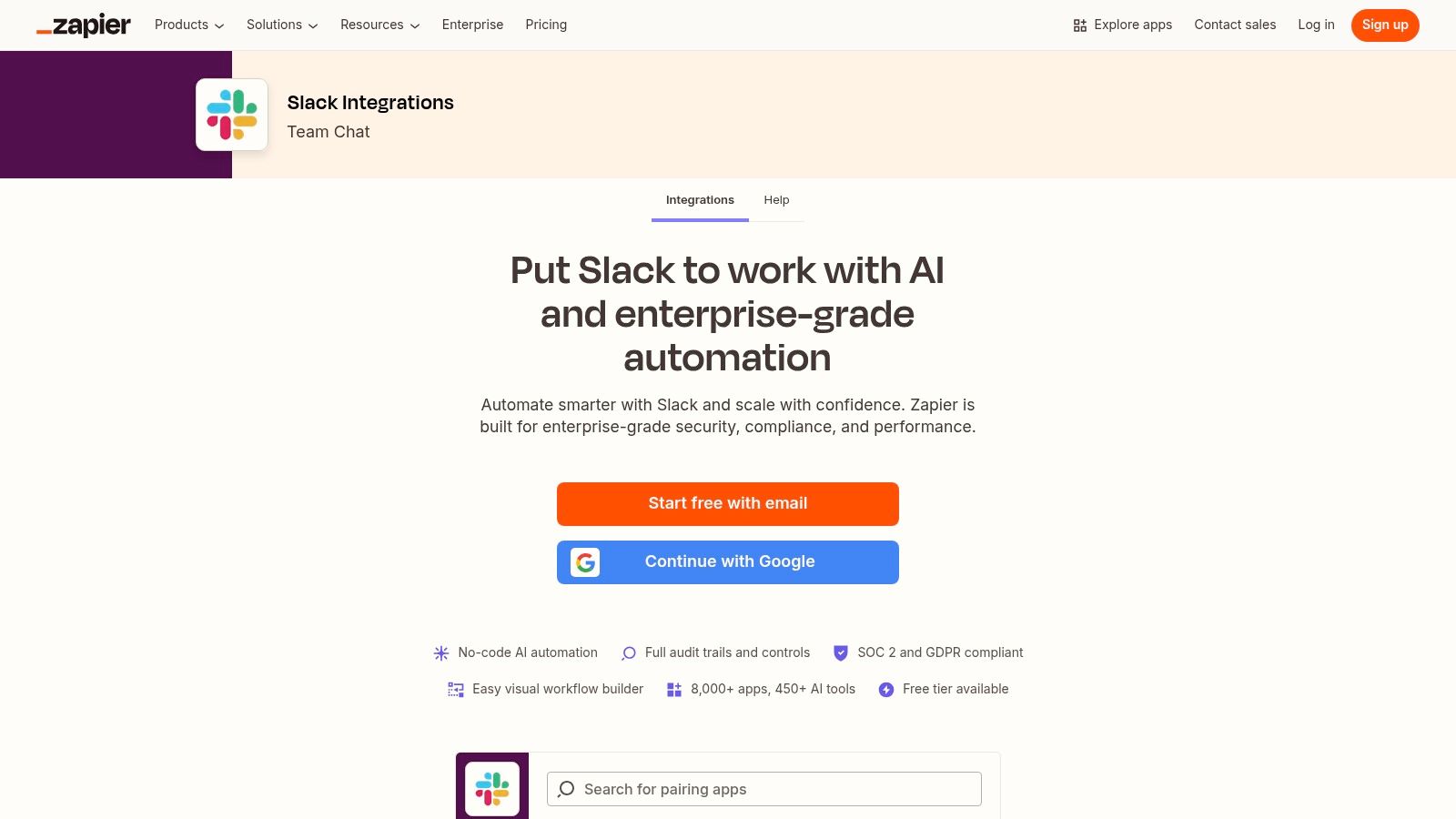
Unlike native integrations that often have limited functionality, Zapier provides deep control over triggers and actions. You can build multi-step automations that filter data and perform conditional logic, offering a level of customization that direct integrations can't match. For those looking for more direct control over notifications from developer tools, it's also worth learning how to use GitHub Actions to send Slack notifications. Zapier is one of the best integrations for Slack when your workflow needs exceed what’s available in the App Directory.
Key Details & User Experience
| Aspect | Details |
|---|---|
| Pricing | Free tier available. Paid plans start at $19.99/month, based on task volume. |
| Selection | Connects Slack to 6,000+ web applications. |
| Use Case | Creating custom, multi-app automations between Slack and other tools without code. |
| Website | https://zapier.com/apps/slack/integrations |
While Zapier's free plan is excellent for testing, its task-based pricing can become costly for high-volume workflows. However, for small to mid-sized teams, the efficiency gains from its extensive template library and powerful automation capabilities offer a significant return on investment.
5. Make (formerly Integromat) – Slack integration
For teams needing to build complex, multi-step automations that go beyond simple "if this, then that" logic, Make is an indispensable tool. Its visual, drag-and-drop workflow builder allows you to create sophisticated scenarios with branching logic, multiple routes, and advanced error handling. It connects Slack with thousands of other apps, giving you granular control over every step of the process.
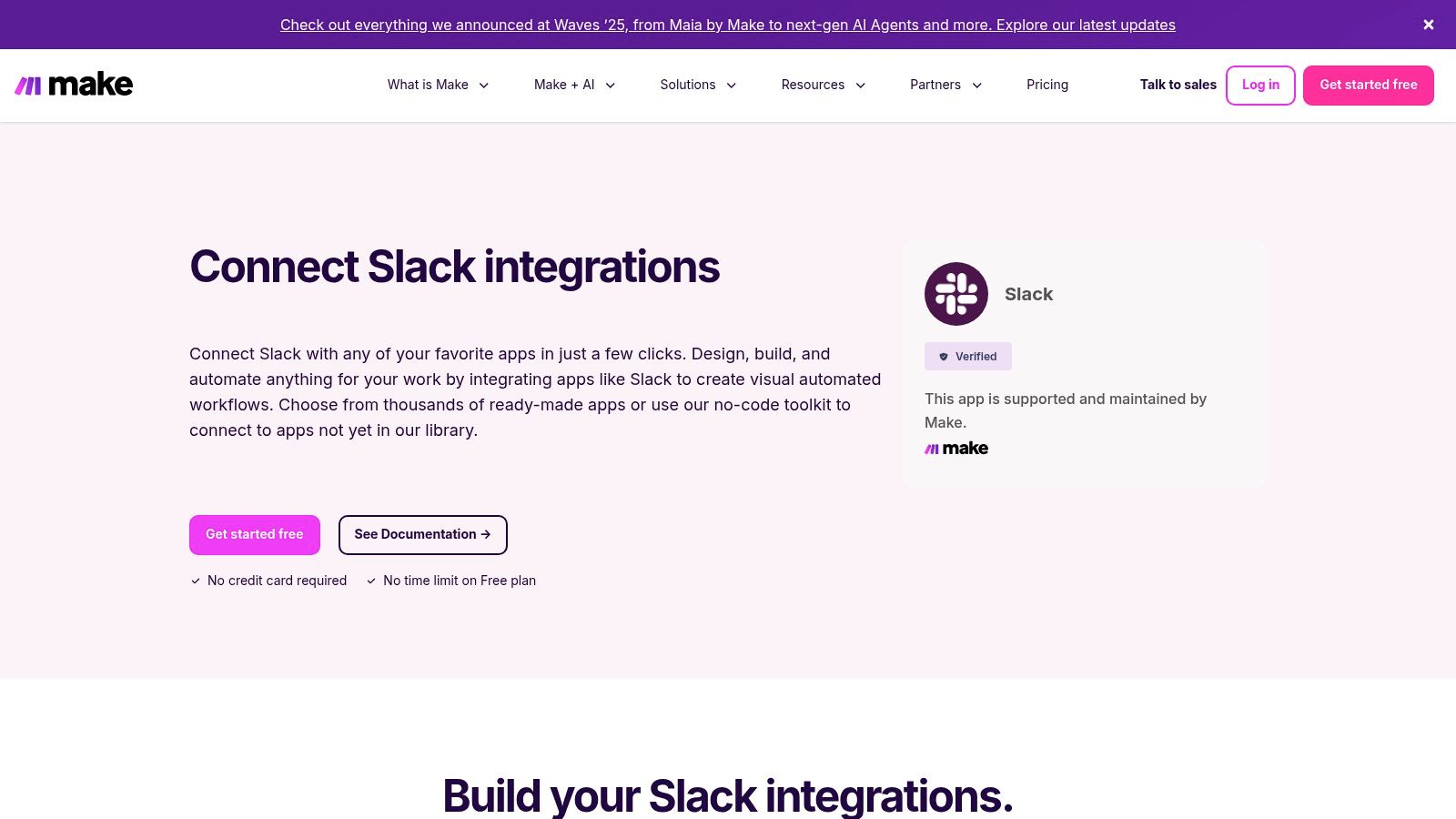
What truly sets Make apart is its transparency. You can visually see how data flows through your automation and review detailed execution logs to troubleshoot exactly where a workflow failed. This level of insight is critical for developers and tech leads managing complex integrations. While it has a steeper learning curve than simpler tools, its power and flexibility make it one of the best integrations for Slack for creating custom, mission-critical automations without writing code.
Key Details & User Experience
| Aspect | Details |
|---|---|
| Pricing | Free plan available (1,000 operations/month). Paid plans start at $9/month. |
| Selection | Hundreds of pre-built modules for Slack and thousands of other app connectors. |
| Use Case | Building complex, multi-step automations with conditional logic and advanced routing. |
| Website | https://www.make.com/en/integrations/slack |
Make is ideal when basic recipe-based tools fall short. For instance, you could build a workflow that listens for a specific emoji reaction in Slack, retrieves customer data from a CRM, checks inventory in a database, and then posts a detailed, formatted update back to a channel-all with clear debugging logs. The platform’s power justifies the initial learning investment for any team serious about advanced workflow automation.
6. Workato – Slack connector and Workbot for Slack
For organizations that need enterprise-grade power and security, Workato provides a robust Integration Platform as a Service (iPaaS) solution. It goes beyond simple point-to-point connections, offering a secure, scalable platform for building complex, multi-step automations that bridge Slack with hundreds of other business-critical systems. The platform is designed with IT governance and auditability at its core, making it a trusted choice for large-scale deployments.
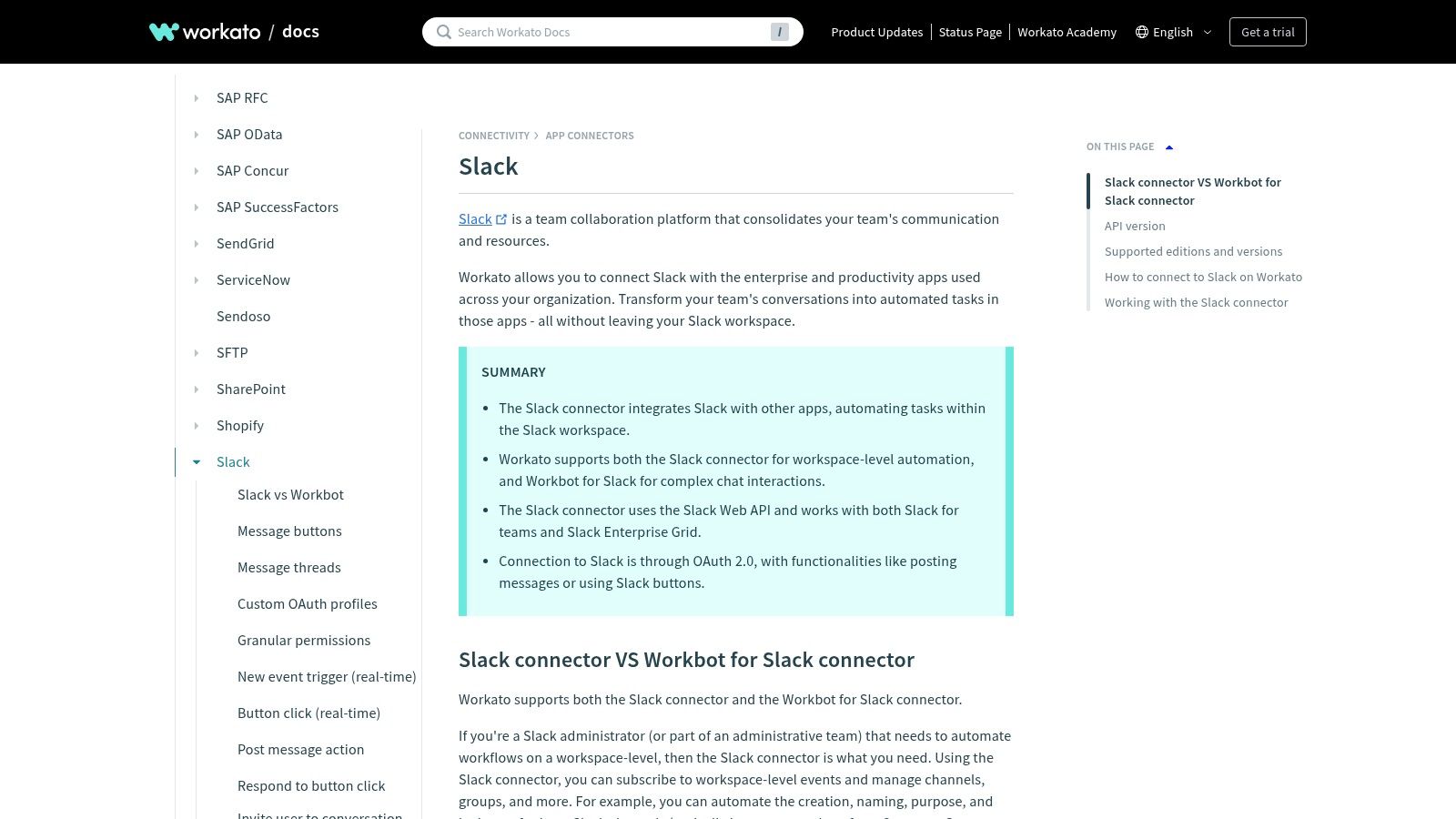
Workato’s key differentiator is its Workbot for Slack, which allows developers and IT teams to build powerful in-Slack experiences. This enables users to perform actions like approving expense reports, looking up customer data from a CRM, or creating support tickets directly from a Slack channel, all governed by enterprise-level compliance. This transforms Slack from a communication tool into a command center for core business operations.
Key Details & User Experience
| Aspect | Details |
|---|---|
| Pricing | Custom quote-based pricing; generally suited for enterprise budgets. |
| Selection | Deep Slack connector with extensive triggers and actions; connects to 1000+ enterprise apps. |
| Use Case | Building secure, governed, and complex automations for enterprise-scale operations. |
| Website | https://docs.workato.com/en/connectors/slack.html |
While its power and compliance features are ideal for enterprises, Workato’s complexity and custom pricing model may be overkill for smaller teams or simpler use cases. However, for organizations needing to consolidate workflows under strict IT governance, it is one of the best integrations for Slack to ensure security, auditability, and scale.
7. Atlassian Marketplace – Slack for Jira
For teams deeply embedded in the Atlassian ecosystem, the official Atlassian Marketplace is the definitive source for connecting Jira to Slack. It provides first-party, fully supported integrations for both Jira Cloud and Data Center/Server deployments, ensuring reliability and security. This is where engineering managers and scrum masters can find the tools to bring crucial Jira notifications and actions directly into their Slack channels.
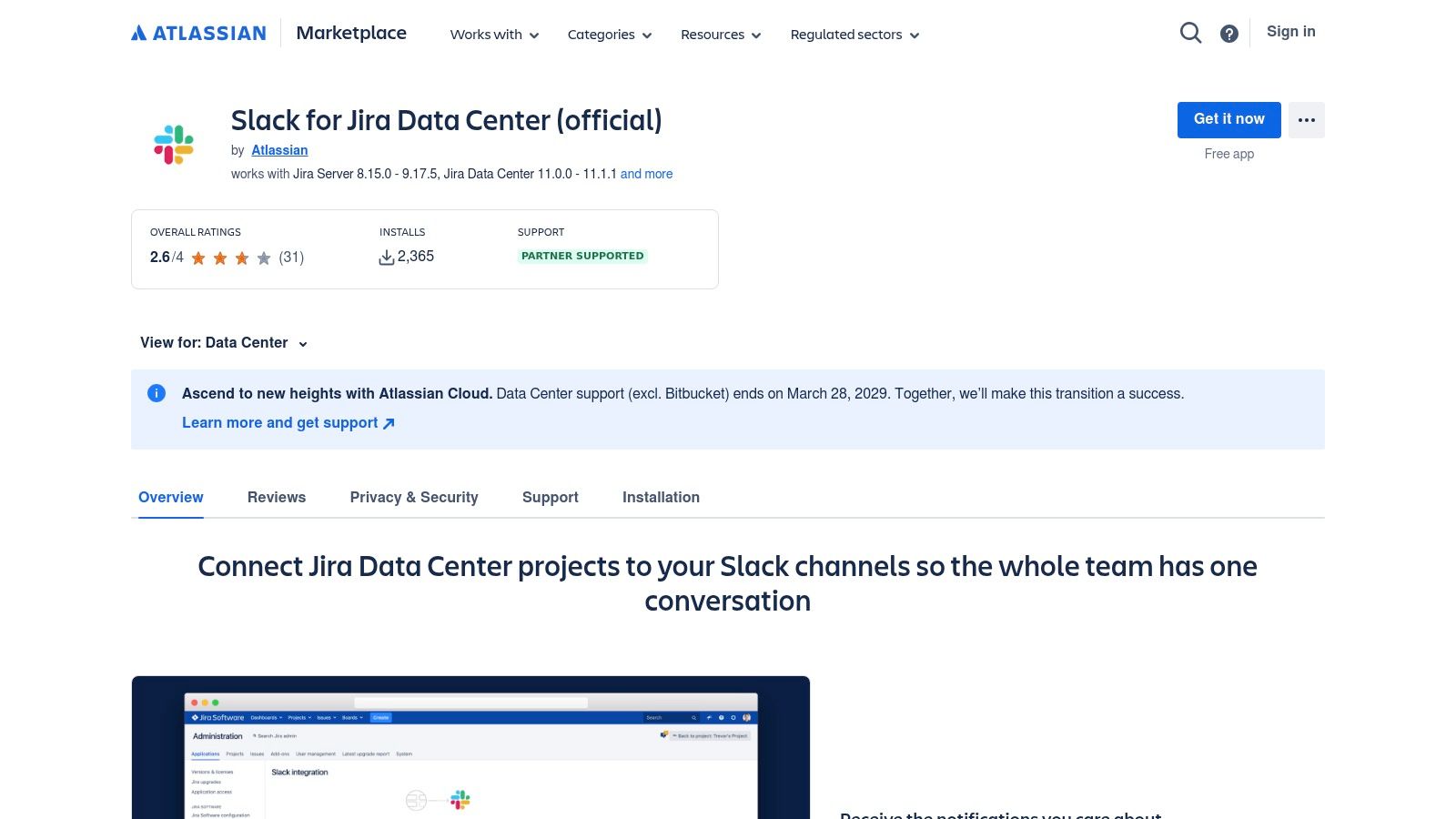
Unlike generic third-party connectors, the marketplace provides detailed documentation, version compatibility information, and admin guides straight from the source. Teams can configure personalized notifications for issue updates, create new Jira issues from Slack messages using slash commands, and preview Jira links automatically. This direct line to Atlassian support and development makes it one of the best integrations for Slack if your workflow is powered by Jira.
Key Details & User Experience
| Aspect | Details |
|---|---|
| Pricing | Free to use the integration. A Jira subscription is required. |
| Selection | Official first-party apps for both Jira Cloud and Data Center. |
| Use Case | Essential for software, IT, and product teams to manage Jira workflows from Slack. |
| Website | https://marketplace.atlassian.com/apps/1220099/slack-for-jira-data-center-official |
The key advantage here is the official support covering all deployment types, a critical consideration for enterprises with on-premise infrastructure. While some advanced automation features may depend on your Jira plan (e.g., Premium), the core functionality for reducing context switching and improving team velocity is available to all.
8. Asana – Slack integration
For teams managing projects in Asana, this official integration is essential for bridging the gap between communication and action. It allows users to convert Slack conversations directly into trackable tasks within Asana, complete with assignees and due dates. This tight, two-way workflow ensures that ideas and action items discussed in chat don't get lost, seamlessly moving them into your structured project plans without leaving the Slack interface.
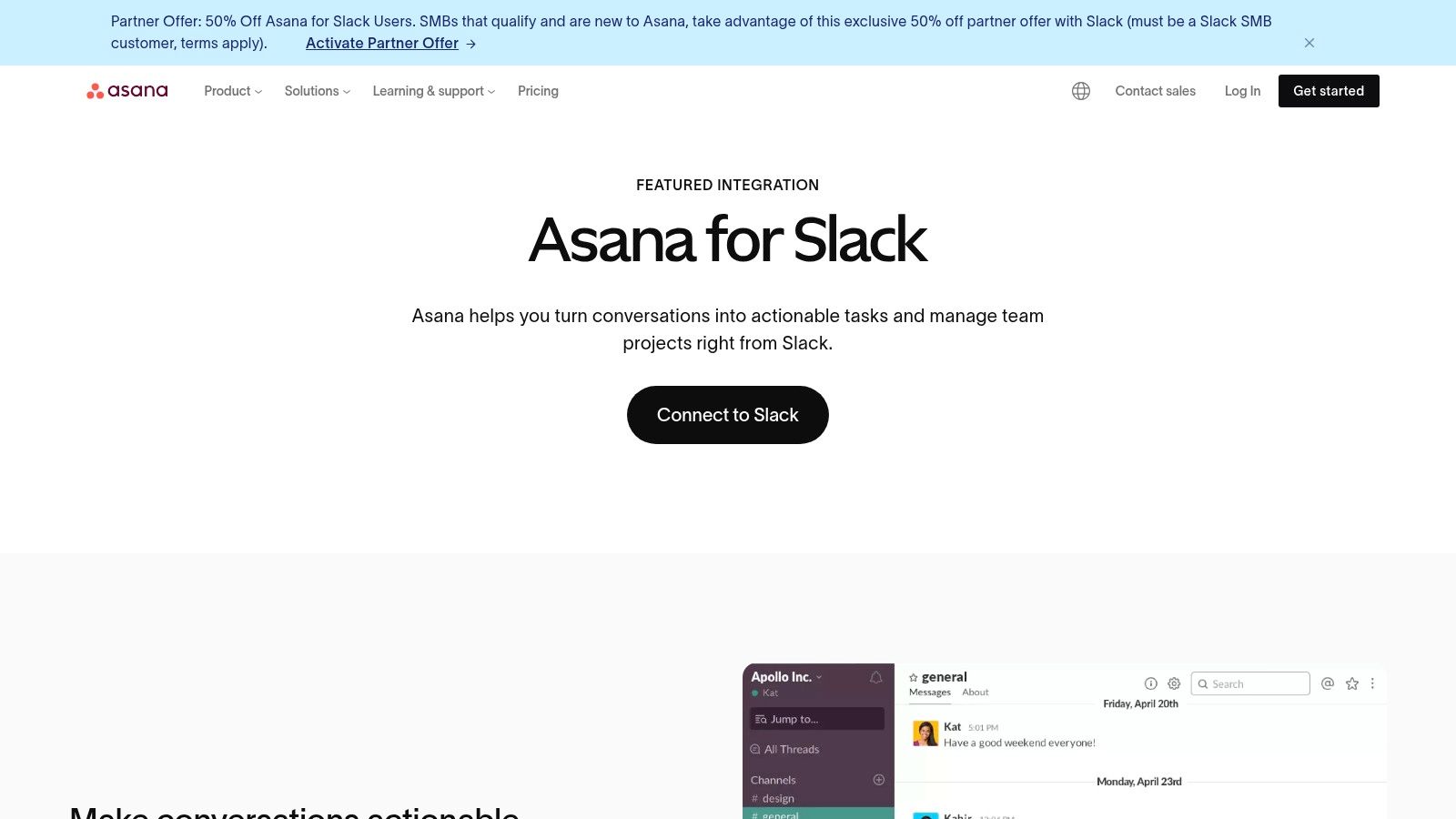
The integration excels at keeping teams aligned by piping project updates, status changes, and task completions directly into relevant Slack channels. Teams can also leverage Asana's Rules to automate these notifications based on specific triggers. The recent addition of Asana AI brings intelligent task and project summaries into Slack, providing quick context and progress reports on demand. This makes it one of the best integrations for Slack for teams deeply embedded in the Asana ecosystem.
Key Details & User Experience
| Aspect | Details |
|---|---|
| Pricing | Included with Asana plans (some AI features may require premium tiers). |
| Selection | Official, full-featured integration for Asana’s project management suite. |
| Use Case | Converting conversations into tasks and getting project updates in Slack. |
| Website | https://asana.com/slack |
While the integration is robust, its primary limitation is that it requires team members to have Asana accounts to be fully effective. However, for organizations already standardized on Asana, its ease of use and powerful automation capabilities make it a non-negotiable tool for boosting productivity and maintaining project clarity directly from your communication hub.
9. Zoom – Slack integration
For teams deeply embedded in Zoom's ecosystem, its official Slack integration is indispensable. It eliminates the friction of switching between applications to start a video call, turning spontaneous text conversations into face-to-face meetings with a single command. The integration allows users to launch instant meetings directly from any channel or direct message, making it a cornerstone for distributed and hybrid teams.
Beyond simple meeting creation, the app provides rich context within Slack. Users receive customizable notifications about meetings, see who has joined, and can access post-meeting summaries and recordings directly in the channel. This transforms Slack into a central hub for all meeting-related activities, from initiation to follow-up, ensuring no key information gets lost. It's a prime example of one of the best integrations for Slack for streamlining communication.
Key Details & User Experience
| Aspect | Details |
|---|---|
| Pricing | Free to install the app. Meeting features depend on your Zoom plan. |
| Selection | Official, full-featured integration for starting/joining Zoom meetings. |
| Use Case | Instantly escalating a Slack discussion into a video call; managing meeting assets. |
| Website | https://www.zoom.com/en/zoom-apps/slack/ |
The integration's primary strength is its simplicity and familiarity. Using the /zoom slash command or clicking the call icon feels native to both platforms. However, remember that advanced features like cloud recordings or longer meeting durations are tied to your underlying Zoom subscription tier, not the Slack app itself.
10. GitHub – Slack integration (official)
For engineering teams, connecting their code repository directly to their communication hub is non-negotiable. The official GitHub integration for Slack bridges this gap seamlessly, bringing real-time repository events like commits, pull requests, issues, and deployment statuses directly into designated channels. This direct line of sight into development activity streamlines code review and CI/CD workflows, eliminating the need to constantly switch contexts.
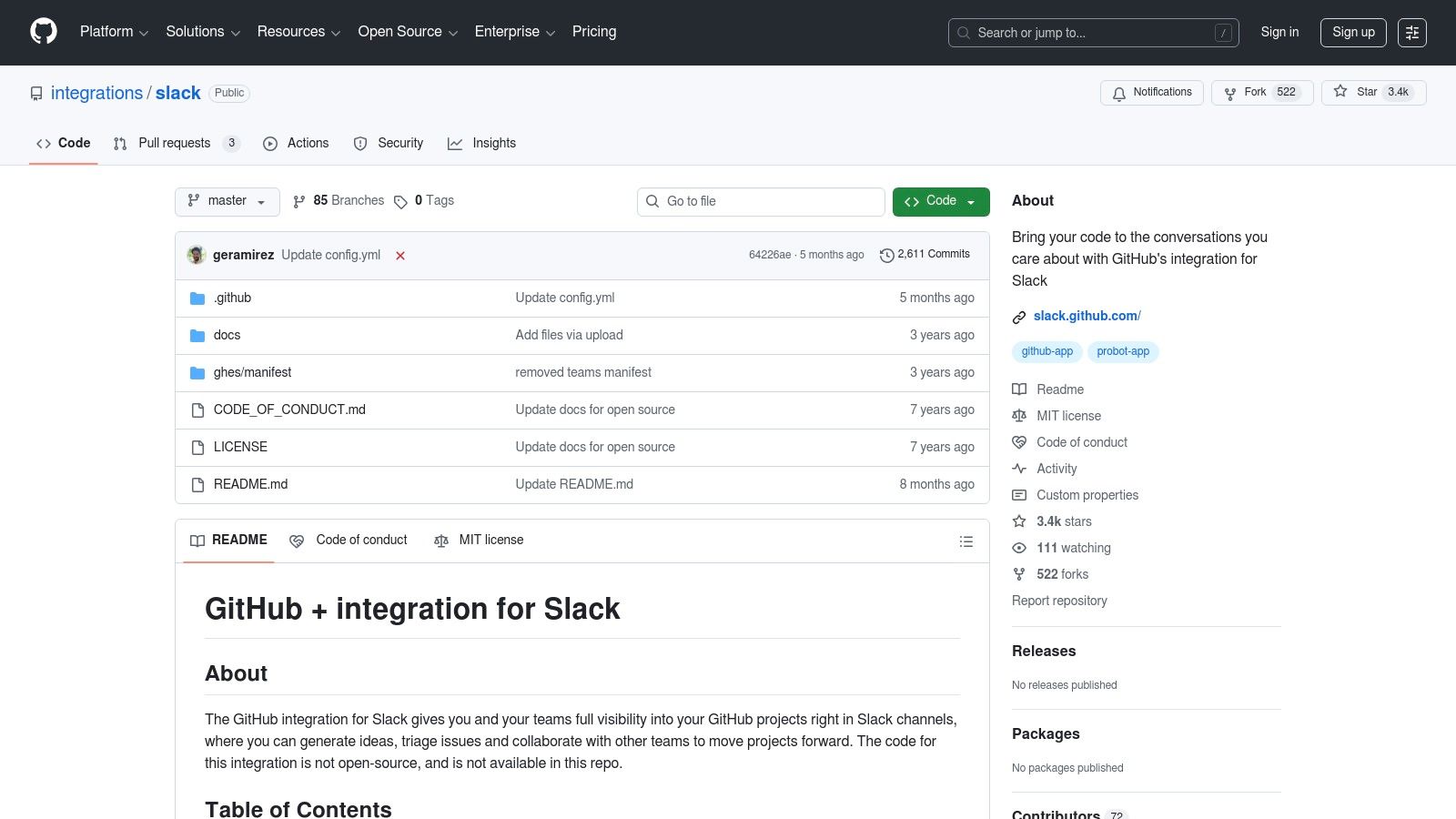
Unlike third-party alternatives, this integration is maintained by GitHub, ensuring reliability and tight feature alignment. Using the /github slash command, teams can subscribe channels to specific repositories or entire organizations, fine-tuning notifications for actions like new issues or comments. It also provides rich link previews for pull requests, displaying their status at a glance and allowing for quick actions directly from Slack. For setup, the limits of the official app, and the bigger picture on the github slack integration, our complete guide goes deeper. The shortlist of best GitHub Slack integrations breaks down each tool side by side.
Key Details & User Experience
| Aspect | Details |
|---|---|
| Pricing | Free to install. Works with both free and paid GitHub plans. |
| Selection | Granular notifications for commits, pull requests, issues, and more. |
| Use Case | Essential for development, DevOps, and code review workflows. |
| Website | https://github.com/integrations/slack |
The primary challenge is managing notification volume. Teams must be deliberate in configuring which events post to which channels to avoid creating overwhelming noise. However, once configured correctly, it becomes one of the best integrations for Slack for any team building software, enhancing both transparency and productivity.
If your team uses Microsoft Teams instead of Slack, the setup is similar — see our GitHub Microsoft Teams integration guide.
11. Google Drive – Slack app (official)
For any team operating within the Google Workspace ecosystem, the official Google Drive integration is non-negotiable. It seamlessly bridges the gap between your collaborative documents and your communication hub, eliminating the constant need to switch tabs. The integration allows you to share files, manage access permissions, and receive real-time notifications for comments and access requests directly within Slack.
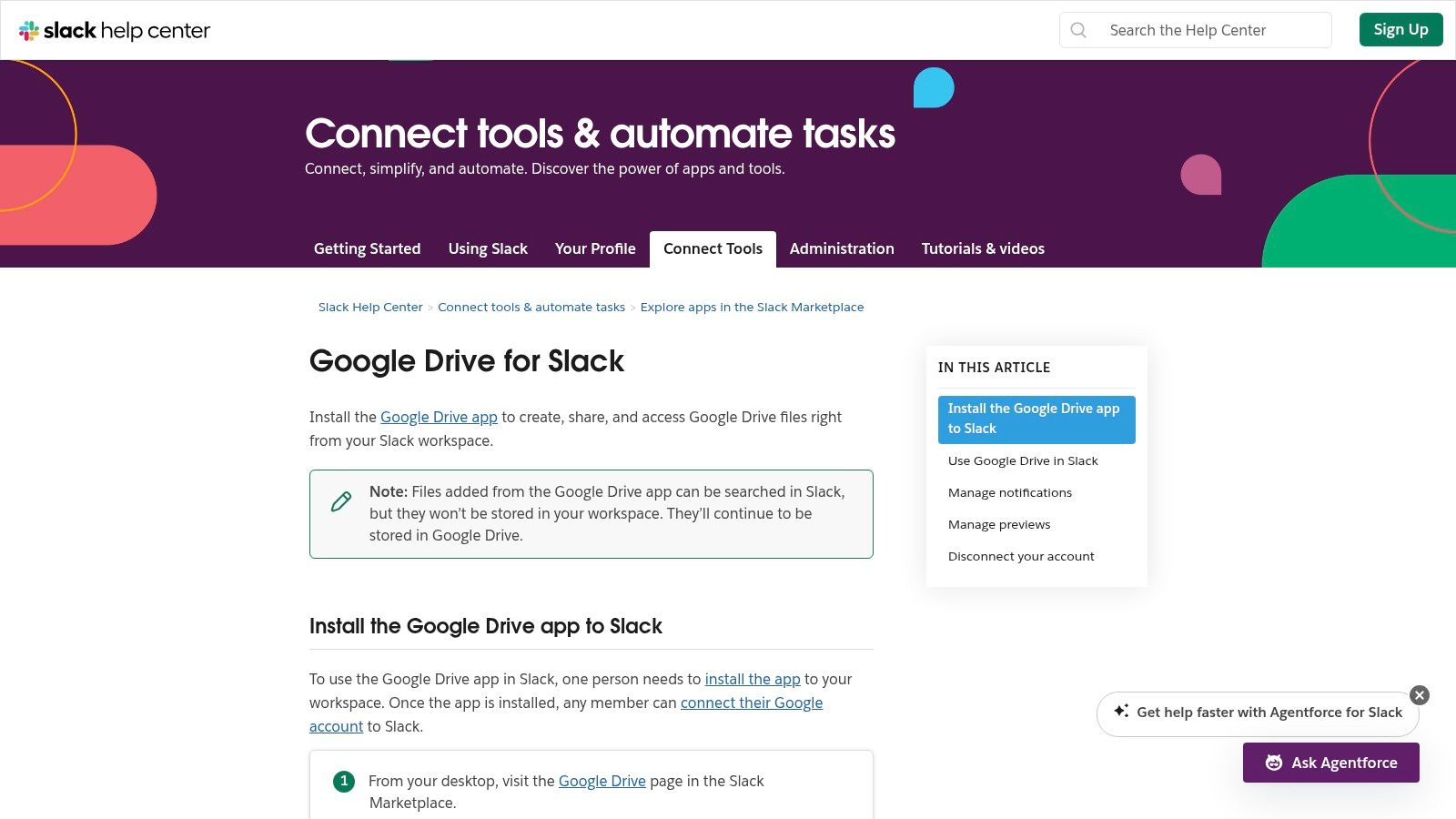
Its most powerful feature is the in-line permission management. When a user shares a Google Doc link in a channel, the app automatically checks if everyone has access and prompts the sharer to update permissions on the spot. You can also create new Docs, Sheets, and Slides using Slack commands, further reducing context switching. For enterprises, the ability to deploy it domain-wide with SSO support makes it one of the best integrations for Slack for maintaining security and workflow efficiency.
Key Details & User Experience
| Aspect | Details |
|---|---|
| Pricing | Free to install and use. |
| Selection | Integrates with Google Docs, Sheets, Slides, and Drive folders. |
| Use Case | Essential for teams using Google Workspace for file creation and collaboration. |
| Website | https://slack.com/help/articles/205875058-Google-Drive-for-Slack |
While the integration is incredibly useful, remember that files are not natively stored or indexed in Slack; it only manages links and notifications. This means Slack’s native search won't index the content of your Google Docs. Despite this minor limitation, its ability to streamline collaborative file-based workflows is indispensable.
12. Google Workspace Marketplace – Slack listing
For organizations deeply embedded in the Google ecosystem, the Google Workspace Marketplace offers a critical administrative layer for deploying Slack. Rather than serving as a broad discovery tool, its listing for Slack is specifically designed for Google Workspace administrators who need to manage enterprise-wide installations, including essential connectors like Google Calendar and Google Drive. This provides centralized control and visibility over app permissions from a familiar admin console.
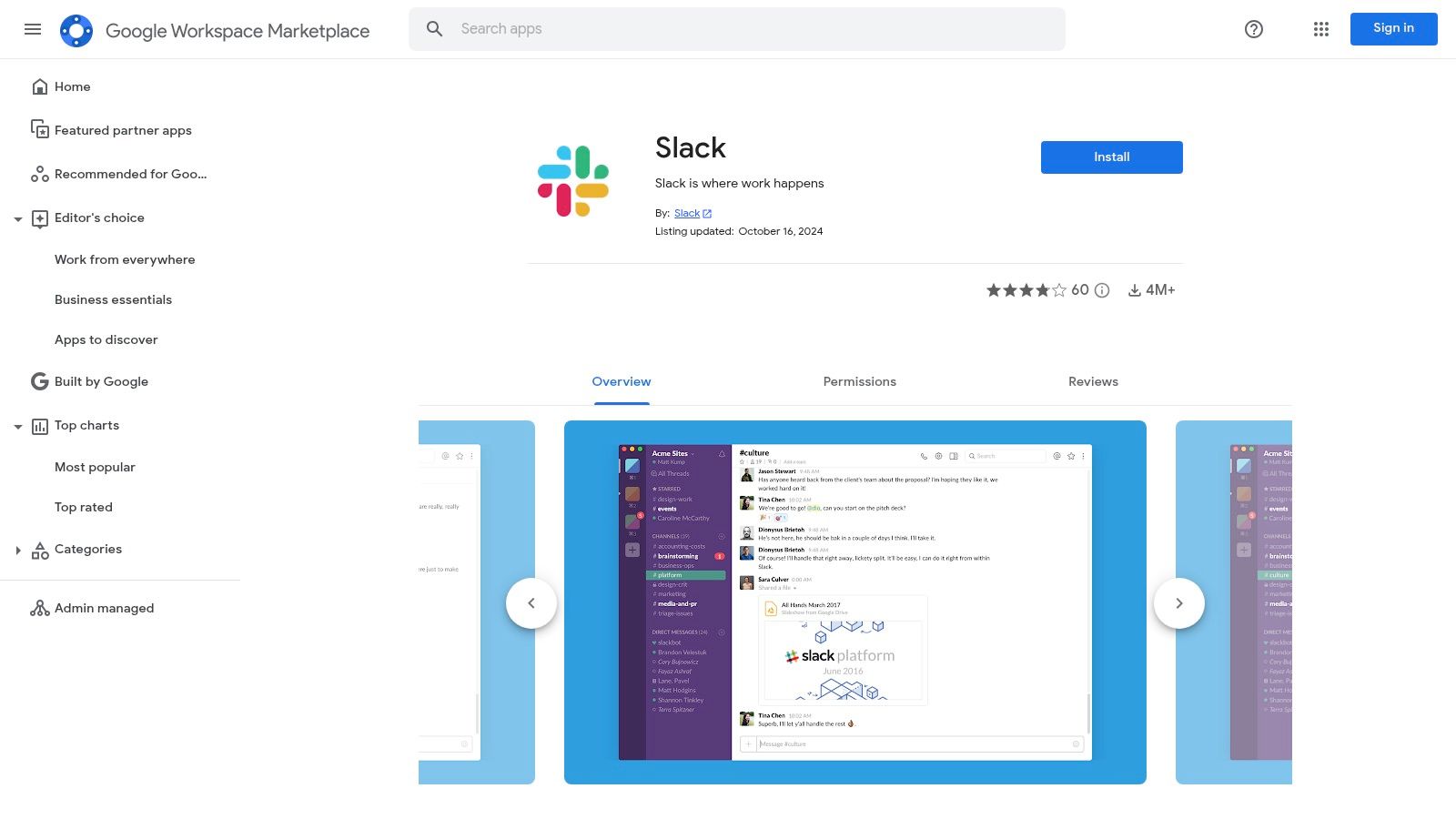
Unlike user-facing marketplaces, this platform is built for governance. Admins can install Slack and its associated integrations across the entire domain, ensuring consistent access and security compliance. It aggregates reviews, version history, and required data scopes, allowing IT leaders to evaluate the integration thoroughly before a full-scale rollout. This top-down deployment model complements the Slack App Directory by providing a secure, scalable solution for enterprise-level management.
Key Details & User Experience
| Aspect | Details |
|---|---|
| Pricing | Free to use the marketplace; Slack subscription costs apply separately. |
| Selection | Focused specifically on Slack and its core Google integrations (Drive, Calendar). |
| Use Case | Ideal for Google Workspace admins needing to deploy Slack org-wide with centralized control. |
| Website | https://workspace.google.com/marketplace/app/slack/19570130570 |
While it's not a place for end-users to discover new tools, its value for IT departments is immense. For any tech leader looking to seamlessly manage the best integrations for Slack within a Google-powered organization, this marketplace listing is an indispensable governance tool. It simplifies one of the biggest challenges in enterprise software management: secure, scalable, and centrally managed deployment.
Top 12 Slack Integrations — Comparison
| Solution | Core features | ✨ Unique / USP | ★ Quality (UX) | 👥 Target audience | 💰 Pricing/value |
|---|---|---|---|---|---|
| PullNotifier 🏆 | Concise updatable PR threads; repo/label routing; auto-mentions; GitHub Enterprise & monorepo support | Noise‑free in-place updates; minimal permissions; self-hosted/DPA options ✨ | ★★★★☆ (fast setup, responsive support) | 👥 Developers → engineering orgs | 💰 Free tier (under 4), 2‑week trial; paid tiers (contact sales) |
| Slack App Directory (Marketplace) | Curated app catalog; one‑click install; app scopes & details | Slack-verified listings & admin governance ✨ | ★★★★☆ (trusted source) | 👥 Admins & org buyers | 💰 Free to browse; app pricing varies |
| Slack Integrations hub | Overview of app types, Workflow Builder & APIs; examples | Good lay‑of‑the‑land for planners; plug‑vs‑custom guidance ✨ | ★★★☆☆ (informational) | 👥 Buyers, builders, admins | 💰 Free resource |
| Zapier – Slack integrations | No‑code Zaps; Slack triggers/actions; templates | Huge template library for multi‑app automations ✨ | ★★★★☆ (fast to deploy) | 👥 SMBs, non‑dev teams | 💰 Free tier; usage/task limits can scale costs |
| Make (formerly Integromat) | Visual drag‑and‑drop builder; branching; execution logs | Granular Slack modules + transparent debugging ✨ | ★★★★☆ (powerful, steeper learning) | 👥 Technical teams needing complex flows | 💰 Free plan; paid for higher ops |
| Workato – Workbot for Slack | Enterprise iPaaS; deep Slack connector; Workbot actions | Governance, auditability, SSO/SCIM for enterprises ✨ | ★★★★☆ (enterprise‑grade) | 👥 Large enterprises & IT orgs | 💰 Quote-based (typically premium) |
| Atlassian Marketplace – Slack for Jira | Jira ↔ Slack notifications; create issues; admin guides | Official Atlassian support; Cloud & Data Center coverage ✨ | ★★★★☆ (native Jira fit) | 👥 Jira teams & admins | 💰 Included/varies by Jira plan |
| Asana – Slack integration | Create/assign tasks from Slack; project updates; rules | Two‑way workflow + Asana AI summaries ✨ | ★★★★☆ (reliable for PMs) | 👥 PMs & non-technical teams | 💰 Included with Asana plans |
| Zoom – Slack integration | /zoom command; start/join meetings; meeting assets | Quick ad‑hoc meetings from chat ✨ | ★★★☆☆ (familiar UX) | 👥 Remote & meeting-heavy teams | 💰 Free to install; features depend on Zoom plan |
| GitHub – Slack integration (official) | /github subscribe; PR/issue previews; per‑channel controls | Maintained by GitHub; fits code review workflows ✨ | ★★★★☆ (solid but noisy if not tuned) | 👥 Engineering & DevOps | 💰 Free to install |
| Google Drive – Slack app (official) | Share Drive files; comment/access alerts; create Docs | Native Drive workflows; org auth & permissions ✨ | ★★★★☆ (essential for Workspace users) | 👥 Google Workspace users | 💰 Free to install |
| Google Workspace Marketplace – Slack listing | Admin-managed installs; permission visibility; reviews | Centralized deployment for Workspace admins ✨ | ★★★☆☆ (admin-focused) | 👥 Workspace admins | 💰 Free listing |
Choosing the Right Integrations to Build a Smarter Slack
We've explored a wide range of powerful tools, from dedicated developer-centric apps like PullNotifier to comprehensive integration platforms like Zapier and Workato. The central takeaway is clear: Slack's true potential is unlocked not by its standalone features, but by its ability to serve as a central command hub for your entire software development lifecycle and operational toolkit. The best integrations for Slack are those that eliminate context switching, automate tedious manual processes, and bring critical information directly into the conversations where decisions are made.
By transforming your workspace from a simple communication tool into an intelligent, interconnected ecosystem, you empower your team to operate with greater speed, transparency, and efficiency. Instead of chasing down pull request statuses in GitHub or manually updating project tasks in Asana, your team can receive, discuss, and act on real-time notifications without ever leaving Slack.
Your Action Plan for Selecting the Right Tools
Moving from theory to practice requires a strategic approach. Before adding a dozen new apps to your workspace, take a step back and follow a clear implementation plan to ensure you're adding value, not just noise.
1. Identify Your Core Bottlenecks: Start by auditing your team's current workflows. Where do communication breakdowns occur most frequently? What repetitive tasks consume valuable developer time? Is it the code review process, project status updates, or incident response coordination? Pinpointing these specific pain points will guide your selection process.
2. Evaluate Based on Your Tech Stack: Your existing tools heavily influence which integrations will provide the most value. If your team lives in the Atlassian suite, the official Jira and a dedicated app like PullNotifier for GitHub/Bitbucket are non-negotiable. If you rely on a diverse set of cloud services, a platform like Make or Zapier becomes essential for creating a unified workflow.
3. Start Small and Measure Impact: Avoid overwhelming your team with a massive rollout. Select one or two of the most promising integrations that address a critical bottleneck. Configure them for a specific team or project, gather feedback, and measure the results. Did it reduce meeting times? Did it speed up code review cycles? Use this data to justify a wider implementation.
4. Consider Building Your Own Solution: Sometimes, off-the-shelf integrations don't perfectly match your team's unique processes. For teams with specific needs not met by existing apps, learning the ropes on how to make a Slack bot that boosts productivity can unlock custom solutions perfectly tailored to your internal workflows.
Ultimately, building a smarter Slack is an iterative process. It's about carefully selecting, implementing, and refining a set of integrations that work in concert to support your team's specific goals. By focusing on solving real problems and reducing friction, you can create a digital workspace that not only facilitates communication but actively accelerates your team's output and innovation.
Ready to eliminate the biggest bottleneck in your development workflow? PullNotifier provides real-time, actionable pull request notifications directly in Slack, cutting through the noise so your team can review and merge code faster. Get started for free and supercharge your team's productivity today at PullNotifier.