- Published on
12 Top Slack Apps for Engineering & Product Teams in 2025
- Authors

- Name
- Gabriel
- @gabriel__xyz
Slack is more than a chat app; it's the digital headquarters for modern engineering and product teams. But without the right integrations, it can quickly become a source of noise and distraction, burying critical updates under a flood of notifications. The key to unlocking its full potential lies in choosing the right tools that streamline workflows, reduce context switching, and surface vital information exactly where your team already collaborates. A well-curated set of the top Slack apps can transform your workspace from a simple communication tool into a powerful, integrated command center.
This guide moves beyond generic marketing descriptions to provide a practical, in-depth analysis of the essential applications every technical team should consider. We dive deep into the specific problems these tools solve, from managing noisy pull request notifications and disorganized project updates to streamlining incident response and facilitating asynchronous stand-ups. For each app, you'll find a breakdown of its best-fit use cases, key benefits, honest limitations, and practical setup considerations. Our goal is to help you select and implement the top Slack apps that will build a more efficient, focused, and productive development environment.
1. PullNotifier
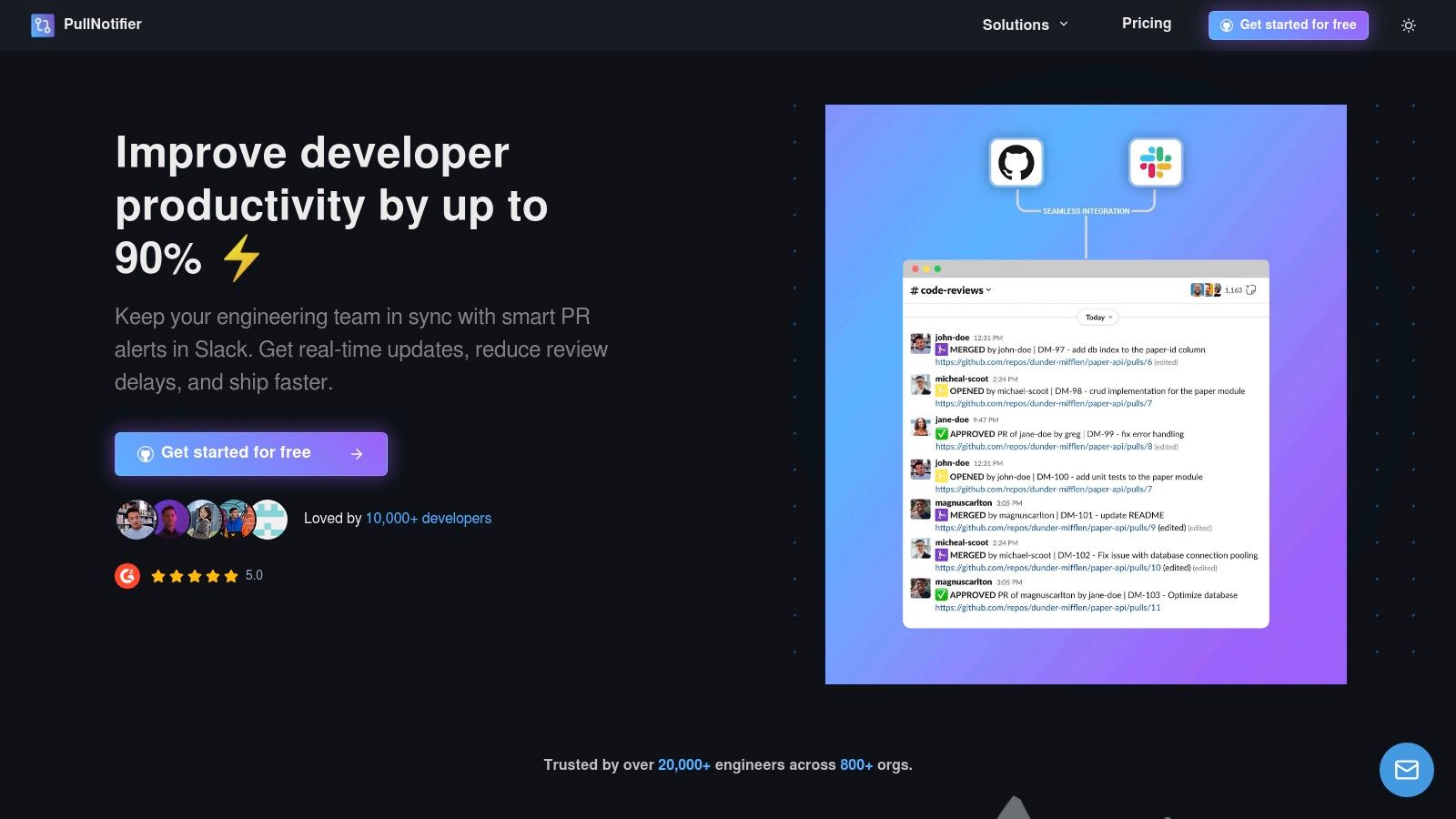
PullNotifier stands out as one of the top Slack apps for engineering teams by fundamentally solving the problem of pull request notification noise. Instead of flooding channels with multiple messages for every PR event, it consolidates all updates into a single, real-time status card within a Slack thread. This streamlined approach keeps conversations focused and channels clean.
The app's intelligent routing is a key differentiator. It allows teams to send notifications to specific channels based on the repository, labels, authors, or reviewers involved. By automatically mapping GitHub users to their Slack handles and using @mentions, it ensures the right developers are notified immediately, a feature PullNotifier claims can reduce review delays by up to 90%.
Why It's a Top Choice
PullNotifier excels in both simplicity and power, making it an indispensable tool for teams using GitHub and Slack. Its setup is remarkably fast, and the focus on minimal permissions (no code or message access) addresses critical security concerns.
*   **Best For**: Engineering teams seeking to eliminate notification spam, accelerate code review cycles, and improve developer experience without complex configuration.
*   **Key Benefit**: Drastically reduces channel noise by updating a single Slack message in-place for each PR, providing a clear, chronological history of events.
*   **Standout Feature**: Highly granular and configurable notification routing that directs alerts to the right people and channels, significantly speeding up the review process.
*   **Pricing**: Offers a generous free tier for teams with up to four developers, a 14-day free trial for larger teams, and affordable paid plans. Enterprise options include dedicated or self-hosted deployments.
*   **Website**: [https://pullnotifier.com](https://pullnotifier.com/?utm_source=blog&utm_medium=referral&utm_campaign=12-top-slack-apps-for-engineering-product-teams-in-2025)
Its proven track record with thousands of developers and enterprise-grade options like GitHub Enterprise Server support solidify its position as a best-in-class integration.
2. Slack Marketplace
The official Slack Marketplace is the definitive starting point for any team looking to enhance their workspace with new functionality. As Slack’s own directory, it offers the most comprehensive and authoritative collection of over 2,000 verified apps, making it an essential resource for discovering top Slack apps tailored to any need, from DevOps to project management. The platform’s key strength lies in its security and transparency.
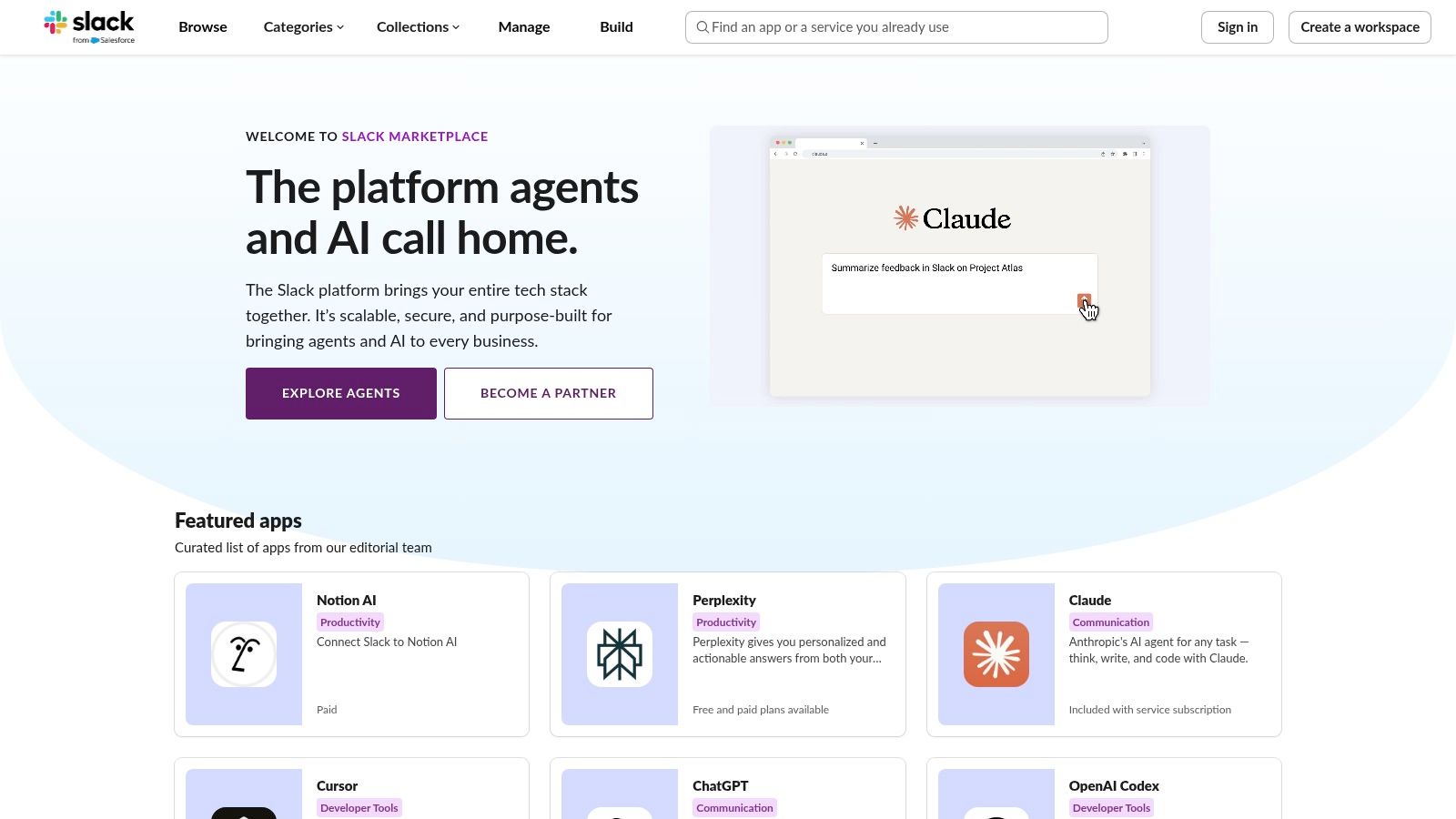
Each app listing clearly details the required permissions and scopes, which is critical for organizations with strict security protocols. This allows admins to confidently review and approve tools, while the seamless "Add to Slack" installation process simplifies deployment across a workspace or an entire enterprise grid.
Key Details & User Experience
- Best For: Teams needing a secure, centralized, and comprehensive directory to discover and vet Slack integrations.
- Why It Stands Out: Its main advantage is trustworthiness. Apps are verified by Slack, and the transparent permission model provides essential security information upfront, which is a significant plus for enterprise environments.
- User Interface: Clean, intuitive, and easy to navigate with robust search and categorization.
- Limitations: While many apps are free, pricing details for paid tiers are not always listed directly on the marketplace page and may require visiting the vendor’s website. Some integrations also necessitate a separate account setup outside of Slack.
Website: https://slack.com/marketplace
3. Zapier – Slack integrations library
Zapier is a powerhouse for connecting Slack to the wider digital ecosystem, offering a gallery of over 8,000 app integrations. It goes beyond simple notifications by enabling users to build custom, multi-step automations (called "Zaps") without writing a single line of code. This makes it one of the top Slack apps for creating sophisticated workflows, such as automatically creating a Trello card from a saved Slack message or syncing new Google Calendar events to a specific channel.
For engineering teams, this means you can connect disparate tools into a unified communication hub. For instance, you can trigger a Slack alert when a new row is added to a Google Sheet tracking bugs, or post a message when a HubSpot deal reaches a technical review stage. The platform’s strength lies in its no-code builder and vast library of pre-built templates that make cross-app automation accessible to everyone. To learn more about how to automate repetitive tasks, check out our guide on boosting productivity today.
Key Details & User Experience
- Best For: Teams that need to connect Slack with apps not found in the official marketplace or who want to build custom, multi-step workflows without developer resources.
- Why It Stands Out: Its main advantage is the sheer breadth of its integration library and the flexibility of its no-code workflow builder. It turns Slack into a central command center for thousands of other SaaS tools.
- User Interface: The Zap editor is visual and intuitive, guiding users through setting up triggers and actions. The integrations gallery is well-organized and searchable.
- Limitations: Complex, high-volume Zaps can quickly consume tasks on lower-tier plans, potentially leading to increased costs. It also requires a separate Zapier account and admin approval to connect with Slack.
Website: https://zapier.com/apps/slack/integrations
4. GitHub Marketplace – Slack + GitHub app
For engineering teams living in both Slack and GitHub, the official Slack + GitHub app from the GitHub Marketplace is an indispensable tool. This first-party integration creates a seamless bridge between your repository and your communication hub, bringing critical development updates directly into your channels. It allows teams to subscribe to repositories and receive real-time notifications for pull requests, issues, commits, and GitHub Actions workflows, effectively minimizing context switching.
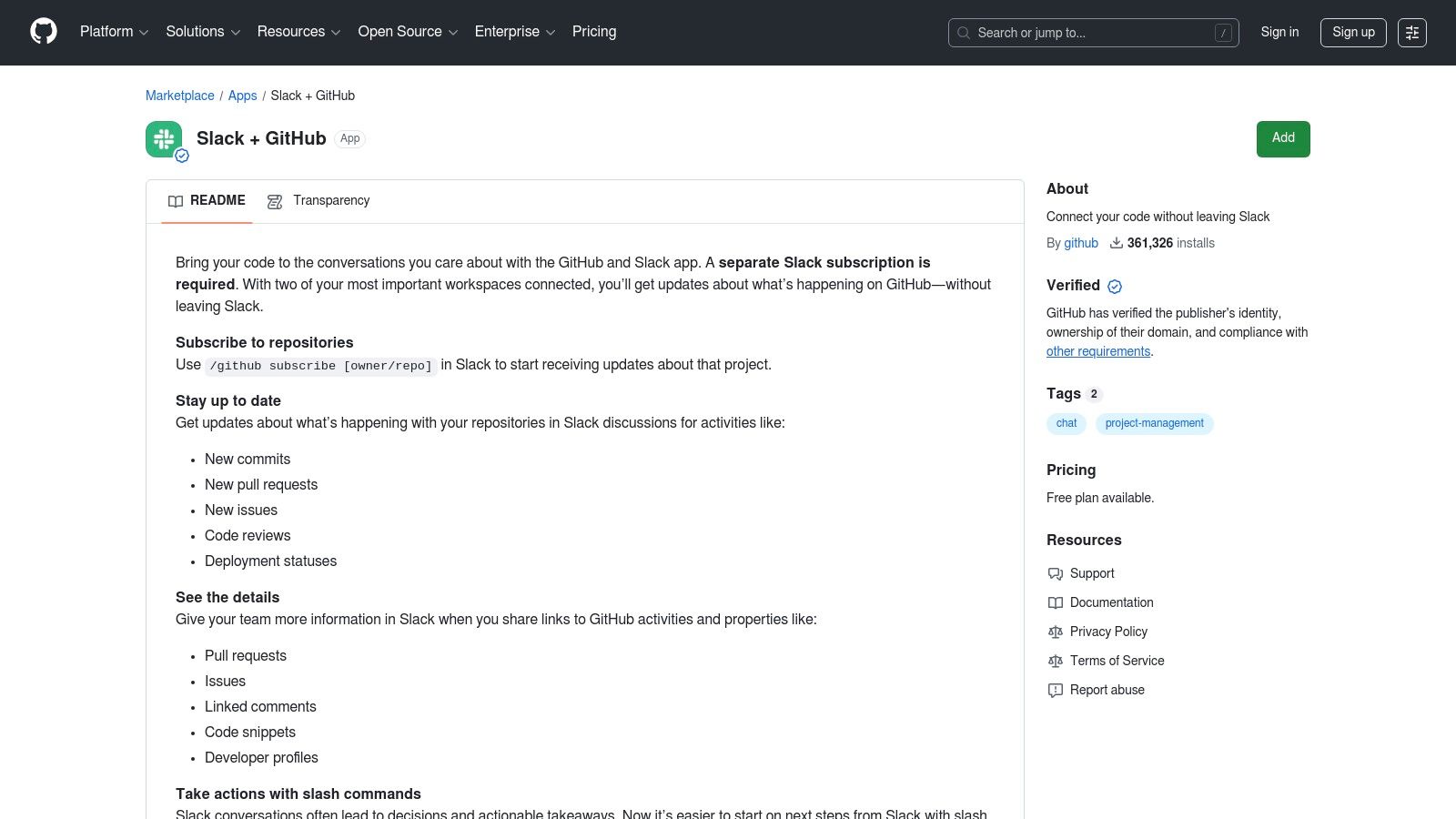
The app’s power lies in its bi-directional functionality. Not only does it push information to Slack, but it also allows developers to act on it using slash commands. You can open, close, and reopen issues or pull requests directly from a Slack message, turning conversations into immediate action. Rich unfurls provide at-a-glance context for any shared GitHub link, making this one of the top Slack apps for developer productivity.
Key Details & User Experience
- Best For: Development teams that need deep, real-time integration between their GitHub repositories and Slack workspace.
- Why It Stands Out: As an official, first-party app, it offers unparalleled reliability and is maintained directly by GitHub. It excels at reducing the friction between code collaboration and team communication, a core challenge in modern DevOps. For more options, you can explore other top GitHub Slack integrations to see how it compares.
- User Interface: The integration is seamless, with interactions managed through slash commands and clear, well-formatted notifications.
- Limitations: Its functionality is tightly focused on GitHub events, offering little value outside of a development context. Setup requires careful coordination of permissions between both GitHub and Slack administrators.
Website: https://github.com/marketplace/slack-github
5. Asana – Asana for Slack
The official Asana integration for Slack is a powerhouse for product and project teams aiming to bridge the gap between communication and action. It allows users to convert conversations directly into trackable tasks within Asana, drastically reducing context switching. This connection ensures that valuable ideas and action items discussed in Slack are never lost and are instead seamlessly captured into structured project workflows.
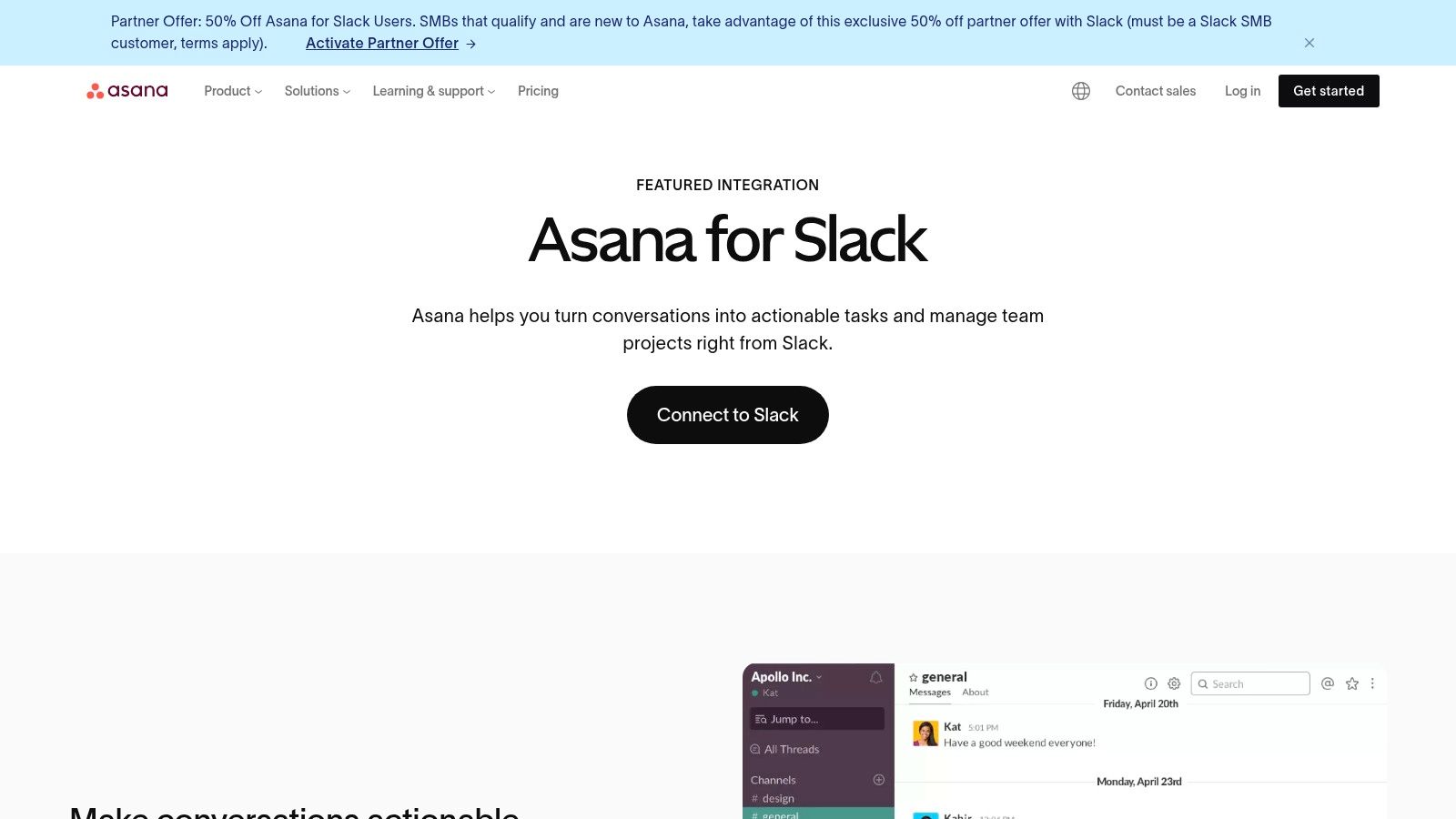
Teams can receive real-time notifications on task updates and project progress within designated channels, keeping everyone aligned without leaving Slack. Furthermore, combining Asana Rules with Slack enables powerful automations, such as sending a custom message when a task moves to a new stage. Asana’s AI features can even provide task summaries directly in Slack, making it one of the top Slack apps for maintaining momentum.
Key Details & User Experience
- Best For: Product and project management teams that already use Asana as their primary work management tool.
- Why It Stands Out: Its main advantage is the reliable message-to-task workflow that formalizes action items from informal chats. The deep integration with Asana Rules provides a high degree of customizable automation between the two platforms.
- User Interface: The integration is smooth, with intuitive slash commands and message actions that feel native to the Slack environment.
- Limitations: The app is only useful for teams committed to the Asana ecosystem. Advanced automation features and AI summaries are gated behind Asana’s higher-priced subscription tiers.
Website: https://asana.com/slack
6. Atlassian Jira Cloud – Jira Cloud for Slack
The official Jira Cloud integration for Slack is an indispensable tool for engineering and product teams, bridging the gap between development tracking and team communication. This app allows teams to receive granular notifications for Jira issue updates, create new issues directly from Slack conversations, and preview ticket details without leaving their workspace. It effectively streamlines workflows by bringing critical project information into the collaboration hub.
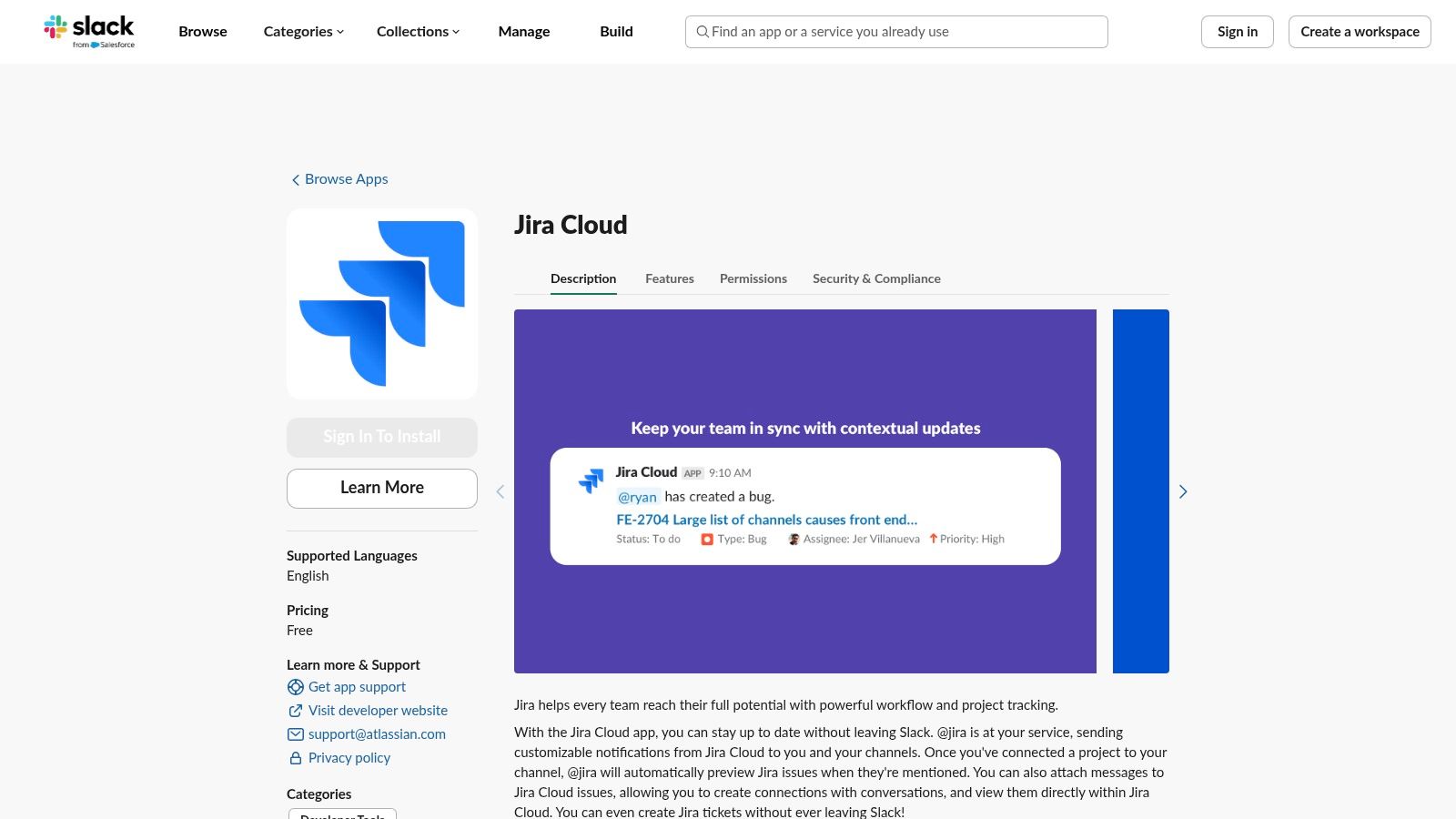
Its strength lies in customizable, per-channel notifications that reduce noise by allowing teams to subscribe only to relevant project updates. The integration respects all existing Jira Cloud permissions, ensuring that sensitive information remains secure. This makes it one of the top Slack apps for teams already embedded in the Atlassian ecosystem, significantly improving productivity and alignment.
Key Details & User Experience
- Best For: Development and product teams using Jira Cloud who need to connect project tracking with their daily communication.
- Why It Stands Out: The integration is an official Atlassian product, guaranteeing deep, reliable functionality and security. Its ability to create issues from messages transforms conversations into actionable tasks seamlessly.
- User Interface: The app operates smoothly within Slack, using familiar modals, slash commands, and rich message unfurling for an intuitive experience.
- Limitations: The integration requires a Jira Cloud subscription and an admin-level setup. Some functionality may be restricted in specific government cloud environments.
Website: https://slack.com/marketplace/A2RPP3NFR
7. Zoom – Zoom app(s) for Slack
Zoom’s integration for Slack is a staple for distributed teams, bringing its ubiquitous video conferencing capabilities directly into the conversational flow of a workspace. The app streamlines the process of initiating and joining meetings by allowing users to start calls with simple slash commands like /zoom. This eliminates the need to switch applications or manually share meeting links, making spontaneous collaboration and scheduled syncs feel more integrated and immediate.
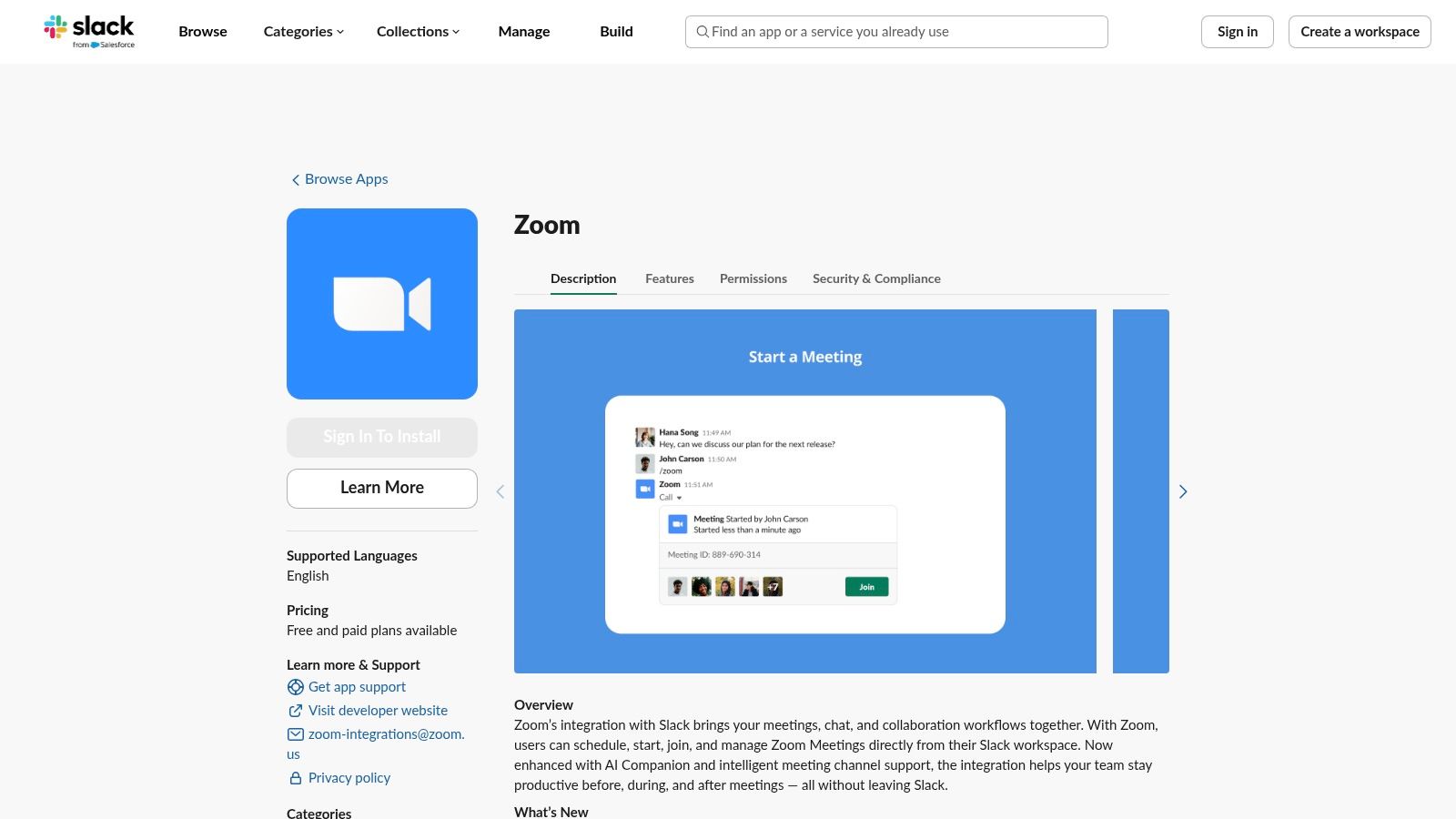
When a meeting starts, the app posts a message in the channel with a clear join button and meeting details, ensuring everyone has quick access. This functionality is crucial for engineering teams needing to jump on a quick huddle to resolve an incident or discuss a complex pull request. The availability of specialized variants, like Zoom for Government, also makes it a viable option for organizations with specific compliance requirements.
Key Details & User Experience
- Best For: Teams that heavily rely on Zoom for video communication and want to seamlessly start or join meetings from their Slack channels and DMs.
- Why It Stands Out: Its main advantage is its universal familiarity and reliability. The integration reduces friction by embedding a core team communication tool directly into Slack, which simplifies workflows and boosts productivity for quick syncs and formal meetings alike.
- User Interface: The integration is command-line driven and posts clear, actionable notifications within Slack, requiring no separate interface.
- Limitations: The core functionality depends on users having an active Zoom account, and advanced features are tied to paid Zoom licensing tiers. Admins must also be mindful of app permissions to ensure proper security and governance.
Website: https://slack.com/marketplace/A5GE9BMQC
8. Google Calendar – official Slack app page
The official Google Calendar integration for Slack is a must-have for teams looking to streamline their schedule management and reduce context switching. By bridging the gap between your calendar and your communication hub, it provides critical, actionable notifications directly within Slack. It’s an essential tool for maintaining focus, as it automatically updates your Slack status during meetings, signaling to colleagues that you are unavailable and helping manage interruptions.
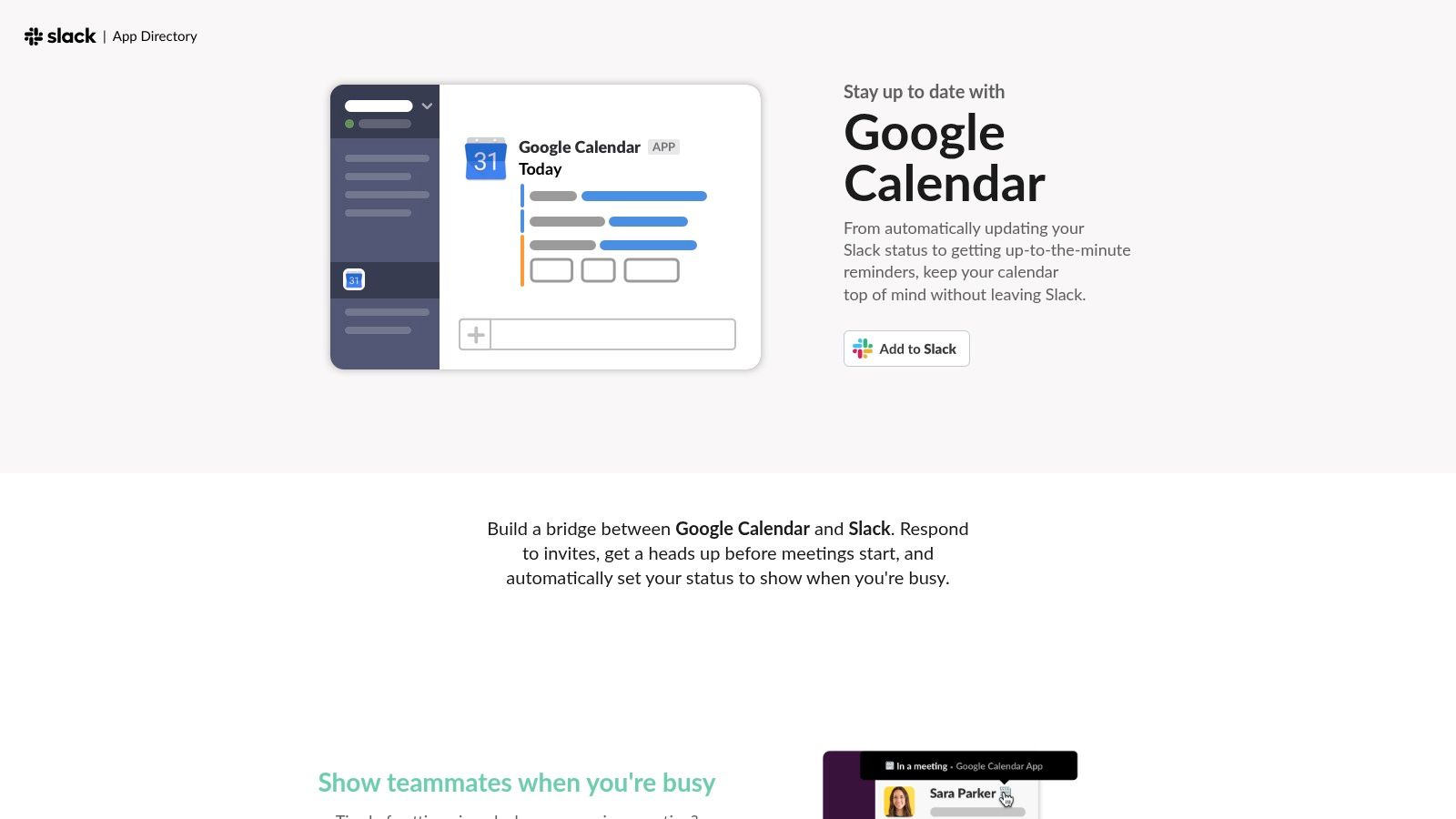
This app sends timely reminders for upcoming events, allowing you to RSVP with a single click from the notification. You can also receive daily or weekly schedule summaries, which helps in planning your day without leaving your workspace. The ability to join Google Meet or Zoom calls directly from a Slack notification further enhances its convenience, making it one of the top Slack apps for productivity.
Key Details & User Experience
- Best For: Teams deeply integrated with Google Workspace that want to manage meeting schedules and reduce interruptions without leaving Slack.
- Why It Stands Out: Its main advantage is the seamless two-way convenience. The automatic status sync during meetings is a simple but powerful feature for improving team focus and respecting colleagues' time.
- User Interface: The integration is native and notifications are clean, actionable, and familiar to any Slack user.
- Limitations: While the app is free to install, its full potential is realized within a Google Workspace environment. Workspaces with strict app management policies may require admin approval for installation.
Website: https://slack.com/app-pages/google-calendar
9. Trello – Trello for Slack
For teams that rely on Kanban-style boards for project management, the official Trello integration brings that visual workflow directly into their conversations. This app excels at bridging the gap between spontaneous Slack discussions and structured tasks, allowing users to instantly create Trello cards from messages. It also provides rich, unfurled previews of board and card links, giving context without leaving the chat.
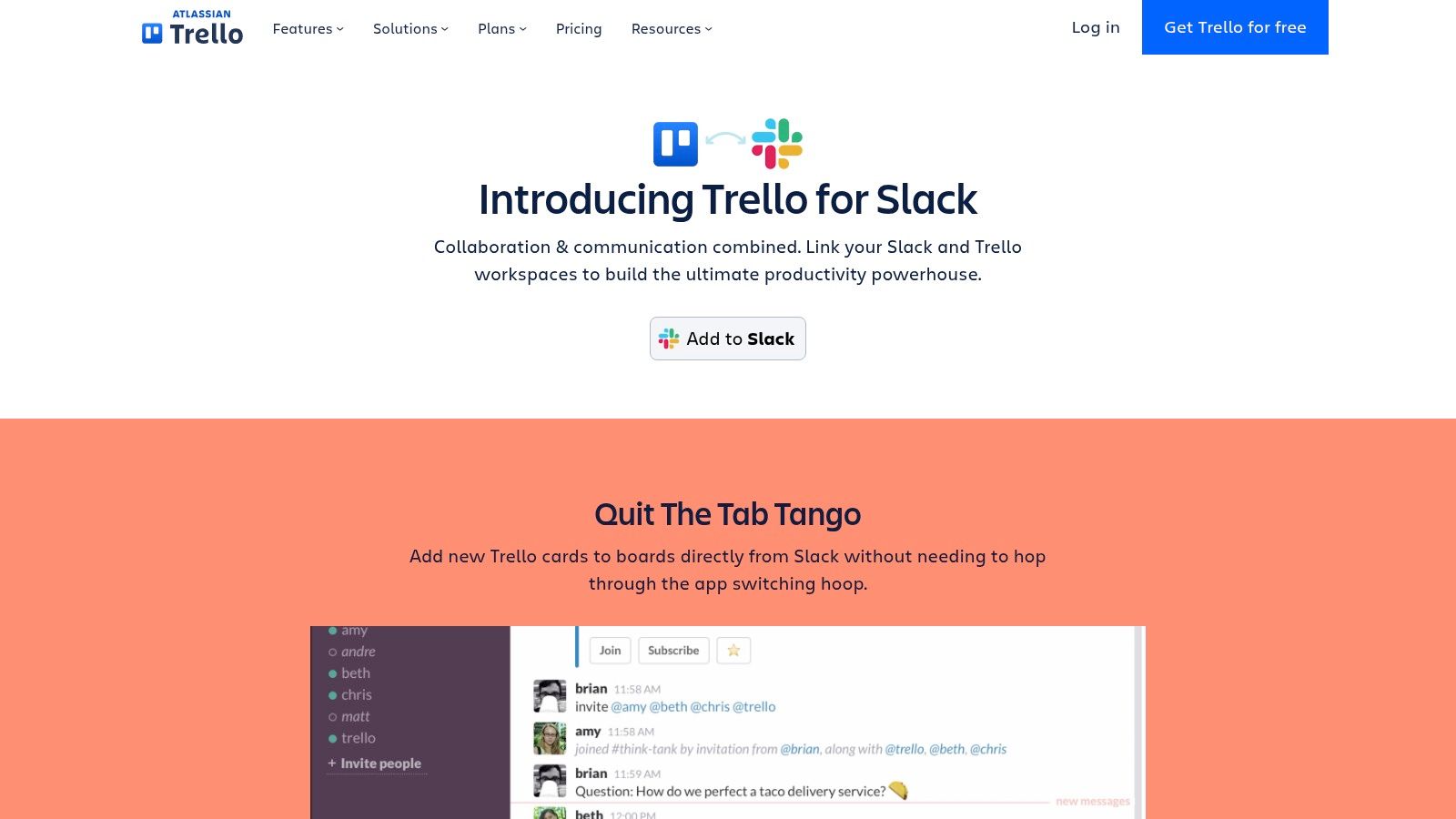
This functionality is perfect for capturing action items, bugs, or ideas as they arise. With simple slash commands or message actions, team members can assign cards, set due dates, and join tasks, ensuring that valuable insights from conversations are never lost. Trello’s integration is a powerful tool for maintaining momentum and keeping project boards up-to-date.
Key Details & User Experience
- Best For: Agile and product teams using Trello for lightweight project tracking who need to quickly convert Slack conversations into actionable tasks.
- Why It Stands Out: Its strength is its simplicity and directness. The message-to-card workflow is incredibly intuitive, making it one of the top Slack apps for teams that want frictionless task creation without complex configurations.
- User Interface: The integration works seamlessly within Slack's native UI, using familiar message actions and slash commands. The link unfurls are clean and informative.
- Limitations: While the Slack app is free, accessing advanced Trello features like automations or custom fields requires a paid Trello subscription. Its utility is limited if not all team members actively use the Trello workspace.
Website: https://trello.com/en-US/platforms/slack
10. Donut
Donut is a purpose-built Slack app designed to foster connection, scale culture programs, and streamline employee onboarding within remote and hybrid teams. It automates recurring introductions for coffee chats, pairs mentors with mentees, and runs entire onboarding workflows directly inside Slack, making it an essential tool for human resources and people-ops teams looking to maintain a strong company culture. Its power lies in making human connection a seamless part of the daily workflow.
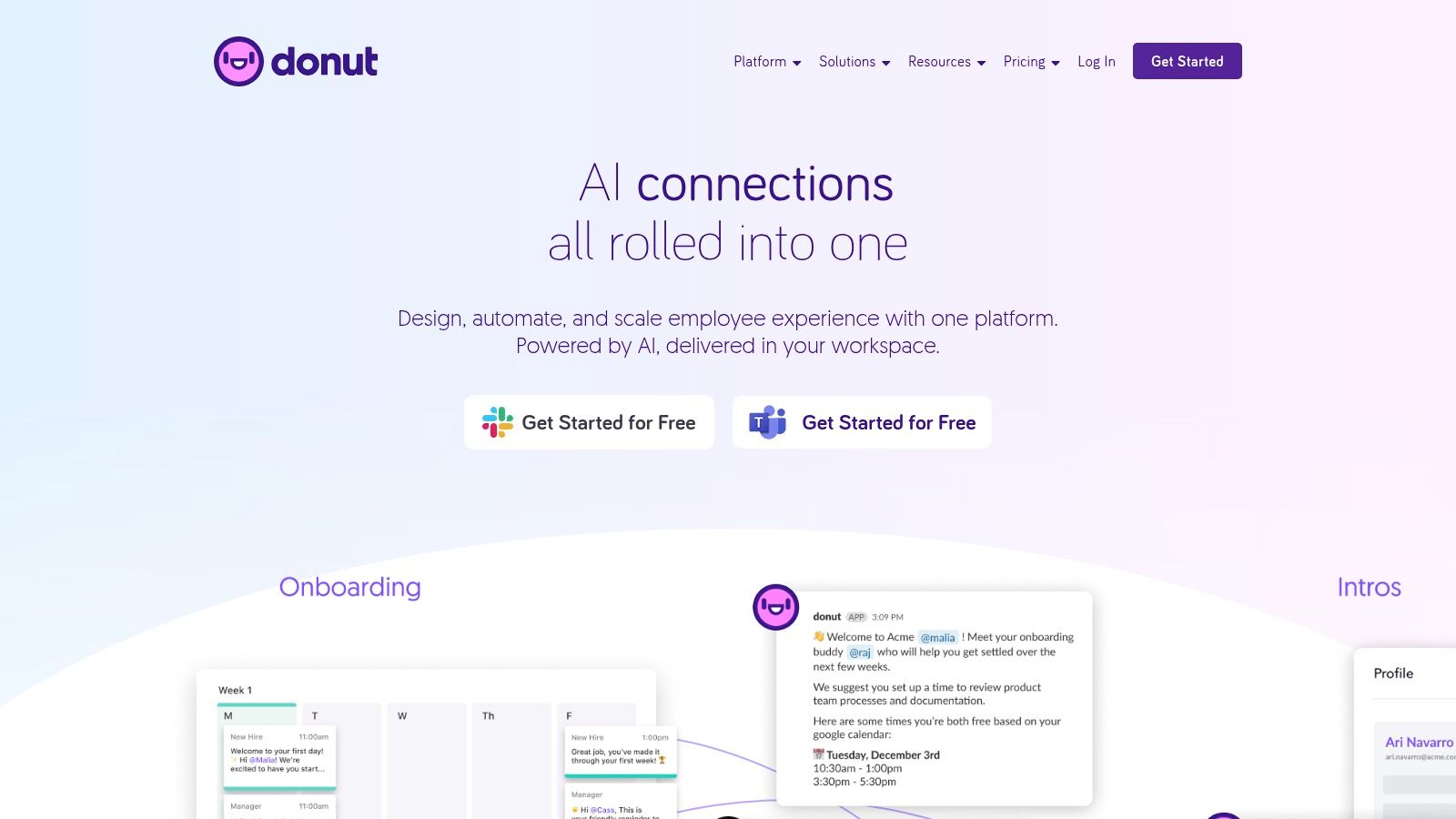
By integrating directly into Slack channels, Donut sends automated reminders, tasks, and nudges, ensuring new hires feel welcomed and existing team members stay connected. This turnkey approach helps organizations scale crucial culture-building activities that are often difficult to manage manually, solidifying its place among the top Slack apps for employee engagement. For ideas on breaking the ice during these chats, you can explore some proven conversation starters.
Key Details & User Experience
- Best For: HR, People-Ops, and managers aiming to automate onboarding, build team camaraderie, and strengthen company culture in a remote or hybrid setting.
- Why It Stands Out: Donut excels at turning abstract culture goals into concrete, automated actions within Slack. Its onboarding workflows are particularly powerful, providing a structured yet friendly welcome experience for new hires.
- User Interface: The setup is straightforward, with a friendly bot and clear configuration options that make launching new programs simple.
- Limitations: The most significant impact is felt when adopted organization-wide rather than by a single team. Additionally, detailed pricing and enterprise-grade security features are gated behind higher-tier plans.
Website: https://www.donut.com/
11. Polly
Polly is a Slack-native engagement suite designed to collect instant feedback, run recurring check-ins, and facilitate team interaction directly within your workspace. It excels at making feedback collection seamless through polls, surveys, Q&As, and standups. For engineering and product teams, it’s a powerful tool for gathering quick opinions on technical decisions, running sprint retrospectives, or conducting post-incident reviews without leaving Slack.
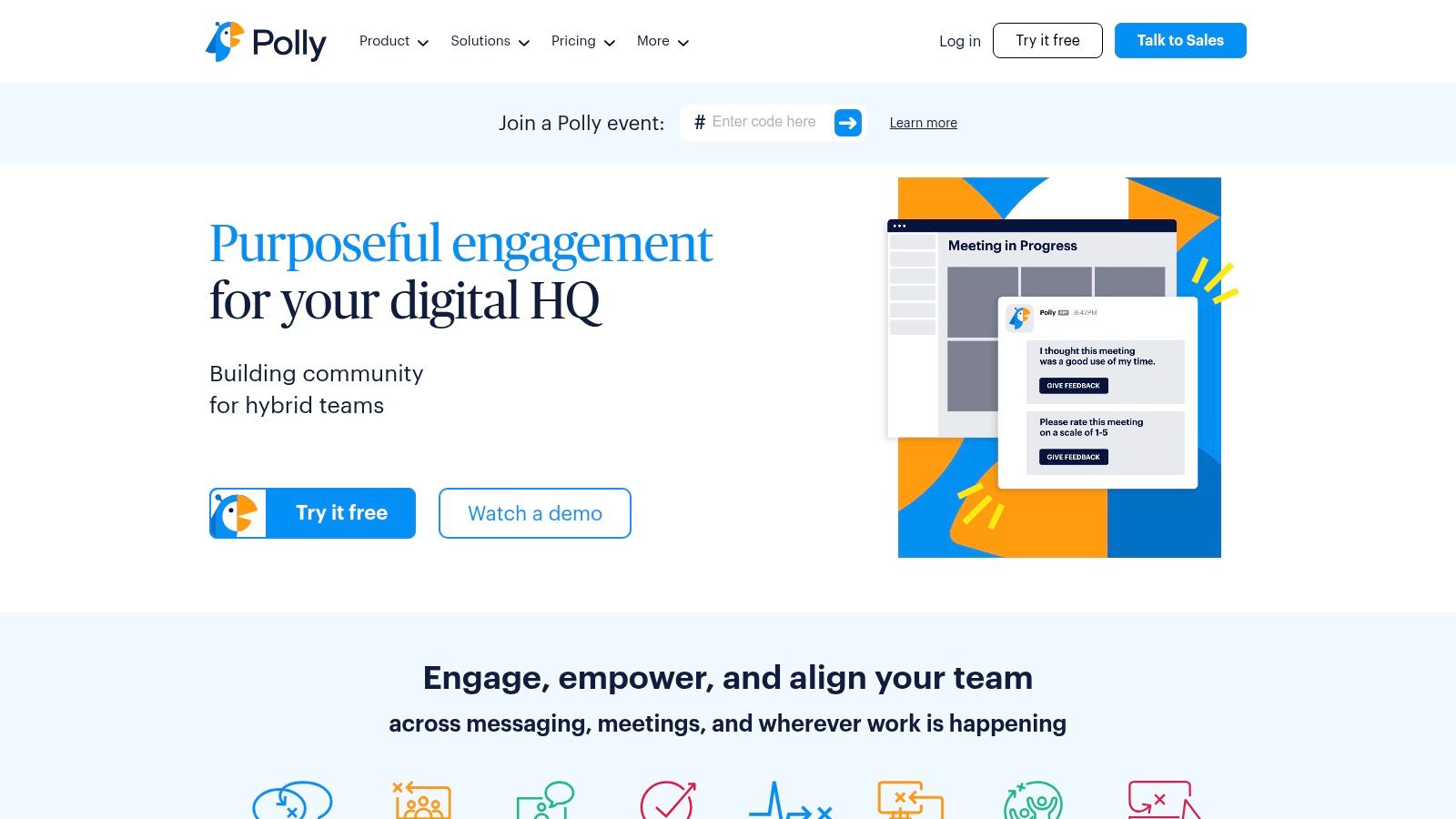
The platform’s strength is its versatility. You can launch a simple one-click poll to decide on a new library, or schedule recurring pulse surveys to monitor team morale. Its templates for standups, trivia, and icebreakers also help foster a more connected and engaged team culture, making it one of the top Slack apps for comprehensive team management.
Key Details & User Experience
*   **Best For:** Teams that need to regularly collect feedback, run automated check-ins, or increase engagement with interactive content.
*   **Why It Stands Out:** Its Slack-native design and rich feature set, including moderated Q&As and detailed analytics, make it far more powerful than basic polling apps. The ability to export results and track trends over time is a key differentiator.
*   **User Interface:** Intuitive and straightforward, with a user-friendly poll creation process that feels natural inside Slack.
*   **Limitations:** The per-user pricing model can become costly for very large teams. While a free tier exists, many of the advanced analytics and customization features are reserved for paid plans.
Website: https://www.polly.ai/
12. Geekbot
Geekbot specializes in automating asynchronous team check-ins, making it one of the top Slack apps for remote and distributed engineering teams. It facilitates daily standups, retrospectives, and surveys directly within Slack, eliminating the need for time-consuming meetings. This approach helps teams stay aligned on progress and roadblocks without disrupting deep work, fostering a more efficient and flexible communication culture.
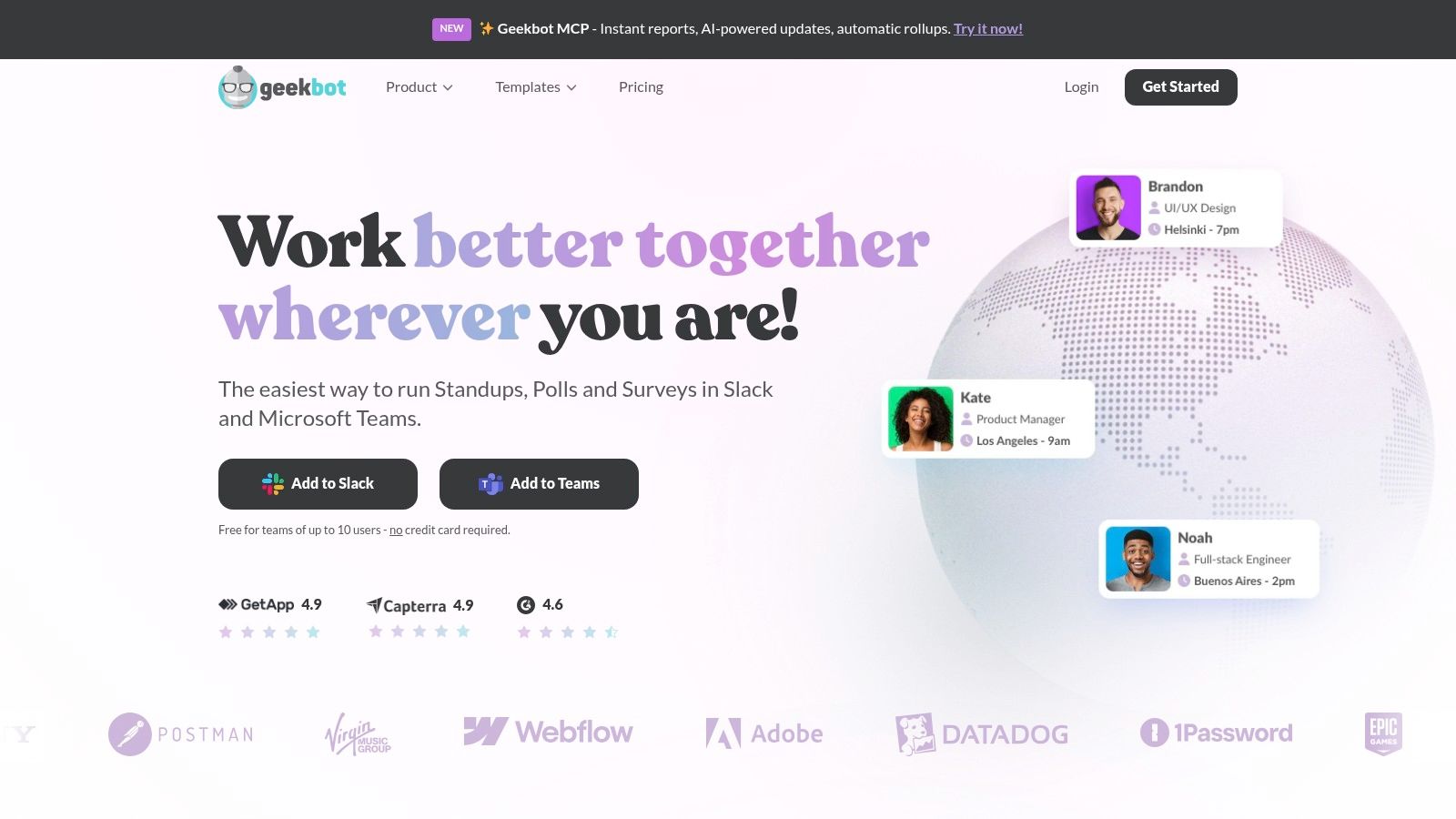
The platform’s real power lies in its structured data collection and reporting. Geekbot compiles responses into a single channel and provides analytics dashboards to track engagement, sentiment, and progress over time. For managers and scrum masters, this provides invaluable, at-a-glance insights into team well-being and project velocity, turning routine updates into actionable data.
Key Details & User Experience
- Best For: Engineering and product teams practicing asynchronous communication or operating across multiple time zones.
- Why It Stands Out: Its participant-based pricing is transparent and cost-effective for teams just starting out, with a generous free tier for up to 10 users. The combination of simple setup and powerful reporting makes it a standout for streamlined agile ceremonies.
- User Interface: Straightforward and easy to configure. Setting up a new standup or survey is intuitive and requires minimal technical knowledge.
- Limitations: The per-participant cost can become significant for larger organizations with widespread usage. Its survey features, while functional, are less advanced than dedicated polling tools, which might lead to tool overlap.
Website: https://geekbot.com/
Top 12 Slack Apps: Features & Integrations
| Product | Core features | UX / Quality | Value / Pricing | Target audience | Unique selling points |
|---|---|---|---|---|---|
| PullNotifier 🏆 | Concise in-place PR cards; repo→channel routing; reviewer mapping; GitHub Enterprise & self‑host | ★★★★★ — minimal noise, fast setup | 💰 Free tier (<4), trials, affordable plans, enterprise | 👥 Engineers, team leads, enterprises | ✨ Cuts PR noise ~90%+, customizable routing, minimal permissions; 🏆 |
| Slack Marketplace | Centralized app catalog, install flows, permission/compliance details | ★★★★ — authoritative discovery | 💰 Directory is free; app pricing varies | 👥 Workspace admins, IT/security | ✨ Central discovery + admin controls |
| Zapier – Slack integrations | No‑code Zaps, 8k+ apps, templates, execution logs | ★★★★ — highly flexible automations | 💰 Free tier; task‑based pricing; enterprise | 👥 Ops, PMs, non‑dev integrators | ✨ Cross‑app automations without code |
| GitHub Marketplace – Slack app | Repo/PR/issue notifications; slash commands; unfurls; bi‑directional actions | ★★★★ — first‑party reliability | 💰 Free to use | 👥 Developers, DevOps | ✨ Bi‑directional GitHub actions in Slack |
| Asana for Slack | Create/assign tasks from Slack; project notifications; Rules & AI summaries | ★★★★ — reliable PM workflows | 💰 Free install; Asana subscription may be required | 👥 Product teams, PMs | ✨ Fast message→task capture; AI summaries |
| Jira Cloud for Slack | Issue updates, previews, create from messages, per‑channel filters | ★★★★ — permission‑aware, stable | 💰 Free app; Jira Cloud subscription required | 👥 Dev & product teams | ✨ Jira‑aware notifications & filtering |
| Zoom for Slack | Start/join meetings, post meeting details, gov variants | ★★★★ — familiar meeting workflow | 💰 Free app; Zoom license may apply | 👥 All teams needing meetings | ✨ One‑click join & meeting metadata in Slack |
| Google Calendar | Status sync, reminders, RSVP, daily/weekly digests, join links | ★★★★ — reduces interruptions | 💰 Free; best with Google Workspace | 👥 Knowledge workers, admins | ✨ Two‑way calendar sync & schedule digests |
| Trello for Slack | Create/manage cards from messages; rich unfurls; Save to Inbox | ★★★ — simple task capture | 💰 Free install; advanced Trello paid | 👥 Kanban teams, small teams | ✨ Quick message→card workflow |
| Donut | Automated intros, pairings, onboarding workflows, engagement nudges | ★★★ — great for culture programs | 💰 Tiered pricing; enterprise details gated | 👥 HR, People Ops, culture teams | ✨ Scales onboarding & recurring coffee chats |
| Polly | Polls, recurring surveys, Q&A, analytics, templates | ★★★★ — feature‑rich feedback & analytics | 💰 Free tier; per‑license pricing | 👥 HR, Ops, large teams | ✨ Robust survey analytics & templates |
| Geekbot | Async standups, retros, check‑ins, scheduling, reports | ★★★ — async‑first with reporting | 💰 Free ≤10 users; participant pricing | 👥 Remote teams practicing async | ✨ Transparent per‑participant billing and detailed exports |
Building a Smarter Slack Workspace
Transforming Slack from a simple messaging platform into a powerful, centralized command center for your engineering and product teams doesn't happen by accident. It requires a deliberate, strategic approach to integration. As we've explored, the landscape of top Slack apps offers a specialized solution for nearly every workflow bottleneck, from streamlining code reviews with PullNotifier to automating routine tasks with Zapier and keeping projects on track with the Jira and Asana integrations.
The key takeaway is that more apps do not necessarily equal more productivity. The goal is to curate a focused ecosystem that eliminates context switching, automates low-value work, and surfaces critical information where your team already collaborates.
How to Choose the Right Slack Apps
Selecting the right tools can feel overwhelming. To make the best choice for your team, start by clearly defining the problem you want to solve. Are pull request notifications getting lost in noisy channels? Is there a disconnect between sprint planning in Jira and daily stand-ups in Slack?
Consider these factors as you evaluate your options:
*   **Core Functionality vs. Specific Need:** A general-purpose tool like Zapier offers incredible flexibility, while a purpose-built app like PullNotifier provides a highly optimized, out-of-the-box solution for a specific pain point like GitHub PR management.
*   **Team Adoption and Workflow:** Choose apps that integrate seamlessly into your team's existing habits. The less friction involved in adoption, the more likely the tool is to deliver a positive return on investment.
*   **Scalability and Cost:** Start with free tiers to pilot an app with a small group. Before a full rollout, assess the pricing structure and ensure it aligns with your team's growth and budget.
Your Action Plan for Implementation
Once you've identified a potential app, don't just add it to your workspace and hope for the best. A thoughtful implementation strategy is crucial for success.
- Define Your Goals: Before you install anything, articulate what success looks like. For example, your goal might be to "reduce the average pull request review time by 20% within one quarter." This clarity helps in evaluating the tool's effectiveness later.
- Start with a Pilot Team: Roll out the new app to a small, receptive group of engineers or product managers. This allows you to gather honest feedback, identify potential issues, and refine configurations in a low-risk environment.
- Document and Train: Create a simple, accessible guide on how to use the new integration. A brief walkthrough during a team meeting or a pinned message in a relevant channel can ensure everyone is on the same page. A clear understanding of the functional requirements for applications can be incredibly helpful here, as it trains your team to think critically about what a tool should do for them.
By carefully curating your integrations, you move beyond using Slack as just a chat tool. You architect a digital workspace that actively accelerates development cycles, enhances collaboration, and empowers your team to focus on what truly matters: building exceptional products.
Tired of pull request notifications getting lost in the noise? PullNotifier delivers focused, actionable PR alerts directly to your developers in Slack, cutting through the clutter so your team can review and merge code faster. Start your free trial of PullNotifier today and see how one of the top Slack apps can streamline your entire code review process.