- Published on
7 Essential Project Overview Example Templates for Software Teams in 2025
- Authors

- Name
- Gabriel
- @gabriel__xyz
In fast-paced software development, alignment is everything. A scattered team, confused stakeholders, and missed deadlines often stem from a single source: the lack of a clear, shared project overview. This document is far more than a simple to-do list; it's the strategic blueprint that transforms a collection of tasks into a cohesive, achievable mission. It serves as the single source of truth that aligns engineering, product, and leadership on objectives, scope, and key deliverables from kickoff to launch.
This guide moves beyond theory to provide concrete, actionable templates. We have compiled 7 distinct project overview example frameworks specifically designed for the unique challenges of software teams, from high-level executive summaries to detailed technical scopes. Each template is a ready-to-use tool for communicating goals, managing resources, and tracking progress effectively.
You will learn exactly when and how to deploy each type of overview. We'll break down the strategic purpose behind each example, providing tactical insights you can apply immediately. Plus, we'll show you how to integrate real-time updates from tools like PullNotifier, ensuring your overviews remain dynamic, accurate, and truly useful without constant manual intervention.
1. Executive Summary Project Overview Template
The Executive Summary Project Overview is a high-level, one-page document designed for rapid consumption by stakeholders and decision-makers. Its primary function is to distill complex project details into a concise, digestible format, focusing on business objectives, key deliverables, timeline, budget, and overall status. Popularized by frameworks from organizations like the Project Management Institute (PMI) and Atlassian, this template is a cornerstone of effective stakeholder communication.
This type of project overview example is indispensable for engineering managers and product owners who must regularly report progress to non-technical executives. It acts as a "single source of truth" that bridges the gap between the development team's daily activities and the strategic goals of the business.

Strategic Breakdown
This overview’s power lies in its brevity and clarity. By omitting granular technical details, it forces a focus on what truly matters to leadership: outcomes, risks, and alignment with business strategy. It answers critical questions like, "Are we on track?" and "What is the ROI?" without requiring a deep dive into the code.
For instance, a team building a new API can use this format to show progress not in terms of endpoints created, but as a percentage of the business goal achieved, such as "75% complete towards enabling new partner integrations."
Key Insight: The goal isn't to document everything but to communicate the most critical information needed for strategic decision-making. It transforms technical progress into business-centric milestones.
When to Use This Template
*   **Project Kick-offs:** To establish initial alignment with all stakeholders on goals, scope, and success criteria.
*   **Monthly/Quarterly Reviews:** For providing regular, high-level status updates to leadership teams.
*   **Cross-Functional Alignment Meetings:** To quickly onboard other departments (like Marketing or Sales) on a project's purpose and timeline.
Actionable Takeaways & Integration
To make your executive summary effective, follow these tips:
*   **Visualize Timelines:** Use a simple Gantt chart or roadmap visual to display key milestones and deadlines. This is far more effective than a list of dates.
*   **Use a RAG Status:** Employ a Red/Amber/Green status for key areas like Budget, Schedule, and Scope. This provides an immediate visual cue for project health.
*   **Integrate PullNotifier:** Automate the "Project Health" section by feeding data from PullNotifier. Set rules to flag the project as "Amber" if the average pull request review time exceeds a certain threshold, providing a data-backed health metric. For example, you can create a status rule that updates a Slack channel message when PRs in a GitHub Enterprise project are consistently slow, which then informs the RAG status in your summary.
2. Agile/Scrum Project Overview Template
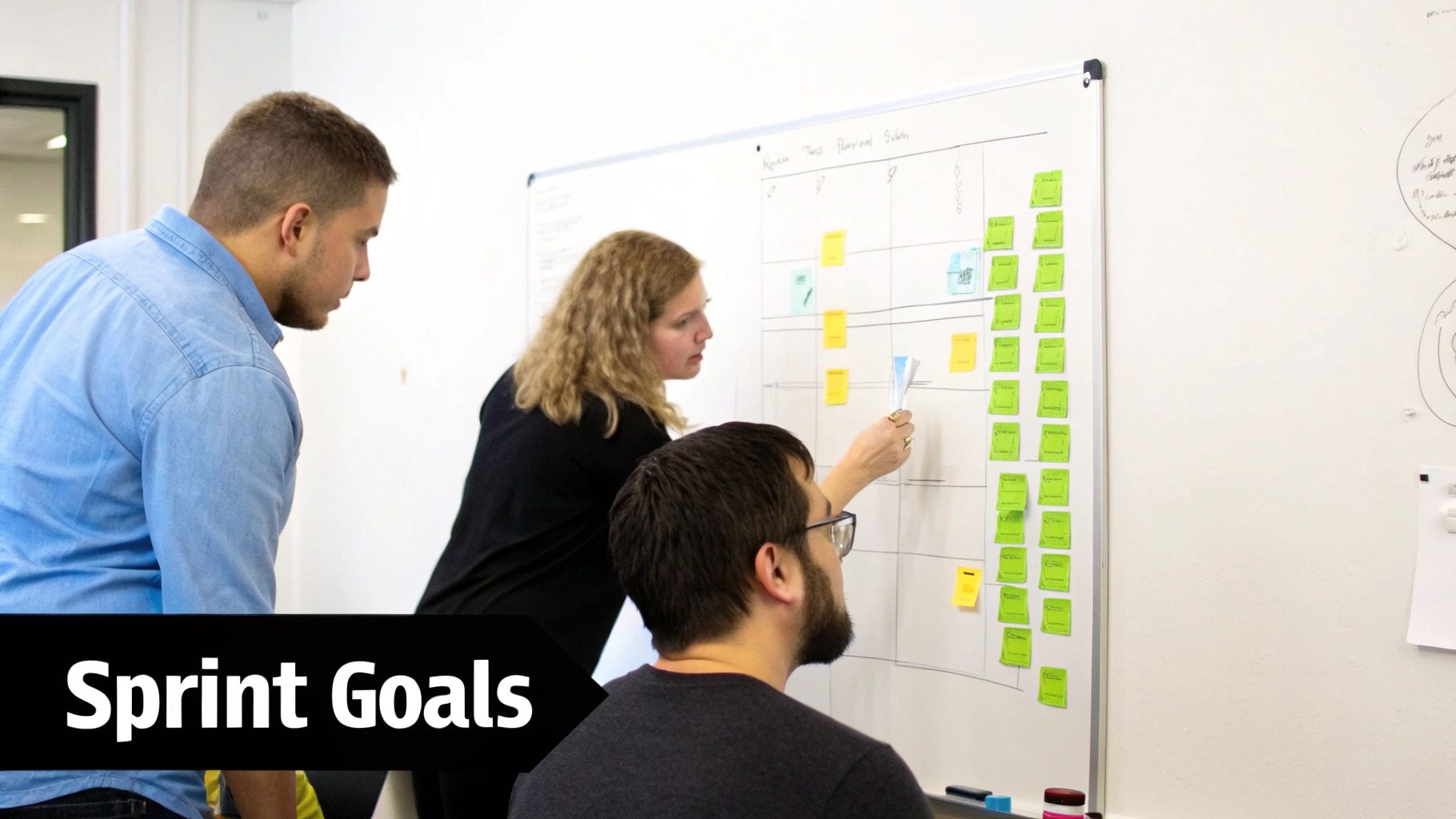
The Agile/Scrum Project Overview is a dynamic, sprint-focused document tailored for iterative development cycles. Its core function is to provide a real-time snapshot of a sprint, including goals, prioritized backlog items, velocity metrics, and key learnings. Popularized by Scrum creators Ken Schwaber and Jeff Sutherland and widely adopted through tools like Atlassian's Jira, this template is the lifeblood of teams practicing continuous delivery.
This type of project overview example is essential for Scrum Masters and tech leads who need to maintain momentum and transparency within short development sprints. It translates the fluid nature of agile work into a structured, communicable format that keeps the entire team, from developers to product owners, aligned on immediate priorities.
Strategic Breakdown
This overview’s strength is its focus on short-term execution and continuous improvement. By centering on sprint goals and user stories, it ensures development efforts are always tied to immediate value delivery. It answers crucial questions like, "What are we building in the next two weeks?" and "How can we improve our process?" without getting lost in long-term roadmaps.
For example, a team working in a monorepo can use this overview to track their specific sprint's progress on a feature, while another team's overview tracks a parallel bug-fix sprint. This provides clarity in complex, fast-moving environments. For more insights into optimizing your development cycles, you can explore these agile development best practices.
Key Insight: The goal is to create a living document that reflects the rhythm of the sprint. It shifts the focus from a single, static plan to a series of focused, iterative execution cycles.
When to Use This Template
*   **Sprint Planning Meetings:** To formalize and communicate the sprint goal, capacity, and selected backlog items.
*   **Daily Stand-ups:** As a reference point to ensure daily tasks align with the sprint objectives.
*   **Sprint Retrospectives:** To review what was accomplished, analyze velocity, and capture actionable insights for the next sprint.
Actionable Takeaways & Integration
To make your Agile/Scrum overview effective, follow these tips:
*   **Define a Clear Sprint Goal:** Start every overview with a single, measurable objective for the sprint (e.g., "Launch user authentication v1"). This provides purpose and focus.
*   **Visualize Burndown:** Include a sprint burndown chart to track work completed against the forecast. This offers a clear, at-a-glance indicator of progress.
*   **Integrate PullNotifier:** Automate key engineering metrics within your overview. Use PullNotifier to track the cycle time from PR creation to merge for all user stories in the sprint. Post daily summaries of open, merged, and stale PRs to a dedicated Slack channel to keep the team aware of development velocity and potential bottlenecks.
3. Technical Project Overview Template
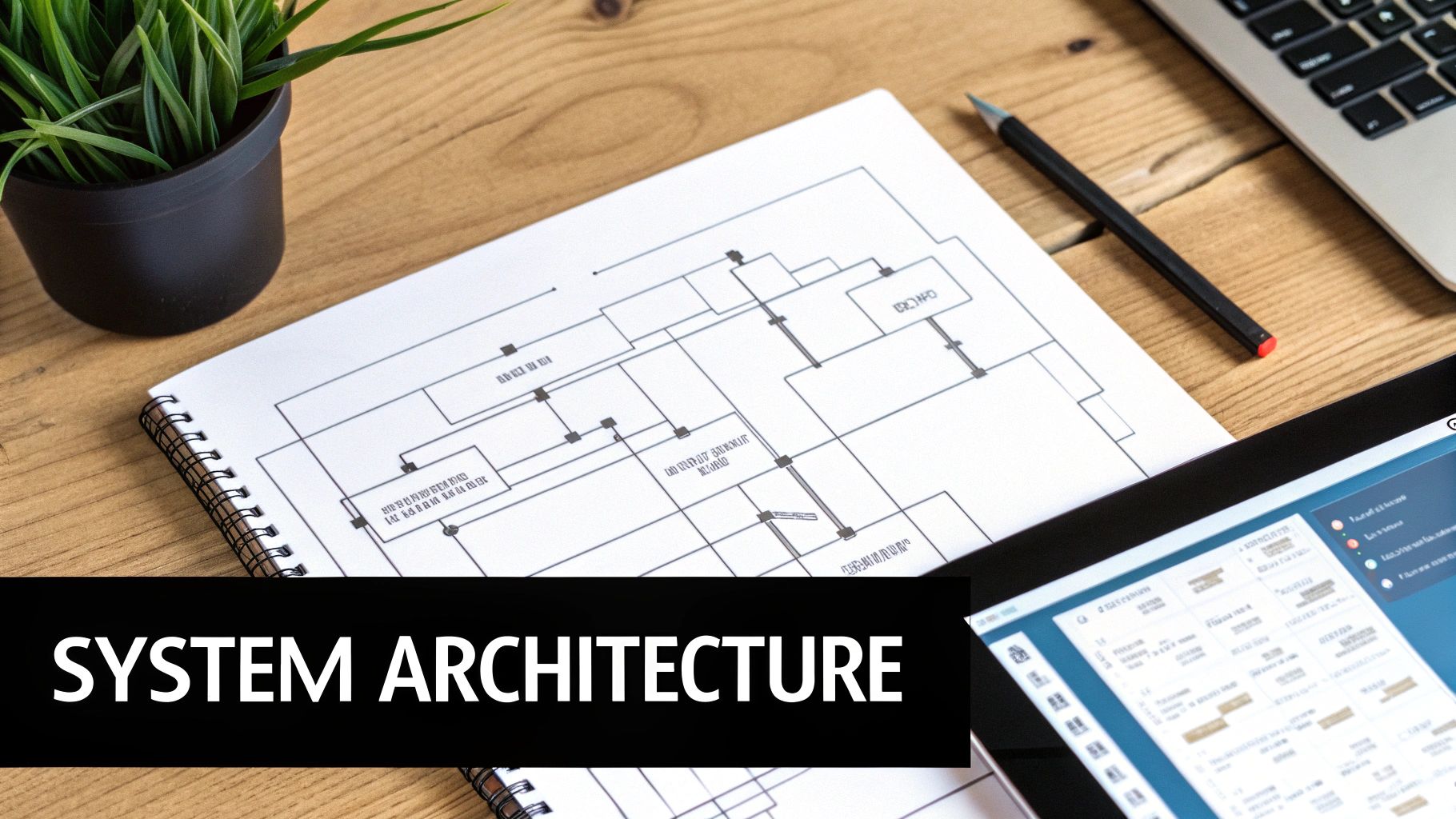
The Technical Project Overview is a detail-rich document created by and for engineering teams. It moves beyond business objectives to articulate the "how" of a project, covering architecture diagrams, technology stack, system dependencies, and technical risks. Popularized by best practices from Google SRE, AWS, and Netflix engineering, this template is the blueprint for implementation.
This type of project overview example is essential for tech leads and senior engineers responsible for system design and reliability. It ensures that every developer, from junior to principal, understands the technical landscape, integration points, and quality standards before writing a single line of code.
Strategic Breakdown
This overview’s value is in its technical precision. It preemptively resolves architectural debates, clarifies dependencies between services, and establishes non-functional requirements like performance and security. It serves as a single source of truth for the engineering execution plan.
For example, a team developing a new microservice would use this document to define its API contract, detail its data storage strategy, and map its interactions with an API gateway. This prevents integration issues and ensures the service aligns with the broader system architecture.
Key Insight: This document translates a feature request into an actionable engineering plan. It fosters technical alignment and reduces ambiguity, which are critical for preventing costly rework later in the development cycle.
When to Use This Template
*   **Before Development Starts:** To align the engineering team on the architectural approach and technology choices.
*   **Onboarding New Engineers:** To quickly bring new team members up to speed on the project's technical specifics.
*   **Cross-Team Technical Reviews:** When a project has dependencies on other engineering teams, this document facilitates clear communication and collaboration.
Actionable Takeaways & Integration
To make your technical overview effective, follow these tips:
*   **Document CODEOWNERS:** Define code ownership patterns directly in the repository to automate reviewer assignments for pull requests.
*   **Maintain Architecture Decision Records (ADRs):** Keep a log of key architectural decisions in the repository's README or a docs folder to provide context for future development.
*   **Integrate PullNotifier:** Configure PullNotifier to route technical PRs to specific Slack channels based on repository or file paths (e.g., `#api-gateway-reviews`). You can also set up automated notifications that flag performance regressions or failures in code quality checks, ensuring critical issues are addressed immediately by the right specialists.
4. Resource-Focused Project Overview Template
The Resource-Focused Project Overview emphasizes team composition, skill allocation, capacity planning, and resource constraints. Its purpose is to provide a clear picture of who is working on what, ensuring that workloads are balanced and specialized skills are deployed effectively. Popularized by the resource planning methodologies of companies like Basecamp and GitLab, this template is critical for managing the human element of a project.
This type of project overview example is a lifeline for engineering managers and team leads. It helps them optimize developer allocation, manage workload distribution, and justify hiring or contractor needs by correlating team capacity directly with project timelines and deliverables, including code review bandwidth.
Strategic Breakdown
This overview’s strength lies in its focus on capacity versus demand. By mapping available developer hours and specific skill sets against project requirements, it shifts the conversation from "when will it be done?" to "what can we realistically achieve with the team we have?" This transparency is crucial for setting achievable deadlines and identifying potential bottlenecks early.
For instance, a team lead can use this overview to show that while there is general developer availability, the project is blocked due to a lack of specialists, such as a dedicated security reviewer. This visualizes the impact of resource constraints on project velocity.
Key Insight: This overview makes resource allocation a strategic, data-driven discussion. It connects individual developer capacity and code review velocity directly to the project's overall health and timeline.
When to Use This Template
*   **Sprint or Iteration Planning:** To ensure workloads are balanced and the team has the necessary skills for the upcoming tasks.
*   **Hiring and Budgeting Cycles:** To provide data-backed justification for new hires, contractors, or training investments.
*   **Onboarding New Team Members:** To quickly show new developers the team structure, areas of expertise, and project responsibilities.
*   **Managing Cross-Functional Teams:** When developers are shared across multiple projects, this template clarifies allocations and prevents over-commitment.
Actionable Takeaways & Integration
To make your resource-focused overview effective, follow these tips:
*   **Map Skills to Tasks:** Create a simple matrix that lists project features or epics and maps the required skills (e.g., front-end, database, security) to the available team members.
*   **Visualize Capacity:** Use a stacked bar chart to show each team member's total capacity versus their allocated work, including time reserved for code reviews and operational tasks.
*   **Integrate PullNotifier:** Use PullNotifier to monitor developer workload and identify resource bottlenecks. Set up alerts to notify a manager if a specific developer’s pull request review queue exceeds a set number, indicating they are a bottleneck. This allows you to re-assign reviews or adjust workloads in real-time to maintain flow.
5. Risk and Dependency Project Overview Template
The Risk and Dependency Project Overview is a specialized document focused on identifying, assessing, and mitigating potential blockers and inter-team dependencies. Its purpose is to create a proactive plan for managing variables that could derail a project, particularly in complex enterprise environments. Drawing from rigorous frameworks like PMI's Risk Management and NASA's mission assurance practices, this template formalizes the process of anticipating what could go wrong.
This type of project overview example is critical for tech leads and engineering managers overseeing projects with many moving parts, such as a major GitHub Enterprise Server migration. It shifts the team's mindset from reactive problem-solving to proactive risk mitigation, ensuring that dependencies between teams, systems, and repositories are mapped and managed before they become critical-path blockers.
Strategic Breakdown
This overview’s value comes from making invisible threats visible. By forcing teams to document dependencies (e.g., "Team A's API must be deployed before Team B can begin frontend work") and potential risks (e.g., "Database schema migration has a high risk of causing downtime"), it turns abstract worries into concrete, trackable items. This structured approach prevents last-minute surprises that can stall development and delay releases.
For a multi-team monorepo project, this document would map which code contributions affect shared libraries and establish a clear escalation path for merge conflicts or breaking changes. It's not just a list of fears; it's a strategic playbook for navigating complexity.
Key Insight: This overview transforms risk management from an informal activity into a core project artifact. It ensures that dependencies are not just known but actively managed, with clear ownership and mitigation plans.
When to Use This Template
*   **Enterprise Deployments:** For projects with zero-downtime requirements or significant business impact.
*   **Complex Integrations:** When relying on external APIs or integrating services across different technology stacks.
*   **Multi-Team Projects:** To manage shared dependencies in a monorepo or between microservices.
*   **Security & Compliance Initiatives:** For features where failure could lead to data breaches or regulatory penalties.
Actionable Takeaways & Integration
To build an effective risk and dependency overview, use these strategies:
*   **Create a Risk Matrix:** Score each risk based on its potential impact and likelihood. This helps prioritize which threats to focus on first.
*   **Document Rollback Plans:** For high-risk deployments like database migrations, a clear, documented rollback procedure is non-negotiable.
*   **Integrate PullNotifier:** Map critical repository dependencies directly in your PullNotifier routing rules. Configure it to automatically assign code reviewers from a dependent team when changes are made to a shared module. For instance, if a PR touches a core authentication library, PullNotifier can immediately loop in security and platform engineers, ensuring dependencies are managed at the review stage, which is a key part of how to [manage technical debt before it sinks your team](https://blog.pullnotifier.com/blog/how-to-manage-technical-debt-before-it-sinks-your-team).
6. Stakeholder Communication Project Overview Template
The Stakeholder Communication Project Overview is a strategic document designed to manage and streamline information flow to diverse audiences. Its primary purpose is to deliver the right message to the right people at the right time, tailoring content for executives, clients, investors, and internal teams. Inspired by communication frameworks from firms like McKinsey & Company and the transparent practices of companies like GitLab, this template organizes communication plans, key messages, and feedback channels.
This type of project overview example is critical for engineering managers in complex enterprise environments. It ensures that while the engineering team focuses on technical velocity, business stakeholders receive updates translated into metrics they care about, such as market impact, ROI, and risk mitigation.
Strategic Breakdown
The strength of this overview lies in its audience segmentation. Instead of a one-size-fits-all report, it forces the project lead to define what each stakeholder group needs to know. It separates the "what" (the technical work) from the "so what" (the business impact), creating custom narratives from a single source of truth.
For example, a client-facing project update might emphasize feature release dates and user benefits, while an investor update from the same project would highlight how those features are projected to increase market share or user engagement, using data-backed evidence.
Key Insight: Effective communication isn't about sending more updates; it's about sending smarter, targeted updates. This template turns raw project data into persuasive, audience-specific narratives.
When to Use This Template
*   **Client-Facing Projects:** To provide regular, transparent progress reports and manage expectations.
*   **Cross-Functional Initiatives:** To keep sales, marketing, and support teams aligned on product launches and timelines.
*   **Board and Investor Reporting:** For translating engineering velocity and milestones into business outcomes and strategic value.
Actionable Takeaways & Integration
To make your stakeholder communication plan effective, follow these tips:
*   **Create Audience-Specific Channels:** Use separate Slack channels or email distribution lists for different stakeholder groups (e.g., #proj-alpha-exec-updates vs. #proj-alpha-tech-sync).
*   **Align Technical Metrics with Business Goals:** Frame updates around business impact. Instead of "deployed 50 commits," say "increased user sign-up speed by 15%, which is projected to improve conversion rates."
*   **Automate Reporting with PullNotifier:** Integrate PullNotifier to automatically populate your overviews with key engineering health metrics. Set up a workflow that sends a weekly summary to a specific stakeholder channel, including metrics like deployment frequency and code review efficiency, automatically framing them as indicators of team productivity and project momentum.
7. DevOps and CI/CD Project Overview Template
The DevOps and CI/CD Project Overview is a specialized document for platform teams and tech leads, focusing on automation, infrastructure, and deployment pipelines. It visualizes the entire software delivery lifecycle, from code commit to production deployment. Popularized by practices from Netflix, Google Cloud, and the Cloud Native Computing Foundation (CNCF), this template emphasizes operational excellence and system reliability.
This type of project overview example is critical for DevOps engineers managing infrastructure as code (IaC) and continuous integration/deployment (CI/CD) processes. It translates complex automation workflows, like a Kubernetes deployment with automated rollbacks, into a clear status report on system health, deployment frequency, and pipeline efficiency.
Strategic Breakdown
This overview’s strength lies in its focus on automation and operational metrics. Instead of tracking features, it tracks the health of the delivery pipeline itself. It answers key operational questions like, "How quickly can we safely deploy a change?" and "What is our change failure rate?"
For example, a team implementing a Terraform-managed infrastructure project would use this overview to report on pipeline success rates for environment provisioning, not just the number of modules written. This shifts the focus from development activity to the direct business value of stable and rapid deployments.
Key Insight: This template makes the "how" of software delivery a first-class citizen. It provides visibility into the automated systems that enable development velocity and operational stability.
When to Use This Template
*   **Infrastructure Migrations:** To track progress on moving services to a new cloud provider or container orchestration platform.
*   **Pipeline Optimization Initiatives:** For showcasing improvements in build times, test automation coverage, and deployment speed.
*   **Operational Readiness Reviews:** To ensure a new service has adequate monitoring, alerting, and automated rollback capabilities before launch.
Actionable Takeaways & Integration
To make your DevOps overview impactful, follow these tips:
*   **Track Key DevOps Metrics:** Prominently display metrics like Deployment Frequency, Lead Time for Changes, and Change Failure Rate.
*   **Visualize the Pipeline:** Use a diagram to show the stages of your CI/CD pipeline (e.g., Build, Test, Stage, Deploy), with status indicators for each.
*   **Integrate PullNotifier:** Configure PullNotifier to send alerts to a dedicated Slack channel for build failures or security vulnerabilities found during CI scans. This creates an auditable, real-time feed that directly informs the project’s health status. You can learn more about [automating workflows with reusable GitHub Actions](https://blog.pullnotifier.com/blog/how-to-create-reusable-github-actions-in-2025).
7 Project Overview Templates Compared
| Template | 🔄 Implementation Complexity | ⚡ Resource Requirements | ⭐ Expected Outcomes | 📊 Ideal Use Cases | 💡 Key Advantages |
|---|---|---|---|---|---|
| Executive Summary Project Overview Template | Low — concise one-page setup, easy to update | Low — basic docs and stakeholder input | Executive-level alignment and quick decision context | Board updates, stakeholder briefings, high-level sprint snapshots | Quick to create/share; clarifies essentials; links to detailed docs |
| Agile/Scrum Project Overview Template | Medium — requires continual sprint updates and rituals | Moderate — product owners, Scrum Masters, tooling (PR/issue trackers) | Faster iteration, improved visibility into sprint health | Two-week sprints, PR-driven workflows, rapid-release teams | Aligns PRs to sprints; supports velocity tracking and retrospectives |
| Technical Project Overview Template | High — detailed architecture, diagrams, and standards | High — engineering time, design artifacts, testing environments | Clear technical direction, higher code quality and reliability | Complex systems, microservices, API and infra-heavy projects | Documents architecture & ADRs; enables automated quality gates |
| Resource-Focused Project Overview Template | Medium — ongoing updates for team changes and capacity | Moderate–High — HR data, skill matrices, capacity tracking tools | Balanced workload, clearer ownership, improved reviewer assignment | Capacity planning, scaling teams, reviewer bandwidth optimization | Identifies skill gaps; optimizes reviewer routing and allocations |
| Risk and Dependency Project Overview Template | High — dependency mapping and mitigation planning | Moderate — cross-team coordination, monitoring inputs | Reduced surprises, faster mitigation of critical blockers | Migrations, multi-team integrations, compliance-sensitive projects | Proactive risk detection; defines escalation and contingency plans |
| Stakeholder Communication Project Overview Template | Medium — multiple tailored messages and cadences | Moderate — comms channels, reporting automation | Improved stakeholder alignment and engagement | Client-facing reports, executive updates, cross-functional launches | Tailored messaging and feedback loops; improves transparency |
| DevOps and CI/CD Project Overview Template | High — pipeline design, IaC, monitoring, and automation | High — tooling, infra, SRE/DevOps expertise | Faster, more reliable deployments and operational visibility | CI/CD automation, GitOps, production-critical services | Automates quality gates; increases deployment frequency and reliability |
From Template to Triumph: Making Your Project Overview Work for You
Throughout this guide, we've explored a diverse collection of project overview examples, from high-level executive summaries to detailed DevOps and CI/CD templates. We've deconstructed what makes each one effective and provided actionable frameworks you can adapt for your own software development initiatives. The central theme connecting them all is clear: a project overview is not a static document you create once and forget. It is a dynamic, living tool for communication, alignment, and strategic execution.
Choosing the right template is your starting point, but the real value is unlocked when you tailor it to your specific context. Whether you need a simple Agile sprint summary or a comprehensive risk and dependency analysis, the best project overview example is one that directly addresses the questions and concerns of its intended audience.
The Power of a Living Document
The most significant takeaway is the shift from manual, static reporting to automated, real-time insight. For modern software teams, this is non-negotiable. Manually updating a project overview with every new pull request, build status, or deployment is inefficient and prone to error. It creates a document that is perpetually out of date.
The solution is to integrate your project overview directly into your development workflow. By connecting your documentation to the tools your team uses every day, you transform a simple plan into a powerful, automated dashboard. This ensures everyone from the C-suite to the individual developer is working with the most current and accurate information available.
Actionable Next Steps to Implement Today
To bridge the gap between theory and practice, here are your immediate next steps:
- Select Your Starting Point: Review the templates provided and choose the one that most closely aligns with your immediate need. Don't strive for perfection; pick the one that solves your most pressing communication challenge right now.
- Customize for Your Audience: Identify the primary stakeholders for your overview. What are their key metrics? What level of detail do they need? Remove any fields that aren't essential and add sections that answer their specific questions.
- Automate Your Data Feeds: This is the most crucial step for long-term success. Identify key data points (e.g., PR status, build results, code review velocity) and find a way to pipe them directly into your overview document or communication channels like Slack. This is where automation tools become indispensable.
- Establish a Review Cadence: Decide with your team how and when the overview will be used. Will it be reviewed at the start of every sprint planning meeting? Is it the go-to resource for daily stand-ups? Define its role to ensure it becomes an integrated part of your team's culture.
Mastering the art of the project overview is about more than just documentation; it's about building a culture of transparency, accountability, and data-driven decision-making. By implementing these strategies, you equip your team to navigate complexity with clarity, align stakeholders with confidence, and ultimately, deliver more successful software projects. The right project overview example isn't just a template; it's a blueprint for operational excellence.
Tired of manually chasing down pull request statuses and build updates for your project overviews? PullNotifier integrates directly with your repository and Slack, delivering real-time, automated notifications that keep your documentation and your team perfectly in sync. Visit PullNotifier to see how you can automate your project reporting today.