- Published on
The 12 Best Apps for Slack to Supercharge Your Team in 2026
- Authors

- Name
- Gabriel
- @gabriel__xyz
Slack is more than a chat tool; it's a digital headquarters. But its true power is unlocked when you integrate the right applications to streamline workflows, reduce notification noise, and connect your entire tech stack. The sheer volume of options can be overwhelming, making it difficult to identify which tools will genuinely enhance your team's productivity. This guide cuts through the clutter to showcase the most impactful apps for Slack, with a specific focus on developer efficiency and cross-team collaboration.
We’ll move beyond simple notifications to explore solutions that offer actionable insights, deep integrations, and tangible efficiency gains. A core benefit of this approach is the ability to automate repetitive tasks, freeing up valuable time for your team to focus on more strategic work. Throughout this resource, you will find detailed breakdowns, real-world use cases, screenshots, and direct links to help you make informed decisions.
From managing GitHub pull requests with precision using tools like PullNotifier to orchestrating complex cross-platform workflows, these integrations are essential for any modern team. Get ready to transform your Slack workspace from a simple communication hub into a powerful command center for your entire development lifecycle.
1. PullNotifier
PullNotifier is an exceptionally well-designed GitHub-to-Slack integration built to solve a specific, pervasive problem for development teams: noisy pull request notifications. Unlike default integrations that flood channels with every update, PullNotifier uses concise, in-place messages that update a single Slack thread. This keeps channels clean and ensures everyone sees the latest PR status at a glance, eliminating confusion and duplicate alerts. It stands out as one of the most effective apps for Slack for engineering workflows.

Its real power lies in its deep customization and enterprise-grade security. You can route PRs to specific channels using granular rules based on repositories, labels, authors, or reviewers, making it a perfect fit for complex monorepos or large organizations. The platform prioritizes security by requesting minimal permissions, never accessing your codebase, and using write-only Slack permissions.
Key Strengths & Use Cases
*   **Intelligent Noise Reduction:** Ideal for teams overwhelmed by constant GitHub notifications. The in-place updates consolidate all activity related to a single PR into one live message, so channels remain scannable and focused.
*   **Advanced Routing for Complex Orgs:** A manager can configure rules to send frontend PRs to the `#frontend-dev` channel and backend PRs to `#backend-dev`, automatically mentioning the assigned reviewers. This ensures the right people see the right PRs instantly.
*   **Security and Compliance:** A top choice for organizations with strict security protocols. PullNotifier offers a Data Processing Addendum (DPA) and provides self-hosting options via Docker for complete data control.
*   **Accelerating Review Cycles:** The stale-PR alerts automatically nudge reviewers on pull requests that have gone idle, helping to unblock developers and maintain momentum without manual follow-ups.
Availability & Pricing: A generous free tier is available for teams with up to three developers. Larger teams can start with a 14-day free trial (no credit card needed). Paid plan pricing is available upon contact, with options for dedicated or self-hosted enterprise deployments.
Website: https://pullnotifier.com
2. Slack Marketplace (official Slack app directory)
The official Slack Marketplace is the definitive starting point for finding verified apps for Slack. As the primary, trusted source, it offers a catalog of over 2,600 applications covering everything from project management and HR to specialized developer tools. Its tight integration with Slack ensures a secure and seamless installation process, where permission scopes are transparently displayed before you grant access.
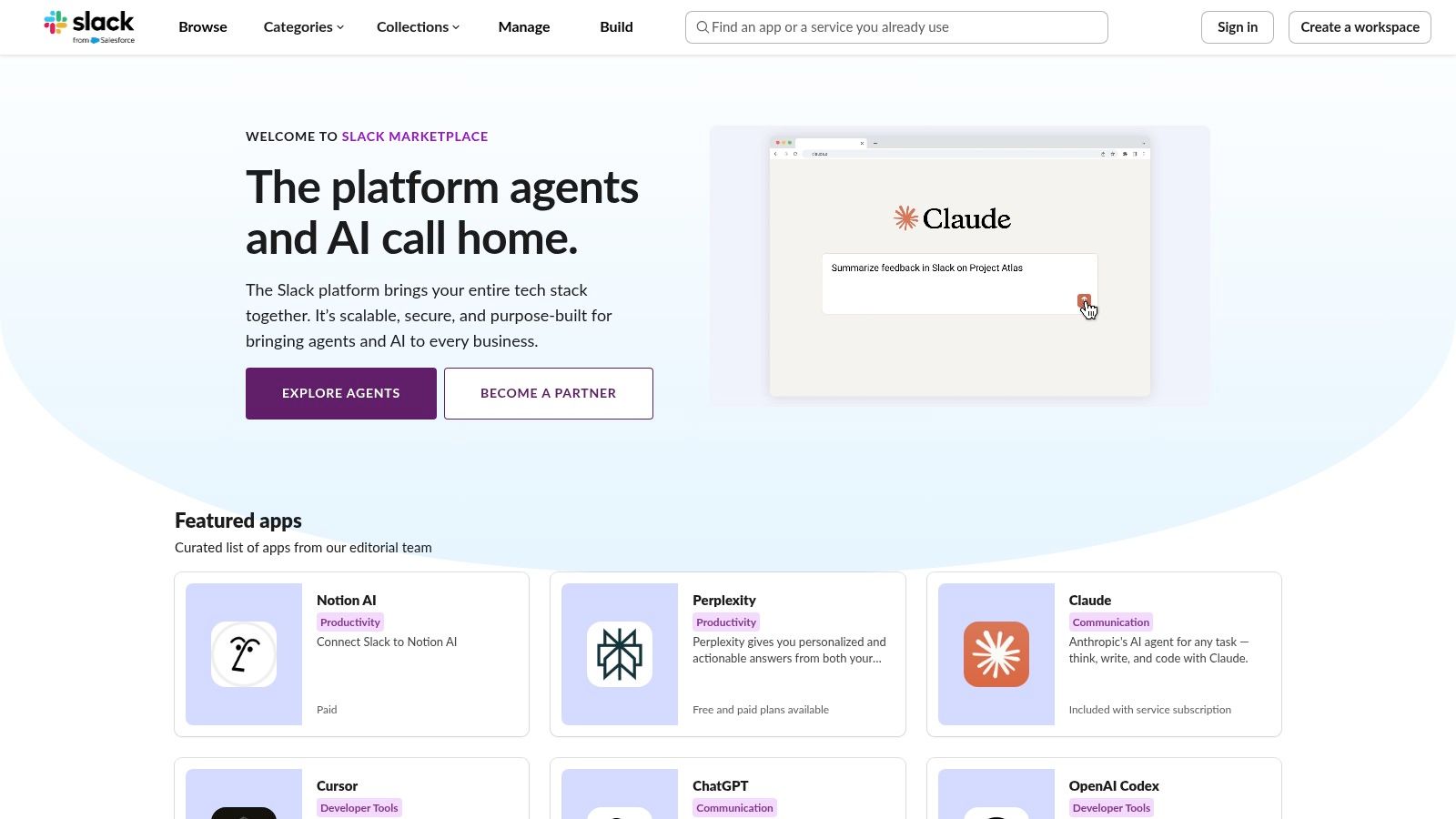
Key Features and Usage Tips
The platform excels with its built-in governance and admin controls, allowing workspace owners to manage, approve, and audit all app installations directly. This centralized management is a major advantage for maintaining security and compliance.
*   **Best Use Case:** Discovering and installing any Slack-approved application with a one-click process that respects your workspace's administrative settings.
*   **Pro Tip:** Use the categories and search filters to narrow down the vast selection. Searching for "GitHub" or "CI/CD," for instance, will surface relevant developer-focused tools.
*   **Limitations:** The sheer volume can be overwhelming. Also, note that some Slack plans (Free/Pro) have limits on the number of integrations you can install.
While the Marketplace lists thousands of options, curated lists can help you find the best Slack apps for developers to boost productivity.
Website: https://slack.com/marketplace
3. Slack Integrations (Slack overview hub)
Before diving headfirst into installing new apps for Slack, it's wise to visit Slack's official Integrations hub. This educational resource acts as an orientation center, explaining the "why" and "how" behind Slack apps. It details what integrations can do, breaks down popular categories like developer tools and project management, and provides crucial information on security, compliance, and app management for workspace administrators.
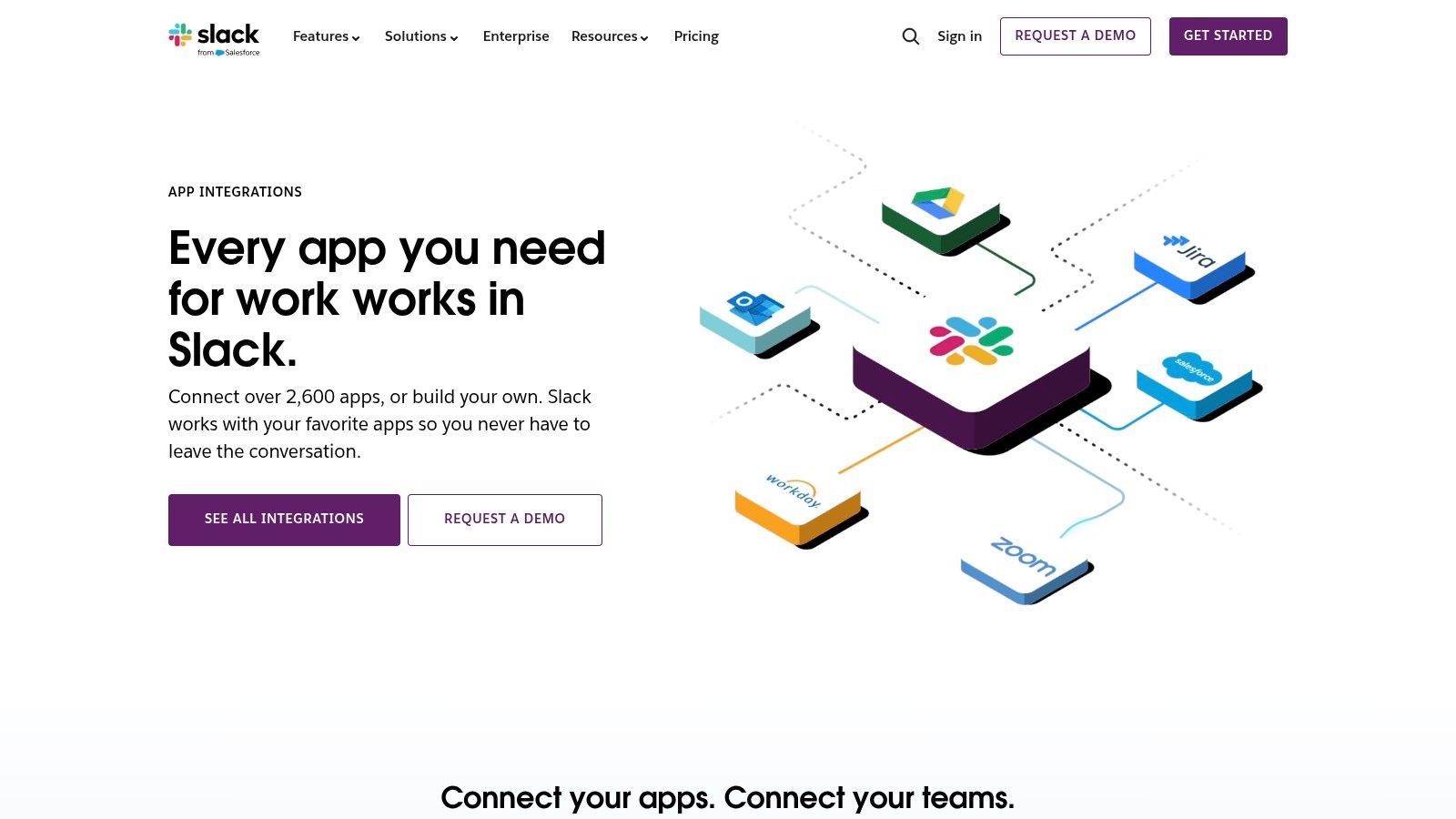
Key Features and Usage Tips
The hub’s primary value is its guidance. It connects users to the full Marketplace but also offers pointers on building custom solutions with Slack APIs and the Workflow Builder. This makes it an essential first stop for engineering managers and tech leads planning a deeper integration strategy for their development teams.
*   **Best Use Case:** Gaining a foundational understanding of how Slack apps function, their security implications, and the differences between pre-built apps and custom workflows.
*   **Pro Tip:** Review the "App management" section to learn about administrative controls and plan your app approval process before your team starts requesting installations.
*   **Limitations:** This page is not a directory for browsing or installing apps; it serves as an informational gateway that links out to the actual Marketplace.
Website: https://slack.com/integrations
4. Zapier – Slack Integrations
Zapier is a no-code automation giant that acts as a bridge between Slack and thousands of other applications. It allows you to build custom workflows, or "Zaps," that trigger actions in one app based on events in another, making it one of the most versatile apps for Slack. You can connect Slack to over 8,000 services like Google Workspace, Jira, and GitHub without writing a single line of code, using a vast library of pre-built templates.
Key Features and Usage Tips
The platform shines brightest when you need to quickly prototype or deploy cross-app automations. Zapier’s strength lies in its extensive library of triggers and actions, allowing you to create simple or multi-step Zaps in minutes. The visual workflow builder is intuitive, and its monitoring tools provide reliable insights into your automation's performance.
*   **Best Use Case:** Rapidly connecting a non-native app to Slack to automate notifications, create tasks, or sync data without needing engineering resources.
*   **Pro Tip:** Start with a pre-built Zap template for common use cases like "Get Slack notifications for new Google Calendar events" and customize it to fit your exact needs.
*   **Limitations:** Costs can escalate with complex, multi-step Zaps that run frequently. Handling advanced Slack API behaviors might also require careful attention to rate limits.
For developers looking to streamline their work, Zapier provides a powerful way to automate repetitive tasks and boost productivity.
Website: https://zapier.com/apps/slack/integrations
5. Google Workspace Marketplace – Slack add‑ons (Slack for Gmail)
For teams deeply embedded in the Google ecosystem, the Google Workspace Marketplace offers essential apps for Slack that bridge the gap between email and real-time chat. The primary add-on, Slack for Gmail, allows you to send important email threads directly into a Slack channel or direct message, complete with attachments and context. This prevents critical information from getting siloed in an inbox and brings it into a collaborative, searchable environment.
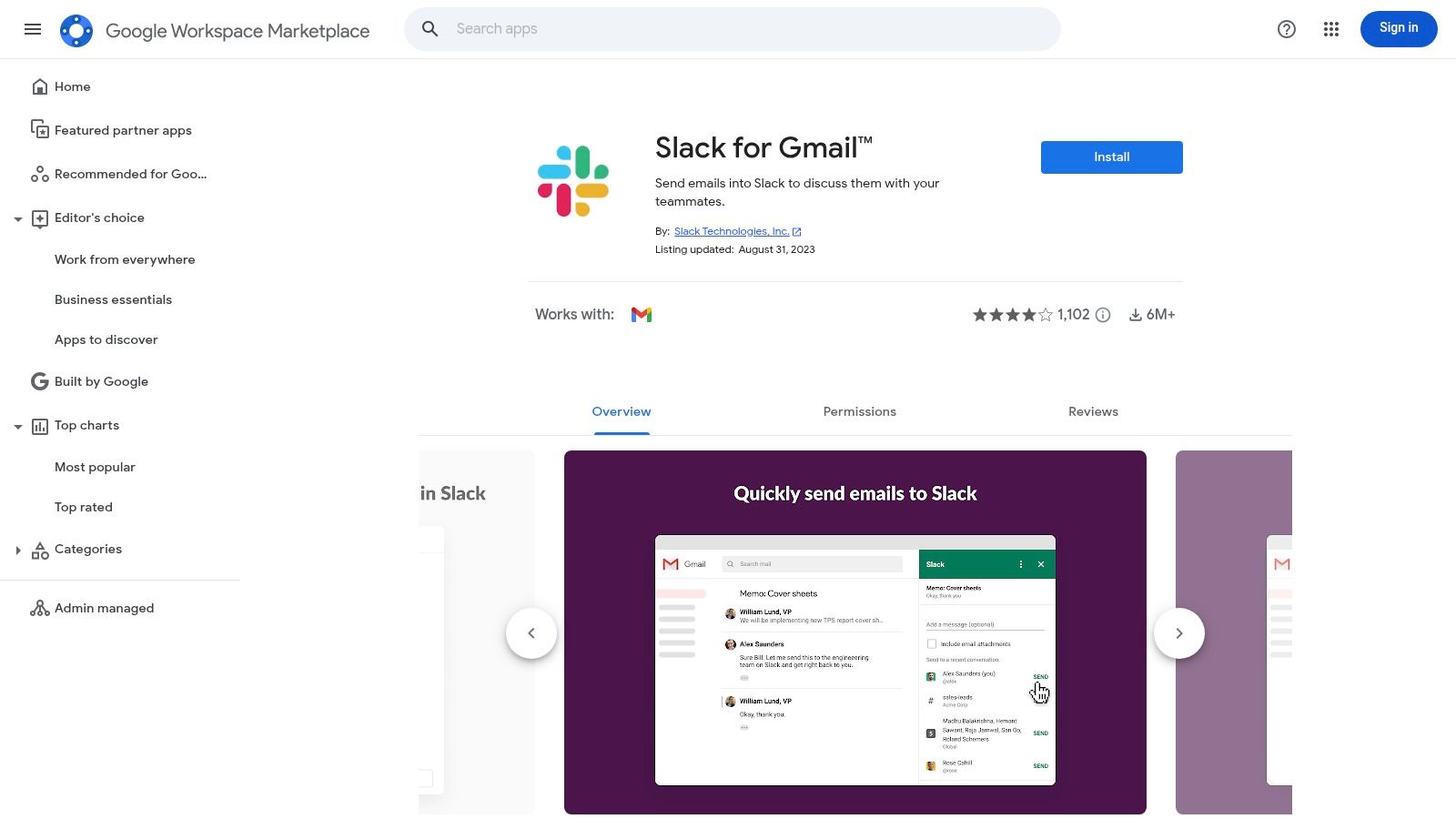
Key Features and Usage Tips
The standout benefit is the administrative control. Google Workspace admins can approve and deploy the add-on domain-wide, ensuring consistent tooling and security across the entire organization. This centralized management simplifies adoption and governance for large teams.
*   **Best Use Case:** Instantly moving client communications, bug reports from external forms, or important company announcements from Gmail into the relevant Slack channel for discussion and action.
*   **Pro Tip:** Use the native Gmail sidebar integration to quickly push an email to Slack without leaving your inbox, significantly reducing context-switching throughout the day.
*   **Limitations:** This marketplace is highly focused on Google-centric workflows. It is not a broad directory for all types of Slack apps but a specific solution for connecting Google products.
Website: https://workspace.google.com/marketplace/app/slack_for_gmail/533288507123
6. Atlassian Marketplace – Slack apps for Jira/Confluence
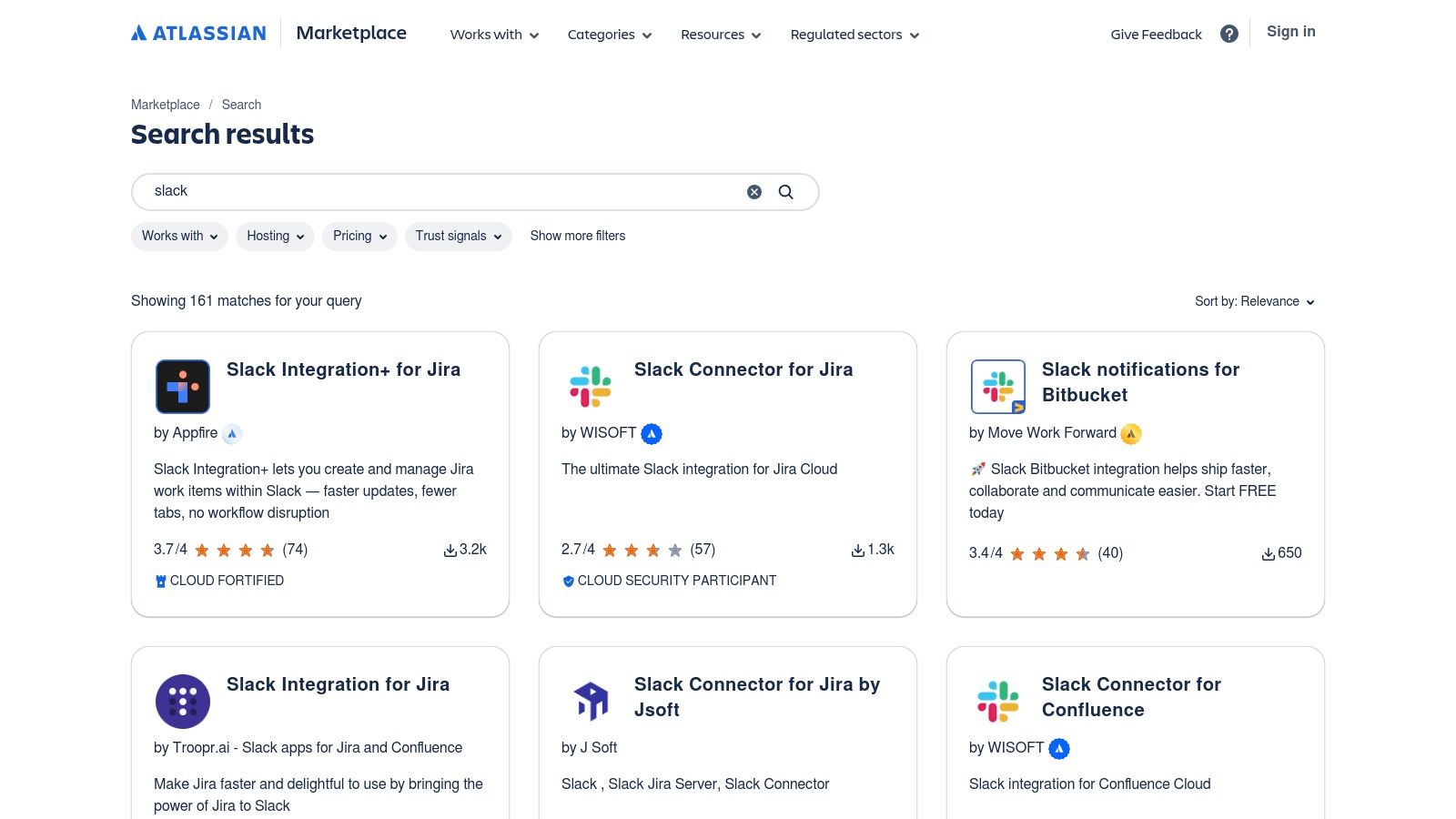
For teams deeply embedded in the Atlassian ecosystem, the Atlassian Marketplace is the premier destination for finding apps for Slack that enhance Jira and Confluence workflows. It features a curated collection of purpose-built connectors designed to bring powerful Atlassian functionality directly into your Slack channels. These add-ons go beyond simple notifications, enabling actions like creating issues, transitioning tickets, and commenting on pages without leaving your conversation.
Key Features and Usage Tips
The marketplace provides rich metadata for each app, including install counts, security badges, and transparent pricing models, helping teams make informed decisions. The true value lies in the deep, native-like integrations that mirror Jira and Confluence workflows inside Slack, drastically reducing context switching for engineering and ITSM teams.
*   **Best Use Case:** Finding specialized, third-party apps that offer advanced Jira-to-Slack integrations, such as creating sub-tasks, logging work, or managing service desk tickets directly from a Slack thread.
*   **Pro Tip:** Look for "Cloud Fortified" or "Cloud Security Participant" badges to identify apps that meet Atlassian’s highest standards for security, reliability, and support.
*   **Limitations:** The marketplace is almost exclusively for Atlassian-centric tools; its relevance diminishes if your team doesn't use Jira or Confluence. Feature sets and pricing can also vary widely between different third-party developers.
Website: https://marketplace.atlassian.com/search?query=slack
7. GitHub Marketplace – Slack + GitHub app
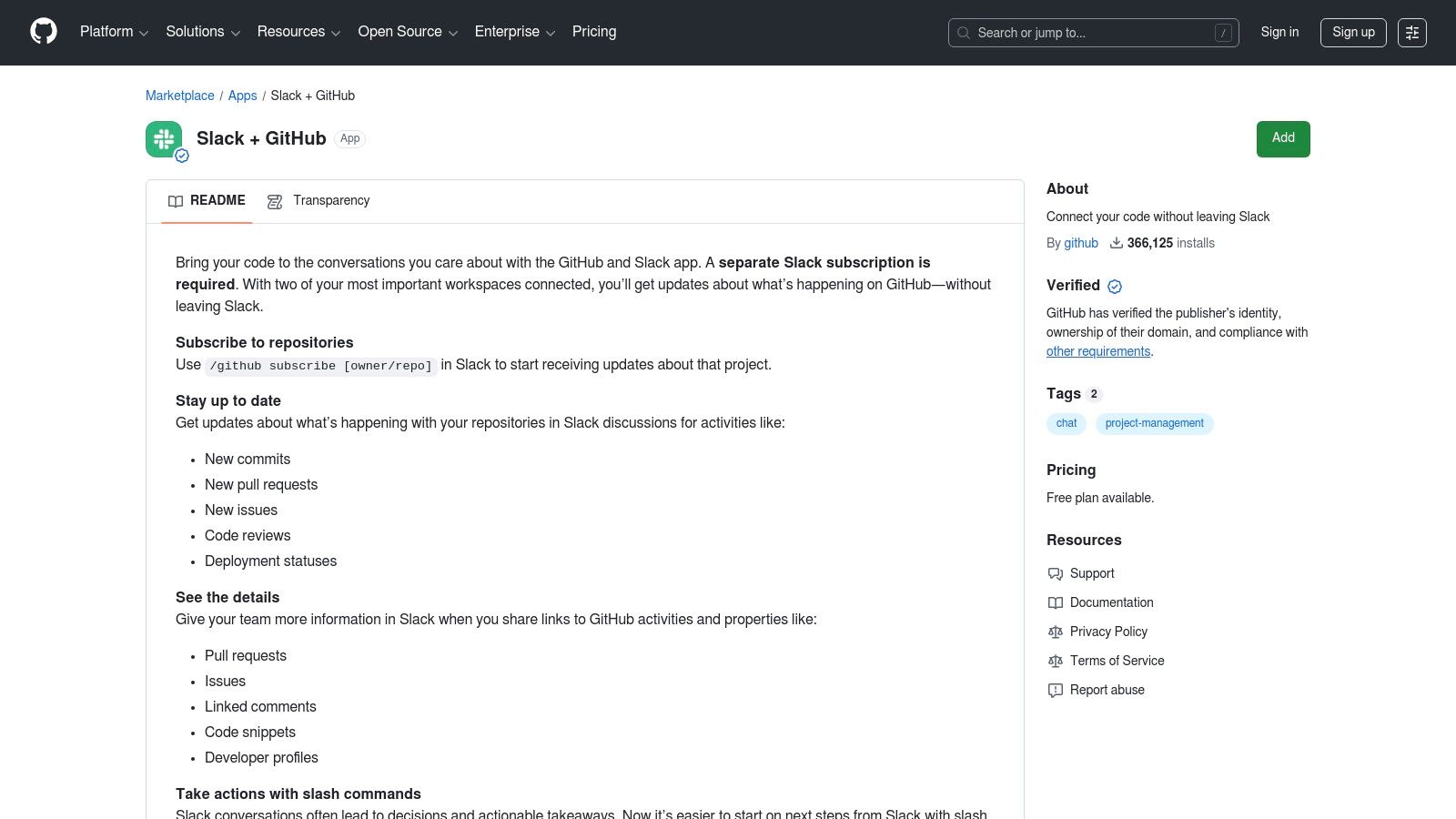
For development teams living in GitHub, the official Slack + GitHub app is a foundational integration. It provides a direct, no-cost bridge between your repositories and your Slack channels, focusing on core developer workflows like code reviews and issue triage. This app is designed to bring crucial repository events directly into your conversations, reducing the need to constantly switch between tools.
Key Features and Usage Tips
The app's main strengths are its simplicity and deep integration with the GitHub ecosystem. It allows you to subscribe to repositories and receive real-time updates on new commits, pull requests, issues, and deployments. Link unfurling is another standout feature, automatically providing rich context whenever a GitHub link is shared in Slack.
*   **Best Use Case:** Getting real-time, high-level notifications from your repositories and performing basic actions like closing or reopening an issue directly from a Slack message.
*   **Pro Tip:** Use the `/github subscribe [owner/repo]` slash command to quickly add notifications for a new project to a specific channel without leaving Slack.
*   **Limitations:** Its feature depth is intentionally narrow. It excels at notifications but lacks the advanced filtering, customization, and approval workflow features found in specialized **apps for Slack** like PullNotifier.
For a detailed walkthrough, you can learn more about how to use the official GitHub Slack app to streamline your basic workflows.
Website: https://github.com/marketplace/slack-github
8. Product Hunt – Slack topic and collections
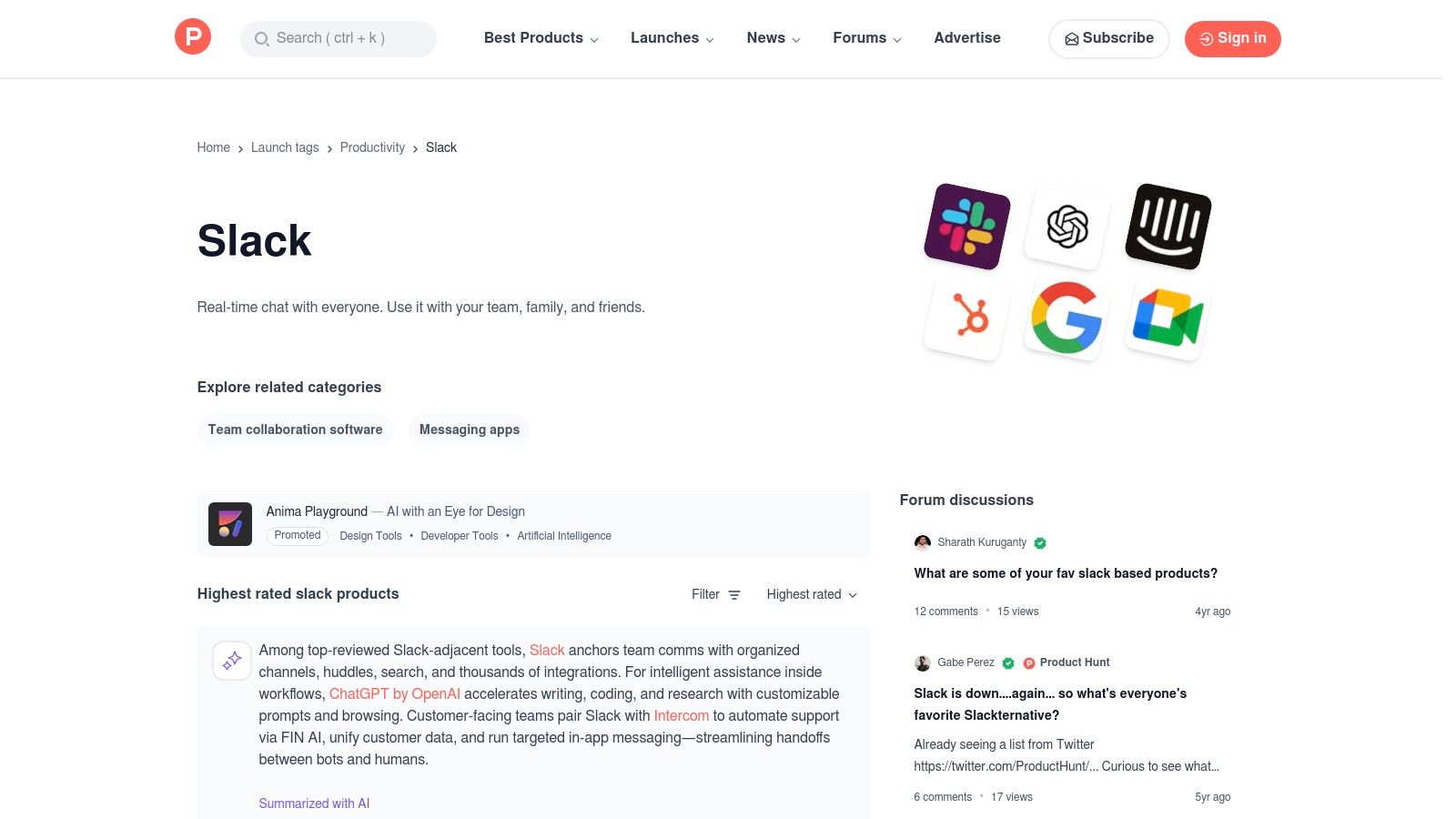
Product Hunt is a community-driven discovery platform where new tech products, including apps for Slack, are launched and surfaced daily. Its dedicated Slack topic and user-curated collections are excellent resources for finding innovative or niche Slack-native tools before they become mainstream. The platform relies on user upvotes, reviews, and direct conversations with the app creators to provide social proof and early feedback.
Key Features and Usage Tips
This platform excels at early discovery, allowing development teams to find cutting-edge tools that solve very specific problems. The direct interaction with makers provides a unique opportunity to ask questions or suggest features for new products.
*   **Best Use Case:** Discovering emerging or experimental Slack apps and getting a pulse on the latest trends in team productivity tools.
*   **Pro Tip:** Follow the "Slack" topic and browse user-created "Collections" to find apps grouped by specific functions, like "Developer Tools for Slack."
*   **Limitations:** The quality and enterprise-readiness of products vary widely. Many listings are for beta, hobby, or early-stage projects, so they may lack robust support or security compliance.
Product Hunt is less of a directory and more of a launchpad, making it ideal for competitive research and spotting promising new integrations early on.
Website: https://www.producthunt.com/topics/slack
9. Make (formerly Integromat) – Slack Integrations
Make is a powerful visual automation platform that offers highly granular control over Slack integrations. Instead of just basic notifications, Make allows you to build complex, multi-step workflows using a drag-and-drop interface. This enables sophisticated automations that can interact with Slack channels, users, messages, and files in response to triggers from hundreds of other applications.
Key Features and Usage Tips
The platform stands out with its visual scenario builder, which includes branching logic, error handling, and the ability to work with data structures. This makes it a go-to tool for developers who need more power than simpler no-code connectors can provide, offering an almost code-like level of control without writing any.
*   **Best Use Case:** Building custom, multi-step automations that require conditional logic, such as escalating a bug report from Jira to a specific Slack channel and assigning a user based on the ticket's priority.
*   **Pro Tip:** Use Make’s router module to create different paths for your automation. For example, a single GitHub pull request trigger could post to one channel if it's a draft and another if it’s ready for review.
*   **Limitations:** The learning curve is steeper than simpler tools like Zapier, and managing operational complexity and API rate limits falls on the user.
Make is a solid choice for developers looking for highly customizable apps for Slack that go beyond simple notifications.
Website: https://www.make.com/en/integrations/slack
10. Workato – Slack Integration (Workbot for Slack)
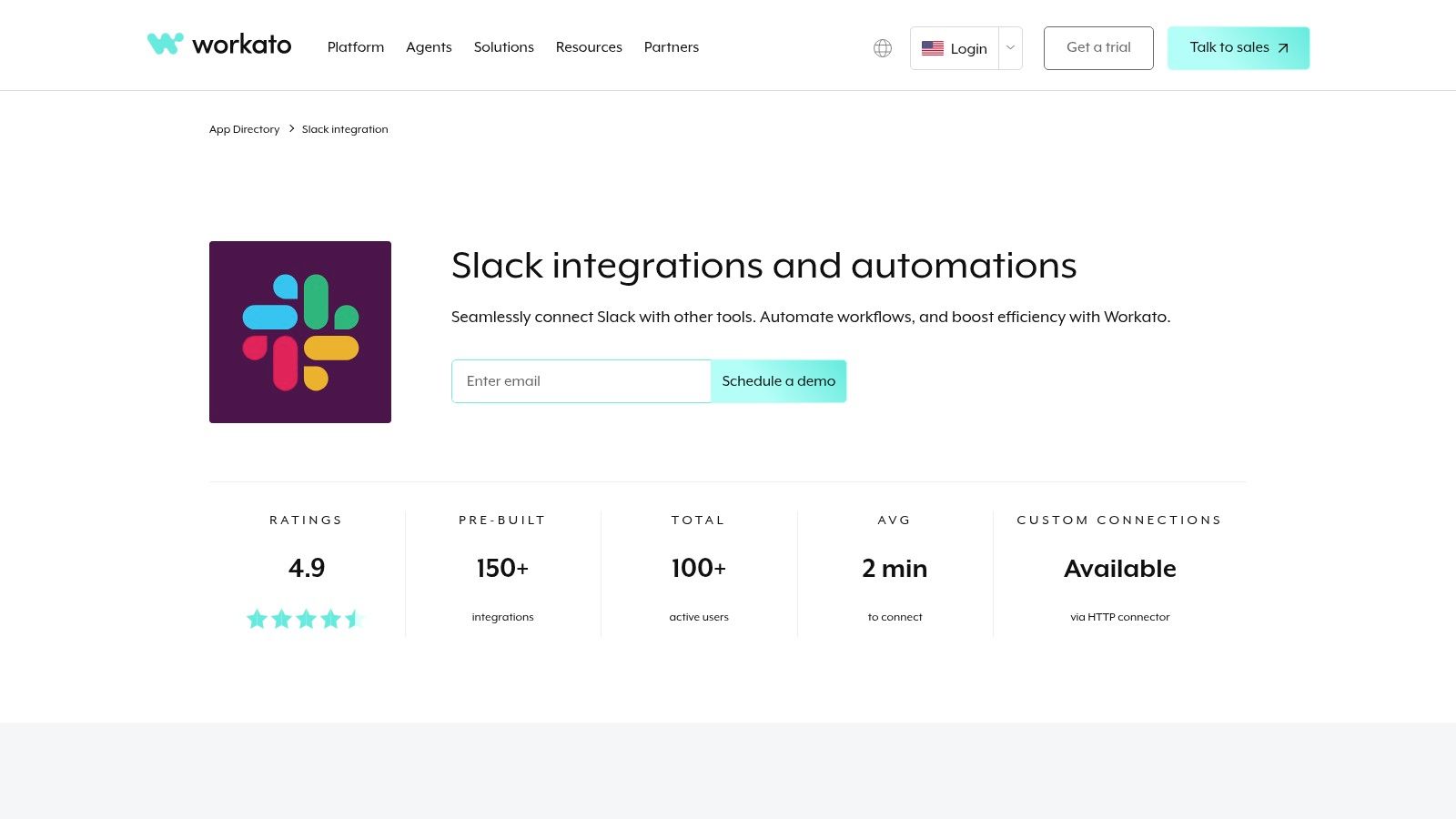
Workato is an enterprise automation platform that offers a powerful bot, Workbot, to build sophisticated and interactive apps for Slack. It excels at orchestrating complex, multi-system workflows directly within the Slack interface. Instead of just sending notifications, Workbot enables the creation of secure, interactive chatops experiences using buttons, modals, and approval steps, backed by enterprise-grade governance and audit trails.
Key Features and Usage Tips
The platform's strength lies in its extensive library of enterprise connectors and its focus on security, making it ideal for regulated environments. It supports Slack Enterprise Grid, OAuth, and SSO, ensuring that intricate workflows meet corporate compliance standards. Workbot allows developers to build what are essentially "mini-apps" inside Slack for tasks like IT service requests or cross-departmental approvals.
*   **Best Use Case:** Building complex, approval-based chatops workflows that connect multiple enterprise systems (e.g., Salesforce, ServiceNow, Jira) with robust security and governance.
*   **Pro Tip:** Start with Workato's pre-built recipes to understand the workflow logic before customizing or building a complex chatops sequence from scratch.
*   **Limitations:** This platform is overkill for simple notification use cases. Its pricing and deployment model (quote-based) are tailored for mid-market and enterprise customers, not small teams.
For straightforward GitHub-to-Slack pull request notifications, a dedicated tool like PullNotifier is a more direct and cost-effective solution.
Website: https://www.workato.com/integrations/slack
11. Zoom – Slack Integration (meetings and phone)
For teams deeply embedded in the Zoom ecosystem, its official Slack app is essential for bridging communication gaps. This integration removes the friction of switching between applications to start or join meetings, allowing users to launch calls directly from any channel or direct message using a simple /zoom command. It's one of the most widely used apps for Slack for seamless video conferencing.
Key Features and Usage Tips
The app's strength lies in its ability to centralize meeting information. After a call ends, it can automatically post a summary, a list of participants, and a link to the cloud recording back into the Slack channel where the meeting was initiated, creating a persistent record for anyone who missed it.
*   **Best Use Case:** Instantly starting a team huddle or a pair programming session from a Slack channel without needing to schedule a meeting or share links manually.
*   **Pro Tip:** Integrate Zoom Phone to enable click-to-call functionality directly from a user's Slack profile, treating Slack as a softphone interface.
*   **Limitations:** Advanced features like automatic recording summaries and the Zoom Phone integration require corresponding paid Zoom subscriptions, which can be a significant additional cost.
The integration simplifies real-time collaboration, ensuring that jumping on a quick call is as easy as sending a message.
Website: https://www.zoom.com/en/zoom-apps/slack/
12. Asana – Slack Integration
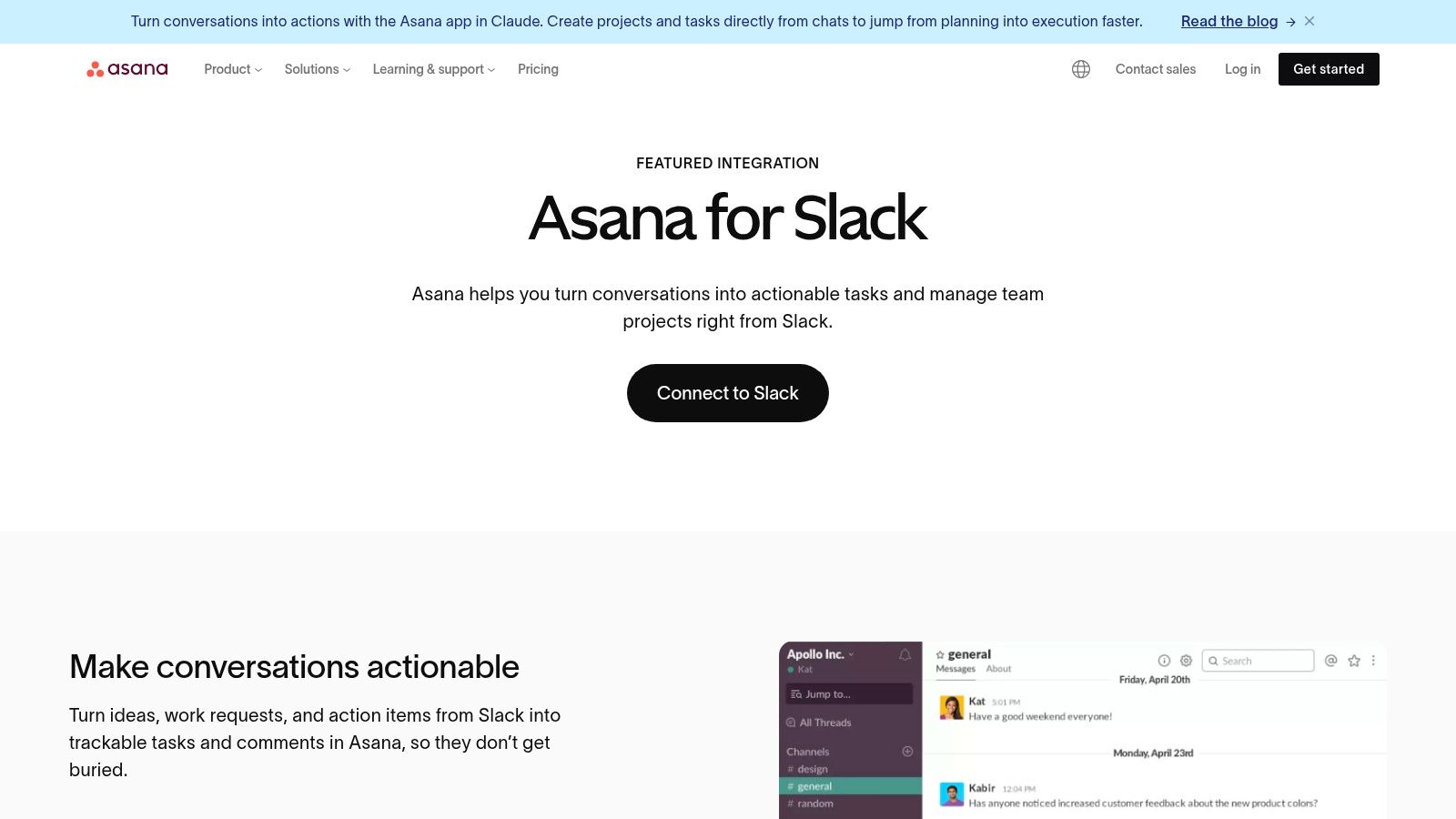
The Asana integration is one of the most powerful apps for Slack for teams that need to bridge the gap between ad-hoc conversations and structured project management. It allows you to convert informal Slack messages directly into actionable Asana tasks, ensuring that important requests and ideas are captured and tracked within your formal project plans rather than being lost in a busy channel.
Key Features and Usage Tips
This integration excels at creating a two-way street between communication and execution. You can receive task updates and project status changes directly in relevant Slack channels, keeping everyone informed without needing to constantly switch contexts. The bi-directional context means you can see linked conversations from within Asana and vice-versa.
*   **Best Use Case:** Capturing action items from team discussions (like bug reports or feature requests) and assigning them as formal Asana tasks without leaving Slack.
*   **Pro Tip:** Use Asana Rules to automate notifications. For example, you can set up a rule to automatically post a message in a `#dev-updates` channel whenever a high-priority task is completed.
*   **Limitations:** The most valuable automation features are tied to Asana's paid tiers. Its effectiveness also relies on widespread adoption of both platforms across the team.
Website: https://asana.com/slack
Top 12 Slack Apps: Features & Integrations
| Product | Core features | UX / Quality (★) | Value & Pricing (💰) | Target audience (👥) |
|---|---|---|---|---|
| 🏆 PullNotifier | Short in‑place PR updates; highly customizable routing (repo/labels/authors/reviewers); monorepo & GitHub Enterprise support; security‑first; quick setup ✨ | ★★★★★ (G2 4.8) — cuts review delay up to 90% | 💰 Free tier (under 4 devs), 14‑day trial; paid & enterprise plans (quote) | 👥 Dev teams, team leads, engineering orgs |
| Slack Marketplace | Curated app catalog, one‑click installs, permission transparency ✨ | ★★★★ — trusted catalog, broad coverage | 💰 App pricing varies; many free installs | 👥 Admins & orgs seeking vetted apps |
| Slack Integrations (hub) | Educational hub: app guidance, Workflow Builder links, security docs ✨ | ★★★ — great for research and onboarding | 💰 Free guidance; links to paid apps | 👥 New buyers, admins researching integrations |
| Zapier – Slack Integrations | No‑code Zaps, templates, Slack triggers/actions; connects 8,000+ apps ✨ | ★★★★ — fastest prototyping, reliable | 💰 Free tier; paid plans (complex flows ↑ cost) | 👥 PMs, ops, non‑devs automating workflows |
| Google Workspace Marketplace (Slack add‑ons) | Gmail→Slack add‑ons, domain admin deploy, install reviews | ★★★ — focused on Google workflows | 💰 Free/paid add‑ons; admin controls | 👥 Google Workspace admins, comms teams |
| Atlassian Marketplace | Slack ↔ Jira/Confluence connectors; issue actions, filters, threading ✨ | ★★★★ — purpose‑built for Atlassian users | 💰 App pricing varies; clear metadata | 👥 Engineering & ITSM teams using Atlassian |
| GitHub Marketplace (Slack+GH) | Repo subscriptions, /github commands, link unfurls, basic PR/issue actions | ★★★★ — simple, low‑friction for devs | 💰 Free; baseline integration | 👥 Developer teams wanting lightweight GitHub→Slack |
| Product Hunt (Slack topic) | Community discovery, trending apps, reviews & maker feedback | ★★★ — great for early discovery; variable quality | 💰 Free browsing; links to product pages | 👥 Makers, early adopters, competitive researchers |
| Make (Integromat) – Slack | Visual scenario builder, branching/error handling, granular Slack modules ✨ | ★★★★ — very flexible; steeper learning curve | 💰 Free tier; usage‑based scaling | 👥 Automation engineers, power users |
| Workato – Slack (Workbot) | Enterprise connectors, Block Kit interactive chatops, governance & audit ✨ | ★★★★ — enterprise‑grade, scalable | 💰 Quote‑based enterprise pricing | 👥 Enterprise IT, ops, regulated orgs |
| Zoom – Slack Integration | /zoom commands, one‑click meeting launch, meeting metadata & recordings | ★★★★ — useful for Zoom orgs | 💰 Free app; some features require paid Zoom plans | 👥 Teams using Zoom for meetings |
| Asana – Slack Integration | Turn messages into Asana tasks, channel notifications, automations | ★★★★ — easy adoption for non‑technical teams | 💰 Free app; Asana paid tiers unlock features | 👥 Project teams, PMs, ops |
Building Your Ultimate Slack Workspace
Transforming Slack from a simple communication tool into a powerful, centralized hub for your team's entire workflow doesn't happen by accident. As we've explored, the ecosystem of apps for Slack is vast and varied, ranging from official integrations like the GitHub app to versatile automation platforms like Zapier and Make. The key to success isn't installing every app available; it's about strategic selection and thoughtful implementation.
The right set of tools can dramatically reduce context switching, automate tedious manual tasks, and surface critical information precisely when and where it's needed. By carefully curating your Slack workspace, you create an environment that minimizes distractions and maximizes productivity, turning a potential source of noise into a finely tuned command center for your projects.
How to Choose the Right Apps for Your Team
Selecting the perfect apps for Slack requires a clear understanding of your team's specific challenges. Don't start with the app; start with the problem.
*   **Identify Your Biggest Pain Points:** Is your development team drowning in undifferentiated GitHub notifications? Are action items from meetings getting lost in channel chatter? Pinpoint the 1-2 most significant bottlenecks in your current processes.
*   **Start Small and Iterate:** Resist the urge to overhaul your entire Slack environment overnight. Choose one app that directly addresses a major pain point. For engineering teams struggling with pull request visibility, a targeted solution like PullNotifier is an excellent starting point. For project management chaos, integrating Asana or Jira could be the first logical step.
*   **Evaluate Impact and Gather Feedback:** After implementing a new app, give your team time to adapt. Then, actively seek their feedback. Is the tool saving time? Has it clarified a previously confusing workflow? Use this input to decide whether to keep the tool, adjust its configuration, or try an alternative.
Implementation and Governance Considerations
As you integrate more tools, establishing clear guidelines becomes crucial for maintaining an organized and effective workspace. Without proper governance, even the best apps for Slack can contribute to notification overload and channel clutter.
Appoint a "Slack administrator" or a small committee to oversee the addition of new applications. This ensures that each new tool is vetted for its security, necessity, and potential impact on the team's focus. Encourage the use of dedicated channels for specific app notifications, like #ci-cd-alerts or #dev-prs, to keep your main communication channels clear and on-topic. The goal is to build a scalable system that supports, rather than overwhelms, your team as it grows.
Ultimately, the most powerful Slack workspace is one that is intentionally designed around its users. By thoughtfully selecting, implementing, and managing your apps for Slack, you can build a digital headquarters that not only streamlines workflows but also fosters a culture of focus, clarity, and high-impact collaboration.
Ready to eliminate notification noise and accelerate your code review process? PullNotifier provides intelligent, actionable pull request notifications directly in Slack, ensuring your development team stays focused on what matters most. See how it can streamline your GitHub-to-Slack workflow by trying it today at PullNotifier.