- Published on
The 12 Best Slack App Integrations for Developers in 2025
- Authors

- Name
- Gabriel
- @gabriel__xyz
Slack is the digital headquarters for modern engineering teams, but its true power is not in the chatter, it's in the integrations. Without the right tools, critical notifications about pull requests, builds, and deployments get lost in a sea of channel noise. This leads to slower code reviews, missed deadlines, and frustrated developers. The challenge is finding the best Slack app that enhances focus rather than shattering it.
This guide cuts through the clutter, ranking 12 essential Slack apps and resources tailored for developer productivity. We will focus heavily on a critical pain point: managing GitHub pull request notifications effectively. You will learn which tools provide actionable, concise updates and how to configure them to reclaim your team's focus and accelerate your development cycle. While our focus is on leveraging the best Slack apps, it's beneficial to be aware of the broader market, including the best alternative platforms for Slack, which can also cater to various team needs.
Each entry in our list includes a detailed breakdown with screenshots and direct links to help you make an informed decision. We provide practical use cases, an honest assessment of pros and cons, and specific implementation tips to help you get started immediately. Our goal is to equip you with the knowledge to choose and configure the right integrations, transforming your team's Slack from a source of distraction into a high-signal hub for engineering excellence. Let's dive into the tools that will make that happen.
1. PullNotifier
Best For: Engineering teams seeking to eliminate GitHub notification noise and accelerate pull request review cycles.
PullNotifier stands out as a top-tier contender for the best slack app for any development team using GitHub. It addresses a critical pain point: the relentless, high-volume noise generated by standard GitHub integrations. Instead of flooding channels with separate, verbose notifications for every single PR event, PullNotifier consolidates all activity for a single pull request into one clean, self-updating Slack message. This fundamental shift turns a chaotic feed into an actionable, at-a-glance dashboard right within your workspace.
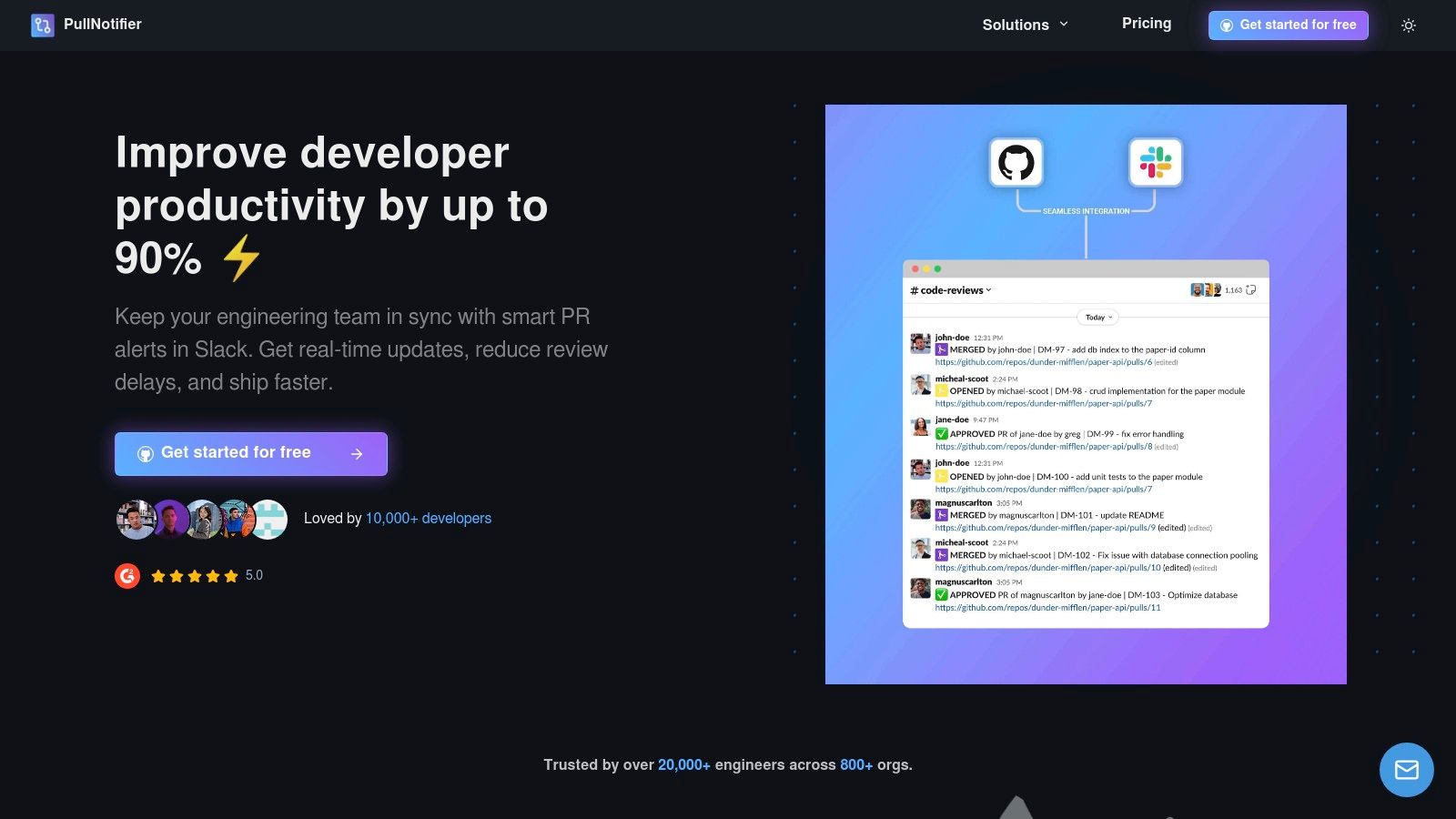
The platform’s strength lies in its intelligent routing and customization. Teams can configure precise rules to send PR notifications to specific channels based on the repository, author, assigned reviewers, or even GitHub labels. This ensures that the right people see the right PRs at the right time, while its GitHub-to-Slack user mapping automatically tags the correct reviewers, significantly reducing the manual effort of chasing down feedback. For organizations with complex workflows, PullNotifier fully supports monorepos and offers enterprise-grade solutions, including self-hosting options and a minimal-permission security model that never reads your code.
Key Features and Benefits
*   **Consolidated Updates:** All status changes for a pull request (comments, approvals, CI checks) update a single Slack message in place, drastically cutting channel clutter.
*   **Intelligent Routing:** Create fine-grained rules to direct notifications based on repo, labels (`#urgent-review`), author, or reviewers, ensuring alerts are relevant.
*   **Automatic @-Mentions:** Maps GitHub users to their Slack accounts to automatically notify assigned reviewers, which the vendor claims can reduce review delays by up to 90%.
*   **Enterprise-Ready:** Supports GitHub Enterprise Server (via dedicated or self-hosting), monorepos, and provides DPAs, making it a secure and scalable choice.
*   **Minimal Permissions:** Operates without needing access to your codebase or private Slack messages, a critical security consideration for many organizations.
Pricing and Availability
PullNotifier offers a free tier for teams with up to three developers, making it accessible for small projects or for teams wanting to test its core functionality. Paid plans are available for larger teams, with a two-week free trial to evaluate its impact. While specific per-seat pricing for larger teams requires a visit to their pricing page, the service is positioned as a highly reasonable investment for the productivity gains it delivers.
Website: https://pullnotifier.com
2. Slack App Directory (Slack Marketplace)
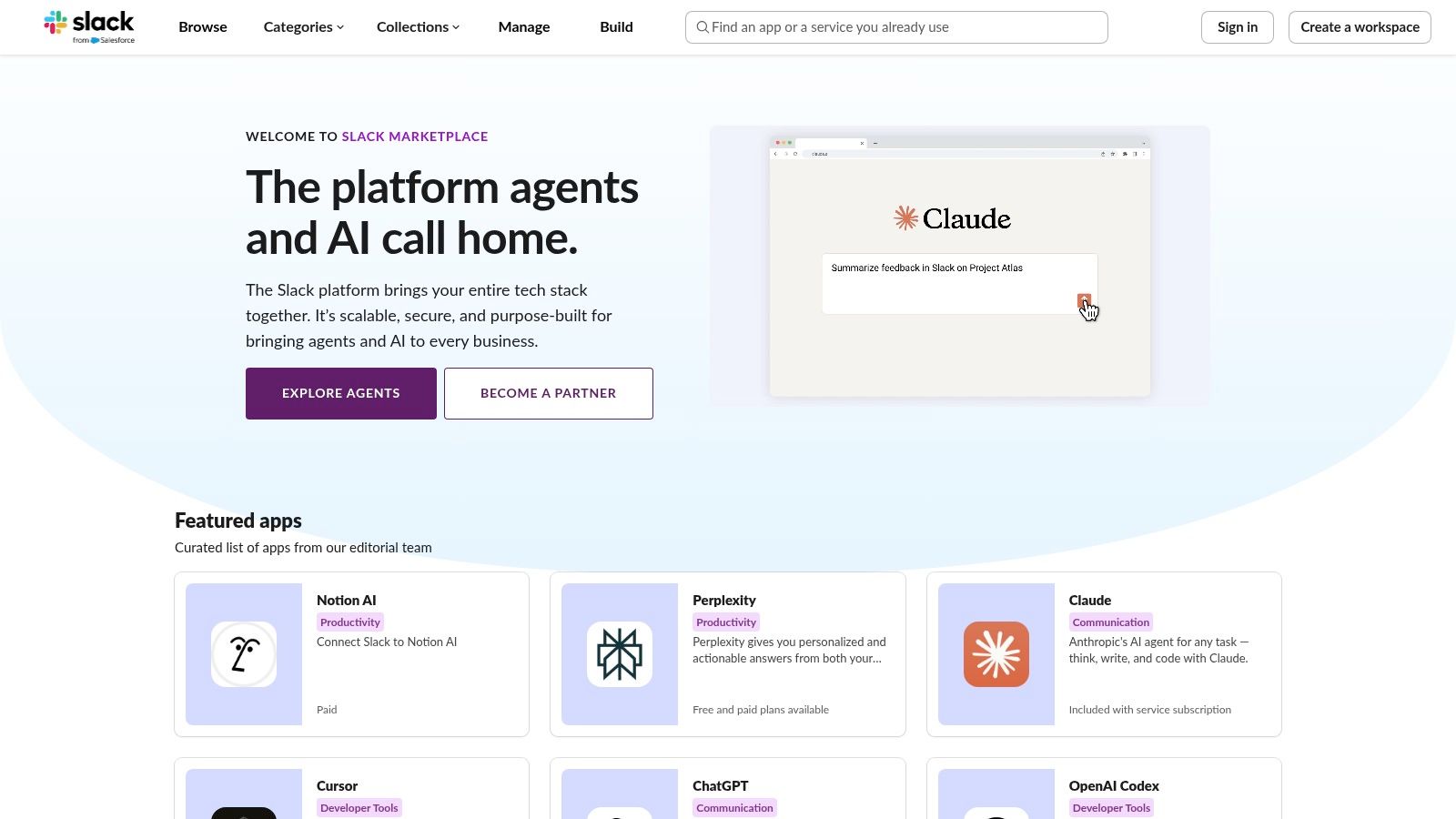
Before diving into specific third-party tools, the best place to start any search is Slack's own App Directory. This official marketplace is the central hub for discovering, vetting, and installing over 2,000 integrations directly into your workspace. It serves as the foundational resource for finding nearly any type of integration, from project management and calendars to highly specialized developer tools.
The primary advantage of using the official directory is its seamless and secure installation process. The native "Add to Slack" flow clearly outlines the permissions an app requires, and installations are subject to workspace admin approval, ensuring a layer of security and governance. For developers, this is the safest way to connect essential tools like GitHub, Jira, or Sentry without worrying about unofficial or poorly maintained connectors.
Key Features and Usage Tips
The platform organizes apps into curated collections and categories, making it easy to browse solutions for specific functions. Each app has a detailed page with user reviews, configuration steps, and required permissions, providing a clear overview before you commit.
Practical Tips:
*   **Filter by Category:** Start by browsing relevant categories like "Developer Tools" or "Project Management" to narrow your search.
*   **Check Recent Reviews:** Pay close attention to recent user reviews, as they often highlight maintenance issues or recent feature updates not reflected in the app's main description.
*   **Understand Pricing:** Remember that while adding an app from the directory is free, many powerful integrations require a separate paid subscription with the third-party service to unlock their full functionality.
| Pros | Cons |
|---|---|
| Official, secure, and simple installation process | App quality and maintenance levels vary significantly |
| Extensive coverage of major software tools | App rankings and "essential" badges can be opaque |
| Clear permission and configuration details | Many apps require separate paid accounts for core features |
Website: https://slack.com/apps
3. Slack Integrations hub
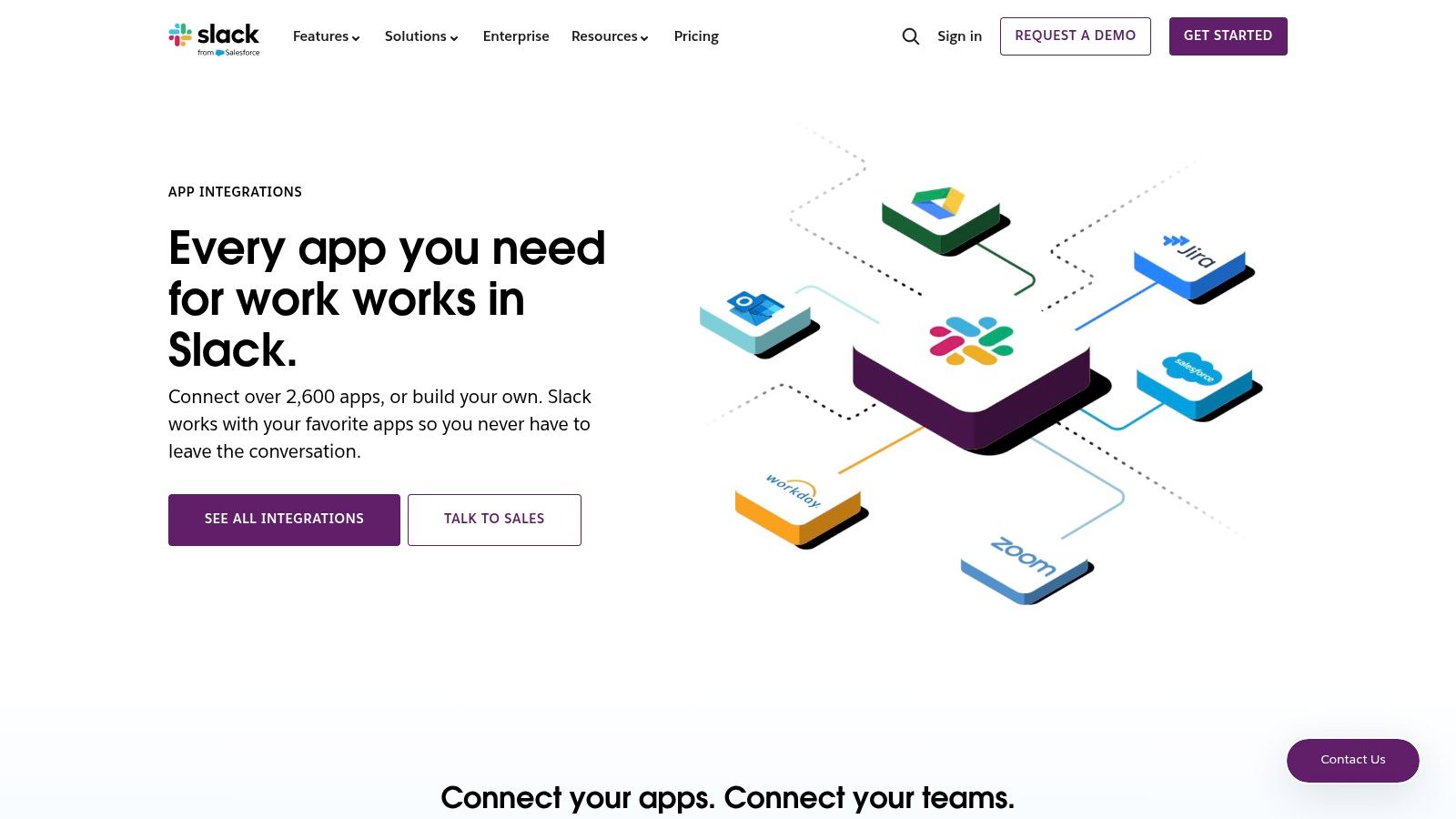
While the App Directory is for finding and installing specific tools, Slack’s Integrations hub is the educational starting point for understanding what’s possible with integrations. This first-party resource explains the different types of integrations, from standard apps to Workflow Builder connectors, and clarifies how automation capabilities differ across Slack’s paid plans. It’s less of a marketplace and more of a strategic guide for teams planning their app ecosystem.
For engineering managers or tech leads evaluating Slack’s long-term value, this hub is essential. It provides the “why” behind using a Slack app, breaking down use cases by department (like developer tools or project management) and explaining the technical and administrative differences between app types. It helps you strategize before you start installing, ensuring you choose the right kind of tool for your team’s needs.
Key Features and Usage Tips
The hub highlights popular app categories and showcases how custom workflows can connect tools without needing a dedicated app. This is crucial for understanding the built-in automation features available on paid Slack tiers, which can sometimes replace the need for a separate integration.
Practical Tips:
*   **Understand Plan Limits:** Use this page to clarify integration limits on your current Slack plan before you start adding apps. The free plan has a 10-app limit.
*   **Explore Workflow Builder:** Pay attention to the Workflow Builder section to see if you can solve a notification or process problem with native tools before seeking a third-party app.
*   **Use as a Primer:** Read through the different integration types to understand the landscape. This context makes browsing the full App Directory much more efficient.
| Pros | Cons |
|---|---|
| Great primer on what Slack apps and integrations can do | Not a full install directory; it directs you to the Marketplace |
| Helps match use cases to app categories and automation types | Doesn’t replace hands-on app evaluation or vendor-specific pages |
| Clarifies app capabilities and limits based on your Slack subscription | Content is more high-level and strategic rather than tool-specific |
Website: https://slack.com/integrations
4. Product Hunt (Slack topic)
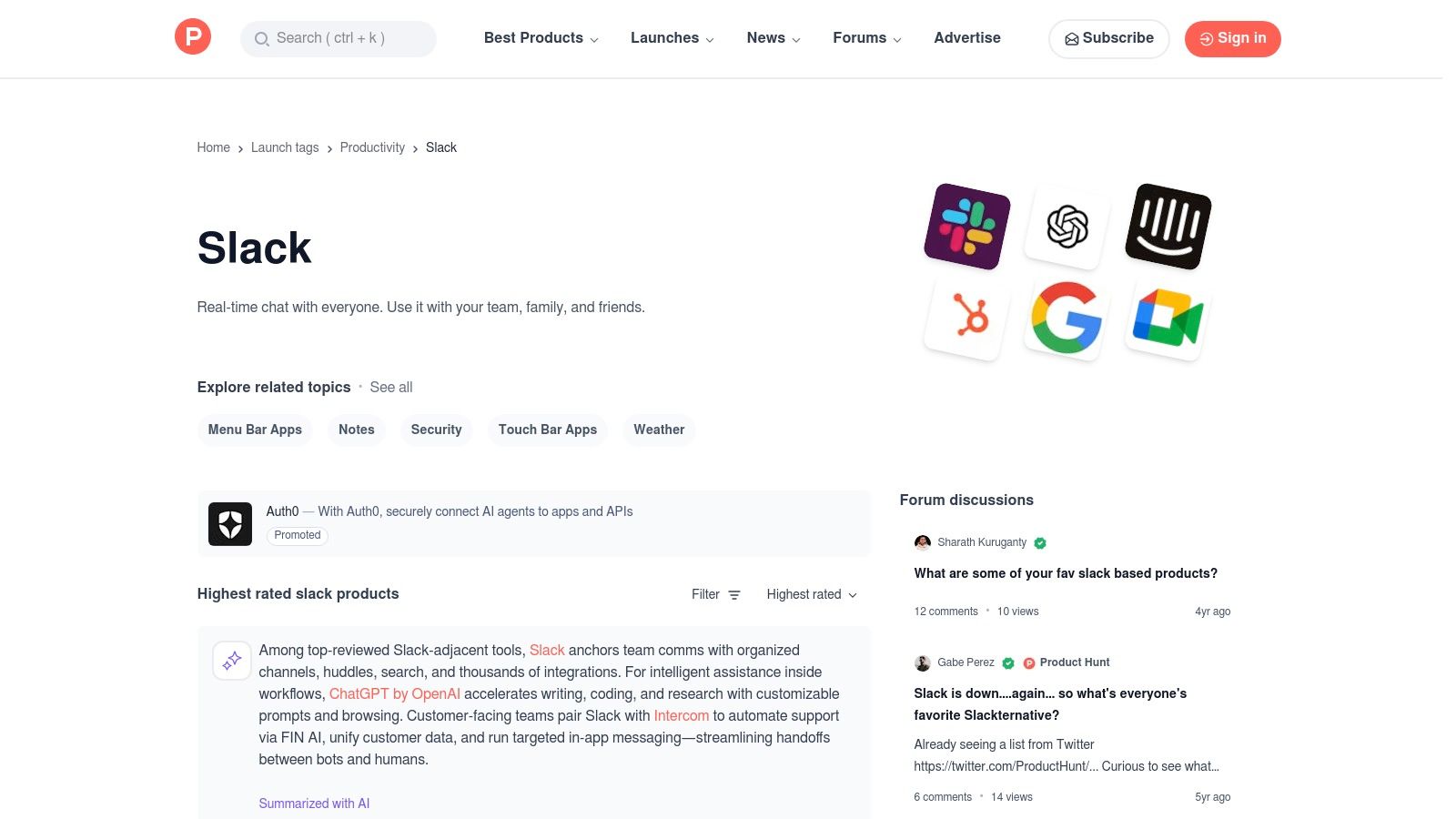
While the Slack App Directory is the official source, Product Hunt is the bleeding edge. Its dedicated Slack topic page is a community-driven discovery platform where new and trending Slack apps are launched and discussed daily. This makes it an invaluable resource for engineering teams looking to find innovative, niche, or newly released tools before they become mainstream. It's the best place to find a new Slack app that solves a specific, modern development challenge.
The primary advantage of Product Hunt is the authentic community interaction. You can see real-time discussions between makers and early adopters, providing honest feedback, use cases, and potential limitations that you won't find in polished marketing copy. For developers, this offers a unique opportunity to vet a tool's potential and even influence its roadmap by engaging directly with the creators.
Key Features and Usage Tips
The platform functions as a live feed of product launches, ranked by community upvotes. Each product page includes user reviews, maker comments, and direct links to the official website and Slack Marketplace listing, consolidating the discovery and vetting process.
Practical Tips:
*   **Sort by "Popular":** Use the sorting filters to view the most upvoted Slack apps of the day, week, or month to see what's currently trending in the community.
*   **Read the Comments:** The discussion threads are a goldmine for understanding real-world applications, identifying potential bugs, and gauging the responsiveness of the development team.
*   **Follow the Slack Topic:** Subscribe to the Slack topic on Product Hunt to get notified of new launches directly, ensuring you never miss a potentially game-changing tool.
| Pros | Cons |
|---|---|
| Excellent for spotting emerging tools and fresh launches | Signal-to-noise varies; newer items may lack thorough vetting |
| Community feedback helps assess product-market fit quickly | Less enterprise-style curation compared with official marketplaces |
| Direct engagement with makers provides valuable insights | A hot launch doesn't always guarantee long-term support or stability |
Website: https://www.producthunt.com/topics/slack
5. Zapier – Slack Integrations
When a dedicated Slack app doesn't exist for a specific tool in your workflow, Zapier is the ultimate bridge. This powerful no-code automation platform connects Slack with over 8,000 other applications, allowing you to create custom workflows called "Zaps." It is the go-to solution for wiring up disparate systems, from CRMs and marketing platforms to custom-built internal tools, making it an indispensable resource for any team.
The core advantage of Zapier is its trigger-and-action logic. You can set up a "Zap" to automatically post a Slack message when a new row is added to a Google Sheet, a deal is updated in Salesforce, or a form is submitted. For developers, this means you can connect services that lack native Slack support, creating alerts or summaries from monitoring tools, build systems, or ticketing platforms without writing any integration code yourself.
Key Features and Usage Tips
Zapier offers hundreds of pre-built Slack templates and a vast library of triggers and actions, making it easy to get started. Its enterprise-grade security features, including SOC 2 compliance and detailed audit logs, provide the governance needed for larger organizations.
Practical Tips:
*   **Start with Templates:** Browse Zapier's extensive library of Slack templates for popular use cases to understand how Zaps are constructed before building your own from scratch.
*   **Mind Your Task Usage:** Zapier's pricing is based on the number of "tasks" (actions) your Zaps run per month. Monitor usage to avoid unexpected costs, especially with high-frequency triggers.
*   **Use Multi-Step Zaps:** Paid plans unlock multi-step Zaps, allowing you to chain several actions together for more complex automations, like filtering data before posting it to Slack. Learn more about how to [automate repetitive tasks](https://blog.pullnotifier.com/blog/how-to-automate-repetitive-tasks-boost-productivity-today) to boost your team's efficiency.
| Pros | Cons |
|---|---|
| Vast catalog connects Slack to nearly any web app | Per-task pricing model can become expensive at scale |
| Quick time-to-value for building custom automations | Some advanced automations may require admin approval in Slack |
| Enterprise-grade security, controls, and logging available | Can have a slight delay between the trigger and action |
Website: https://zapier.com/apps/slack/integrations
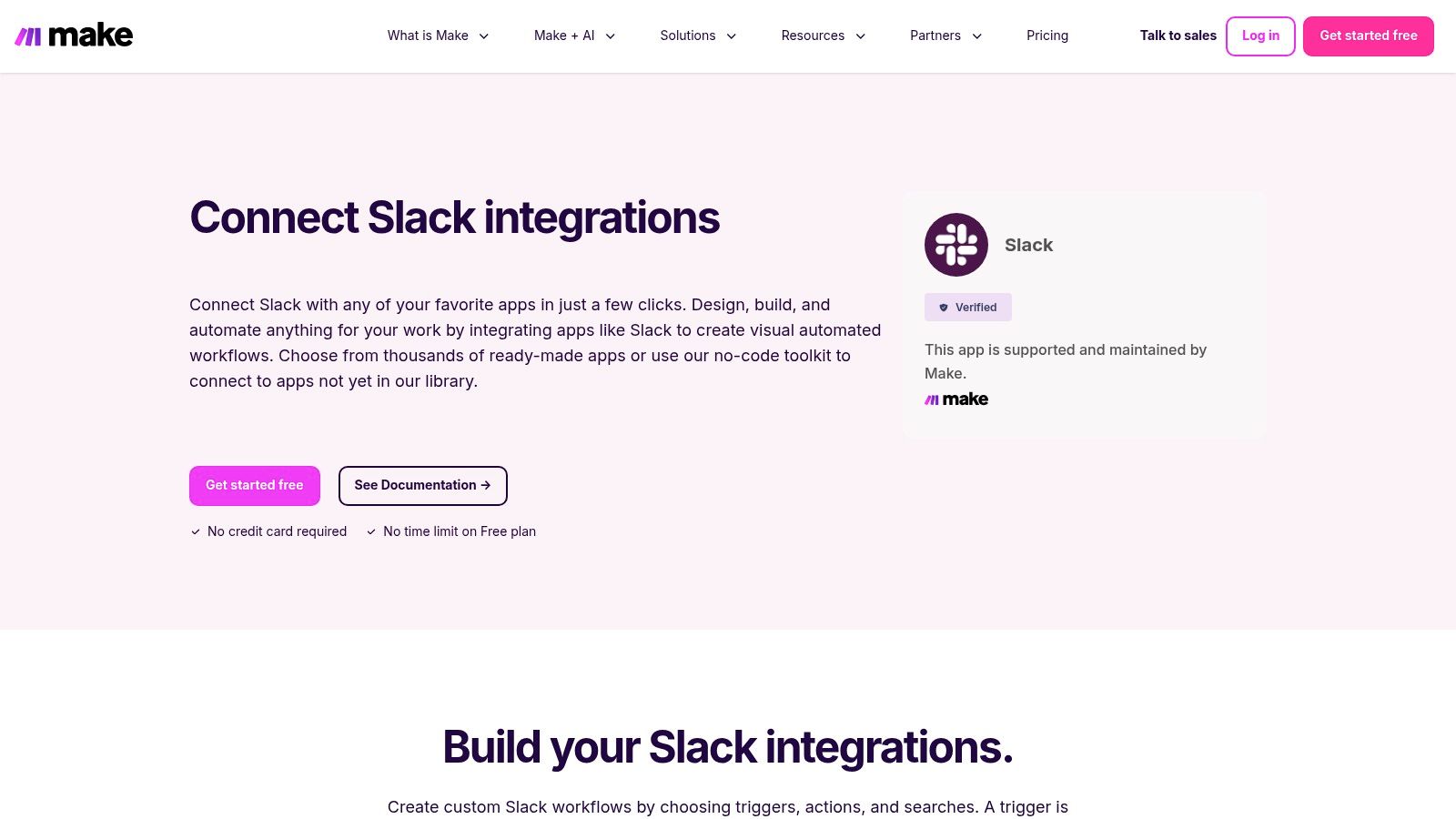
6. Make (formerly Integromat) – Slack Integrations
For teams needing automation beyond simple one-to-one integrations, Make (formerly Integromat) offers a powerful visual workflow builder. It allows you to create complex, multi-step scenarios that connect Slack with thousands of other applications using a drag-and-drop interface. This platform excels where tools like Zapier might become cumbersome, providing advanced logic, branching paths, and data manipulation capabilities for highly customized Slack automations.
Make's strength lies in its visual scenario builder, which maps out every step of an automation, from trigger to final action. For developer teams, this means you can build sophisticated workflows, such as automatically creating a Trello card from a bug report in a Slack channel, then sending a confirmation message back to the channel, and finally logging the action in a Google Sheet. This level of granular control makes it a contender for the best Slack app for bespoke automation needs.
Key Features and Usage Tips
The platform provides a library of prebuilt templates to get started quickly, but its true power is unlocked when building custom scenarios. The transparent logs for each scenario run are invaluable for debugging complex workflows, showing exactly where data was passed and if any step failed.
Practical Tips:
*   **Start with a Template:** Browse the Slack integration templates to understand how scenarios are structured before building from scratch.
*   **Leverage Routers:** Use Make’s "Router" module to create branching logic, allowing one trigger to initiate multiple different actions based on specific conditions.
*   **Monitor Operations:** Keep an eye on your plan's operation quota. Complex scenarios can consume operations quickly, so optimize your workflows for efficiency.
| Pros | Cons |
|---|---|
| Very flexible for complex workflows and branching logic | Steeper learning curve for advanced scenarios |
| Clear logging and operation visibility for troubleshooting | Runtime and operation quotas can be limiting on lower-priced tiers |
| Connects to a massive library of other apps and APIs | Can be overkill for simple, linear automations |
Website: https://www.make.com/en/integrations/slack
7. Google Workspace Marketplace – Slack for Gmail add-on
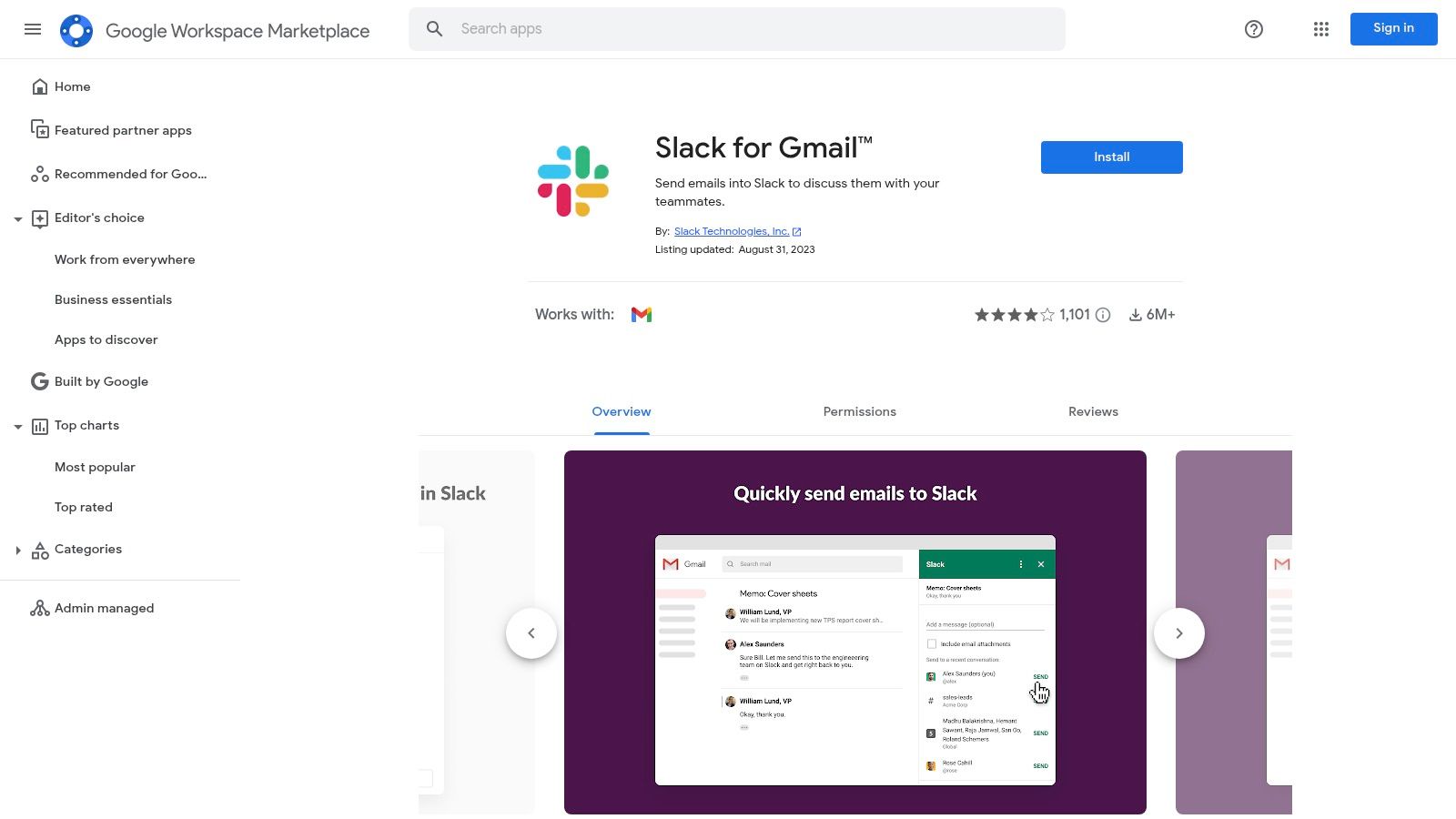
While many integrations focus on bringing information into Slack, the official Slack for Gmail add-on bridges the gap in the other direction. Found in the Google Workspace Marketplace, this tool allows users to forward important emails directly from their Gmail inbox into any Slack channel or direct message. For developers, this is an effective way to triage bug reports, support tickets, or critical alerts that still arrive via email, converting them into actionable conversations within Slack.
The primary benefit is its simplicity and official support from both Google and Slack, ensuring a secure and reliable connection. Instead of messy copy-pasting or forwarding chains, the add-on sends the full email content, including attachments, with just a few clicks. This maintains context and allows engineering teams to discuss and resolve email-based issues without ever leaving their primary communication hub.
Key Features and Usage Tips
This add-on is designed for one core function: moving email content into Slack efficiently. Google Workspace administrators can also deploy it across the entire organization, standardizing the workflow for all users and ensuring it adheres to company security policies. This makes it a dependable choice for any development team.
Practical Tips:
*   **Create Triage Channels:** Set up dedicated Slack channels like `#email-triage` or `#support-tickets` to receive forwarded emails, keeping your main development channels clean.
*   **Add Context:** When sending an email to Slack, add a brief message to your team to provide context or assign an owner for the issue.
*   **Check Admin Policies:** If you cannot install the add-on, check with your Google Workspace administrator, as they may need to approve it or install it for you.
| Pros | Cons |
|---|---|
| Simple, official way to bridge email and Slack | Limited to a single function (email to Slack only) |
| Can be deployed and managed org-wide by Google admins | Installation may be blocked by organizational admin policies |
| Preserves email content and attachments accurately | Requires context switching from Slack to Gmail to initiate the action |
Website: https://workspace.google.com/marketplace/app/slack_for_gmail/533288507123
8. Zoom – Slack Integration
For development teams where video collaboration is a core part of the workflow, the official Zoom integration is an essential tool. It eliminates the friction of switching between applications by embedding meeting functionality directly into Slack. This allows for instant, ad-hoc calls to discuss a complex pull request or a quick screen-share to debug an issue without leaving the conversation context.
The integration's primary value lies in its seamless workflow. Using the simple /zoom slash command, anyone can start an instant meeting with a join link posted directly in the channel. For scheduled meetings, it provides summaries with participant details, call recordings, and one-click join buttons, keeping all communication centralized. This makes it one of the best Slack app choices for distributed teams that rely on frequent video syncs to maintain momentum.
Key Features and Usage Tips
The app goes beyond basic meeting links, offering features like Zoom Phone integration and call summaries. The ability to see who is on a call before joining helps team members decide whether to jump into an ongoing discussion, reducing unnecessary interruptions.
Practical Tips:
*   **Instant Huddles:** Use `/zoom` in a thread to quickly start a video call specific to that conversation, keeping the main channel clean.
*   **Configure Notifications:** Customize notifications to get summaries of completed meetings, including attendee lists and links to cloud recordings, directly in a designated channel.
*   **Check Your Plan:** Be aware that advanced features like cloud recordings and Zoom Phone integration are tied to your organization's Zoom subscription tier.
| Pros | Cons |
|---|---|
| Tight, reliable meeting workflow embedded in Slack | Some advanced capabilities require paid Zoom plans |
| Reduces app-switching for scheduled and ad-hoc calls | Full feature set depends on Zoom account type and licensing |
/zoom command provides fast, one-click meeting creation | Can add notification noise if not configured properly |
Website: https://www.zoom.com/en/zoom-apps/slack/
9. Atlassian Marketplace – Jira Cloud for Slack (Official)
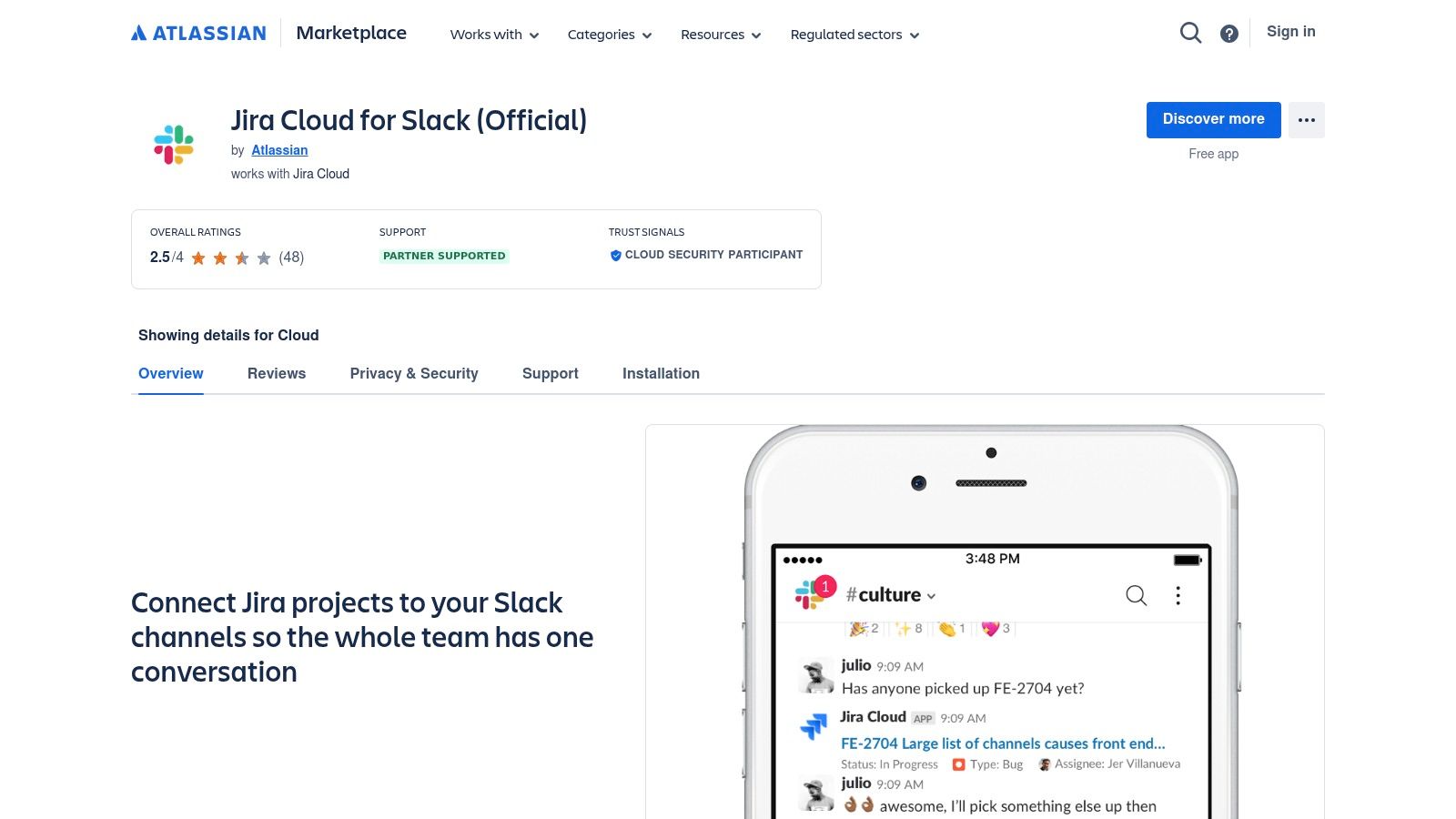
For teams deeply embedded in the Atlassian ecosystem, the official Jira Cloud for Slack app is a non-negotiable integration. Developed and maintained by Atlassian, this app bridges the gap between your project management hub and your communication platform. It allows developers and product teams to create, track, and discuss Jira issues directly within Slack, significantly reducing context switching and streamlining ticket management workflows.
The core strength of this app is its deep, native integration. You can turn any Slack message into a Jira issue, receive customizable notifications for ticket updates, and even transition issues through your workflow using message buttons. This direct line into Jira makes it a contender for the best Slack app for any team already relying on Atlassian's suite, providing a level of reliability and feature depth that third-party connectors often struggle to match.
Key Features and Usage Tips
The app offers rich, unfurled previews of Jira issues when links are shared in Slack, giving instant context. Channel subscriptions can be configured with JQL (Jira Query Language) filters, allowing for highly specific notification channels, such as a feed for all new high-priority bugs in a specific project.
Practical Tips:
*   **Use `/jira create`:** Train your team to use the `/jira create` slash command to quickly log bugs or tasks identified during Slack conversations.
*   **Filter Notifications:** Set up a dedicated channel (e.g., `#jira-updates`) and use JQL filters to subscribe only to relevant notifications, like issue assignments or status changes, to avoid noise.
*   **Actionable Messages:** Leverage the "Add comment" and "Transition issue" buttons on notifications to manage tickets without ever leaving your Slack channel.
| Pros | Cons |
|---|---|
| Official, deep, and well-maintained integration by Atlassian | Provides maximum value only if your team already uses Jira |
| Create and manage Jira issues directly from Slack messages | Requires Jira Cloud accounts and appropriate permissions |
| Granular control over notifications using JQL filters | Initial setup can be complex for large, multi-project orgs |
Website: https://marketplace.atlassian.com/apps/1216863/jira-cloud-for-slack-official
10. GitHub – Integrate GitHub with Slack (official docs)
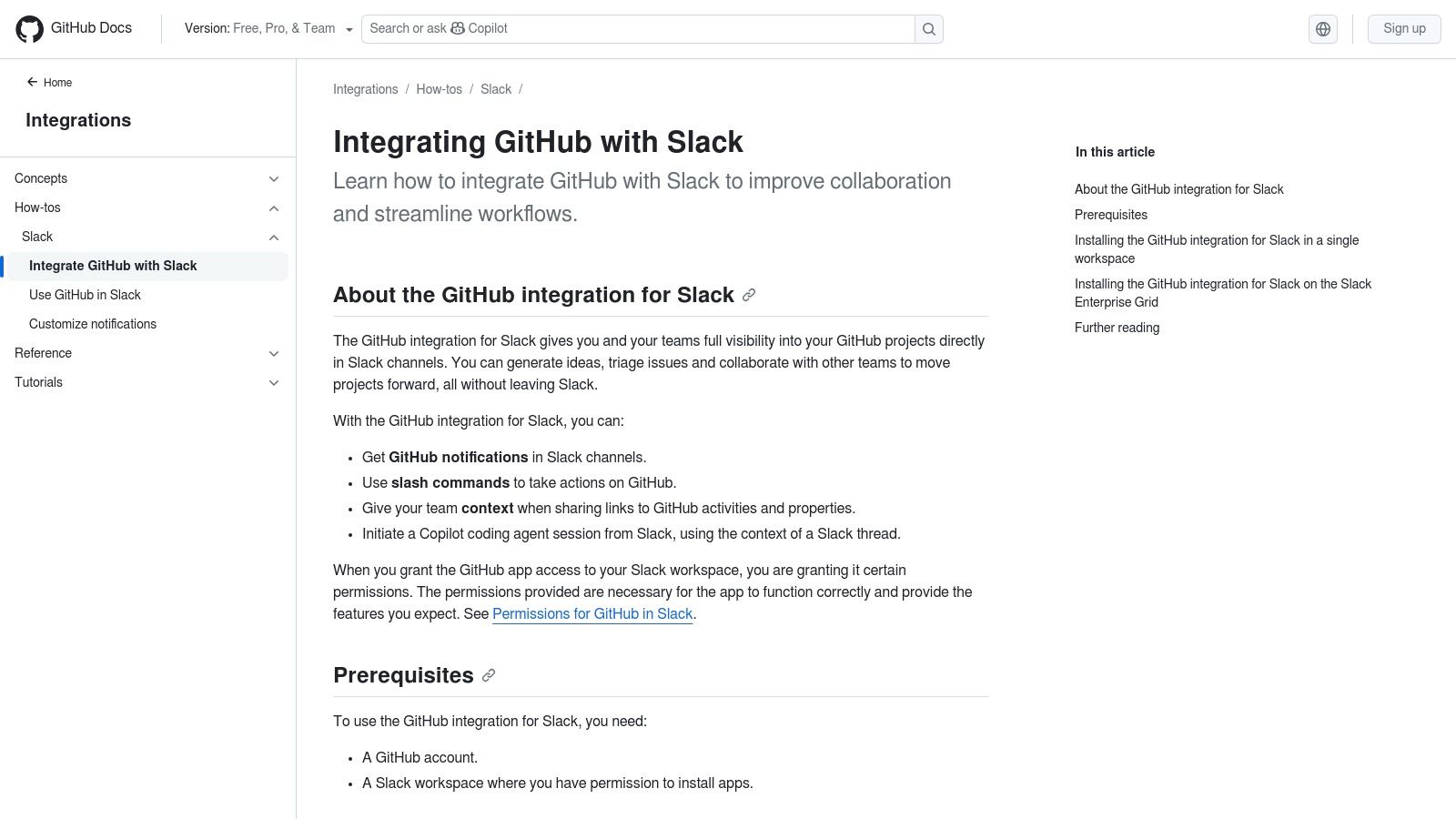
For any development team using GitHub, the official documentation for its Slack integration is the definitive starting point. This resource isn't an app itself, but the official guide for connecting your repositories directly to your workspace. It details how to bring crucial repository events like new commits, pull requests, issue creations, and deployment statuses into designated Slack channels, making it a foundational tool for developer-centric communication.
The primary benefit of starting here is leveraging the official, first-party integration maintained directly by GitHub. This ensures reliability, security, and access to the latest features. The documentation provides clear, step-by-step instructions for both single-repository and organization-wide installations, catering to small teams and large enterprises on Slack's Enterprise Grid plan. This makes it an essential resource for admins tasked with setting up a robust development workflow.
Key Features and Usage Tips
The guide covers everything from initial installation to advanced configuration using slash commands like /github subscribe. It explains how to tailor notifications for specific branches, issue labels, and review requests, ensuring your channels receive relevant updates without becoming overwhelmed. To see a detailed breakdown of its benefits, learn more about how the GitHub Slack integration improves code reviews.
Practical Tips:
*   **Use Dedicated Channels:** Create specific channels (e.g., `#dev-team-prs`, `#deployments-prod`) to subscribe repositories to, preventing notification spam in general team channels.
*   **Follow Security Guidance:** Pay close attention to the permissions and security sections in the documentation, especially when granting organization-wide access.
*   **Leverage Slash Commands:** Train your team to use the `/github` commands to manage subscriptions and get quick context on issues or PRs directly from Slack.
| Pros | Cons |
|---|---|
| Officially maintained and supported by GitHub | Installation and configuration require admin rights |
| Robust features for comprehensive development workflows | Best suited for teams already committed to the GitHub ecosystem |
| Reduces email clutter by centralizing code event notifications in Slack | Can become noisy if not configured with specific filters |
Website: https://docs.github.com/en/integrations/how-tos/slack/integrate-github-with-slack
11. Google Calendar for Slack
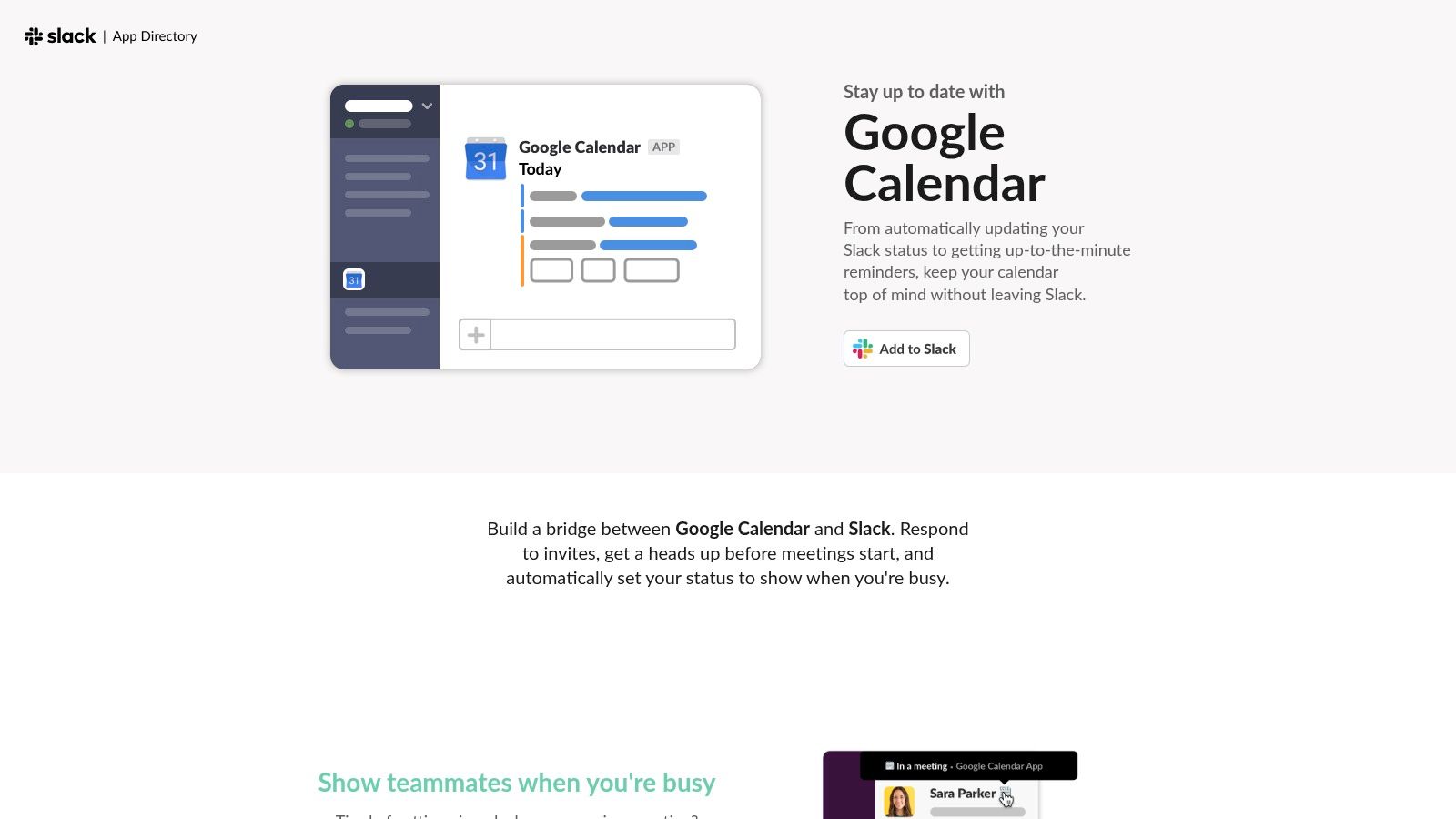
For developer teams juggling stand-ups, sprint planning, and deep-focus work, managing time is critical. The official Google Calendar app for Slack is an essential integration that brings your schedule directly into your communication hub. It automates key scheduling tasks, reducing context switching and ensuring everyone is aware of team availability, making it one of the best Slack app choices for core productivity.
The primary benefit is its ability to sync your calendar with your Slack status automatically. When you join a meeting, your status updates to reflect you're busy, preventing unnecessary pings during critical discussions. The app also delivers daily agenda summaries, event reminders, and allows you to RSVP to invites without leaving Slack, streamlining your entire workflow.
Key Features and Usage Tips
Beyond simple notifications, the app provides powerful slash commands like /gcal to quickly view your schedule or create new events. This integration helps maintain team-wide visibility and protects valuable focus time by signaling when developers are unavailable.
Practical Tips:
*   **Enable Automatic Status Updates:** The most powerful feature is the calendar-to-status sync. Ensure it's enabled in your settings to minimize interruptions.
*   **Set Up Daily Agendas:** Configure the app to post your daily agenda to your personal channel (or a private one) each morning for a quick overview of your day.
*   **Use RSVP Buttons:** Respond to meeting invitations directly from Slack notifications to save time and keep your calendar accurate without switching applications.
| Pros | Cons |
|---|---|
| Reduces missed meetings and unnecessary pings during focus time | Organization-level controls or approvals may be required |
| Easy end-user setup and works across all Slack plans | Requires linking Google accounts and Slack workspace access |
| Delivers daily agendas and event reminders directly in Slack | Lacks advanced customization for notification timing or format |
Website: https://slack.com/marketplace-pages/google-calendar
12. GetApp – Software integrated with Slack (directory)
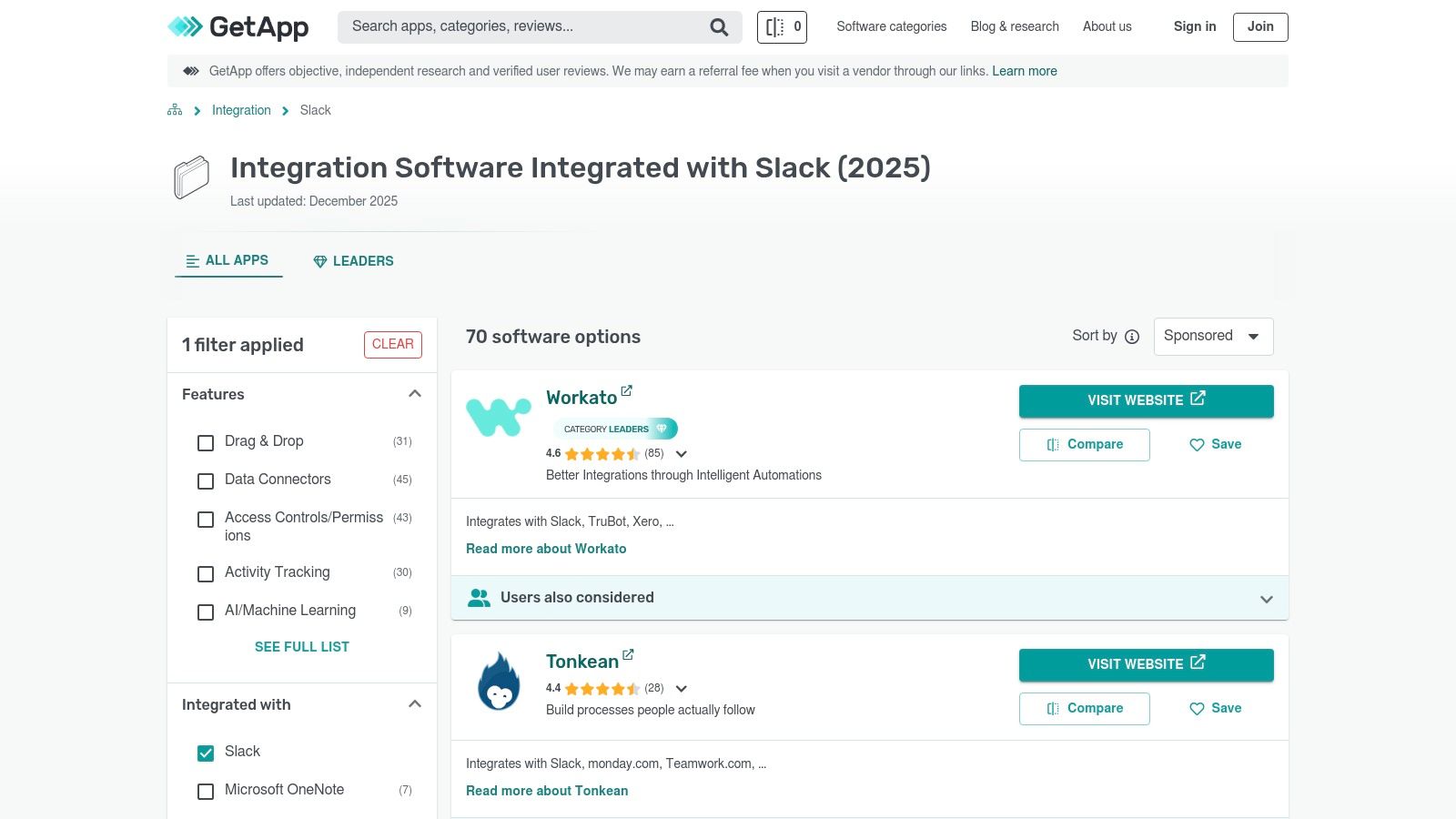
While the official Slack App Directory is a great starting point, GetApp provides a broader, market-level view for comparing Slack-enabled software. As part of Gartner Digital Markets, it functions less like an app store and more like a comprehensive business software directory. This makes it an invaluable resource for shortlisting tools based on specific business needs, such as comparing CRMs, support desks, or integration platforms (iPaaS) that all happen to offer a Slack integration.
The platform's strength lies in its powerful filtering capabilities, allowing teams to compare alternatives based on pricing models, deployment types, user ratings, and specific features. This approach helps managers and decision-makers evaluate the entire software solution, not just its Slack component. This process is crucial for boosting productivity in engineering by ensuring the core tool meets all requirements before considering its Slack functionality.
Key Features and Usage Tips
GetApp excels at presenting data for side-by-side comparisons. Each listing includes detailed user reviews, information on free trials, and vendor-provided feature checklists. This helps teams move beyond simple app discovery to a more strategic software procurement process, making it a powerful research tool for any tech stack decision.
Practical Tips:
*   **Use Advanced Filters:** Filter listings by "Pricing models" (like free or subscription) and "Features" to quickly narrow down options that fit your budget and technical needs.
*   **Compare Alternatives:** Use the "Compare" feature to see a head-to-head breakdown of up to four different applications.
*   **Verify on Vendor Sites:** Since listings include sponsored content, always click through to the vendor’s official website to confirm the latest pricing and feature details before making a decision.
| Pros | Cons |
|---|---|
| Broad market coverage beyond just Slack apps | Listings can mix sponsored and organic results |
| Excellent for shortlisting tools by budget, features, and user ratings | Less focused on the direct, single-app installation experience |
| Highlights free trials, deployment options, and vendor comparisons | Purchasing and integration happen on external vendor or marketplace sites |
Website: https://www.getapp.com/it-management-software/integration/w/slack/
Top 12 Slack App Resources Comparison
| Product | Core features ✨ | Quality ★ | Value & Pricing 💰 | Target / USP 👥 ✨ |
|---|---|---|---|---|
| PullNotifier 🏆 | ✨ Consolidated in-place PR threads, repo→channel routing, auto-mentions, monorepo & GH Enterprise support | ★★★★★ | 💰 Free tier (fewer than 4 devs) + reasonable paid plans; 2‑week trial | 👥 Devs, team leads, enterprises — ✨ Cuts PR noise, speeds reviews (claims up to 90%) |
| Slack App Directory | ✨ Curated app listings, one-click install flow, security review | ★★★★☆ | 💰 Free to browse; app pricing varies | 👥 Workspace admins — ✨ Official, widest app coverage |
| Slack Integrations hub | ✨ Guides on integration types, Workflow Builder, plan limits | ★★★★ | 💰 Free info; links to Marketplace for installs | 👥 Decision-makers & admins — ✨ Explains capabilities & limits |
| Product Hunt (Slack topic) | ✨ Community launches, upvotes, product pages & links | ★★★ | 💰 Free discovery; vendor pricing varies | 👥 Early adopters, makers — ✨ Spot emerging/niche Slack apps |
| Zapier – Slack Integrations | ✨ 8,000+ app connectors, triggers/actions, templates | ★★★★ | 💰 Usage/pricing model; can scale cost with volume | 👥 Non-devs, automation owners — ✨ Fast no-code integrations |
| Make (Integromat) | ✨ Visual scenario builder, multi‑step branching, logs | ★★★★ | 💰 Tiered plans; runtime quotas on lower tiers | 👥 Power automators & integrators — ✨ Complex workflows & visibility |
| Google Workspace Marketplace – Slack for Gmail | ✨ Send emails/attachments from Gmail to Slack, org deploy | ★★★★ | 💰 Free add-on; admin-controlled deploy | 👥 Gmail-heavy teams — ✨ Simple email→Slack triage |
| Zoom – Slack Integration | ✨ /zoom commands, one-click join/start, meeting details | ★★★★ | 💰 Free app; advanced Zoom features may need paid Zoom plan | 👥 Teams reliant on calls — ✨ Seamless meeting workflow in Slack |
| Atlassian Marketplace – Jira Cloud for Slack | ✨ Create/manage issues, channel subscriptions, transitions | ★★★★ | 💰 Requires Jira/Atlassian licensing | 👥 Engineering & product teams — ✨ Deep Jira actions from Slack |
| GitHub – Integrate GitHub with Slack (docs) | ✨ Repo/org installs, channel filters, code event notifications | ★★★★ | 💰 Free to install; GitHub/GH Enterprise costs may apply | 👥 GitHub users & admins — ✨ Official, maintained integration |
| Google Calendar for Slack | ✨ Status syncing, agendas, RSVP & reminders, /gcal commands | ★★★★ | 💰 Free; needs Google account/link | 👥 Everyone scheduling meetings — ✨ Reduces missed meetings & pings |
| GetApp – Slack integration directory | ✨ Filterable listings, reviews, pricing comparisons | ★★★ | 💰 Free to browse; vendor pricing links | 👥 Buyers & shortlisters — ✨ Compare vendors, trials & pricing |
Final Verdict: Choosing the Right Integration for Your Team
Navigating the expansive ecosystem of Slack integrations can feel overwhelming, but making a strategic choice is crucial for maximizing your team's productivity and focus. We've journeyed through a comprehensive list of resources, from broad directories like the Slack App Directory and GetApp to powerful automation platforms like Zapier and Make. Each serves a distinct purpose in transforming your Slack workspace from a simple communication tool into a centralized command center.
For general productivity, integrating foundational tools is a non-negotiable first step. The official Google Calendar, Zoom, and Jira Cloud integrations are essential for streamlining meetings, project tracking, and daily planning directly within the channels where your team already collaborates. These apps form the bedrock of an efficient digital workspace.
Moving Beyond the Basics: Customization and Developer Workflows
The true power of Slack is unlocked when you move beyond these staples and tailor your app stack to specific workflows, especially for development teams. While connecting systems with Zapier or Make offers incredible flexibility, it often requires significant configuration to get right. This is particularly true for managing the firehose of notifications from version control systems like GitHub.
The native GitHub integration, while a functional starting point, is notorious for its verbosity. It floods channels with individual updates for every comment, commit, and status check, creating a low-signal, high-noise environment. This constant stream of notifications interrupts deep work and can lead to important pull request feedback getting lost in the shuffle, ultimately slowing down the entire development lifecycle.
The Clear Choice for High-Signal PR Notifications
For engineering teams serious about reducing notification fatigue and accelerating code review cycles, a purpose-built solution is paramount. This is where PullNotifier distinguishes itself as the best Slack app specifically designed to solve the PR notification problem.
Its core value lies in its intelligent consolidation of updates. Instead of a dozen separate alerts, PullNotifier groups all activity for a single pull request into one clean, threaded message. This fundamentally changes the notification paradigm from disruptive noise to a valuable, context-rich summary.
By implementing a tool that is laser-focused on the developer experience, you are not just adding another app; you are investing in your team's ability to focus, collaborate effectively, and ship code faster.
Your Actionable Next Steps
To select the right integration for your team, begin by conducting a simple audit. Identify the most significant communication bottlenecks and sources of notification overload within your current Slack setup.
*   **Is general scheduling a mess?** Prioritize the Google Calendar integration.
*   **Do you need to connect two unsupported apps?** Explore the automation capabilities of Zapier or Make.
*   **Are your developers drowning in GitHub notifications?** This is your signal to move beyond the native integration and implement a specialized tool.
Ultimately, the goal is to build a curated suite of Slack apps that serves your team's unique needs, cuts through the noise, and empowers everyone to do their best work. Choosing the best Slack app isn't about installing the most applications; it's about installing the right ones that deliver tangible improvements to your daily workflows.
Ready to reclaim your team's focus and streamline your code review process? See why PullNotifier is the best Slack app for taming GitHub notifications. Start your free trial at PullNotifier and transform your pull request workflow today.