- Published on
The 12 Best Slack Apps for Developers and Productivity in 2025
- Authors

- Name
- Gabriel
- @gabriel__xyz
Slack is more than just a messaging app; it's a digital headquarters. But its true power is only unlocked when you integrate the right tools. With thousands of options available, finding the apps that genuinely boost productivity without adding more noise can be a challenge, especially for development teams managing complex workflows. This guide cuts through the clutter, highlighting the best Slack apps designed to supercharge development cycles, streamline project management, and enhance team collaboration.
To truly leverage Slack beyond just a chat, understanding its core principles is key. Mastering effective channel management and governance is the first step in transforming it into a powerful hub. Our previous guide on slack for internal communications provides a foundational framework for this. Now, we build upon that by integrating specialized tools that automate tasks and surface critical information directly where your team already works.
This resource list is designed for action. We move past generic descriptions and dive deep into each app, analyzing their real-world use cases, key features, and practical setup advice. You'll find direct links and screenshots for each entry, helping you quickly evaluate and implement the solutions that fit your team's specific needs. From simplifying GitHub pull request notifications with tools like PullNotifier to automating complex cross-platform workflows, our goal is to help you find the best Slack apps to build a more efficient, automated, and connected workspace.
1. PullNotifier
PullNotifier earns its top spot by solving a critical problem for engineering teams: managing GitHub pull request (PR) notifications in Slack without creating overwhelming channel noise. It stands out as one of the best Slack apps for developers because it replaces the default firehose of updates with a single, intelligent, and context-rich message thread for each PR. This focused approach dramatically speeds up review cycles and keeps communication channels clean.
The app's core innovation is its "in-place" update model. Instead of posting a new message for every comment, commit, or status change, PullNotifier updates the original PR notification within its thread. This consolidates all relevant activity, making it easy for reviewers and authors to see the latest status at a glance without scrolling through endless alerts. For engineering managers and scrum masters, this provides an immediate, high-level view of review pipeline health directly within Slack.
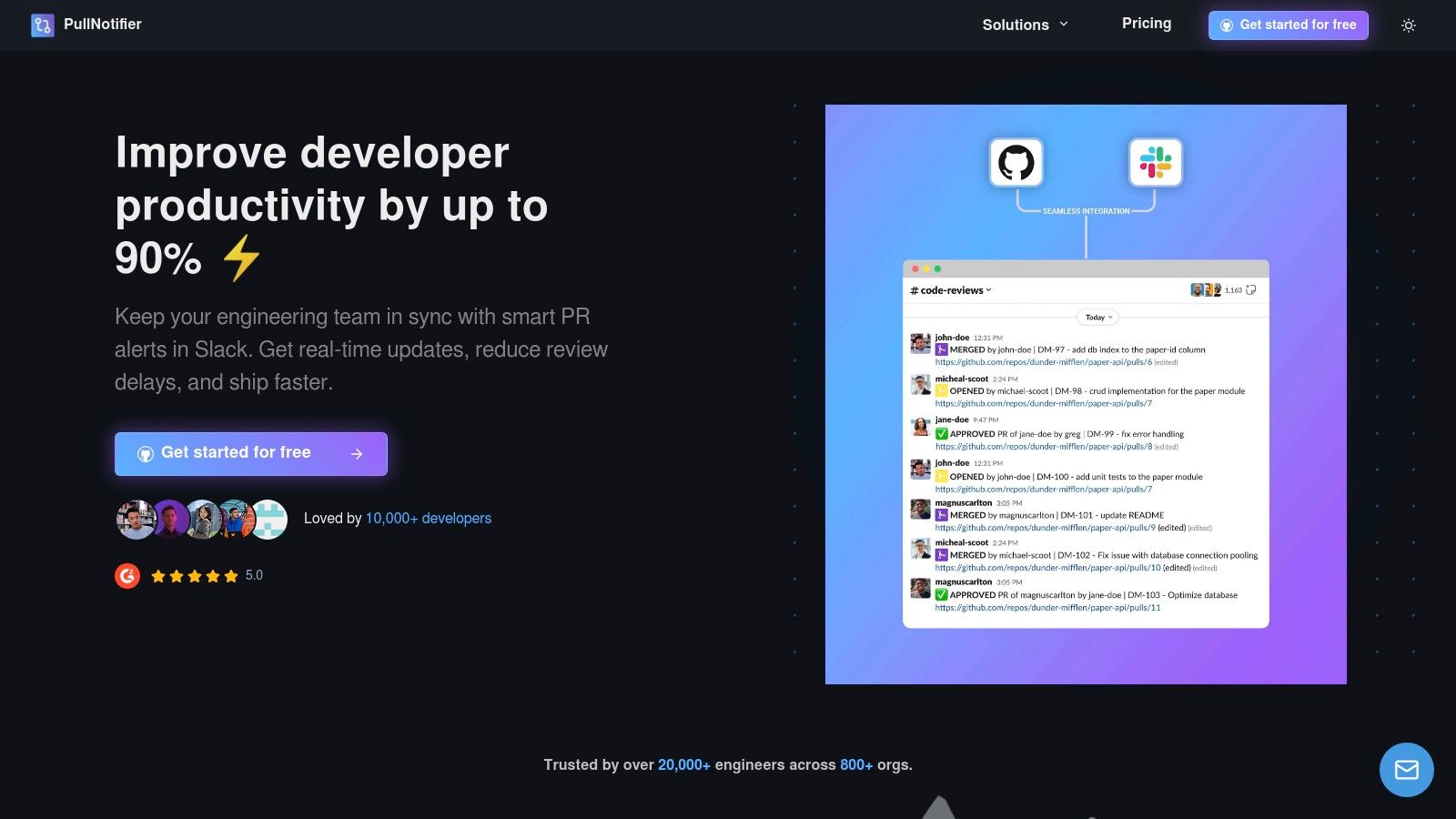
Why It's Our Top Pick
PullNotifier delivers a potent combination of noise reduction, deep customization, and enterprise-grade security. Its highly configurable routing engine allows teams to map specific repositories, authors, or even PR labels to designated Slack channels. This granular control is especially valuable for large organizations, monorepos, and teams managing multiple projects, ensuring the right people see the right updates without manual triage. The setup process is remarkably fast, and for teams interested in a quick start, you can learn more about getting GitHub PR notifications up and running in just a few clicks.
Key Features & Benefits
- In-Place Updates: Eliminates notification spam by consolidating all PR activity into a single, evolving message thread.
- Intelligent Routing: Directs notifications to specific channels based on repository, author, reviewer, or PR labels, which is ideal for complex workflows.
- Security-Focused: Operates with minimal permissions (no code access) and offers enterprise options like self-hosting, dedicated instances, and Data Processing Agreements (DPA).
- Actionable Alerts: Automatically @-mentions assigned reviewers when a PR is ready, reducing manual follow-ups and shortening review latency.
Pricing
- Free Plan: Available for teams with up to 3 developers.
- Paid Plans: A 14-day free trial (no credit card required) is available for larger teams. You must visit the pricing page for specific tier costs.
Who is it Best For?
PullNotifier is an indispensable tool for development teams of all sizes looking to streamline their code review process. It is particularly effective for engineering managers aiming to improve team velocity, scrum masters tracking sprint progress, and enterprise IT departments needing a secure, compliant, and scalable notification solution.
| Pros | Cons |
|---|---|
| Drastically reduces Slack noise with its unique in-place message update feature. | Pricing details for larger enterprise teams require direct contact or a visit to the pricing page. |
| Highly customizable routing rules are perfect for monorepos and complex team structures. | Some highly specific, edge-case workflows may require custom handling or vendor support. |
| Strong security posture with minimal permissions and self-hosting options for enterprise compliance. | Requires a security review for installation in some highly regulated corporate environments. |
| Fast time-to-value with a quick setup, intuitive interface, and responsive customer support. | |
| Generous free tier and a no-obligation 14-day trial make it easy to evaluate. |
Website: https://pullnotifier.com
2. Slack App Directory (official)
The official Slack App Directory is the definitive starting point for extending your workspace's capabilities. As the platform's native marketplace, it offers the largest and most current catalog of over 2,000 integrations, making it an essential resource for finding the best Slack apps to streamline your workflows. It serves as the authoritative source for discovering, installing, and managing tools that integrate directly into your Slack environment.
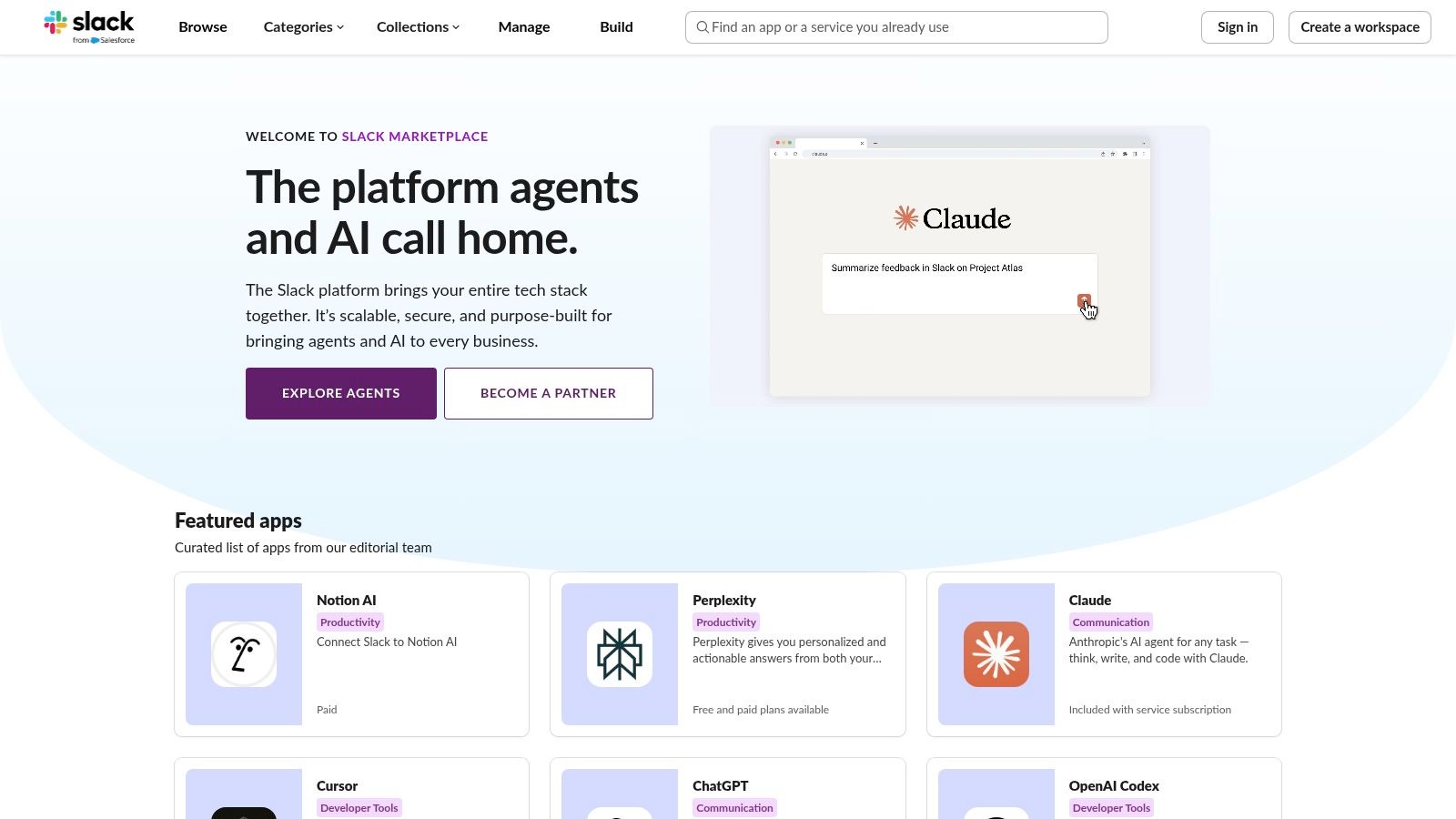
Why It's a Top Resource
What makes the directory indispensable is its tight integration with Slack's governance and security framework. Admins can pre-approve or restrict apps at the workspace or organization level, ensuring that only vetted tools are installed. The user experience is seamless, with one-click installs for many applications and clear displays of required permissions and data scopes before you commit.
How to Use It Effectively
- Start with Curated Collections: Browse Slack's hand-picked collections like "New & Noteworthy" or "Brilliant Bots" to discover high-quality, popular apps.
- Review Permissions Carefully: Before installing, always check the "Permissions" tab on an app's page. Understand exactly what data it can access to maintain your team's security.
- Check for Admin Approvals: If the "Add to Slack" button is disabled, it likely means your workspace requires admin approval. You can typically submit a request directly from the app's directory page.
The directory is free to browse at slack.com/apps, though individual app pricing varies. While its direct integration is a major pro, a notable con is that some complex enterprise apps (like Jira or Salesforce) require significant configuration outside of Slack, even after the initial installation.
3. Product Hunt – “Slack apps” category
Product Hunt is a community-driven discovery platform where makers launch new tech products, and its dedicated "Slack apps" category is a goldmine for finding emerging tools. It offers a real-time pulse on what's new and trending, often showcasing innovative integrations before they hit the mainstream. This makes it an ideal resource for teams looking for the best Slack apps that push the boundaries of productivity and automation.
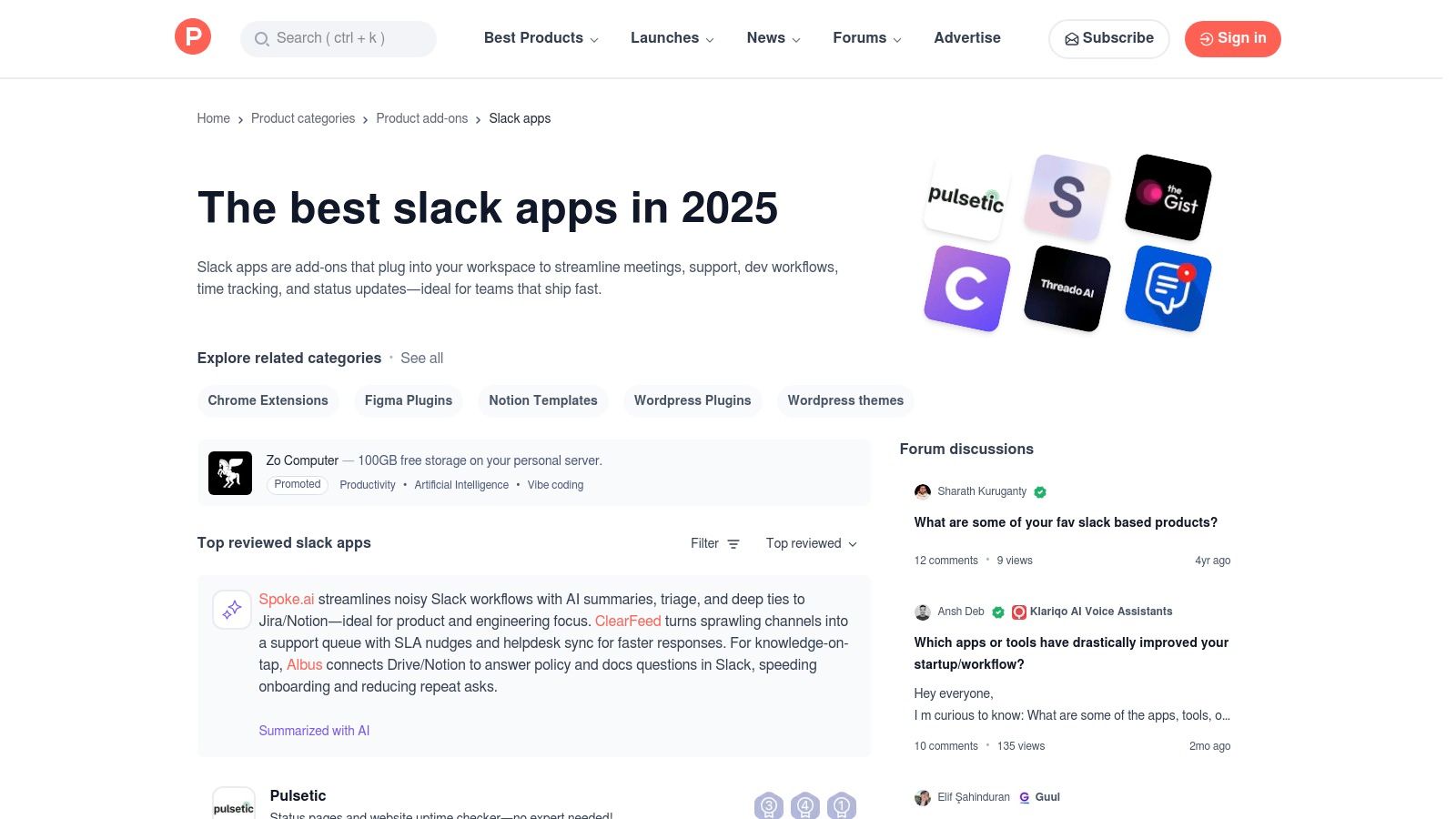
Why It's a Top Resource
What sets Product Hunt apart is the authentic, real-world context it provides. Each app listing is accompanied by user comments, upvotes, and often a detailed launch story from the creator. This rich, qualitative feedback from early adopters and tech enthusiasts offers invaluable insights into an app's practical use cases, potential bugs, and overall quality, helping you evaluate its fit far beyond a simple feature list. It's the best place to find creative, niche solutions you won't see in curated collections.
How to Use It Effectively
- Sort by "Most Popular": Filter listings by popularity over a specific time (day, week, month) to quickly identify the most acclaimed and trending Slack apps.
- Read the Comments First: Dive into the discussion thread on each product page. User questions and maker responses often reveal crucial details about functionality and limitations.
- Follow Collections: Look for user-curated "collections" that group Slack apps by theme, such as "Developer Tools" or "Remote Team Essentials," to find relevant tools faster.
Access to Product Hunt is free at producthunt.com/categories/slack-apps, though pricing is determined by individual app developers. The major pro is its strength in early discovery. A con is that the quality and maturity of apps can vary widely, as many are newly launched and may not be enterprise-ready.
4. Zapier – Slack integrations
Zapier is a powerful no-code automation marketplace that supercharges your workspace by connecting Slack to thousands of other applications. It acts as a universal translator between your tools, allowing you to build custom workflows, called "Zaps," without writing a single line of code. This makes it one of the best Slack apps for teams looking to automate routine tasks and create seamless cross-platform communication channels, from logging Stripe sales in a channel to creating Notion tasks from saved messages.
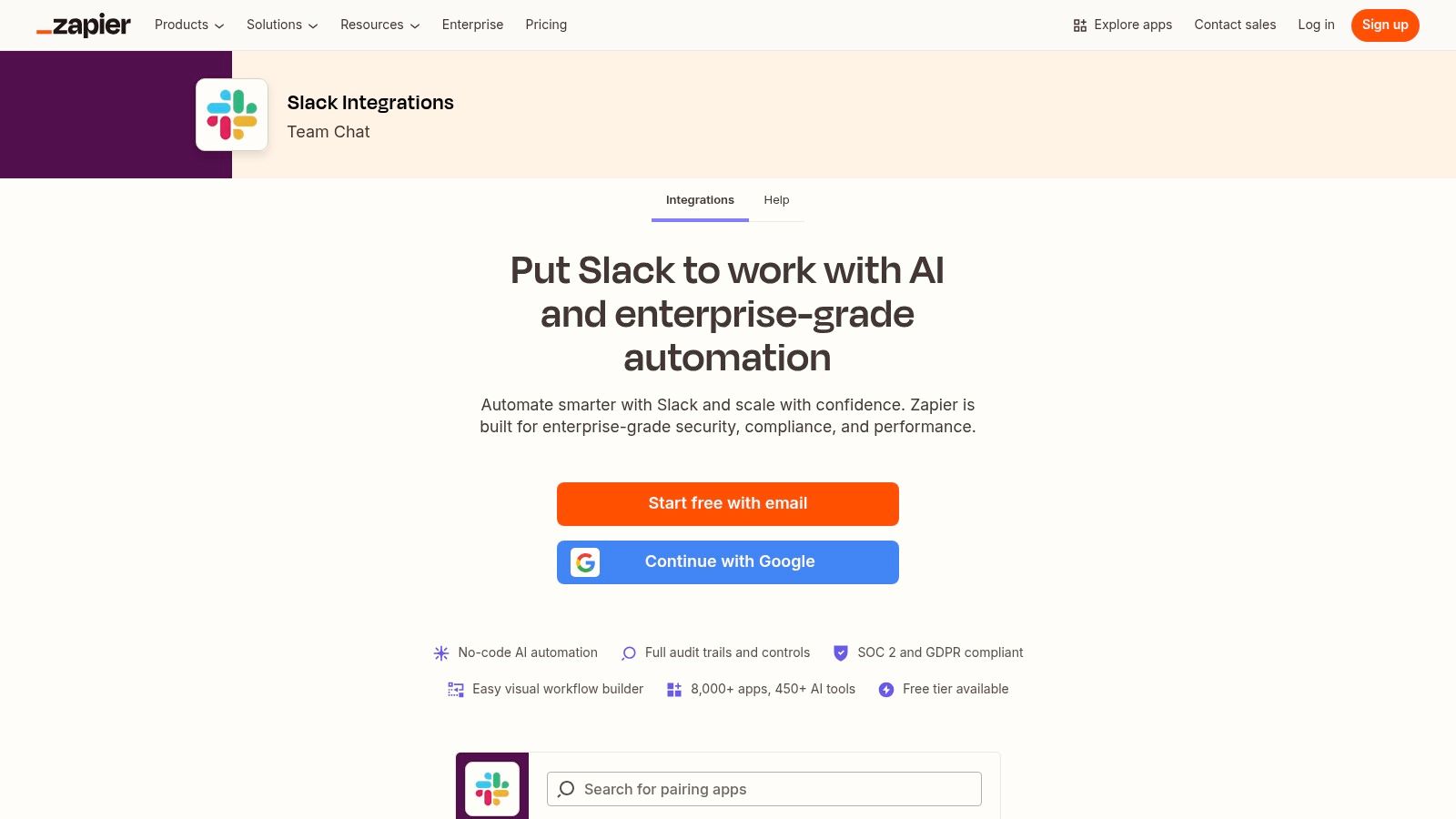
Why It's a Top Resource
Zapier's key advantage is its unparalleled app library, connecting Slack with over 8,000 services like Google Workspace, HubSpot, and Asana. This extensive coverage allows you to automate highly specific processes that dedicated, single-purpose apps might not support. For engineering teams, this could mean creating a Jira issue from a specific emoji reaction or posting a summary of new Sentry errors to a dedicated channel, all managed through a simple, visual workflow builder.
How to Use It Effectively
- Start with Templates: Zapier offers hundreds of pre-built Slack templates. Use these as a starting point to understand the logic and then customize them to fit your team's exact needs.
- Build Multi-Step Zaps: Go beyond simple "if this, then that" logic. Create multi-step workflows that add filters, formatting, or conditional paths to handle more complex automation tasks.
- Manage Permissions: For larger teams, leverage Zapier's enterprise-grade features like SOC 2 compliance and audit trails to maintain security and control over your automated workflows.
You can start building Zaps at zapier.com/apps/slack/integrations with a free plan, but heavy usage will likely require a paid subscription. While it offers the broadest app coverage, a potential con is that high-volume task automation can become costly, and Slack's own free plan limitations can constrain how many apps you can integrate. You can learn more about how to automate repetitive tasks with tools like Zapier.
5. Make (formerly Integromat) – Slack integrations
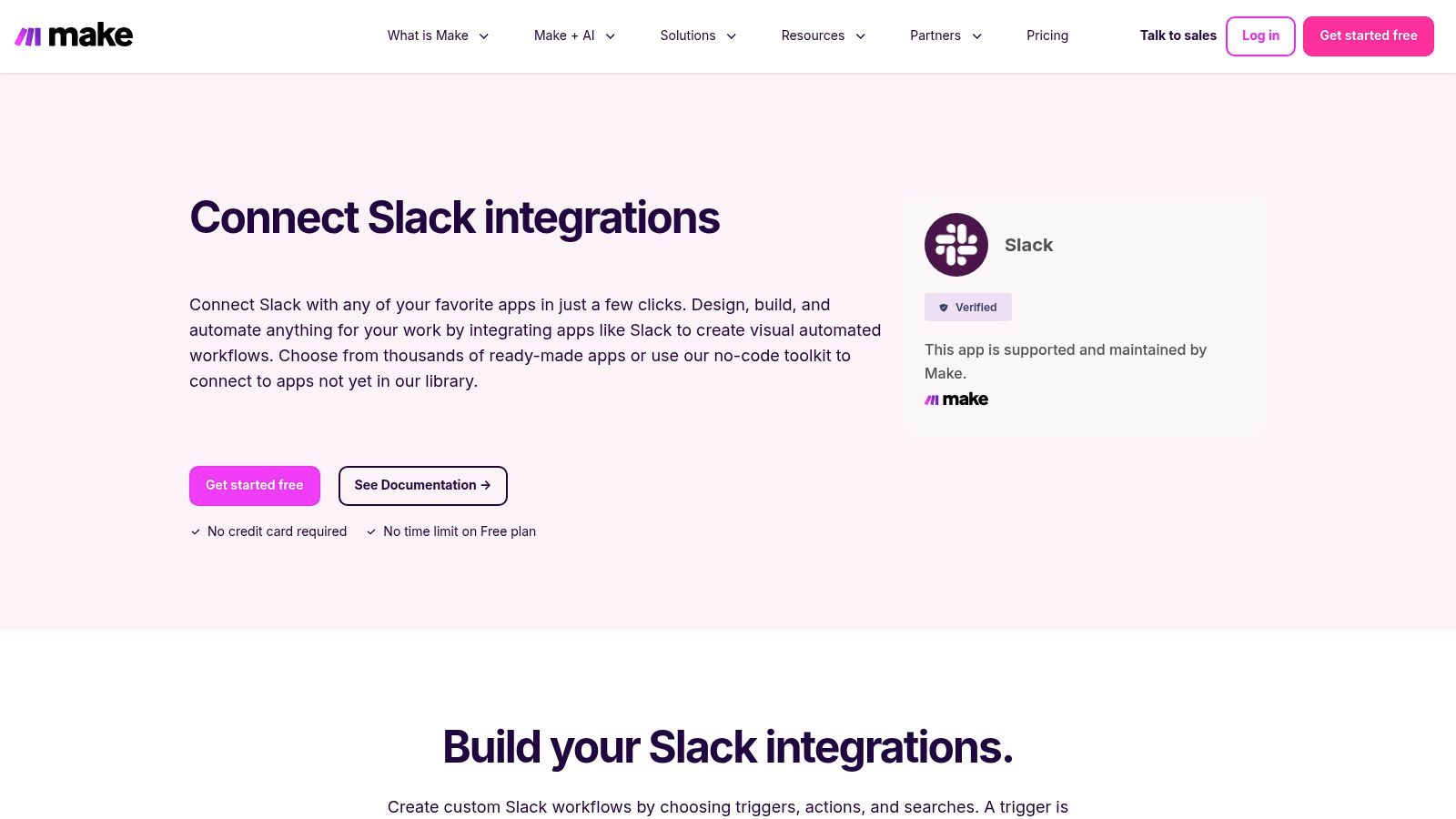
For teams whose automation needs extend beyond simple one-to-one connections, Make provides a powerful visual workflow builder. Its verified Slack app is a gateway to constructing sophisticated, multi-step automations that can branch, filter, and iterate. It’s an ideal platform for engineering teams looking to build complex internal tooling, making it one of the best Slack apps for advanced, custom integrations.
Why It's a Top Resource
Make stands out by replacing simple "if this, then that" recipes with a visual scenario builder. This allows developers and power users to map out intricate logic, connect thousands of different apps, and manipulate data between steps. The Slack integration itself is robust, offering granular triggers (like new reactions or files) and actions (like creating channels or updating messages) that provide deep control over your workspace.
How to Use It Effectively
- Start with a Template: Browse Make's extensive template library for Slack to understand how scenarios are structured before building from scratch.
- Visualize the Entire Flow: Use the visual canvas to map out your desired automation from end to end, including error handling and conditional branching for different outcomes.
- Consult the Docs: Make’s documentation for its Slack modules is very detailed, clearly explaining what each trigger, action, and search function does and the data it returns.
You can start building on make.com/en/integrations/slack with a generous free plan for experimentation. While its power is a significant pro, the main con is a steeper learning curve compared to simpler tools. Paid tiers also become necessary as the volume of operations or data transfer in your scenarios grows.
6. Atlassian Marketplace – Slack integrations for Jira/Confluence
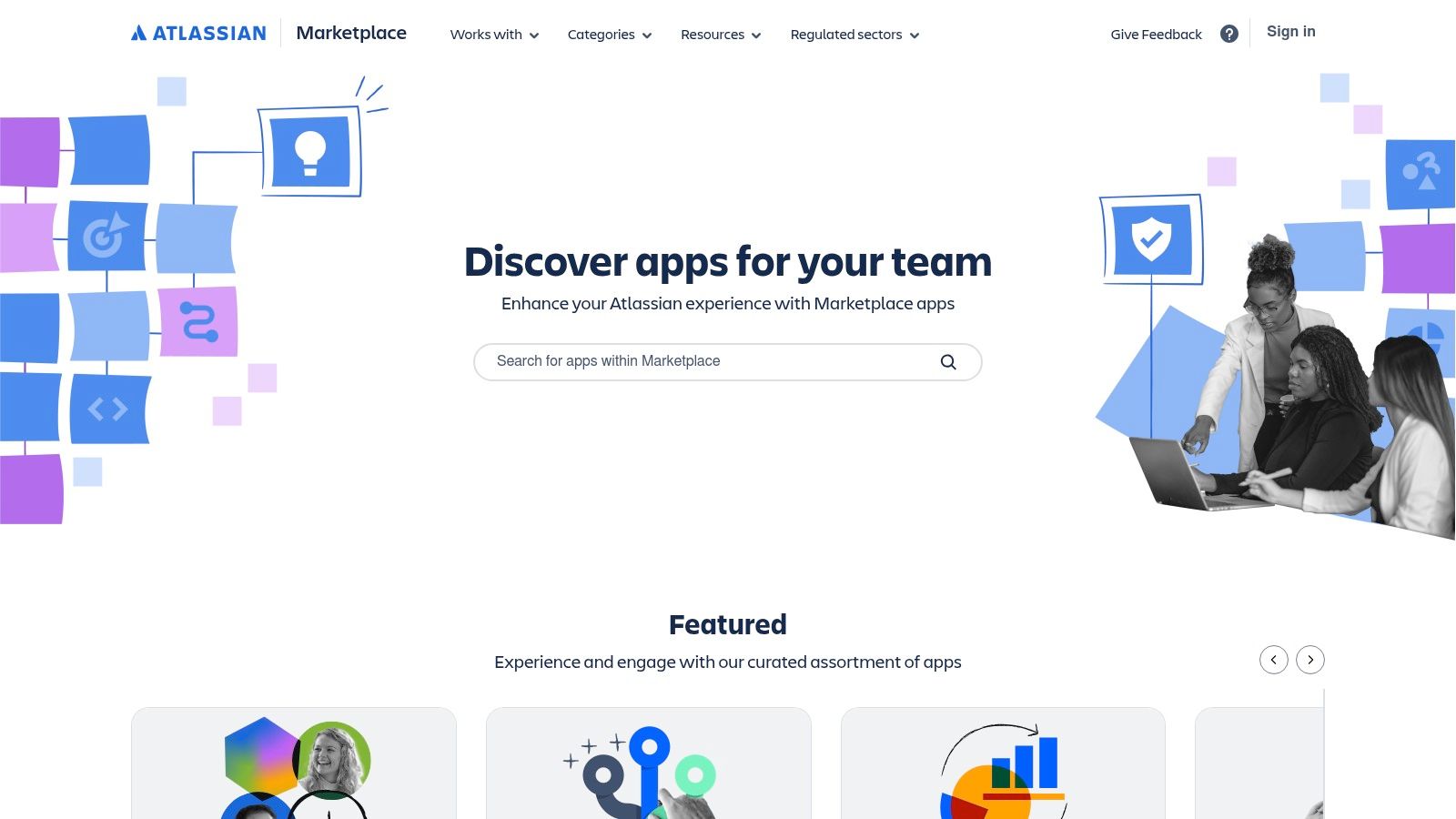
For teams deeply embedded in the Atlassian ecosystem, the Atlassian Marketplace is the definitive source for connecting Jira and Confluence to Slack. It offers a vast catalog of official and third-party apps designed to create a two-way sync between your development or service management workflows and your communication hub. This makes it an essential destination for finding the best Slack apps that bridge the gap between Atlassian's powerful tools and your daily conversations.
Why It's a Top Resource
The marketplace excels by providing deep, battle-tested integrations tailored for software and service teams. Instead of just basic notifications, these apps enable complex actions like creating Jira tickets from Slack messages, transitioning issue statuses, or receiving real-time updates in threaded conversations. With numerous vendors, teams can find solutions that precisely match their budget, feature requirements, and security postures, including "Cloud Fortified" apps that meet Atlassian's highest standards.
How to Use It Effectively
- Filter by Atlassian Product: Start by filtering for your specific Atlassian tool (e.g., Jira Software, Confluence, Jira Service Management) to narrow down relevant integrations.
- Compare Vendor Offerings: Don't just pick the official app. Compare third-party options that may offer more advanced features, better pricing, or unique automation capabilities.
- Utilize Free Trials: Most paid apps offer a free trial period. Use this to test the integration's reliability and ensure it meets your team's specific workflow needs before committing.
You can browse the marketplace for free at marketplace.atlassian.com, though app pricing varies significantly. The biggest pro is the sheer depth and variety of available integrations. However, a con is that many listings are highly specific to a single Atlassian product, and their value is entirely dependent on your organization's adoption of that tool.
7. Salesforce AppExchange – Salesforce + Slack
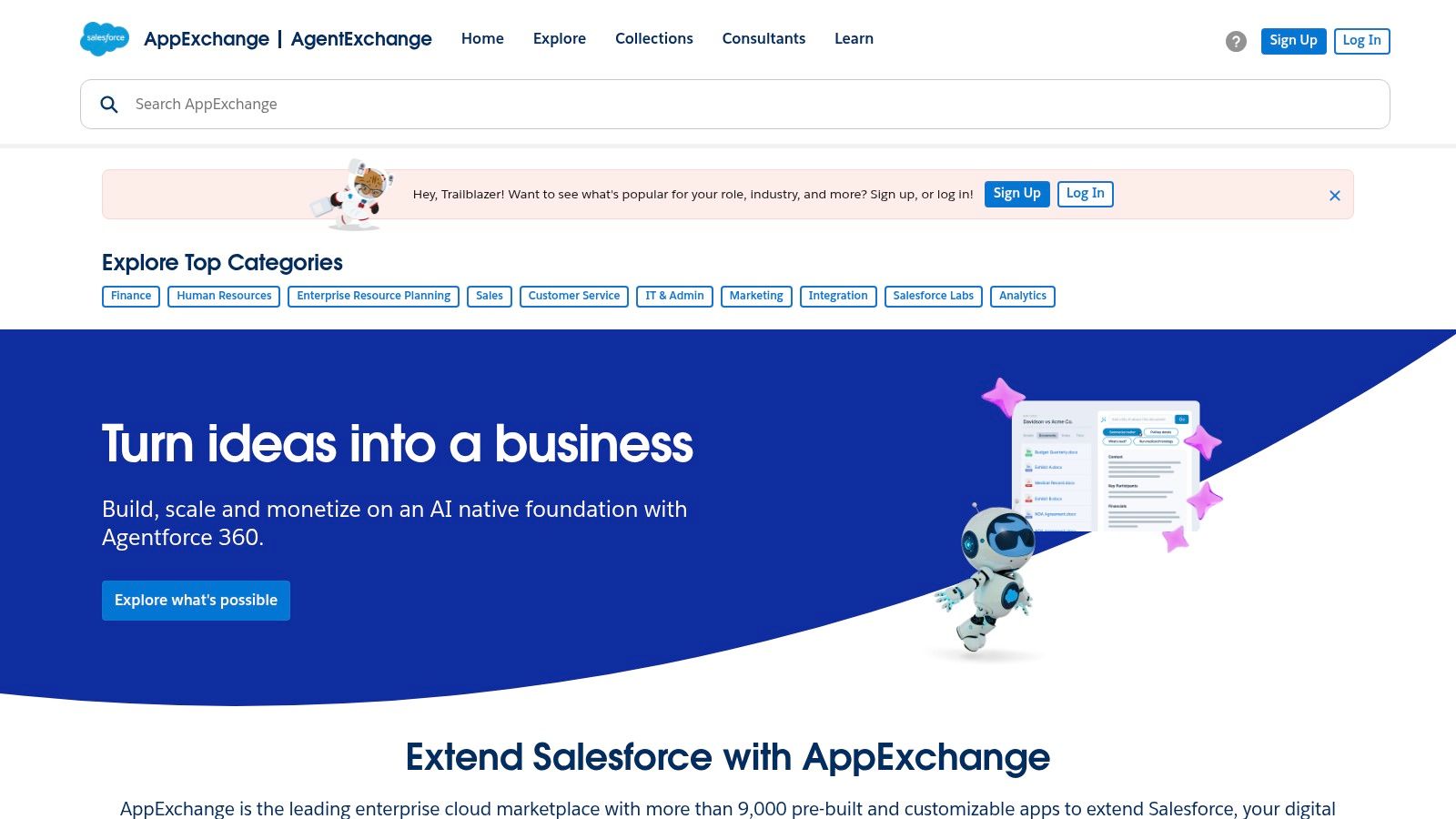
For teams deeply embedded in the Salesforce ecosystem, the Salesforce AppExchange is the authoritative source for integrating CRM workflows directly into Slack. It provides official, first-party applications like "Salesforce for Slack" and "Service Cloud for Slack," designed to bridge the gap between sales, service, and collaboration channels. This marketplace is essential for finding the best Slack apps to bring your customer data into daily conversations and automate key processes.
Why It's a Top Resource
The AppExchange stands out because it offers official, Salesforce-built integrations backed by comprehensive documentation and enterprise-grade support. These aren't just simple notification tools; they enable robust, bidirectional workflows like updating records, managing cases, and receiving critical alerts directly within Slack channels. For organizations prioritizing security and deep integration, these official packages are the gold standard, ensuring compatibility and data integrity between both platforms.
How to Use It Effectively
- Identify the Right App: Search for the primary "Salesforce for Slack" app, which serves as a foundation, and then look for companion packages tailored to Sales Cloud, Service Cloud, or other specific use cases.
- Follow Implementation Guides: Salesforce provides detailed setup guides. The configuration often involves steps in both your Salesforce org and your Slack workspace, so follow the documentation closely.
- Check for Deprecated Versions: Be aware that older Salesforce-Slack integrations have been retired. Always verify you are installing the latest, officially recommended package from the AppExchange to ensure full functionality.
You can browse the available integrations at appexchange.salesforce.com. While the apps themselves are often free, they require the appropriate Salesforce licenses. The main drawback is the setup complexity, which can be a multi-step process for administrators.
8. GitHub Marketplace – Slack + Dev workflows
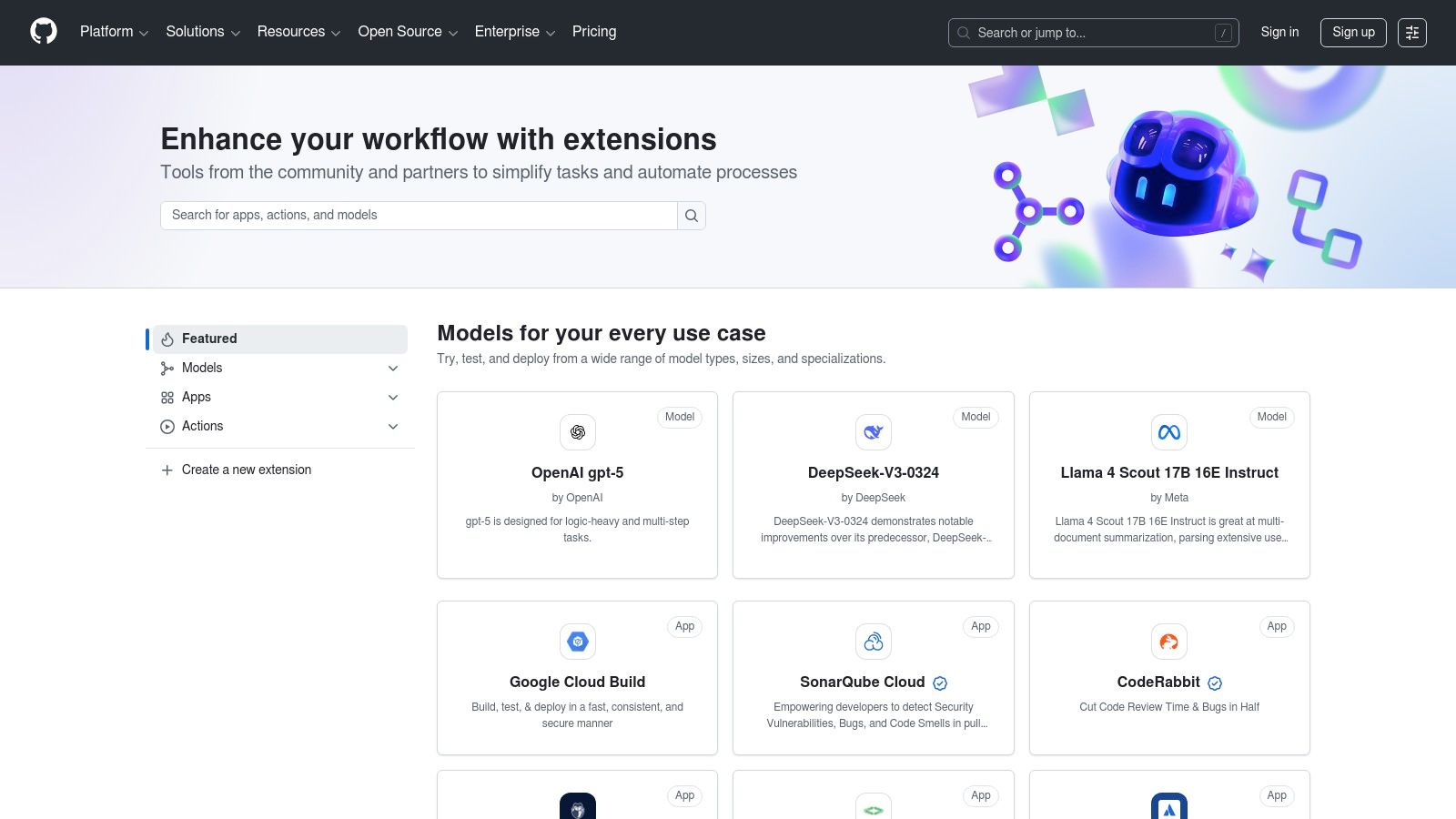
For engineering teams, the GitHub Marketplace is a critical resource for discovering developer-centric Slack integrations. It acts as a specialized directory focused on tools that enhance coding workflows, from CI/CD to pull request management. Its most important offering is the official GitHub App, which serves as the foundational link between your repositories and your Slack workspace, making it a hub for some of the best Slack apps for developers.
Why It's a Top Resource
What makes the GitHub Marketplace essential is its first-party authority and tight integration with the developer ecosystem. The official GitHub app provides robust, reliable notifications for commits, issues, and pull requests directly in designated channels. Beyond the official app, the marketplace lists numerous third-party tools like PullNotifier that build upon this foundation, offering more advanced review cycle automation and analytics. This focus ensures that every listed tool is directly relevant to engineering productivity.
How to Use It Effectively
- Start with the Official App: Install the official GitHub app first to establish the core connection. To get started, you can learn more about using the official GitHub Slack app.
- Subscribe Granularly: Use the
/github subscribe [owner/repo]command to get updates for specific repositories in relevant channels, avoiding unnecessary noise. - Explore Companion Tools: After setting up the basics, search the marketplace for specialized apps that solve specific problems, such as automated PR reminders or CI/CD status dashboards.
The GitHub Marketplace is free to browse at github.com/marketplace, with app pricing varying by vendor. A major pro is its deep focus on developer workflows, but this is also a con, as it's not a general-purpose directory for other business functions.
9. Google Workspace Marketplace – Slack for Gmail add-on
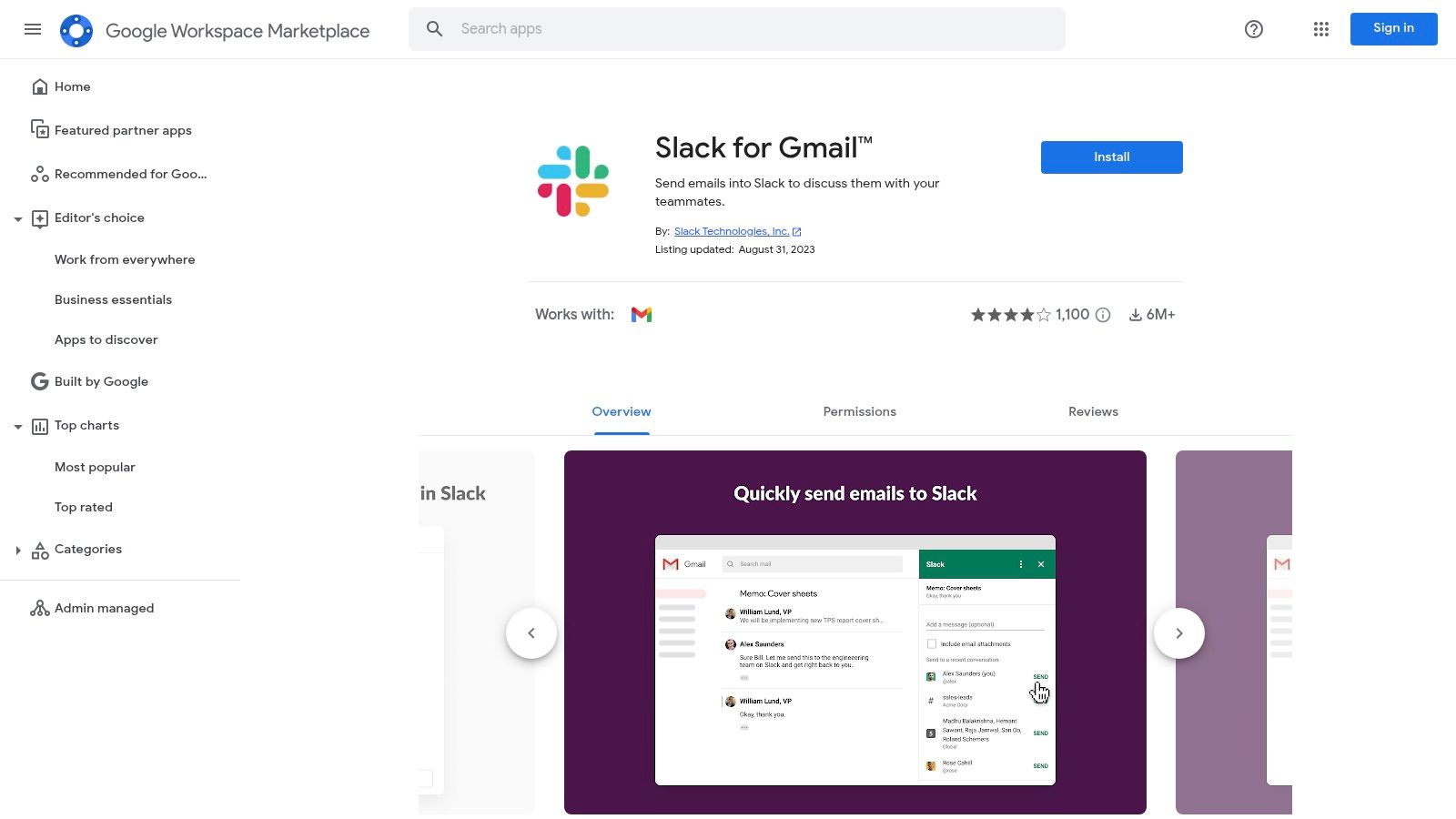
The Google Workspace Marketplace provides the essential Slack for Gmail add-on, a critical tool for teams looking to bridge the gap between email and chat. This official integration allows you to send important emails directly into any Slack channel or direct message, complete with attachments and notes. It's one of the best Slack apps for transforming slow email threads into fast-paced, actionable Slack conversations, especially for support tickets or sales inquiries.
Why It's a Top Resource
What makes this add-on indispensable is its seamless integration directly within the Gmail interface on both web and mobile. Instead of copying and pasting, you can forward an email to Slack with a single click, keeping context intact. For organizations using Google Workspace, admins can manage and deploy the add-on across the entire domain, ensuring consistent workflow adoption without individual setups. This direct pipeline from inbox to channel streamlines communication and prevents critical information from getting lost in email.
How to Use It Effectively
- Create Triage Channels: Designate specific channels (e.g.,
#support-intake,#sales-leads) to receive forwarded emails, creating an organized workflow for your team. - Add Contextual Notes: When sending an email to Slack, use the message field to add context, @-mention teammates, or ask for specific actions.
- Combine with Other Integrations: For optimizing scheduling and communication across Google's ecosystem, you can learn how to quickly sync Slack with Google Calendar.
The add-on is free to install from the Google Workspace Marketplace, but requires both a Slack and Google Workspace account. While its simple, high-impact use case is a major pro, its primary con is its singular focus on the Gmail-to-Slack workflow; it is not a comprehensive app directory.
10. StackShare – Slack stacks and integrations
StackShare is a unique resource for competitive analysis and technology discovery, offering a behind-the-scenes look at the tech stacks of thousands of companies. Instead of being a direct app marketplace, it’s a community-driven catalog where developers and engineering teams share what tools they use. This makes it an invaluable platform for researching which best Slack apps and integrations are being adopted by companies you admire, from high-growth startups to established enterprises.
Why It's a Top Resource
StackShare’s value lies in its real-world context. Rather than just listing an app, it shows you how that app fits into a broader ecosystem of tools at a specific company. You can see which project management app is commonly paired with Slack at FinTech startups, or which monitoring tools are favored by DevOps teams in the enterprise sector. This ecosystem mapping helps you make more informed decisions by benchmarking your choices against industry peers and discovering proven tool combinations.
How to Use It Effectively
- Analyze Company Stacks: Search for a company whose engineering culture you respect and view their public stack. Look for the "Business Tools" or "Utilities" sections to see their Slack integrations.
- Discover Alternatives: When viewing a specific app (like Jira), StackShare often suggests popular alternatives and shows which companies use them, providing social proof for your evaluation.
- Follow Tool Trends: Explore the "stacks" that include Slack to understand which adjacent tools are most frequently used with it, helping you identify popular and well-integrated solutions.
Accessing StackShare is free at stackshare.io/slack. The primary benefit is its real-world data for pre-purchase research. However, a con is that its discovery is indirect since it’s not an app store, and the data relies on self-reporting from companies, which may not always be current or complete.
11. Pipedream – Slack integrations for developers and ops
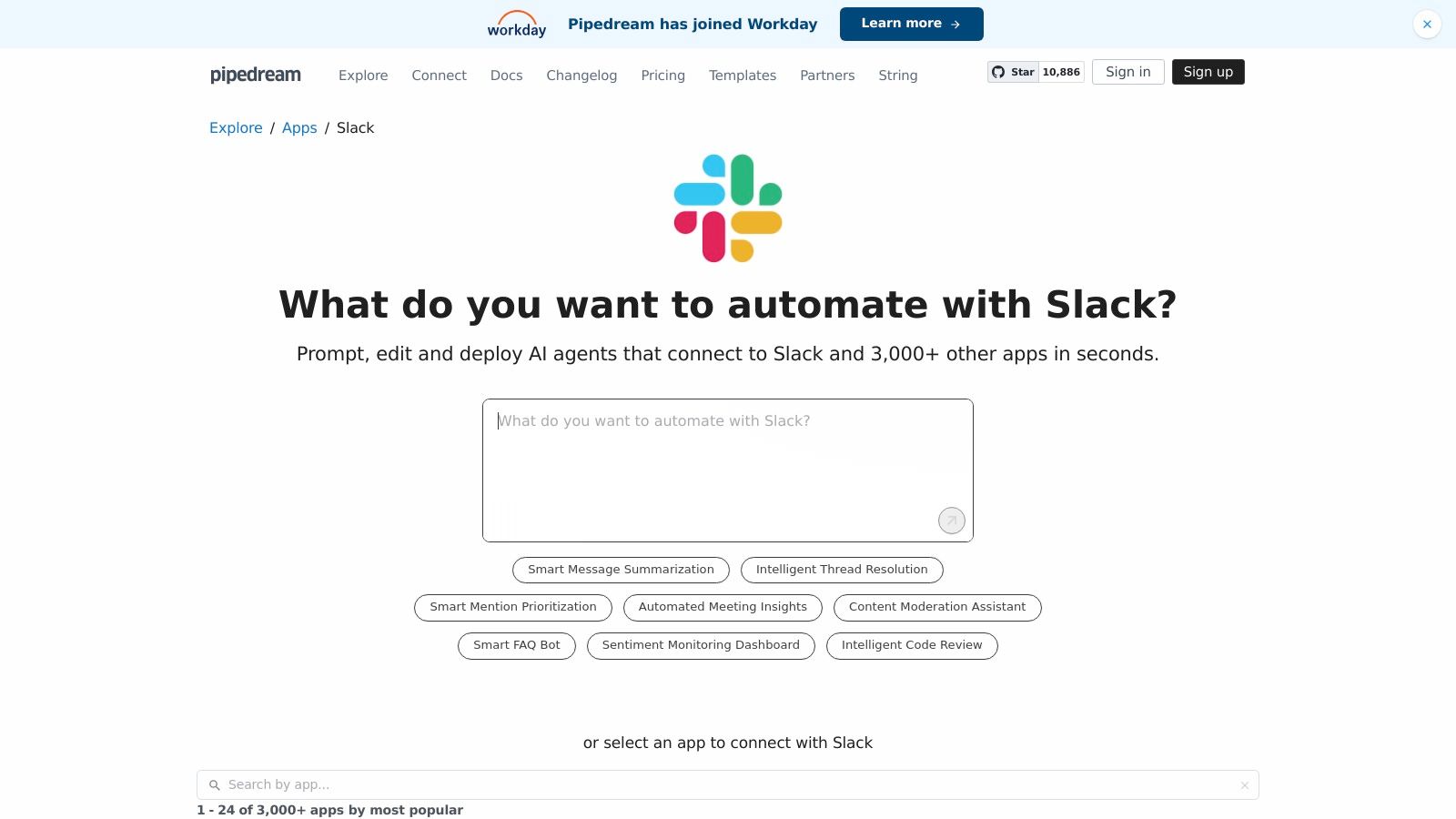
Pipedream is a developer-centric integration platform designed to build powerful, event-driven Slack workflows. It bridges the gap between simple no-code tools and fully custom-coded bots, making it ideal for teams needing tailored automations that go beyond the limitations of standard app integrations. It empowers developers to create sophisticated Slack bots, slash commands, and internal tools with code-level control.
Why It's a Top Resource
What sets Pipedream apart is its "code-first" approach combined with pre-built components. You can rapidly prototype a complex workflow by connecting pre-built Slack triggers (like a new message in a channel) to custom Node.js, Python, or Go code snippets. This allows for deep API access and logic that simple drag-and-drop builders can't handle, making it one of the best Slack apps for technical teams that need flexibility and power.
How to Use It Effectively
- Start with a Template: Browse Pipedream's extensive library of Slack workflow templates to find a starting point for your automation, such as creating a GitHub issue from a Slack message.
- Utilize Pre-built Actions: Leverage hundreds of pre-built actions for Slack and other services to handle common tasks without writing boilerplate code, focusing your effort on the unique logic.
- Securely Store Credentials: Use Pipedream's integrated secret management to safely store API keys and tokens for Slack and other services your workflow connects to.
Pipedream offers a generous free developer tier, with paid plans available for higher usage and team features. While its main pro is the incredible speed of prototyping custom integrations, the primary con is that it requires coding knowledge, making it less accessible than purely no-code platforms. You can get started at pipedream.com/apps/slack.
12. AlternativeTo – Slack‑bot feature listings
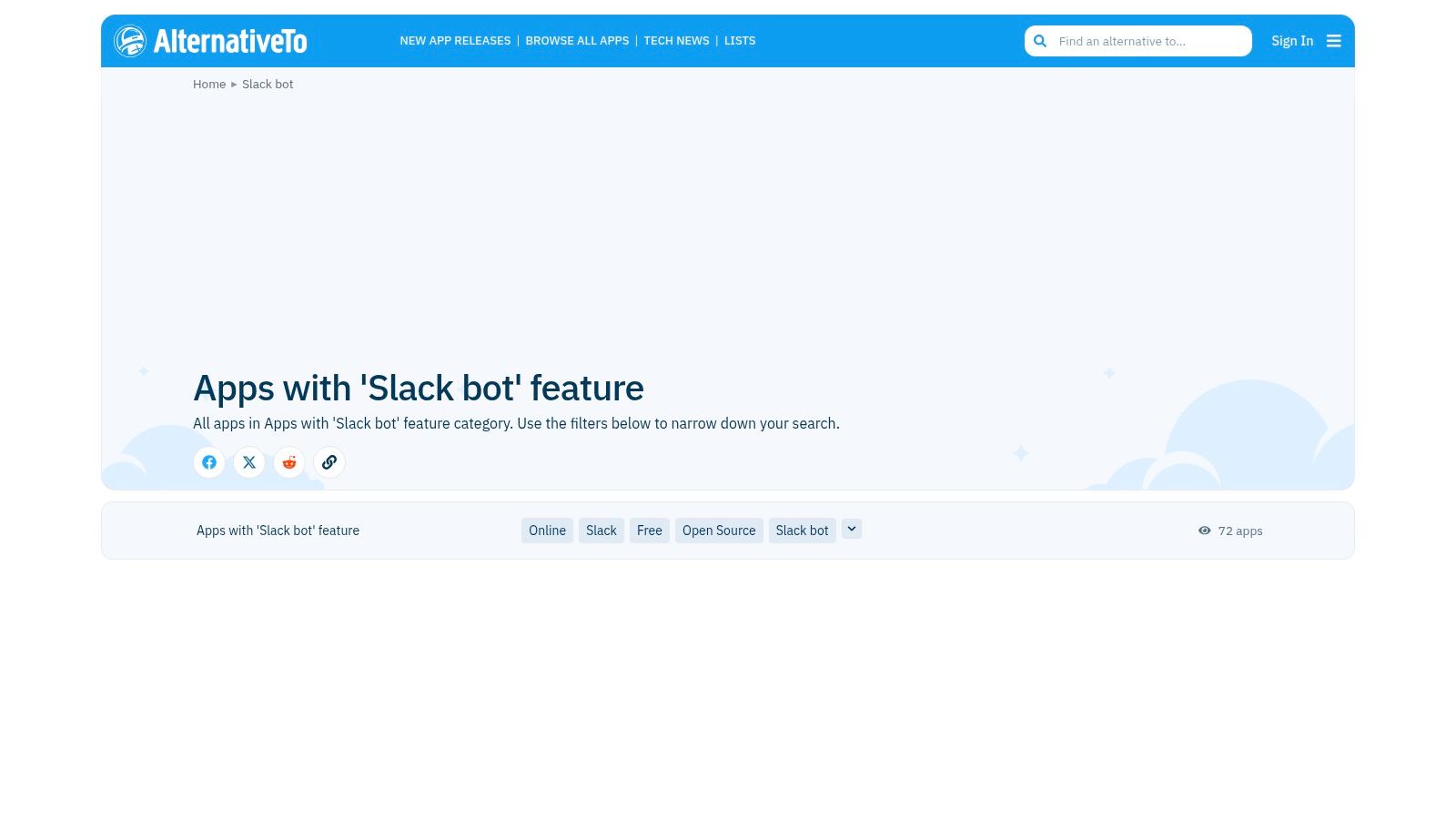
AlternativeTo offers a unique, community-driven approach to discovering Slack integrations. Unlike a traditional marketplace, it functions as a crowdsourced directory where tools are categorized by features, such as having a "Slack bot." This makes it an excellent resource for finding niche or alternative solutions when you need a bot to perform a very specific task, like running polls, facilitating standups, or handling HR requests within your workspace.
Why It's a Top Resource
The platform excels at surfacing less mainstream tools that might not have high visibility in official app stores. Its strength lies in its feature-based discovery model. If you know you need one of the best Slack apps for a specific function but don't know any names, searching by the "Slack bot" feature provides a list of contenders. The community-maintained catalog is helpful for comparing multiple options side-by-side based on user suggestions and votes.
How to Use It Effectively
- Filter by Feature: Start your search on the "Slack bot" feature page to see a comprehensive, crowdsourced list of applications.
- Cross-Reference with Official Sources: Since the listings are community-submitted, always verify an app's credibility by checking its official website or its page on the Slack App Directory before installing.
- Explore Alternatives: If you find a popular app that almost fits your needs, check its AlternativeTo page for a list of similar tools suggested by other users.
You can browse the directory for free at alternativeto.net/feature/slack-bot/. The primary pro is its utility for niche discovery. A significant con is that the quality and accuracy of listings can vary, and it's not a transactional app store; it simply links out to vendor pages.
Top 12 Slack App Resources Comparison
| Product | Core features | Quality (★) | Price (💰) | Target (👥) | Unique (✨) |
|---|---|---|---|---|---|
| 🏆 PullNotifier | Real‑time PR updates in a single Slack thread; customizable routing; GitHub Enterprise & monorepo support | ★★★★★ (trusted by 10k+) | 💰 Free (fewer than 4 devs) + 14‑day trial; paid plans | 👥 Dev teams, ENG managers, enterprise | ✨ In‑place updates reduce noise; minimal permissions; self‑host option |
| Slack App Directory (official) | One‑click installs, app catalog, permissions & admin controls | ★★★★ | 💰 Free to browse; app pricing varies | 👥 Workspace admins, IT orgs | ✨ Centralized marketplace with governance |
| Product Hunt – “Slack apps” | Community launches, reviews, links to installs | ★★★ | 💰 Free discovery | 👥 Early adopters, evaluators | ✨ Trending/new tools + user feedback |
| Zapier – Slack integrations | No‑code zaps, 8,000+ app connections, templates | ★★★★ | 💰 Free tier; paid for heavy usage | 👥 Non‑devs, ops, product teams | ✨ Broadest cross‑tool automation coverage |
| Make (Integromat) – Slack integrations | Visual multi‑step scenarios, branching, many connectors | ★★★★ | 💰 Free for testing; paid as ops grow | 👥 Teams needing complex automations | ✨ Visual builder for sophisticated flows |
| Atlassian Marketplace – Slack integrations | Jira/Confluence → Slack actions, thread syncing | ★★★★ | 💰 App‑dependent pricing; trials | 👥 Engineering & ITSM teams using Atlassian | ✨ Deep, battle‑tested Jira/Confluence integrations |
| Salesforce AppExchange – Slack | Official Salesforce→Slack packages, deployment guides | ★★★★ | 💰 Enterprise pricing; partner packages | 👥 Sales, Service, CRM admins | ✨ First‑party CRM workflows inside Slack |
| GitHub Marketplace – Slack + Dev | Official GitHub app, PR/issue events, commands & unfurling | ★★★★ | 💰 Free to browse; app pricing varies | 👥 Developer teams, SREs | ✨ First‑party GitHub → Slack integrations |
| Google Workspace Marketplace – Slack for Gmail | Send emails to Slack, admin distribution, in‑UI add‑on | ★★★ | 💰 Free add‑on (requires Workspace) | 👥 Support/sales using Gmail | ✨ Gmail→Slack workflow inside Gmail UI |
| StackShare – Slack stacks | Real company stacks showing Slack + paired tools | ★★★ | 💰 Free research | 👥 Tech buyers, architects | ✨ See real‑world adoption and pairings |
| Pipedream – Slack integrations | Code‑first event workflows, prebuilt components, serverless | ★★★★ | 💰 Generous free tier; paid at scale | 👥 Developers, DevOps | ✨ Code + components for fast prototyping |
| AlternativeTo – Slack‑bot listings | Feature‑tagged community listings linking to vendors | ★★★ | 💰 Free discovery | 👥 Users seeking niche Slack bots | ✨ Feature‑focused discovery for niche needs |
Building Your Ultimate Slack Workflow
Navigating the vast ecosystem of Slack integrations can feel overwhelming, but the potential payoff for your team’s productivity is immense. We’ve journeyed through a comprehensive list of marketplaces and platforms, from the official Slack App Directory to developer-centric hubs like the GitHub Marketplace and Pipedream. The central theme is clear: the most effective Slack workspace isn't about adding the most apps, but about adding the right apps. A thoughtfully curated toolset transforms Slack from a persistent chat room into a centralized, intelligent command center for your entire development lifecycle.
The power of these integrations lies in their ability to bring context directly to your conversations, eliminating the need for constant app-switching and manual data entry. Whether you’re automating routine tasks with Zapier, bringing Jira updates into your channels via the Atlassian Marketplace, or connecting your sales data with the Salesforce AppExchange, each integration serves a distinct purpose: to reduce friction and increase focus.
From Information Overload to Actionable Insights
One of the biggest risks in building out your Slack integration stack is inadvertently creating more noise. A flood of automated messages can quickly lead to notification fatigue, causing team members to tune out important alerts altogether. This is why strategic selection and configuration are paramount. The best slack apps are not just those that push information into a channel; they are the ones that filter, summarize, and deliver actionable insights at precisely the right moment.
Consider the common pain points your team faces daily. Are developers losing track of pull requests? Are project managers struggling to keep stakeholders updated? Is the feedback loop between QA and engineering too slow? By identifying these specific bottlenecks, you can pinpoint the exact type of integration that will deliver the most significant impact.
A Practical Guide to Implementing Your Slack App Strategy
To move from theory to practice, follow this structured approach to enhance your team's Slack environment without causing disruption:
- Identify a Single, High-Impact Bottleneck: Don't try to solve every problem at once. Start with the most frustrating or time-consuming process. For many development teams, this is managing the pull request lifecycle.
- Select a Targeted Solution: Choose one app from our list that directly addresses this bottleneck. For PR management, a tool like PullNotifier is specifically designed to provide intelligent, non-intrusive notifications, cutting through the noise of generic GitHub alerts.
- Run a Pilot Program: Implement the app with a small, focused group or a single project team. This allows you to gather real-world feedback and fine-tune the configuration before a company-wide rollout.
- Measure the Impact: Define what success looks like. Are code reviews happening faster? Are there fewer PRs sitting idle? Collect both quantitative data (e.g., time-to-merge) and qualitative feedback from the pilot team.
- Iterate and Expand: Once you’ve validated the value of your first integration, repeat the process. Address the next most critical bottleneck, building your stack incrementally. This methodical approach ensures each new app adds genuine value rather than just more clutter.
By following these steps, you create a powerful, customized workflow that truly serves your team. The goal is a Slack workspace where automation handles the tedious work, critical information is always accessible, and your team can dedicate its energy to solving complex problems and building exceptional software. The journey to an optimized Slack environment is a marathon, not a sprint, but the cumulative gains in focus and efficiency are well worth the effort.
Ready to eliminate pull request bottlenecks and reduce notification noise? PullNotifier provides intelligent, actionable PR notifications directly in Slack, helping your engineering team merge code faster. Stop missing critical updates and start streamlining your code review process by trying PullNotifier today.