- Published on
12 Cool Slack Apps for Dev Teams in 2025
- Authors

- Name
- Gabriel
- @gabriel__xyz
Slack is the digital headquarters for most development teams, but are you using it to its full potential?Slack is the digital headquarters for most development teams, but are you using it to its full potential? Default integrations and endless notification pings can quickly turn a collaboration hub into a source of constant distraction. The right set of tools, however, can transform it into a finely tuned machine that accelerates code reviews, automates tedious updates, and keeps your team in sync without the noise. This guide moves past the usual suspects to bring you a curated list of 12 genuinely cool Slack apps and resources specifically for developers and engineering teams.
We'll dive into tools that solve real-world problems, from silencing chaotic pull request notifications to building custom workflows without writing a single line of code. Each entry includes practical use cases, setup considerations, screenshots, and direct links so you can immediately find the perfect additions to your team's toolkit. An effective toolset is only part of the equation, however. To truly level up, teams should also deeply understand and optimize their core processes, such as the various roles in agile software development, to complement their chosen Slack tools. This comprehensive resource is designed to help you find the best platforms for your specific needs, streamline your engineering workflow, and reclaim focus.
1. PullNotifier
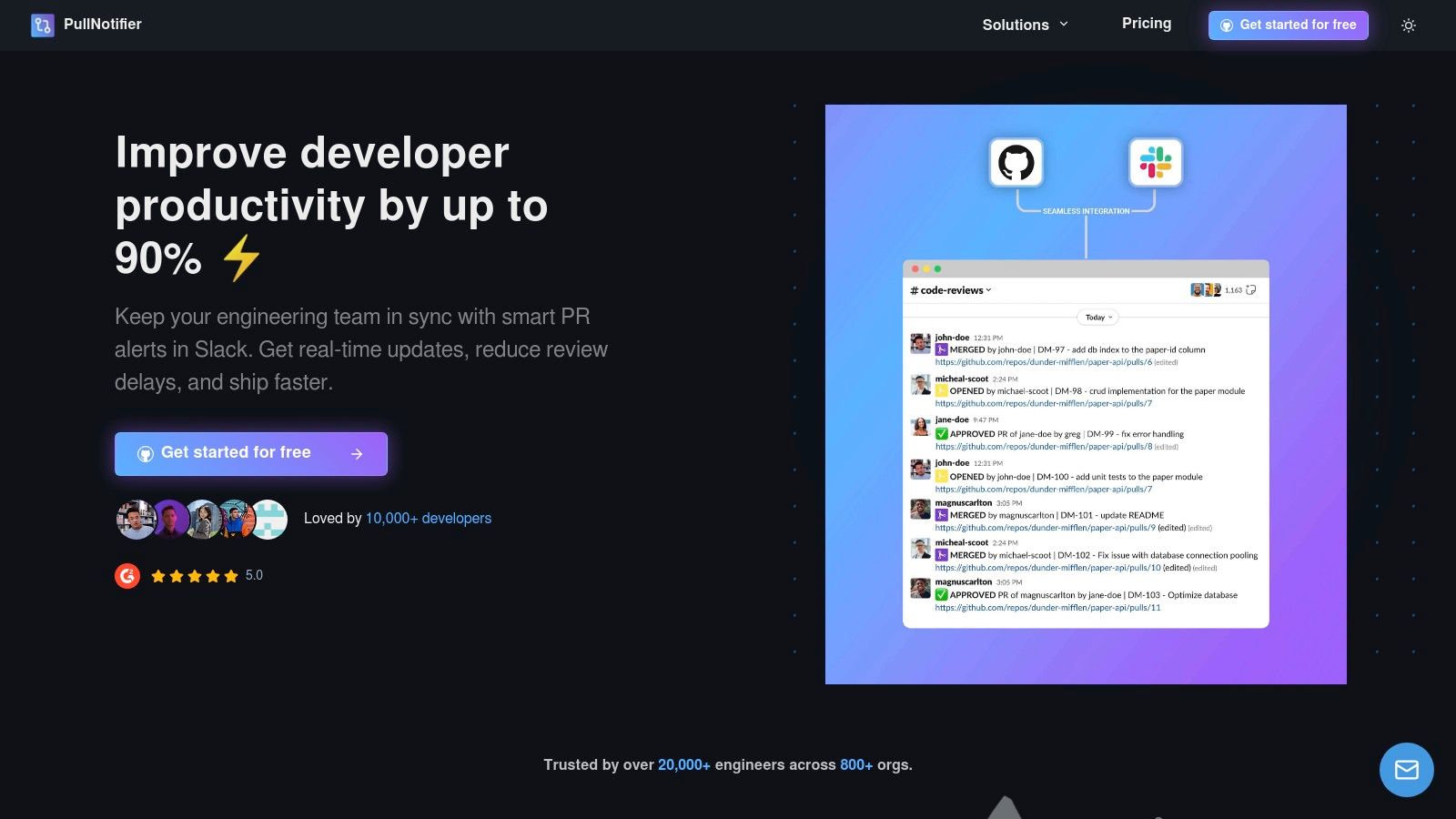
PullNotifier is a highly focused GitHub to Slack integration designed to solve a universal problem for engineering teams: noisy, chaotic pull request notifications. Instead of flooding channels with redundant alerts, it consolidates all updates for a single PR into a dynamic, real-time Slack thread. This intelligent grouping brings clarity to the review process, making it one of the most practical and cool Slack apps for developers who value focused work.
The platform’s core strength lies in its ability to dramatically reduce notification fatigue while simultaneously increasing PR visibility. It automatically tags the right reviewers, highlights PRs that are stale or need attention, and tracks progress directly within Slack. For engineering managers and team leads, this means less time spent manually chasing down code reviews and more time focused on shipping features.
Key Features & Use Cases
- Intelligent Notification Threading: Consolidates all status changes, comments, and approvals for a PR into a single, continuously updated Slack message. This is ideal for busy teams looking to declutter their main development channels.
- Customizable Routing Rules: Direct notifications based on repository, author, reviewer, or even GitHub labels to specific Slack channels. This is a game-changer for large organizations, monorepos, and teams with complex ownership structures, ensuring the right people see the right updates.
- Actionable Alerts & Reminders: Automatically
@mentionsassigned reviewers and can be configured to re-notify them if a PR is awaiting review for too long, directly addressing a common bottleneck. - Security-First Design: PullNotifier operates on a minimal-permission model, requesting no access to your source code or private Slack messages. It offers enterprise-grade options like dedicated hosting, self-hosting via Docker, and Data Processing Agreements (DPAs).
Who It's For
PullNotifier is built for any software team using both GitHub and Slack, but it delivers exceptional value for:
- Engineering Managers & Tech Leads: Gain a clear, real-time overview of all open PRs without constant context switching.
- Developers: Receive clean, actionable notifications and spend less time chasing down reviews.
- QA & DevOps Engineers: Easily track the status of PRs as they move toward deployment.
Pricing & Access
PullNotifier offers a free plan for teams with up to three developers. Larger teams can use a 14-day free trial (no credit card required) to evaluate the service. Paid plans are described as reasonably priced, though you will need to visit their pricing page for specific tiers.
Website: https://pullnotifier.com
2. Slack Marketplace (official Slack App Directory)
Before diving into specific third-party tools, the official Slack Marketplace is the essential starting point. As Slack's own directory, it lists over 2,000 vetted applications, making it the most trustworthy source for expanding your workspace's functionality. It serves as the primary, secure gateway for finding and installing some of the coolest Slack apps available, from developer tools to AI assistants.
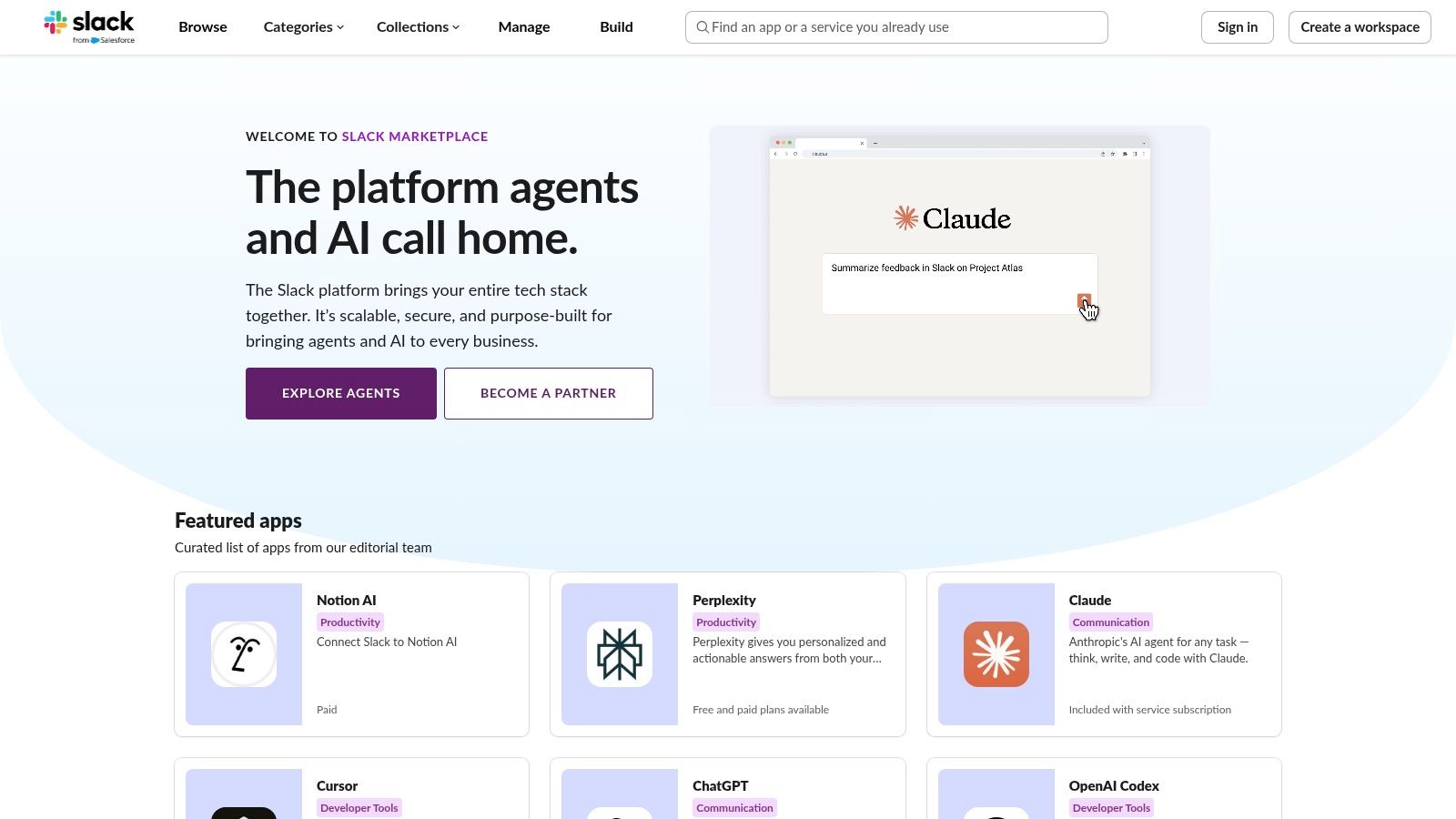
The user experience is seamless. Each app page clearly details its required permissions, security protocols, and compliance information, which is critical for enterprise environments. The "Add to Slack" button simplifies installation into a one-click process, pending admin approval.
Why It's a Go-To Resource
*   **Trust and Security:** Every app undergoes a review by Slack, ensuring a baseline of quality and security. This is the safest place to find integrations.
*   **Clear Information:** Pricing, required scopes, and data privacy policies are transparently listed, removing guesswork.
*   **Admin Controls:** Workspace administrators have granular control over which apps can be installed, maintaining organizational governance.
For teams looking to connect specific development platforms, such as integrating GitLab with Slack for CI/CD notifications, the Marketplace is the first stop to find the official app. This ensures you are using a verified and supported integration path. Exploring the official GitLab and Slack integration guide can provide deeper technical context.
Website: https://slack.com/marketplace
3. Product Hunt
Product Hunt is the go-to discovery platform for bleeding-edge technology, making it an excellent resource for finding the newest and coolest Slack apps before they hit the mainstream. It’s a community-driven site where makers launch their latest creations, including innovative bots, AI assistants, and productivity tools designed specifically for Slack. This makes it a goldmine for development teams looking to experiment with up-and-coming integrations.
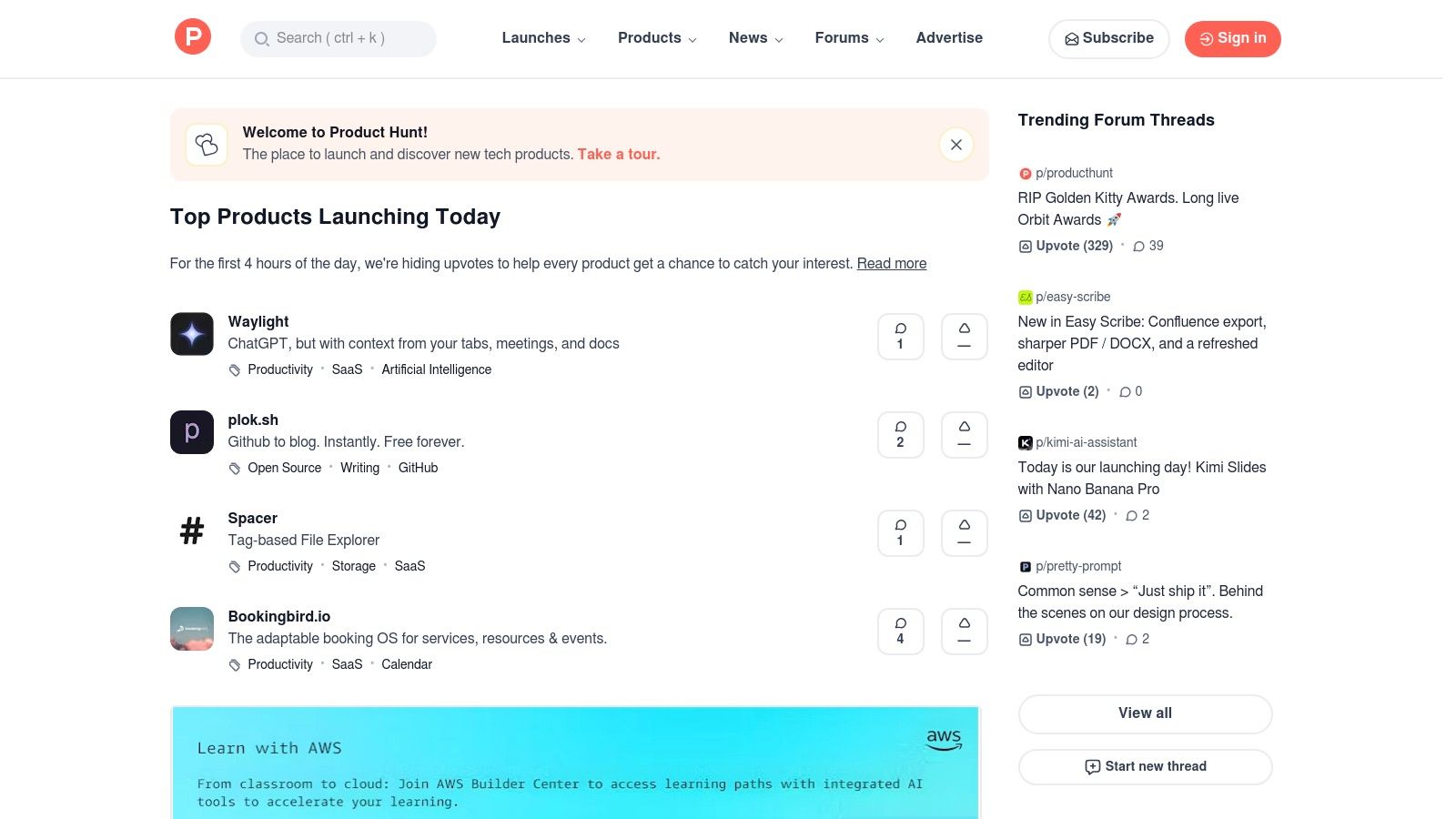
The platform's format allows you to see what’s trending daily, read authentic reviews, and engage directly with the app's creators in Q&A threads. Each product page typically includes demos, direct links to install the app, and information on pricing. For teams wanting to stay ahead of the curve, it's an unparalleled source of inspiration and innovation.
Why It's a Go-To Resource
*   **Discover New and Experimental Tools:** Find apps that aren't yet on the official marketplace, giving your team a potential first-mover advantage with new technology.
*   **Community Vetting:** The upvote and comment system provides a layer of social proof, helping you gauge an app's initial reception and potential value.
*   **Direct Maker Interaction:** Ask founders and developers questions directly about features, security, or their roadmap before committing to an installation.
Product Hunt is ideal for finding niche solutions that solve very specific development workflow problems. While the quality can vary, the platform's transparent, community-focused nature helps you quickly identify promising tools that could become indispensable for your team.
Website: https://www.producthunt.com
4. Zapier – Slack Integrations Directory
Zapier is the quintessential no-code automation platform, and its directory of Slack integrations is a powerful resource for connecting nearly any app to your workspace. Rather than being a single app, it acts as a bridge, allowing you to create custom workflows called "Zaps" that automate tasks between Slack and over 5,000 other applications like Jira, Notion, or Google Sheets without writing a single line of code.
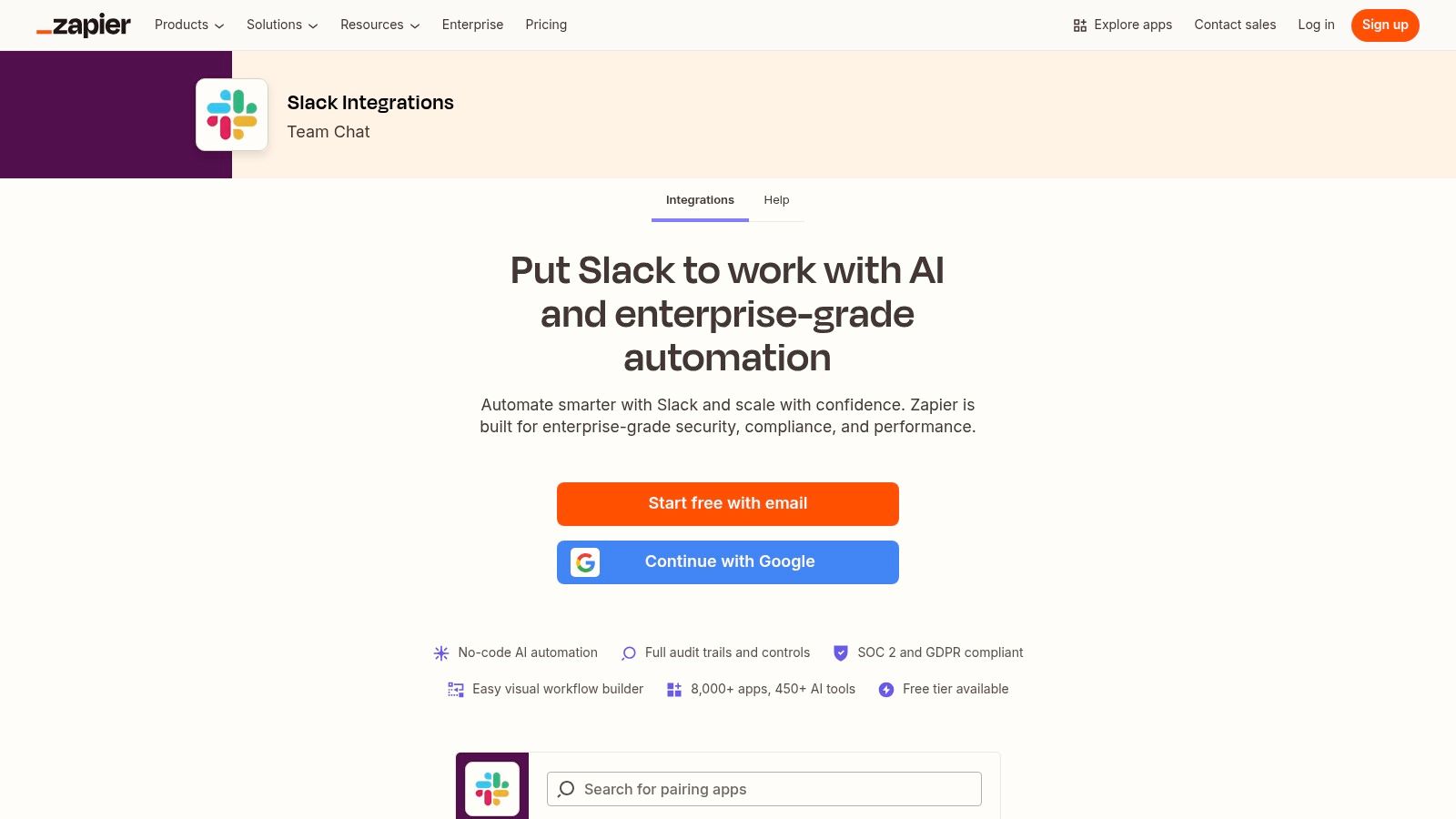
The platform is built on a simple "trigger-action" model. For example, a new row in a Google Sheet (trigger) can automatically post a formatted message in a specific Slack channel (action). The user experience is straightforward, with a massive library of pre-built templates for common use cases. For those interested in this approach, exploring no-code app builders can offer broader context.
Why It's a Go-To Resource
*   **Massive Integration Library:** Connects Slack to thousands of popular business tools, creating nearly limitless automation possibilities.
*   **No-Code Simplicity:** Empowers non-technical team members to build and manage their own automations, freeing up developer time.
*   **Fast Implementation:** Pre-built templates allow teams to deploy powerful workflows in minutes, not hours.
Zapier is one of the coolest Slack app resources for automating routine cross-platform communication, such as sending new HubSpot lead notifications to a sales channel. You can learn more about how to boost productivity with automation for a deeper dive. While a free tier exists, high-volume usage will require a paid subscription.
Website: https://zapier.com/apps/slack/integrations
5. Make (formerly Integromat) – Slack Integrations
When simple recipe-based automations aren't enough, Make (formerly Integromat) provides a powerful visual platform for building complex, multi-step Slack workflows without code. It goes beyond basic "if this, then that" logic by allowing developers to create intricate scenarios with branching paths, data mapping, and granular control over Slack actions, making it one of the most versatile tools for creating cool Slack apps tailored to specific team needs.
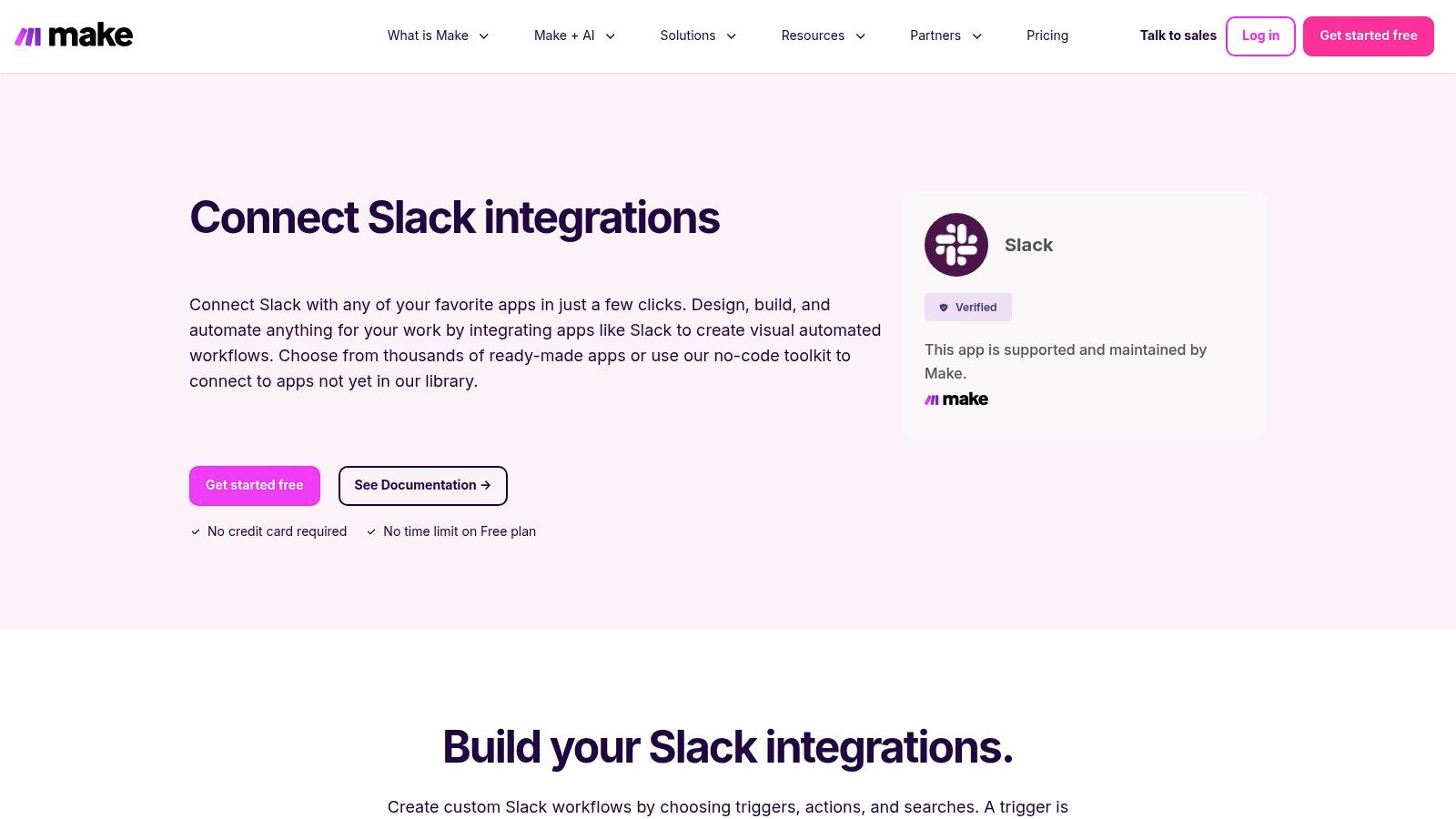
The platform uses a drag-and-drop interface where you connect modules (triggers and actions) to visually build your automation. For Slack, this includes fine-grained modules for creating or updating messages, managing channels, sending reminders, and looking up user information. This level of detail enables developers to build what are essentially custom mini-apps inside Slack.
Why It's a Go-To Resource
*   **Powerful Logic:** The visual scenario builder supports complex branching, filtering, and detailed data transformations, far exceeding simpler automation tools.
*   **Granular Control:** Instead of generic actions, Make offers specific Slack modules that provide deep control over how your workflow interacts with the workspace.
*   **Cost-Effective Customization:** It provides a middle ground between off-the-shelf apps and building a fully custom integration from scratch, with a free plan for prototyping.
For engineering teams, this could mean building a workflow that triages bug reports from a form, looks up the relevant on-call engineer in PagerDuty, creates a private Slack channel with them, and posts a formatted summary all in one automated sequence. The learning curve is steeper than simpler tools, but the payoff is immense flexibility.
Website: https://www.make.com/en/integrations/slack
6. Pipedream – Slack Components and Workflows
Pipedream is a low-code integration platform designed for developers who need to build custom, event-driven Slack workflows. It bridges the gap between simple no-code tools and fully custom-coded bots, allowing you to create sophisticated internal applications that react to triggers from hundreds of different services. For engineering teams, this means automating complex processes with precision.
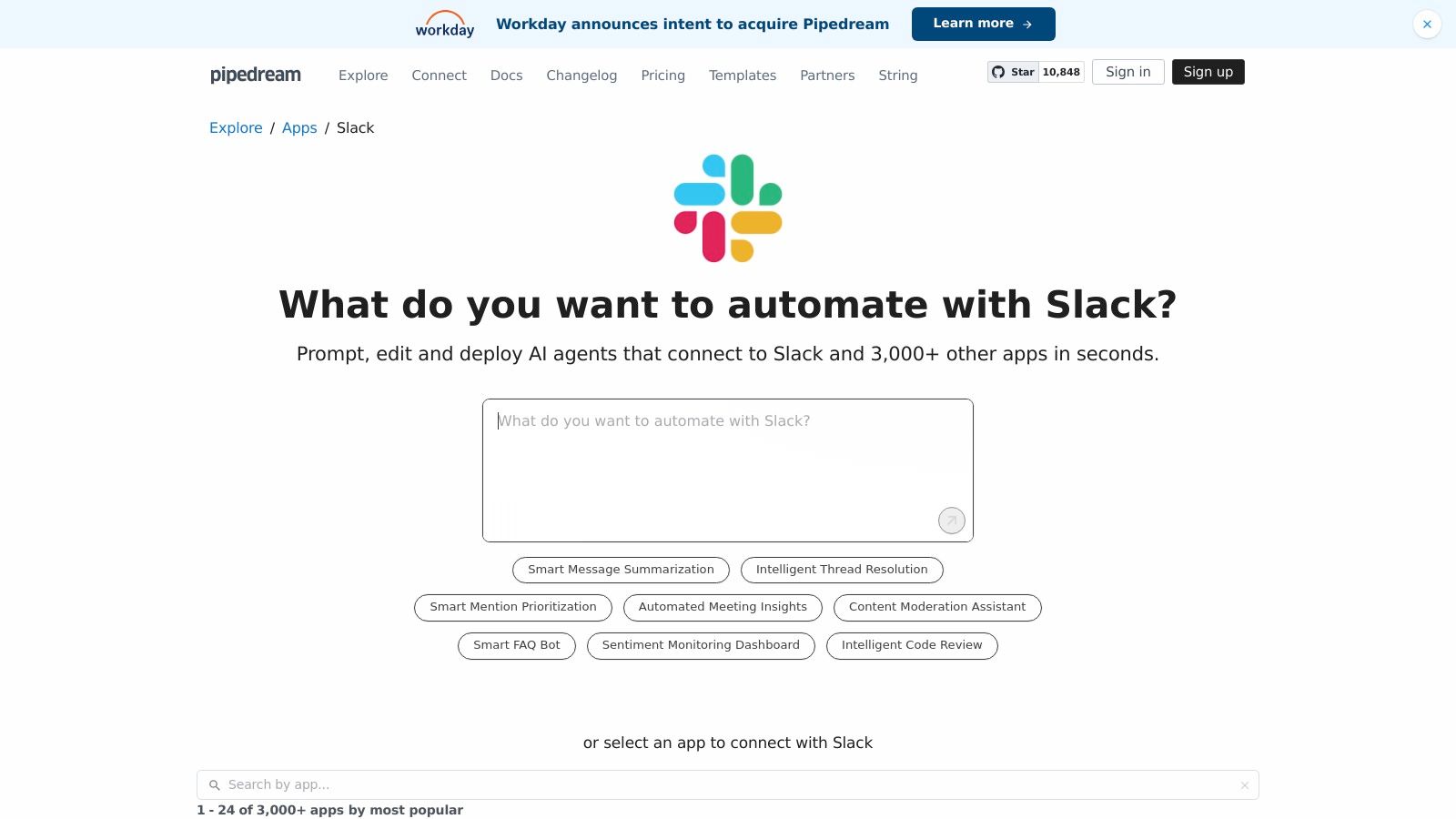
The platform connects to Slack via OAuth and offers a library of pre-built actions, such as sending Block Kit messages or archiving channels. The user experience is tailored for technical users, providing excellent documentation and examples to get started quickly. Pipedream truly stands out by letting you inject custom Node.js or Python code into any step of a workflow.
Why It's a Power User's Choice
*   **Ultimate Flexibility:** Combine no-code steps for speed with custom code for complex logic, API calls, or data transformations that other tools can't handle.
*   **Developer-Centric:** Its interface and feature set are built for those comfortable with code, offering a powerful alternative to more restrictive automation platforms.
*   **Rapid Prototyping:** Quickly build and deploy internal micro-apps or bots without managing servers or infrastructure, making it one of the coolest Slack apps for custom solutions.
For example, a team could create a Pipedream workflow that listens for a specific emoji reaction on a message, fetches related data from a production database with a custom script, and then posts a formatted summary back into a thread. This level of granular control is where Pipedream excels.
Website: https://pipedream.com/apps/slack
7. IFTTT – Slack Service
IFTTT (If This, Then That) is the go-to automation service for simple, no-code integrations. Its Slack service specializes in creating lightweight "applets" that trigger notifications based on specific events from other services. It's an excellent choice for personal productivity or small teams needing basic alerts, such as getting a Slack message when a new item is added to an RSS feed or when a specific Twitter account posts.
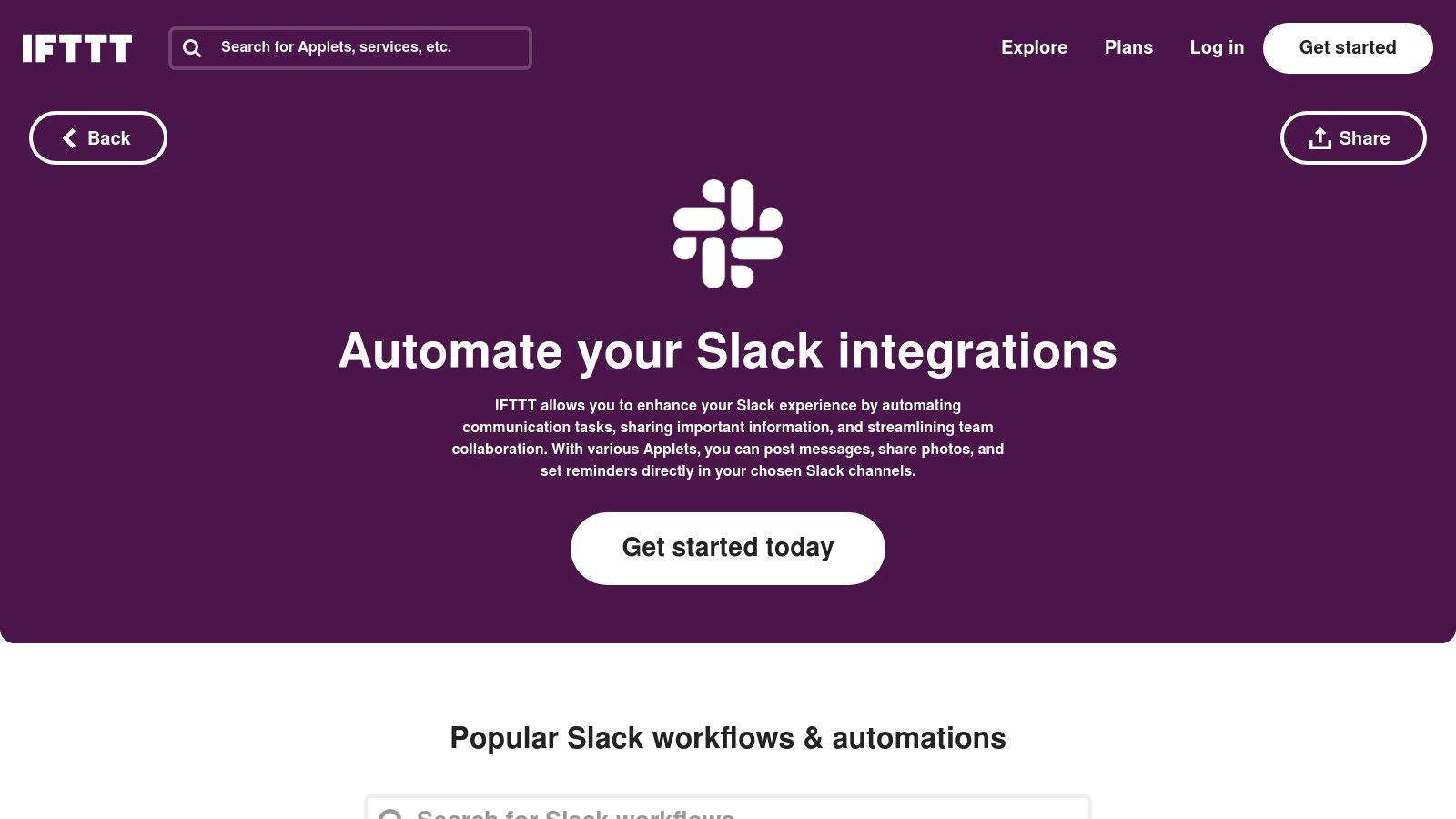
The platform is designed for accessibility, allowing non-technical users to set up automations in minutes. You simply choose a trigger (the "if this" part) from one service and an action (the "then that" part) in Slack. For developers, this can be a quick way to get notifications from services that don't have official Slack apps or for personal project monitoring.
Why It's a Go-To Resource
*   **Ultimate Simplicity:** The user interface is incredibly beginner-friendly, removing the complexity associated with multi-step workflows found in more advanced tools.
*   **Broad Service Library:** IFTTT connects to hundreds of services, from smart home devices to social media platforms and news outlets.
*   **Cost-Effective for Basic Needs:** The free tier is often sufficient for simple, personal notifications, though more complex or frequent applets require a Pro or Pro+ plan.
While not as powerful as Zapier for intricate business logic, IFTTT is one of the coolest Slack apps for quick, set-and-forget automations that keep your personal or team channels informed with minimal effort.
Website: https://ifttt.com/slack
8. GitHub – slack-bot Topic
For engineering teams wanting maximum control and customization, GitHub's slack-bot topic is an invaluable resource. Instead of a pre-built app, it's a curated collection of thousands of open-source repositories for building, deploying, and self-hosting your own Slack bots. This is the ultimate playground for developers looking to create bespoke functionality tailored precisely to their workflows.
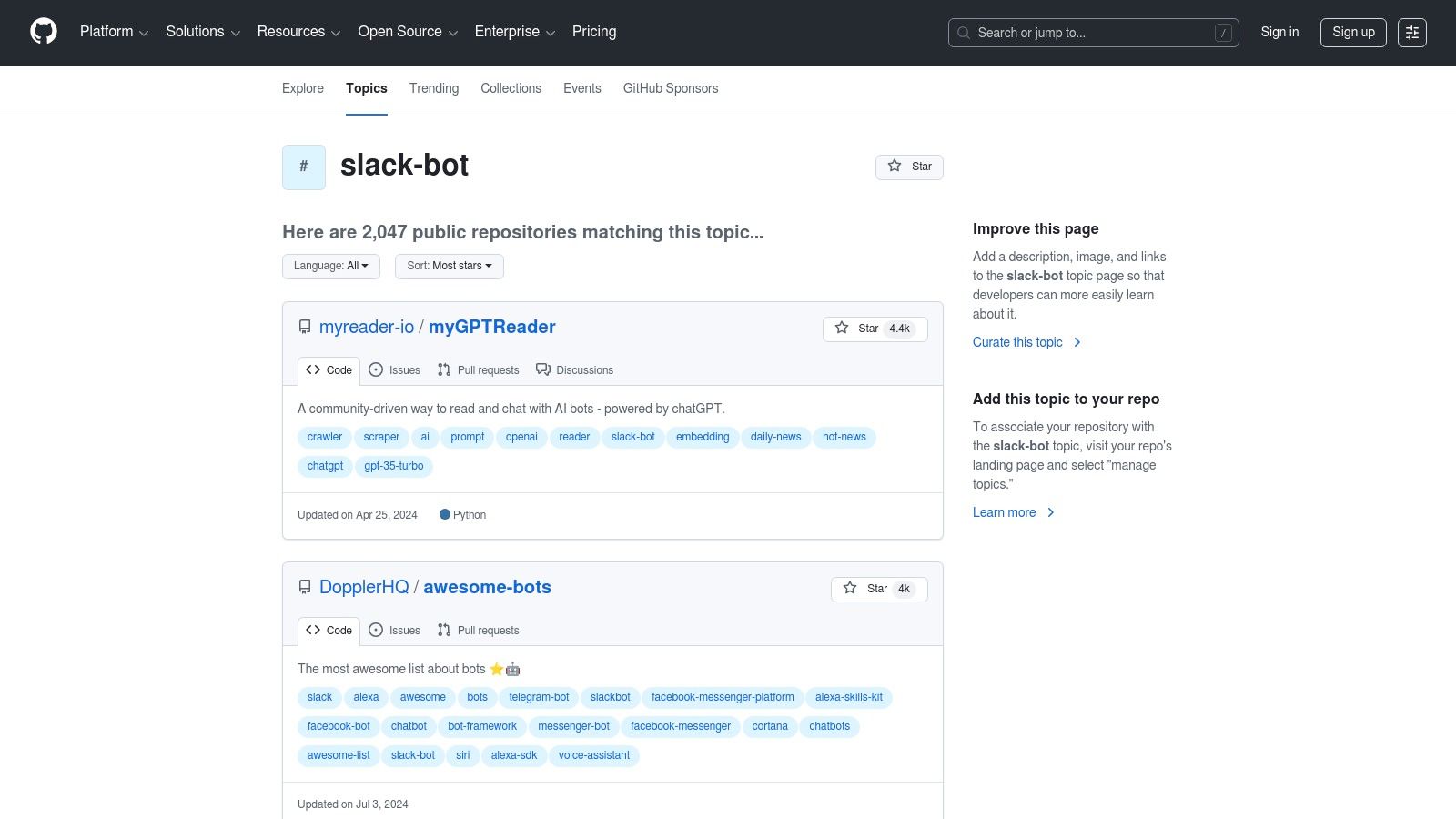
This approach bypasses the limitations of off-the-shelf solutions. You can find everything from simple utility bots to sophisticated AI agents and frameworks like Slack's Bolt SDK. The direct access to source code allows for complete transparency and the ability to modify or extend any tool to fit your specific needs, avoiding vendor lock-in.
Why It's a Go-To Resource
*   **Ultimate Customization:** Clone, modify, and deploy bots that do exactly what you need without paying for features you don't use.
*   **Cost-Effective:** The software is free, with costs limited to hosting and the engineering time required for maintenance.
*   **Learning Opportunity:** It's an excellent way for developers to learn from real-world code and understand the Slack API on a deeper level.
While this path requires development resources for setup and ongoing maintenance, it provides unparalleled flexibility. Teams interested in building their own tools can find inspiration and solid starting points here. For a detailed comparison, exploring the best GitHub Slack integrations can help clarify whether to build or buy.
Website: https://github.com/topics/slack-bot
9. GetApp – Software Directory Filtered for Slack Integrations
While the official Marketplace is ideal for Slack-native apps, GetApp offers a different discovery path. As a Gartner-owned software directory, it helps you find broader business tools (like CRM, project management, or marketing automation) that happen to offer Slack integrations. It's perfect for when you need a primary business platform first and foremost, with Slack connectivity as a key requirement.
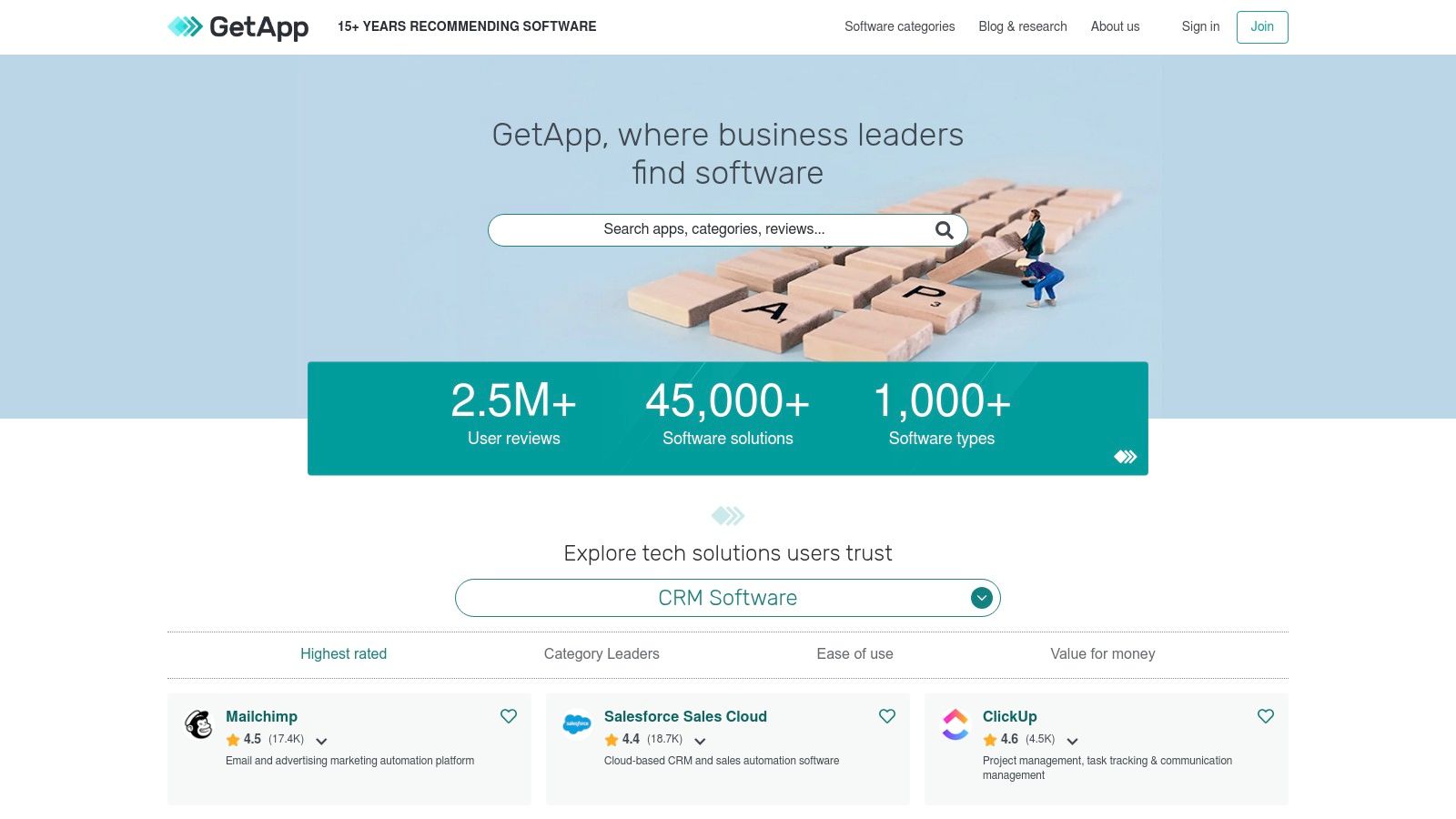
The platform allows you to filter extensive software categories specifically for tools that integrate with Slack. Each profile provides user reviews, pricing tiers, and direct links to vendor websites and free trials. This approach streamlines the process of finding cool Slack apps that are part of a larger business ecosystem, rather than just standalone utilities.
Why It's a Go-To Resource
*   **Domain-Specific Discovery:** Easily find the best-in-class software for a specific business need, such as HR or customer support, that also integrates with your Slack workspace.
*   **Transparent Information:** User ratings and clear pricing filters help you quickly evaluate options and find tools that fit your budget and requirements.
*   **Direct Vendor Access:** GetApp provides direct links to official vendor pages, ensuring you get accurate information and access to trials straight from the source.
A key drawback is that some listings are sponsored, so it's wise to cross-reference details on the vendor's own site. Additionally, the Slack-specific features are not always detailed in-depth, requiring a bit more research to understand the full integration capabilities.
Website: https://www.getapp.com
10. Capterra – 'Integrates with Slack' Listings
While the Slack Marketplace is the official source, Capterra offers a different, but equally valuable, perspective for due diligence. It's a comprehensive software review platform where you can filter thousands of business tools by a key feature: "Integrates with Slack." This makes it an excellent resource for researching how a potential tool will fit into your existing Slack-centric workflow before committing to an installation.
The platform aggregates verified user reviews, ratings, and feature comparisons, providing social proof and real-world insights that go beyond a simple app listing. This is particularly useful for evaluating larger SaaS platforms where the Slack integration is just one of many features.
Why It's a Go-To Resource
*   **Verified User Reviews:** Get honest feedback from actual users to understand the pros and cons of an app's Slack integration and overall performance.
*   **Broad Comparison:** Evaluate tools across entire software categories (e.g., project management, CRM) to see which offers the best Slack connectivity for your needs.
*   **Due Diligence:** It helps you validate a tool's quality and vendor reputation before introducing it to your workspace, adding a crucial layer of research.
For engineering teams considering a new service, checking its reviews on Capterra first can prevent the adoption of a tool with a buggy or poorly supported Slack app. It complements the official marketplace by providing a crowd-sourced quality check on some of the coolest Slack apps available.
Website: https://www.capterra.com
11. Salesforce AppExchange – Slack-Related Apps and Connectors
For teams deeply embedded in the Salesforce ecosystem, the Salesforce AppExchange is the definitive source for integrating customer data and workflows directly into Slack. This official marketplace is not just for Salesforce-native apps; it specifically lists powerful, vetted connectors and solutions designed to bridge the gap between your CRM and your communication hub. It’s where you find cool Slack apps tailored for sales, service, and marketing teams.
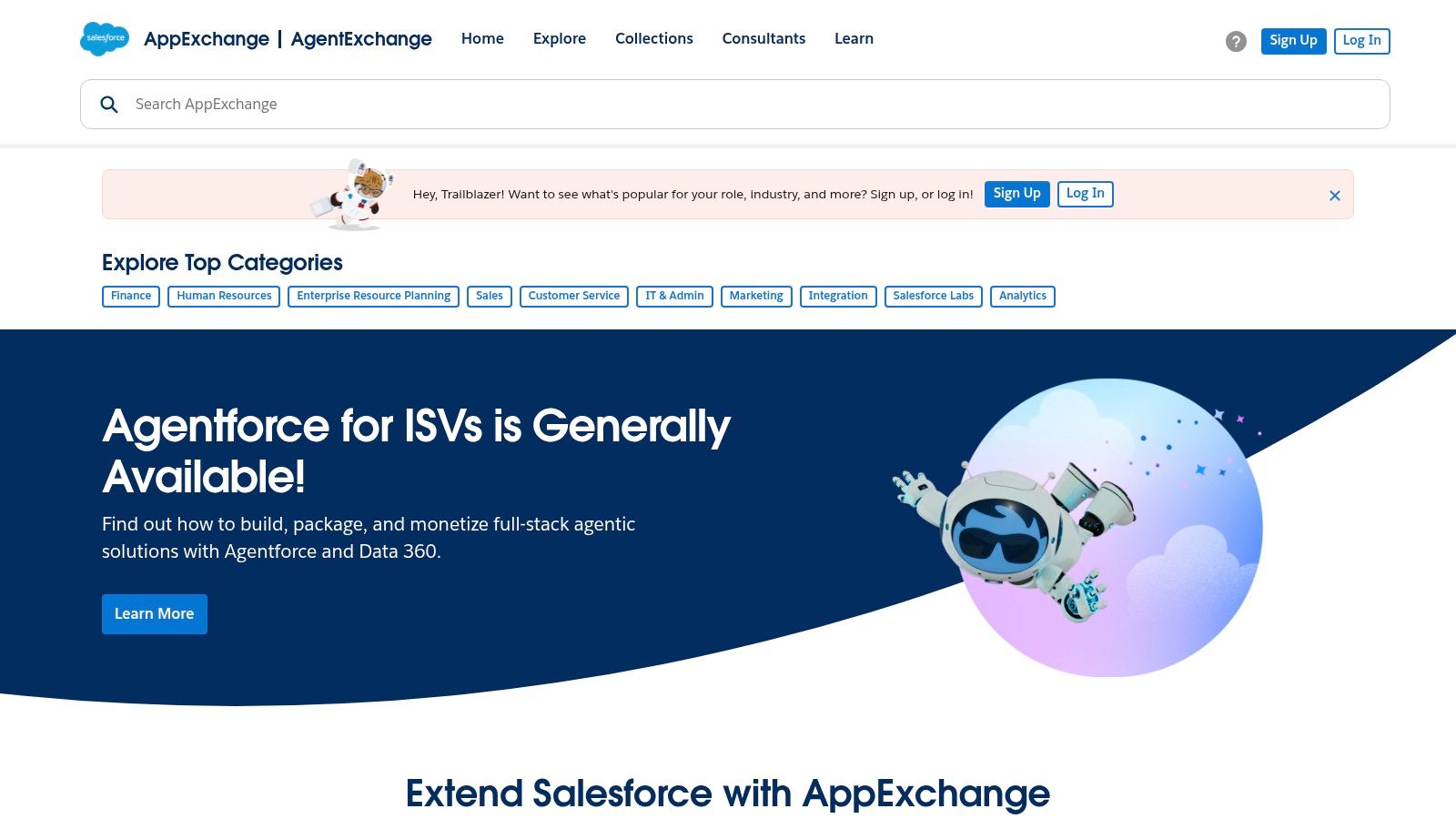
The AppExchange provides detailed listings that outline how each app works, its required Salesforce editions, and security compliance information. This transparency is crucial for enterprise environments where data governance is paramount. Users can discover apps that bring Salesforce records, reports, and alerts into Slack channels, transforming collaboration around customer interactions.
Why It's a Go-To Resource
*   **Enterprise-Grade Solutions:** Find trusted, secure, and scalable integrations built specifically for the Salesforce platform.
*   **Detailed Compliance Info:** Most listings provide comprehensive security and privacy details, simplifying the vetting process for IT and security teams.
*   **Workflow Unification:** The goal of these apps is to reduce context switching by bringing actionable Salesforce data and tasks directly into Slack conversations.
When exploring, be mindful that many solutions require specific Salesforce and Slack subscription tiers. It's best to verify compatibility and dependencies listed on each app's page before initiating an installation.
Website: https://appexchange.salesforce.com
12. AlternativeTo – Apps with 'Slack bot' Feature
When you know the type of Slack app you need but want to compare options beyond the top results, AlternativeTo is an invaluable discovery platform. It’s a crowdsourced directory where software is categorized and users suggest alternatives. The "Slack bot" feature tag filters its massive database to show a wide range of tools, from well-known products to niche, open-source projects you wouldn't otherwise find.
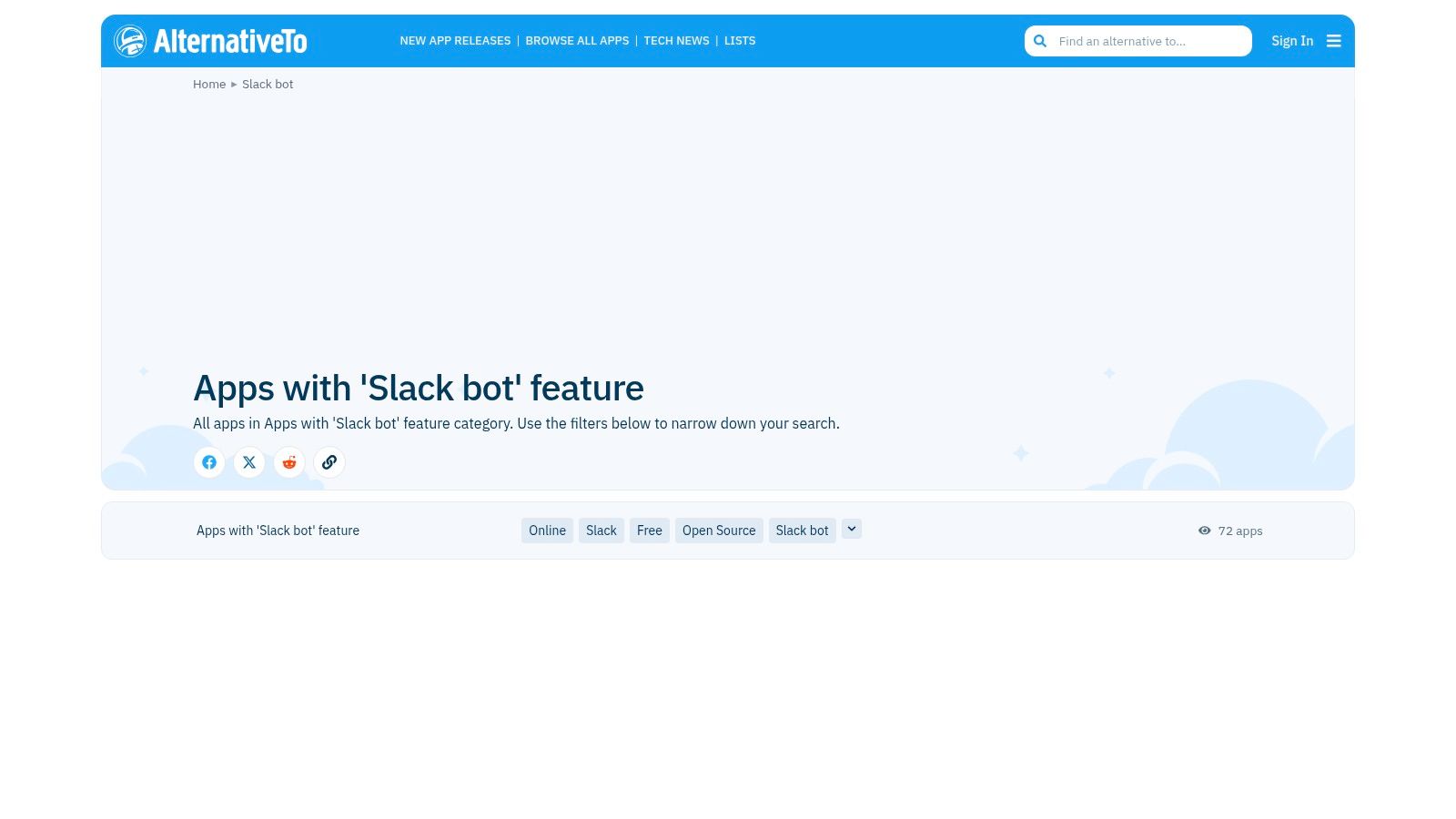
Unlike the official Marketplace, which functions as an app store, AlternativeTo acts as a research hub. Each listing provides a brief description, tags, and user-generated alternatives, linking out to the app’s official website or installation page. This makes it one of the cooler resources for finding Slack apps when you want to see the entire competitive landscape for a specific function, like code review notifications or project management.
Why It's a Go-To Resource
*   **Broad Discovery:** Uncover tools that may not rank high in the official Marketplace, including new or open-source solutions.
*   **Use-Case-Driven Search:** Perfect for when you need to find "an alternative to X that integrates with Slack."
*   **Crowdsourced Curation:** The suggestions are based on community input, often revealing how other teams solve similar problems.
Keep in mind that quality control is community-driven, so it’s essential to verify the security and permissions of any app you discover here. Always check the official Slack Marketplace listing or vendor documentation before installing.
Website: https://alternativeto.net/feature/slack-bot/
Top 12 Resources for Cool Slack Apps — Comparison
| Product | Core features | Quality ★ | Pricing & Value 💰 | Target & USP 👥 ✨ |
|---|---|---|---|---|
| PullNotifier 🏆 | Concise updatable PR threads; customizable routing; GitHub Enterprise & monorepo support | ★★★★★ | 💰 Free (<4 users); 14‑day trial; paid plans (contact) | 👥 Devs, Eng managers, QA; ✨ Noise reduction, security-first, flexible routing |
| Slack Marketplace | Curated app listings, one‑click install, permissions & compliance info | ★★★★★ | 💰 Varies by app; pricing shown on app pages | 👥 Workspace admins & teams; ✨ Trusted, easy installs & vetted apps |
| Product Hunt | Daily launches, maker Q&A, demos & links to install/vendor pages | ★★★☆☆ | 💰 Free to browse; install/pricing varies by vendor | 👥 Early adopters, makers; ✨ Discover new/experimental Slack apps |
| Zapier – Slack Directory | No‑code Zaps: triggers, actions, templates across many apps | ★★★★☆ | 💰 Free tier; paid for higher usage | 👥 Non‑technical teams; ✨ Large template library, cross‑tool automations |
| Make (Integromat) | Visual scenario builder, granular Slack modules, data mapping | ★★★★☆ | 💰 Free prototyping; paid for scale | 👥 Power users/ops; ✨ Branching logic & fine‑grained transformations |
| Pipedream | Event‑driven workflows with no‑code steps + Node.js/Python code | ★★★★☆ | 💰 Free tier; execution-based pricing | 👥 Developers, SREs; ✨ Mix of no‑code and custom code flexibility |
| IFTTT – Slack | Simple applets for lightweight alerts and triggers | ★★★☆☆ | 💰 Free/basic; Pro for advanced applets | 👥 Individuals & small teams; ✨ Easiest for simple notifications |
| GitHub (slack-bot topic) | Open‑source SDKs, bots, and example integrations to self‑host | ★★★☆☆ | 💰 Free (self‑host) | 👥 Engineers, internal tooling teams; ✨ Fully customizable, no vendor lock‑in |
| GetApp (Slack filter) | Directory filtered for Slack integrations, user reviews & trials | ★★★★☆ | 💰 Free to browse; vendor pricing varies | 👥 Buyers & evaluators; ✨ Domain‑specific discovery & pricing filters |
| Capterra (Integrates with Slack) | Verified reviews, comparison tools, integration filters | ★★★★☆ | 💰 Free to browse; vendor-dependent | 👥 Procurement & IT; ✨ Due diligence via verified reviews |
| Salesforce AppExchange | Slack↔Salesforce connectors and packaged enterprise apps | ★★★★☆ | 💰 Varies; often enterprise licensing | 👥 Salesforce-centric orgs; ✨ Enterprise-grade connectors & compliance notes |
| AlternativeTo (Slack bot) | Crowdsourced alternatives, feature tags, links to vendors | ★★★☆☆ | 💰 Free to browse | 👥 Explorers comparing options; ✨ Helpful alternative suggestions and comparisons |
Integrate Smarter, Not Harder
Navigating the vast ecosystem of Slack integrations can feel overwhelming, but the goal is always the same: to transform your workspace from a simple communication channel into a highly efficient, automated hub for your engineering team. As we've explored, the solution isn't about installing every app available. It's about a deliberate, strategic approach to integration that targets and resolves your team's most persistent pain points.
The true power of these cool Slack apps lies in their ability to reduce cognitive load and eliminate context switching. By bringing critical notifications, alerts, and actions directly into the channels where your team already collaborates, you create a more streamlined and productive environment. This curated list demonstrates that whether you need a dedicated tool for a specific problem or a flexible platform for custom automations, there is a solution available.
Your Path to a More Productive Slack
Before you start adding new apps to your workspace, take a moment to assess your team's current challenges. A thoughtful selection process will ensure you add value, not just more noise.
*   **Identify Your Biggest Bottleneck:** Is it slow code review cycles holding up deployments? Are engineers spending too much time manually checking build statuses? Pinpoint the single most significant friction point in your development process.
*   **Start Small and Measure Impact:** Begin with one or two high-impact integrations. For example, a tool like PullNotifier can provide immediate, measurable improvements in PR turnaround time. Track key metrics before and after implementation to prove the value and gain team buy-in for future enhancements.
*   **Consider Your Team's Technical Comfort Level:** For teams that want ultimate control and customization, platforms like Pipedream or Make offer powerful workflow builders. For those seeking a straightforward, out-of-the-box solution to a common problem, a purpose-built app is often the better choice.
*   **Review Permissions and Security:** Always be mindful of the permissions an app requests. Ensure that any new integration aligns with your organization's security policies and only has access to the data it absolutely needs to function.
Final Thoughts on Choosing Cool Slack Apps
Ultimately, the most effective Slack integrations are the ones that fade into the background, seamlessly automating repetitive tasks and surfacing crucial information at precisely the right moment. The journey from a chaotic, notification-heavy workspace to an intelligent command center is incremental.
By thoughtfully selecting and implementing the right tools, you empower your engineering team to focus on what they do best: building great software. The key is to be intentional, measure your results, and continuously refine your approach. This strategy ensures that Slack remains a powerful asset, not a distraction, helping your organization innovate faster and collaborate more effectively.
Tired of pull requests getting lost in the noise? Start solving a critical engineering bottleneck today. PullNotifier is one of the most impactful and cool Slack apps you can install, providing real-time, actionable PR notifications that have been shown to cut review times by over 40%. See how it can transform your team’s workflow at PullNotifier.