- Published on
A Modern Guide to Code Review for GitHub
- Authors

- Name
- Gabriel
- @gabriel__xyz
A good code review for GitHub is pretty simple: it’s when other developers on your team take a look at the code in a pull request before it gets merged. This isn't just about catching typos; it's a foundational practice that directly impacts code quality, helps spread knowledge, and stops bugs in their tracks.
Why Modern Code Reviews on GitHub Matter
Let's be real—code reviews can sometimes feel like a chore. But a well-oiled review process is the bedrock of any team that wants to perform at a high level. Think of it as your first line of defense against bugs, runaway technical debt, and those inconsistent code styles that turn future development into a nightmare. A structured approach isn't just about catching mistakes; it's about actively building a collaborative and resilient engineering culture.
The benefits go way beyond just checking for errors. A solid review process is one of the best ways to share knowledge. When a senior dev reviews a junior's code, it becomes an impromptu mentoring session. On the flip side, having a new hire review code from a different part of the codebase is a fantastic way for them to get up to speed fast.
Driving Consistency and Reducing Friction
I saw this firsthand at a fast-growing startup that was drowning in merge conflicts and clashing coding patterns as they onboarded new teams. They finally put their foot down and established a clear review protocol with a standardized code review checklist. The result? They slashed merge conflicts by over 30% in a single quarter. It was a simple change, but it removed a huge source of friction and let developers get back to building features instead of fighting with Git.
A great code review isn’t about pointing fingers. It’s a team effort to make the code—and the team—stronger. It ensures the codebase is still manageable years from now, not just for the next sprint.
The Scale of Collaboration
This spirit of collaboration is what makes GitHub so powerful in the first place. The scale of development on the platform is staggering. By early 2025, GitHub had blown past 100 million developers worldwide, hosting over 420 million repositories. With that kind of adoption, mastering the code review for GitHub process isn't just a "nice-to-have" skill anymore—it's essential for anyone in modern software development. You can find more stats on GitHub's massive growth on coinlaw.io.
At the end of the day, a thorough review can be the difference between a quick fix and a full-blown outage. In another case, a meticulous review caught a subtle race condition that would have otherwise taken down a critical production service during peak hours. The original developer had completely missed it, but a fresh pair of eyes spotted the potential conflict right away. That single review saved the company from serious downtime and a major hit to its reputation.
Preparing Pull Requests That Reviewers Love
Let's get one thing straight: a great code review for GitHub doesn't start when your teammate gets a notification. It starts the second you create the pull request. If you want fast, high-quality feedback, the single most impactful thing you can do is prepare a PR that’s a breeze for someone else to understand. When you respect your reviewer's time, they're far more likely to give your changes the thoughtful attention they deserve.
It all boils down to a clear, descriptive title and a solid description. I’ve seen my share of PR titles like "Bug fix" or "Update feature," and they immediately make me sigh. They force the reviewer to dig through files just to figure out what’s going on. Instead, be specific. Think "Fix: Prevent Null Pointer Exception in User Profile Service" or "Feat: Add OAuth2 Authentication for API Endpoints." See the difference?
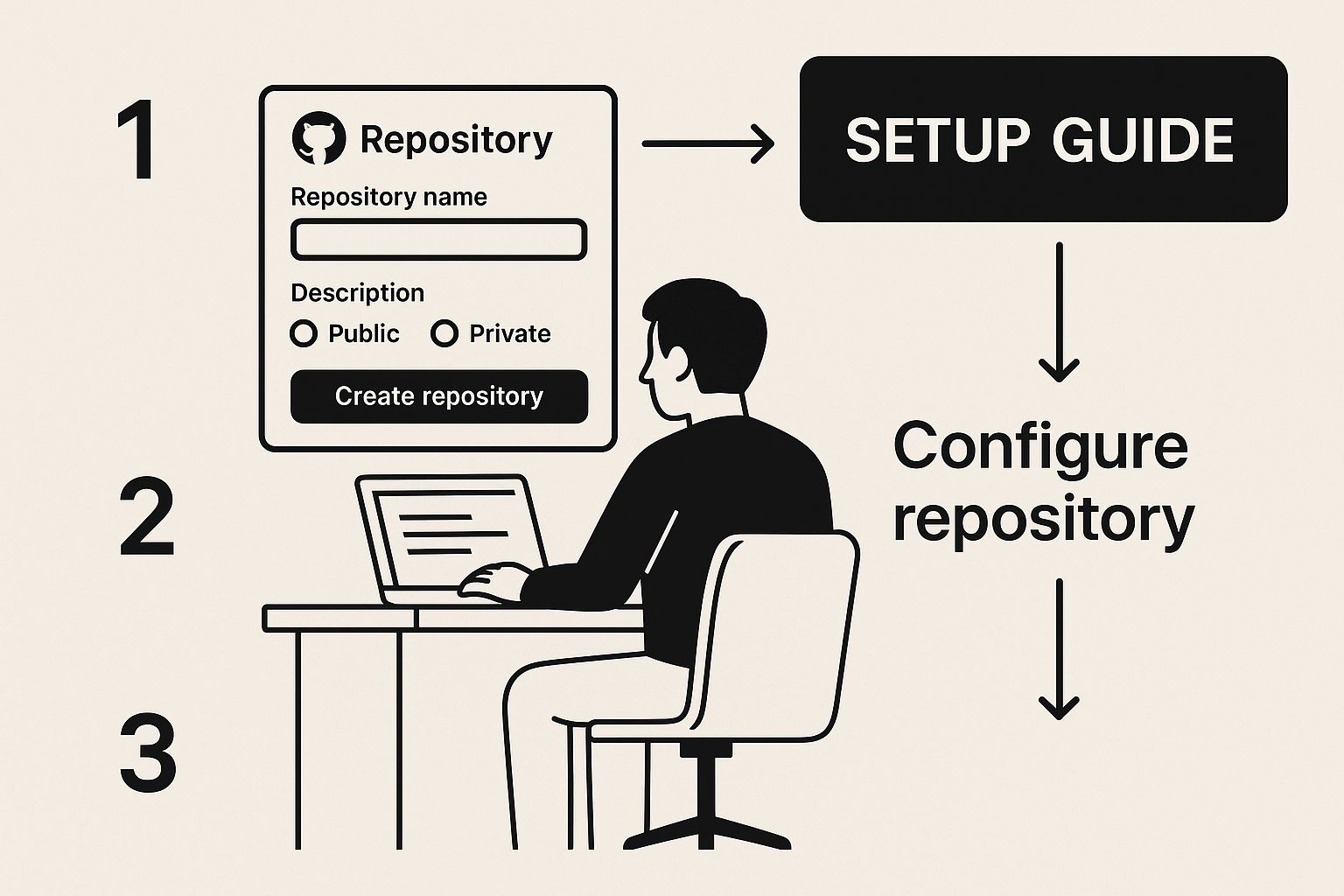
Being intentional from the very beginning, like setting up a repository correctly, carries right through to how you present your work. A well-prepared PR is a sign of a professional.
Write a Description That Tells a Story
Your PR description is your best chance to provide context. Don't just list what you changed; explain why it needed changing. Always link to the relevant ticket or issue in your project management tool. And if there's any kind of UI change, please, please include a screenshot or a quick screen recording. This tiny bit of effort can save your reviewer from having to pull down your branch, install dependencies, and run the app locally just to see a button that moved two pixels to the left.
A good description often covers these bases:
- The Problem: What issue does this PR actually solve? (e.g., "Users were getting a 500 error when trying to reset their passwords.")
- The Solution: Give a high-level overview of your approach. (e.g., "I created a new
PasswordResetendpoint and hooked it up to the 'Forgot Password' button on the login page.") - How to Test: Walk them through the exact steps to verify your changes.
The goal here is simple: answer every question a reviewer might have before they have to ask it. Less back-and-forth means faster approvals. It's a total game-changer for your team's velocity.
Before submitting your pull request, a quick check against a predefined list can make all the difference. This ensures you've covered all the essential bases, making the reviewer's job easier and speeding up the entire process.
Pull Request Preparation Checklist
| Checklist Item | Purpose | Best Practice |
|---|---|---|
| Descriptive Title | To provide immediate context on the PR's intent. | Use prefixes like Fix:, Feat:, or Chore: followed by a concise summary. |
| Clear Description | To explain the 'why' behind the changes. | Link to the issue/ticket. Detail the problem and the solution. |
| Include Visuals | To demonstrate UI/UX changes without local setup. | Add screenshots, GIFs, or short videos for any visual modifications. |
| Self-Review First | To catch simple mistakes and cleanup code. | Read through your own diff to spot typos, commented code, or debug statements. |
| Focused & Small Scope | To make the review manageable and less intimidating. | Break large features into smaller, independent PRs. One PR, one purpose. |
| Testing Instructions | To guide the reviewer on how to verify the changes. | Provide clear, step-by-step instructions for manual testing. |
| Automated Checks Pass | To confirm the code meets quality gates. | Ensure all CI checks (linters, tests, builds) are green before requesting a review. |
Following this checklist helps build a habit of creating high-quality, review-ready pull requests every single time. It's a small investment of your time that pays huge dividends for the team.
Your First Reviewer Is You
Before you even think about clicking that "Request review" button, do a thorough self-review. Seriously. Read through your own diff as if you’re seeing it for the first time. This is your moment to catch embarrassing typos, remove commented-out code, and spot obvious logical flaws. It's a simple habit that shows you care about your work and dramatically cuts down on the annoying, nitpicky comments from your teammates. If you want to go deeper, our guide on pull request best practices has more tips.
Another pro move is keeping your PRs small and focused. A pull request should do one thing and do it well. A massive PR with 1,000 lines of changes across 20 files is just plain intimidating. Nobody can review that properly. Instead, break down large features into smaller, logical chunks that can be reviewed and merged independently. It makes the whole process feel less like a chore.
Finally, don't sleep on GitHub's Draft Pull Requests. Pushing up a draft early in the process signals to your team what you're working on. It gives them a chance to offer high-level feedback on your approach before you've sunk hours into an implementation that might need to be completely reworked. It’s a fantastic way to avoid painful rewrites and build a more collaborative vibe from the get-go.
The Art of Giving Constructive Feedback
Becoming a great reviewer is a skill you learn over time, and honestly, it’s one of the things that really sets senior developers apart. It’s not about just catching syntax errors. It's about shifting your mindset to see the bigger picture.
An effective code review for GitHub goes beyond simple nitpicking. You start asking the important questions: Does this change fit our long-term architecture? Could this create a performance bottleneck down the road? Are there any subtle edge cases the author might have overlooked?
This kind of feedback is gold, but how you deliver it matters just as much as what you say. The whole point is collaboration, not criticism. Your tone can be the difference between a great learning moment and a defensive, frustrating back-and-forth.
Frame Feedback as Questions, Not Commands
One of the most powerful changes you can make is to frame your feedback as a question. It’s a simple switch, but it completely changes the dynamic. Instead of coming across as an order, it becomes a collaborative exploration. You’re inviting the author to share their thought process, which almost always leads to a better discussion.
Just look at the difference here:
Bad Feedback (Authoritative):
- "Don't create a new database connection here. This is inefficient."
Good Feedback (Collaborative):
- "I noticed a new database connection is created in this loop. Have you considered if we could reuse an existing connection to improve performance under heavy load?"
The second one is way more constructive. It states the observation, explains why it might be a problem (performance), and opens a dialogue instead of just shutting it down.
Master GitHub’s Built-In Review Tools
GitHub has some fantastic features designed to make this whole process smoother. Using them properly is a sign of respect for your teammates' time and focus.
For starters, instead of dropping a dozen individual comments that unleash a storm of notifications, batch your comments into a single review. This gives you a chance to collect your thoughts and deliver them all at once in a clear, organized way.
Another feature I can't live without is "Suggest changes." Why just describe a fix when you can propose the exact code change right in the diff? It's incredibly efficient for small tweaks, letting the author accept your suggestion with a single click.
The ultimate goal of a code review isn't to prove you're smarter than the author. It's to collectively improve the quality and maintainability of the codebase for everyone who will touch it in the future.
Best Practices for High-Impact Comments
To make your feedback truly land, keep these principles in mind:
- Be Specific and Actionable: Don’t just say, "This is confusing." Explain why it's confusing and offer a better alternative. For example, "The variable name
datais a bit generic here; could we rename it touserProfileDatafor clarity?" - Explain the 'Why': Always connect your feedback to a principle, a best practice, or a potential outcome. This shifts the comment from a subjective opinion to an objective learning opportunity.
- Praise in Public: Seriously, don't forget to point out what the author did well! Acknowledging a clever solution or a well-written test builds morale and makes the constructive bits much easier to hear.
Perfecting your communication style is a marathon, not a sprint. To give you a leg up, we’ve put together an ultimate guide to constructive feedback in code reviews with even more examples and techniques. By focusing on collaboration, mastering your tools, and communicating with empathy, you can turn every code review into a positive and productive experience for the whole team.
Using AI and Automation to Your Advantage
The best engineering teams I've worked with all share one core belief: human brainpower is a precious, finite resource. Wasting it on tasks a machine can handle is just inefficient—it's a massive drag on innovation. Weaving AI and automation into your code review for GitHub workflow is one of the most powerful ways to free up your team for what actually matters: solving complex problems.
The goal here isn't to replace human reviewers, but to supercharge them. Let automation handle the grunt work—checking for style, syntax, and known vulnerabilities. This creates a powerful quality gate, ensuring that by the time a pull request even gets to a human, all the low-hanging fruit has already been picked. Your team can then focus their deep expertise on the tricky stuff, like architectural integrity, business logic, and potential performance bottlenecks.
Let AI Write Cleaner Code from the Start
A huge chunk of the review process can be improved before a PR is even created. AI coding assistants like GitHub Copilot are fundamentally changing how developers write code, which has a direct impact on the quality of what gets submitted for review. When code is cleaner from the get-go, the review that follows is naturally faster and more focused.
Research into Copilot's effectiveness found that developers using the tool were 5% more likely to approve submitted code. This isn't just a feeling; the data shows code written with Copilot was 53.2% more likely to pass a full suite of unit tests. That's a tangible improvement in quality you can't ignore. You can find more insights on how Copilot improves code quality on github.blog.
This means AI doesn't just speed up the writing process; it helps produce more robust code right out of the gate. That cuts down on the painful back-and-forth that can bog down review cycles. It’s a proactive approach to quality.
Automate Your Quality Gates with GitHub Actions
While AI helps the author, GitHub Actions is the reviewer's best friend. This powerful automation engine is your go-to for setting up a consistent, repeatable quality control process. You can configure workflows that automatically run every single time a pull request is opened or updated, creating a safety net that catches common issues before a human ever has to see them.
Before your team invests time in a manual review, it’s smart to let the machines do their part. This is where a clear division of labor comes in handy.
| Task Type | Best Handled By Manual Review | Best Handled By Automation |
|---|---|---|
| Code Style & Formatting | Minor suggestions on readability | Enforcing rules with linters (e.g., Black, Prettier) |
| Functionality | Verifying business logic and user experience | Running unit, integration, and end-to-end tests |
| Architecture | Assessing design patterns and long-term maintainability | N/A (Requires human expertise) |
| Security | Reviewing for complex logical vulnerabilities | Scanning for known vulnerabilities in dependencies (e.g., Dependabot) |
| Performance | Identifying potential bottlenecks and inefficiencies | Running automated performance benchmarks |
| Clarity & Naming | Ensuring variable and function names are intuitive | Basic checks for overly long lines or complexity |
By letting automated checks handle the right-hand column, you free up your team to focus exclusively on the high-value tasks on the left.
Here are a few essential automated checks you should set up:
- Linting: Automatically enforce your team's coding style guide. Tools like ESLint for JavaScript or Black for Python can flag formatting inconsistencies so your team doesn't have to nitpick.
- Unit and Integration Tests: This one is non-negotiable. Your test suite should run automatically on every push, and a failing test should block the PR from being merged. It’s the ultimate confirmation that new code doesn't break existing functionality.
- Dependency Scanning: Tools like Dependabot can automatically scan your project's dependencies for known security vulnerabilities, flagging them right in the pull request.
Setting up these actions is a one-time investment that pays dividends on every single pull request. It shifts the burden of enforcement from people to the process, ensuring no one can merge code that doesn't meet the team's minimum quality bar. This frees up your human reviewers to perform the high-value analysis that only they can provide.
Integrating PullNotifier for Instant Slack Alerts
Even the most dialed-in code review for GitHub process can grind to a halt when pull requests just sit there, gathering dust. The biggest bottleneck in modern development isn't bad code—it's the dead air between submitting a PR and someone actually looking at it. That lag, sometimes hours or even days, is a silent killer of your team's momentum.
The fix? Stop waiting and start notifying. When you hook your GitHub workflow directly into the place your team already talks, you transform a passive waiting game into an active, real-time collaboration. This is exactly where a tool like PullNotifier shines, building a bridge between GitHub and Slack.
Forget email notifications that just get buried in an overflowing inbox. PullNotifier sends quick, real-time PR updates straight to your team's Slack channels. That instant visibility means new PRs, review requests, and approvals get seen by the right people, right when it matters.
Setting Up Your Notification Pipeline
Getting started is refreshingly simple. The setup just involves authorizing the app for your GitHub and Slack workspaces, which you can knock out in a couple of minutes. From there, you can start building routing rules to map specific repos to the right Slack channels.
Here’s what a clean, actionable notification looks like when it lands in Slack.

Trusted by over 10,000 engineers, this simple integration can slash review delays by up to 90%.
That screenshot shows how notifications are consolidated, intelligently grouping updates to keep your channel clean while still giving everyone the context they need. It’s all about cutting through the notification chaos and delivering a clear signal.
Advanced Customization for Team Workflows
Beyond the basic alerts, you can really dial in the integration to fit how your team actually works. This is key for keeping a healthy work-life balance and making sure notifications stay useful instead of becoming another distraction.
Here are a few customizations worth setting up:
- Targeted Mentions: Automatically @mention specific reviewers or teams based on the repository or even the file paths being changed. No more guessing who needs to see it.
- Channel Routing: Send frontend PRs to the
#frontend-devchannel and backend changes to#backend-team. This keeps every conversation relevant to the people in the room. - 'Do Not Disturb' Settings: Set up quiet hours to respect your team's personal time. This prevents burnout and notification fatigue.
By shifting your review process from a slow-moving queue to a dynamic conversation, you empower your team to merge faster. This isn’t just about speed; it’s about maintaining flow and keeping developers engaged in what they do best—building great software.
An integration like this does more than just fire off alerts; it fundamentally changes the rhythm of your development cycle. It takes the guesswork and waiting out of the equation, replacing it with a proactive system that keeps your whole team in sync and moving forward.
Common Questions About GitHub Code Reviews
Even with a solid process in place, tricky situations always pop up. The real test of a great code review culture isn't just following the rules—it's knowing how to handle the gray areas. Let's walk through some of the questions I see teams wrestle with all the time.
How Big Is Too Big for a Pull Request?
Everyone's been there: you open a pull request and are greeted by a wall of red and green that scrolls for days. It’s a reviewer's nightmare.
While there’s no magic number, a great rule of thumb is to keep PRs under 400 lines of change. More importantly, a pull request should represent a single, logical chunk of work. If you're building a larger feature, don't jam it all into one massive PR. Instead, break it down into smaller, dependent pull requests, maybe tucked behind a feature flag. This keeps reviews focused, fast, and far less of a mental chore for your team.
Who Should Actually Be Reviewing the Code?
Another common debate is who gets tagged for a review. To get the most out of the process, you really want at least two sets of eyes on the code.
- The Domain Expert: This is someone who lives and breathes that part of the codebase. They'll catch issues with correctness and make sure the changes align with the existing architecture. You can even automate this by using GitHub's
CODEOWNERSfile to assign them automatically. - The Outsider: Your second reviewer should be someone from a different team or maybe a more junior developer. This is a fantastic way to spread knowledge and catch assumptions an expert might gloss over simply because they're too close to the code.
How Should We Handle Disagreements?
Disagreements aren't just normal; they're a sign of an engaged team that cares. The trick is to keep the conversation productive. Always focus on the code, not the coder.
Frame the debate around trade-offs. Does this change align with our team's standards? What are the performance implications? If you hit a wall, pull in a neutral third party like a tech lead to make the final call. And whatever you do, keep the discussion in the pull request comments for everyone to see.
Ultimately, the goal of any code review process is to merge high-quality code efficiently. When the process itself becomes a bottleneck, it's a sign that something needs to change.
This is where good tooling makes a massive difference. According to one study, developers with the right tools can finish coding tasks 55% faster and slash pull request times from 9.6 days down to just 2.4 days. That's a four-fold improvement. It's not just about speed, either—it boosts morale, with 60% to 75% of developers reporting less frustration. You can dive deeper into these numbers by checking out these insights on GitHub Copilot's impact.
Stop letting pull requests get stuck waiting for a review. PullNotifier integrates directly with Slack to provide real-time, actionable alerts that keep your team moving. Cut through the noise and accelerate your development cycle by visiting https://pullnotifier.com.